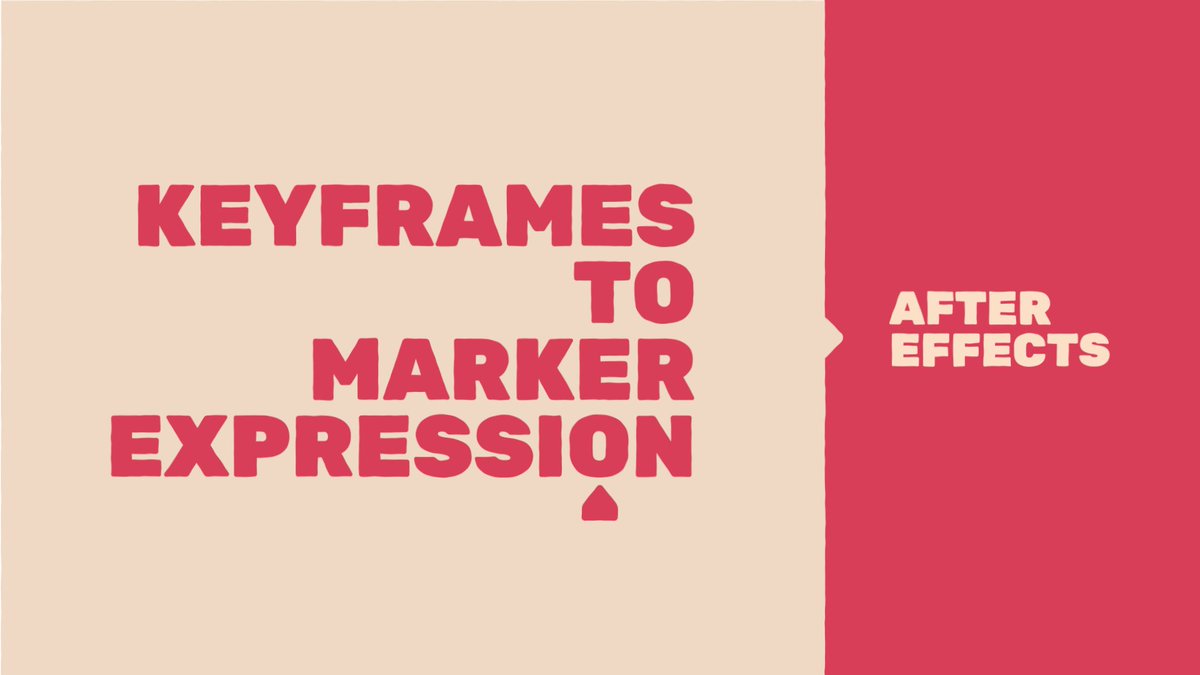
Couldn’t find what I was after so I’ve made my own #aftereffects tutorial! Good for templating, move keyframes to marker position. Really simple example but you’ll get the idea :D #aetip#AE
https://t.co/FABEQySZg2
Hello @WeTransfer any reports of #Paper not working well on m2 ipads? Drawing is totally broken for me, I have to wait a few seconds between each brush stroke before I can draw a line.
@AdobeCare Ah crap, I wish I’d known cache could screw up the choice of codec 4 hours ago!! Many thanks for the pointer, seems to behaving itself now (typically, just as I’ve delivered 🤦♂️)
@AdobeAE AE 2022.5/macOS 12.4 appears to have real problems rending out proRes 422hq/4444 at anything other that 1080p. Either corrupt files of weird stretching (esp at 4x5 and 9x16). All ok in AE2021. Known bug/where do I report these?
Hi @aescripts. This Apple Monterey update is really killing me!! I saw your post about the call-home work around, looks like I need to do it every time I startup AE, which means torching AE’s prefs everytime or I get a hang. Any long term solution that isn’t per session?
@aescripts Much appreciated, thank you! So you’re saying the option+Shift trick should stick? I’ll have to go though everything I have open as when I relaunch AE it just freezes up again (hence having to delete prefs). Thanks again :D
@aescripts Great to hear! Having an issue with pretty much all, Obsessive Layers I have permanently open, Match Position another, if I forget to close it when shutting AE I have to reset prefs on startup. Can’t workout why this only started happening 2 days ago, I updated weeks ago!?