Playlist Folders can now be created and managed in the Spotify mobile app! 📱 📁
Check out my Spotify Community post to see what's new and get tips for organizing your playlists:
https://t.co/ayQ8wlSaTe
Playlist Folders are a great way to organize the playlists in Your Library. If you have a lot of playlists that you've created or saved, then it can sometimes be a challenge to quickly find the one you're looking for. Playlist Folders help you clean up Your Library so that you can spend less time finding your playlists and more time listening.
Lossless audio quality is now rolling out to Spotify Premium users! 💚
Get ready to lose yourself in Lossless with the best sound quality! 🔊
I'm excited to share this news and show you how to start listening in Lossless:
https://t.co/ITnc0QNvNW
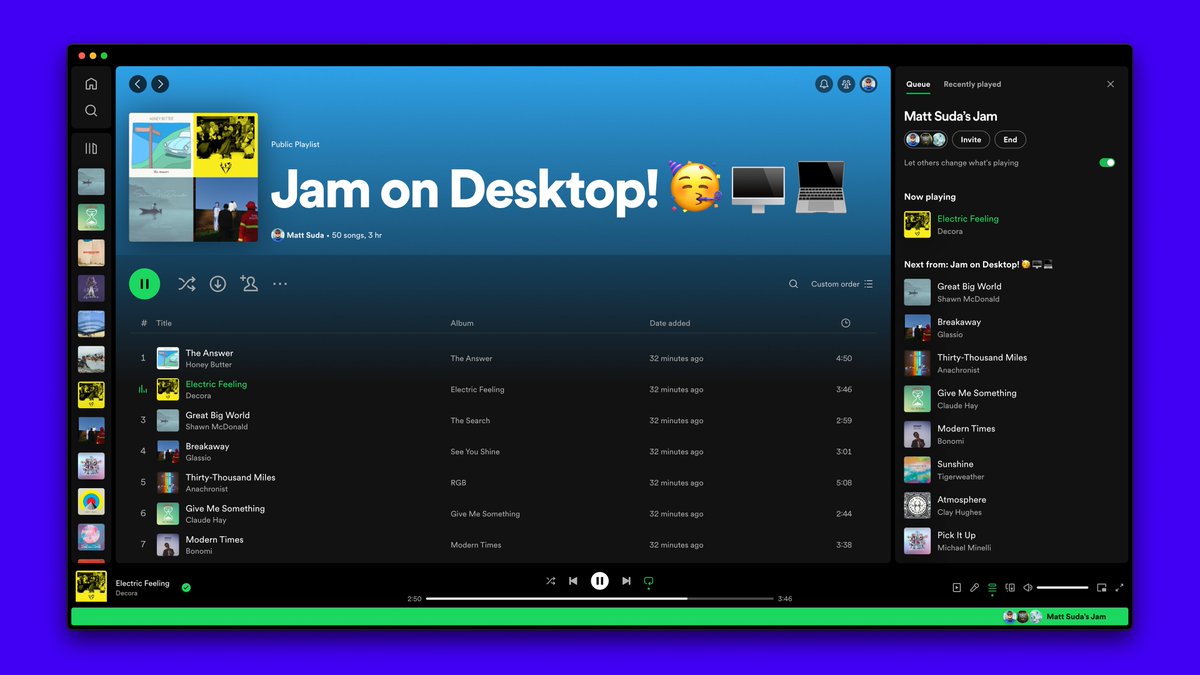
Jam is now available in the Spotify desktop app! 🥳 🖥️ 💻
I'm thrilled to announce this news and show you how to use Jam in the Spotify desktop app:
https://t.co/yMPsiWWsgO
Now you can start or join a listening party with your friends, family, colleagues, and classmates, with the Spotify desktop app in addition to the mobile app.
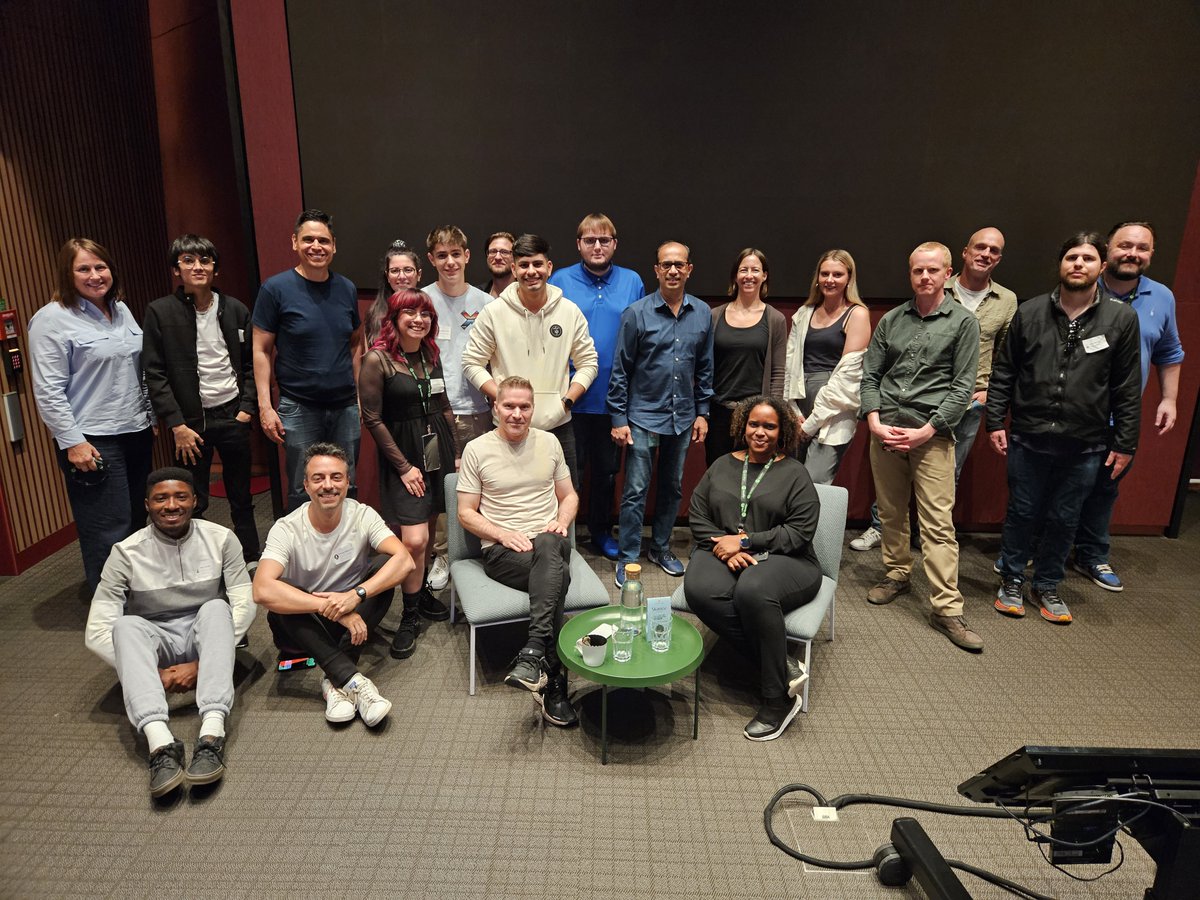
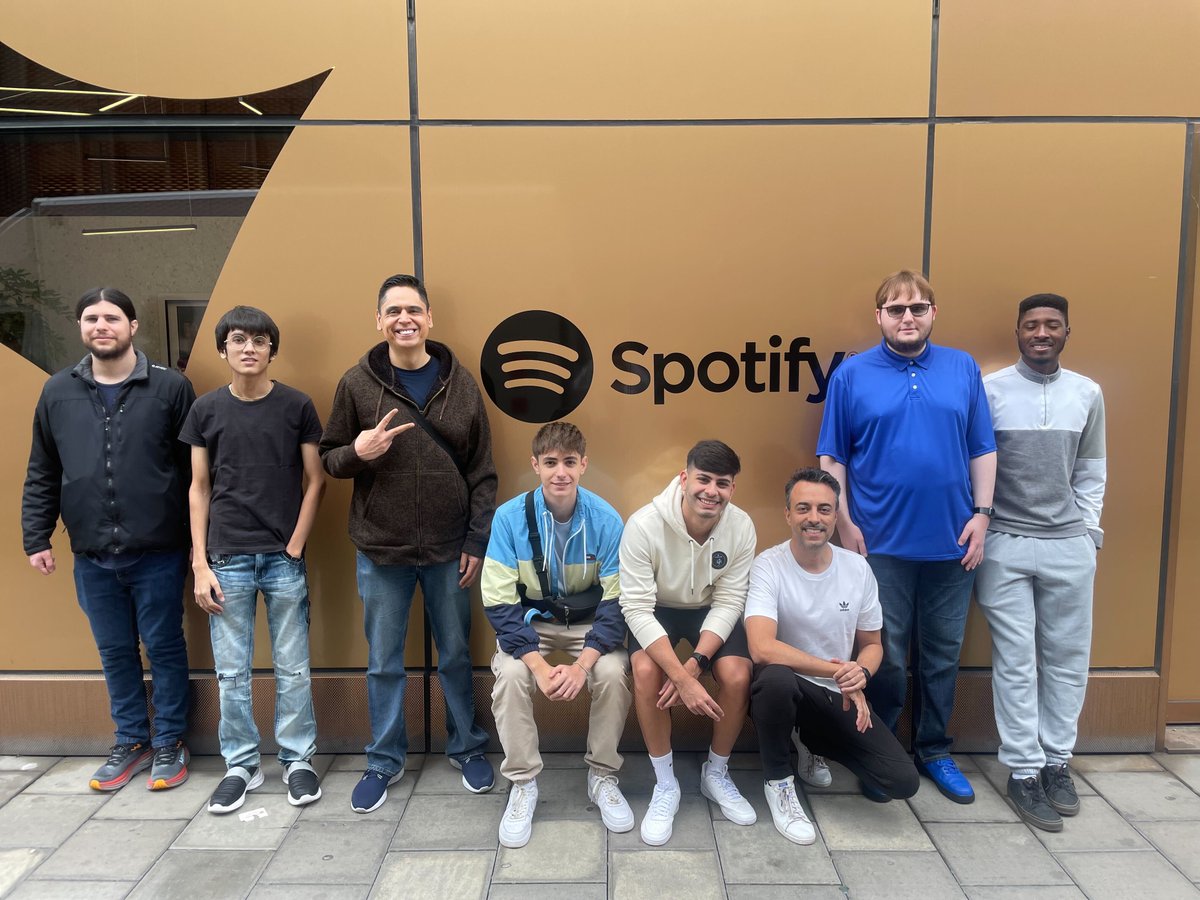
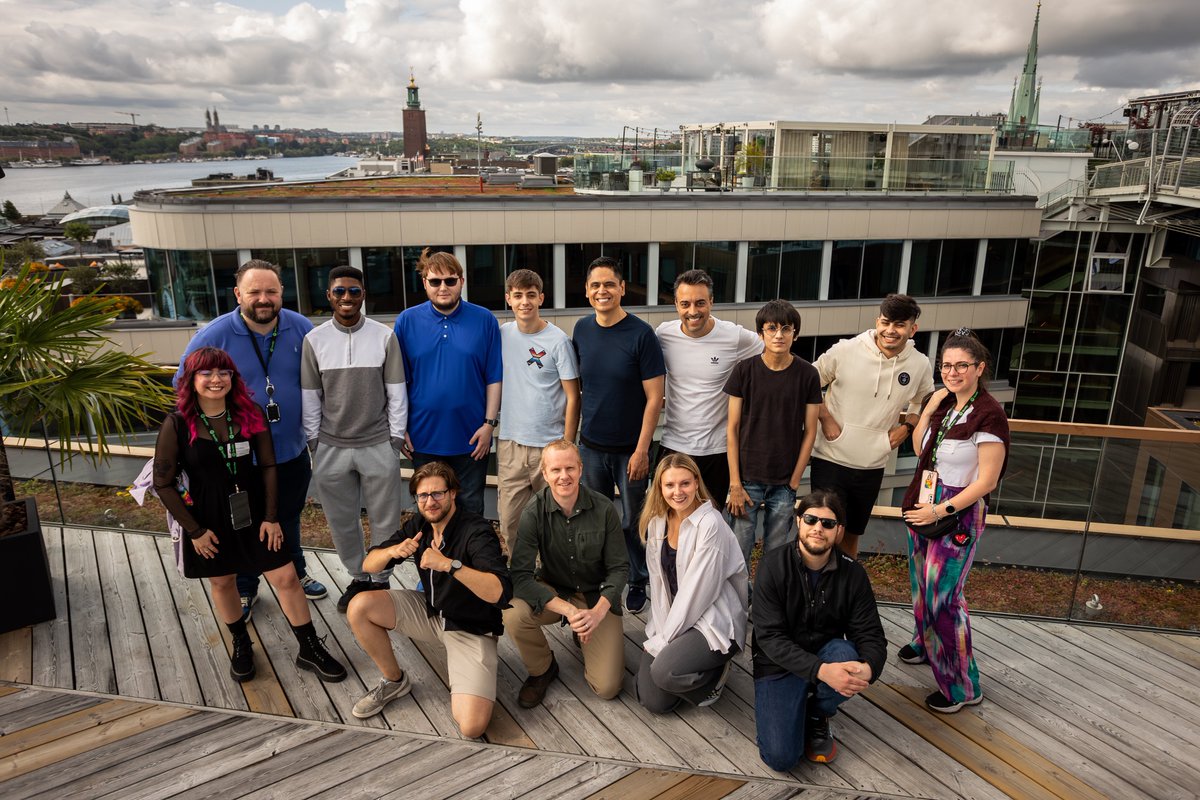
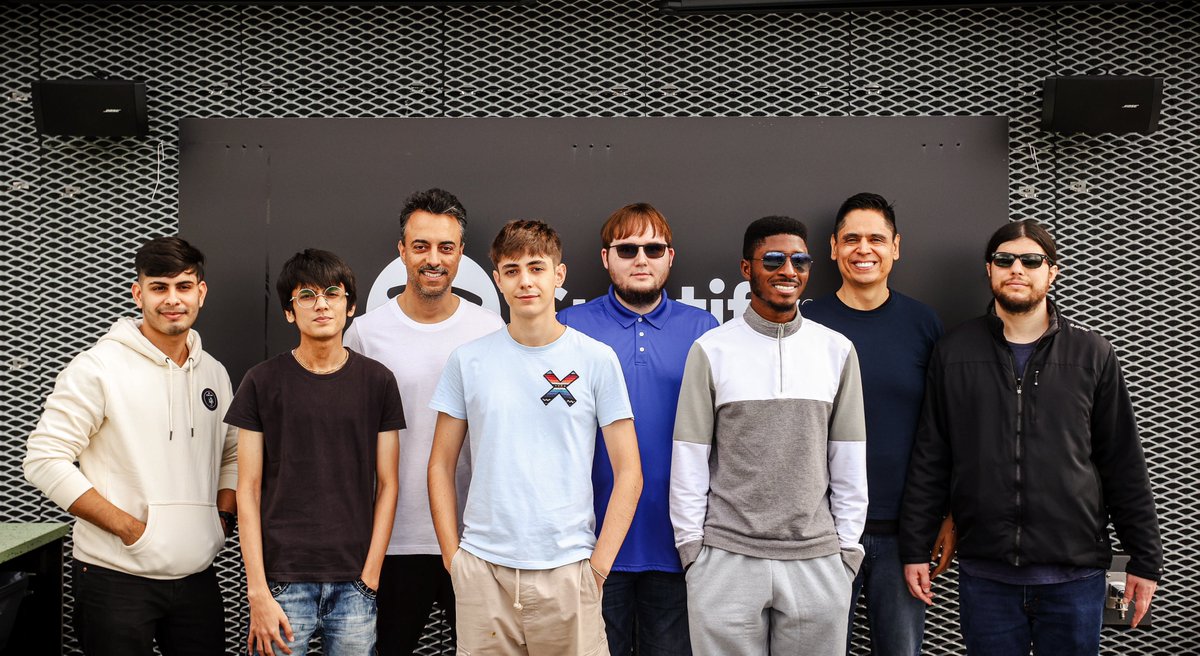
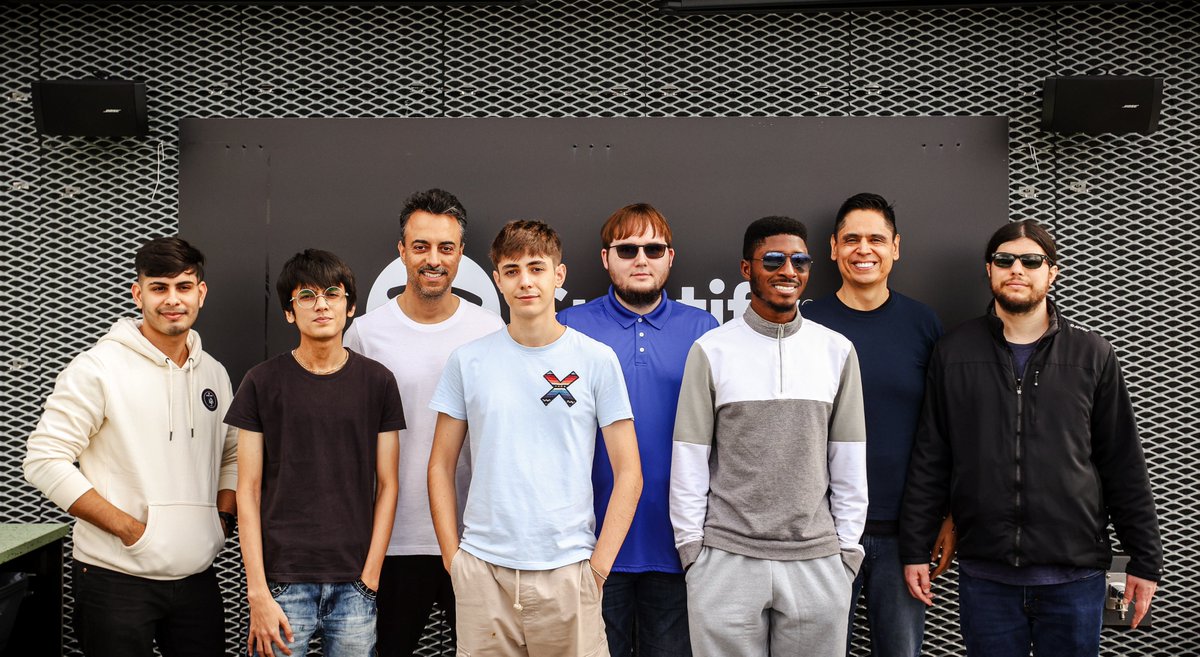
I always enjoy attending the Spotify Star Jam. It was so great to be back in Stockholm!
I love our Community team, we really have something special! 🙂 💚
In 2011, we noticed one Spotify user answering hundreds of questions in one of our first community forums. That inspired us to launch Spotify Stars in 2013, a program designed to empower super users to help other users find the answers to their questions, along with Spotify team members.
Now over ten years later, the program continues to grow. And just last week, we hosted some of those Spotify Stars in our Stockholm office for two days of workshops, product meetings, and more.
I love ���️ seeing how a program developed around a single user has grown into a community of super users and excited to see what it brings for the future.
Thank you, @AskSpotifyStars! 🙏🏻🙏🏻🙏🏻
@eldsjal I always enjoy attending the Star Jam. It was so great to be back in Stockholm!
I love our Community team, we really have something special!
Thank you! 🙂 💚
Stars in Stockholm! Having met @MartinLorentzon and @GustavS yesterday, they're ready to chat about all things Stars Program this afternoon before heading out into the city. Learn more about the Stars Program: https://t.co/y7jnRIa6Tk
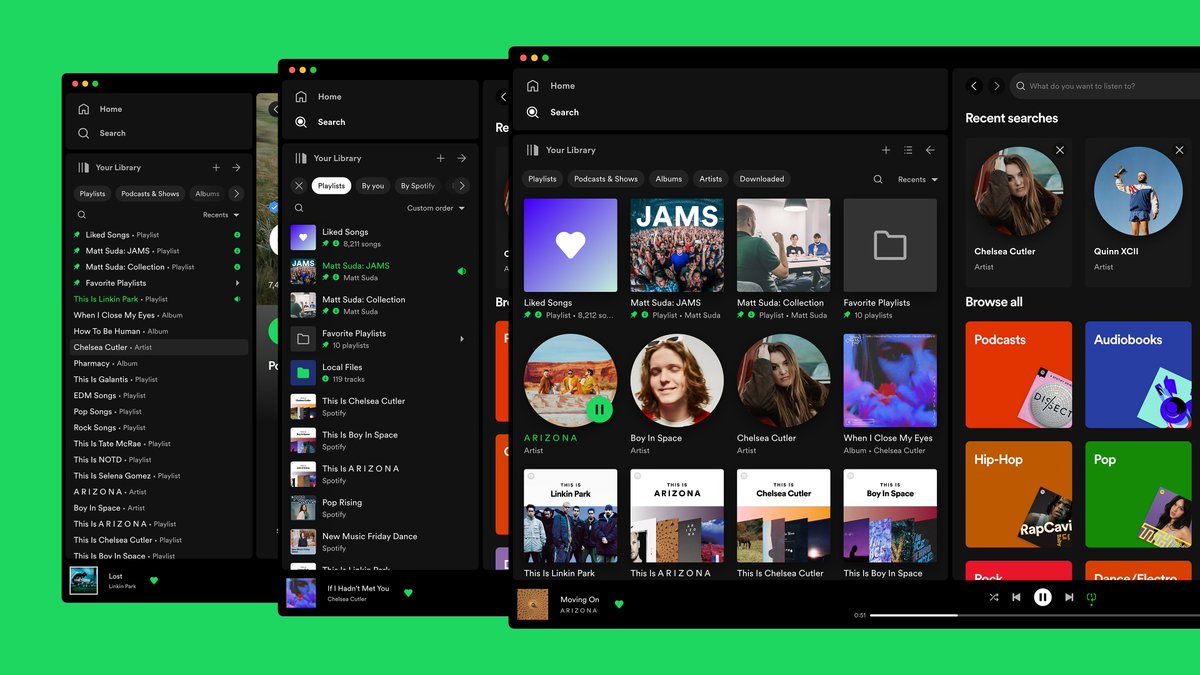
Our desktop experience is getting one of its biggest revamps ever 🌟 You can now explore, browse, and organize your @Spotify libraries just like you do on mobile.
Take full advantage of every new desktop feature with these tips. https://t.co/uHbULxHA97
@GeertdeGraaf The desktop team is currently working on making the album art experience better. A Now Playing right sidebar is in testing.
The new Your Library sidebar in the desktop app caches most of your library metadata locally. So after the first few uses, the sidebar should load faster.
The Spotify desktop app just got a major upgrade!
I'm excited to announce the new Your Library sidebar and show you how to use it:
https://t.co/kIgouARU0E
The new Your Library sidebar brings new features to desktop that you're already familiar with in the mobile app.
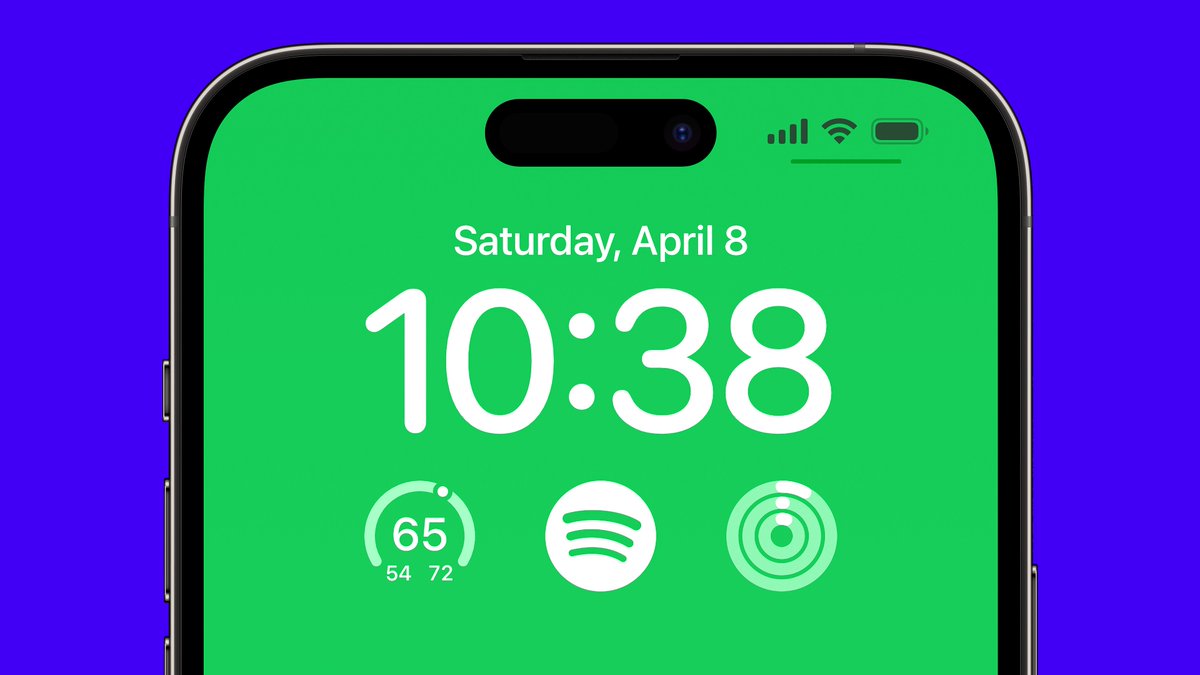
Now you can open Spotify on your iPhone even faster!
I'm excited to announce the new Spotify Lock Screen widget and show you how to use it:
https://t.co/MGh9SMyYMO
So whether you're busy on the go, in the car, or at home, the Spotify app is now always just one tap away.
Spotify is replacing the ♡ Heart with a (+) Plus button
I'm excited to help announce and give Spotify users a walkthrough of the new (+) Plus button. In my post, you will learn how to use it and get answers to your questions.
Check out my walkthrough:
https://t.co/VF9CZD9WLq