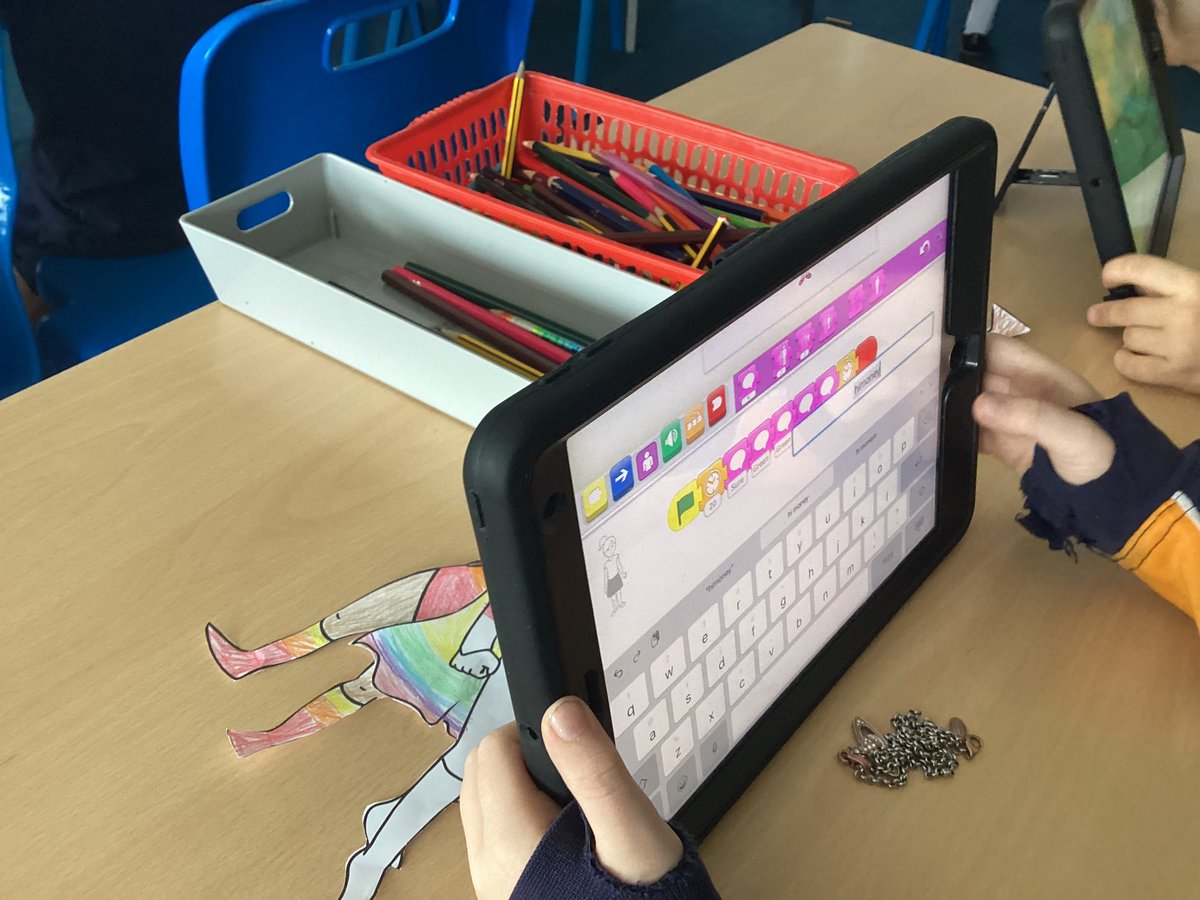
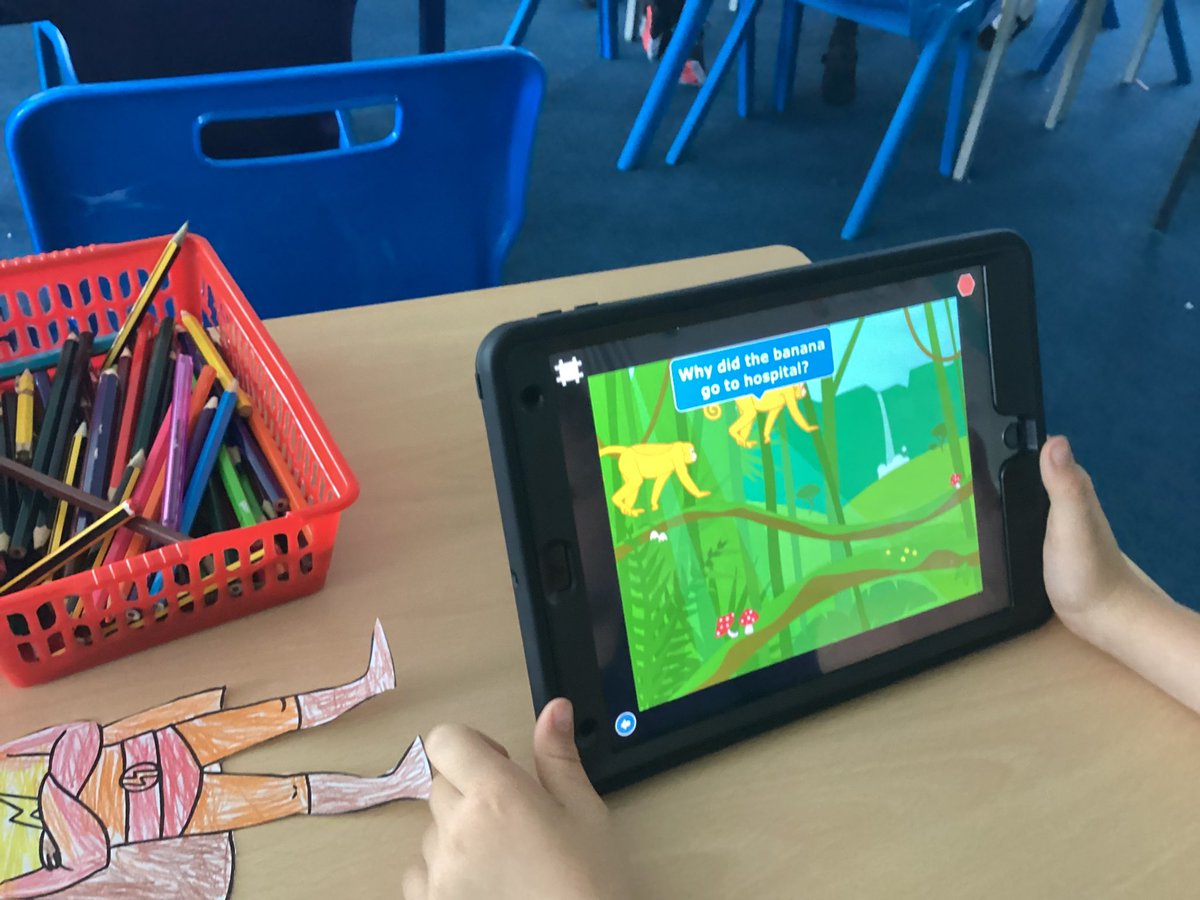
@stmichaelscps Year 2 created their own ‘Knock Knock’ jokes on scratch jr today. They loved trying to make their friends laugh and looking at the patterns in their codes. #STMCPComputing#mglcomputing
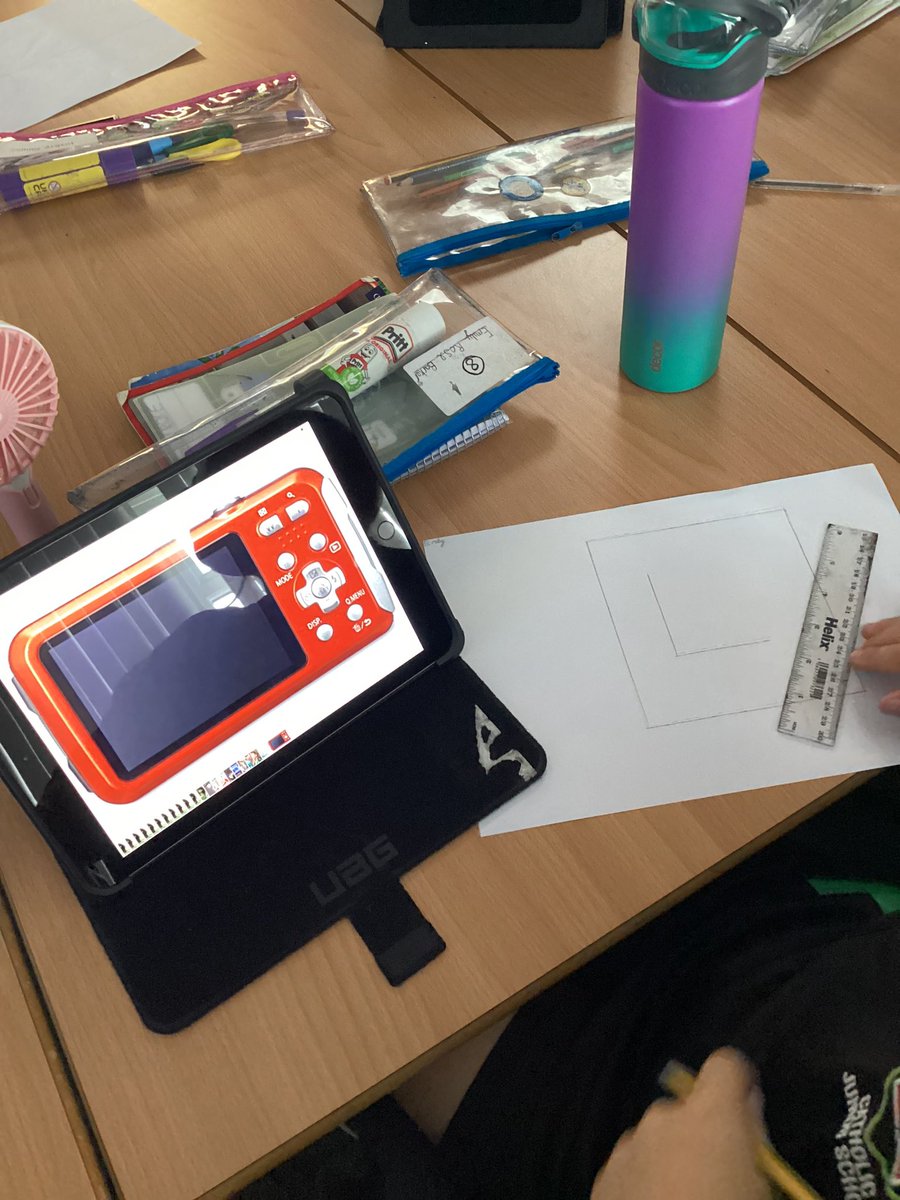
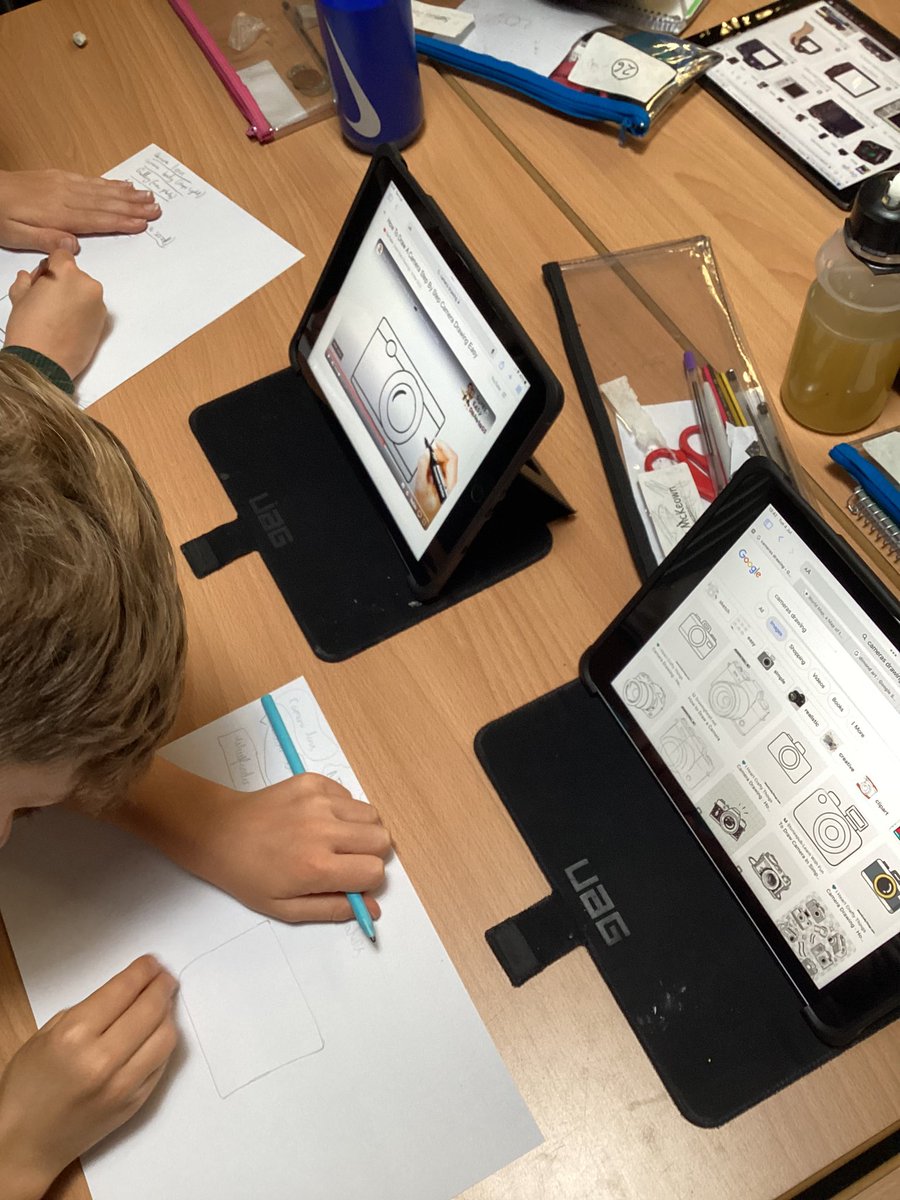
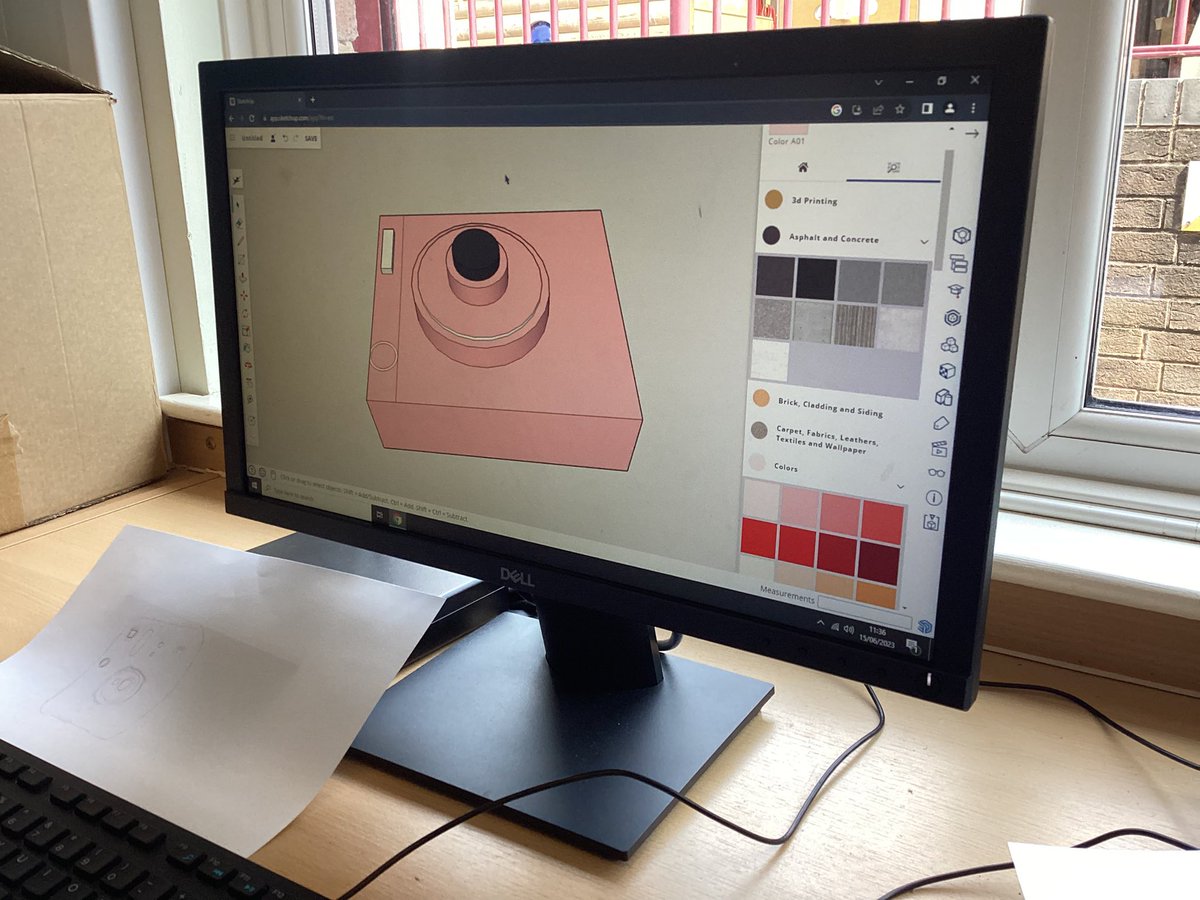
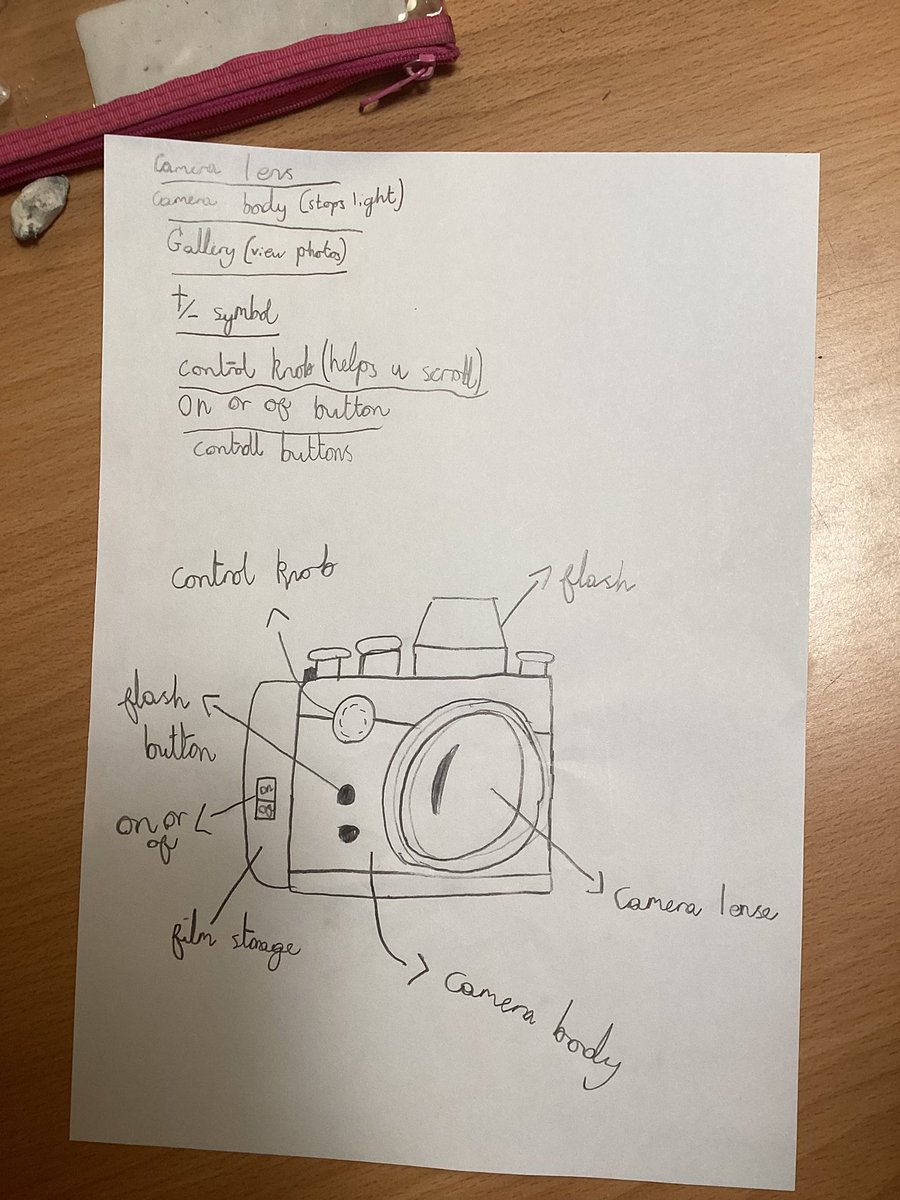
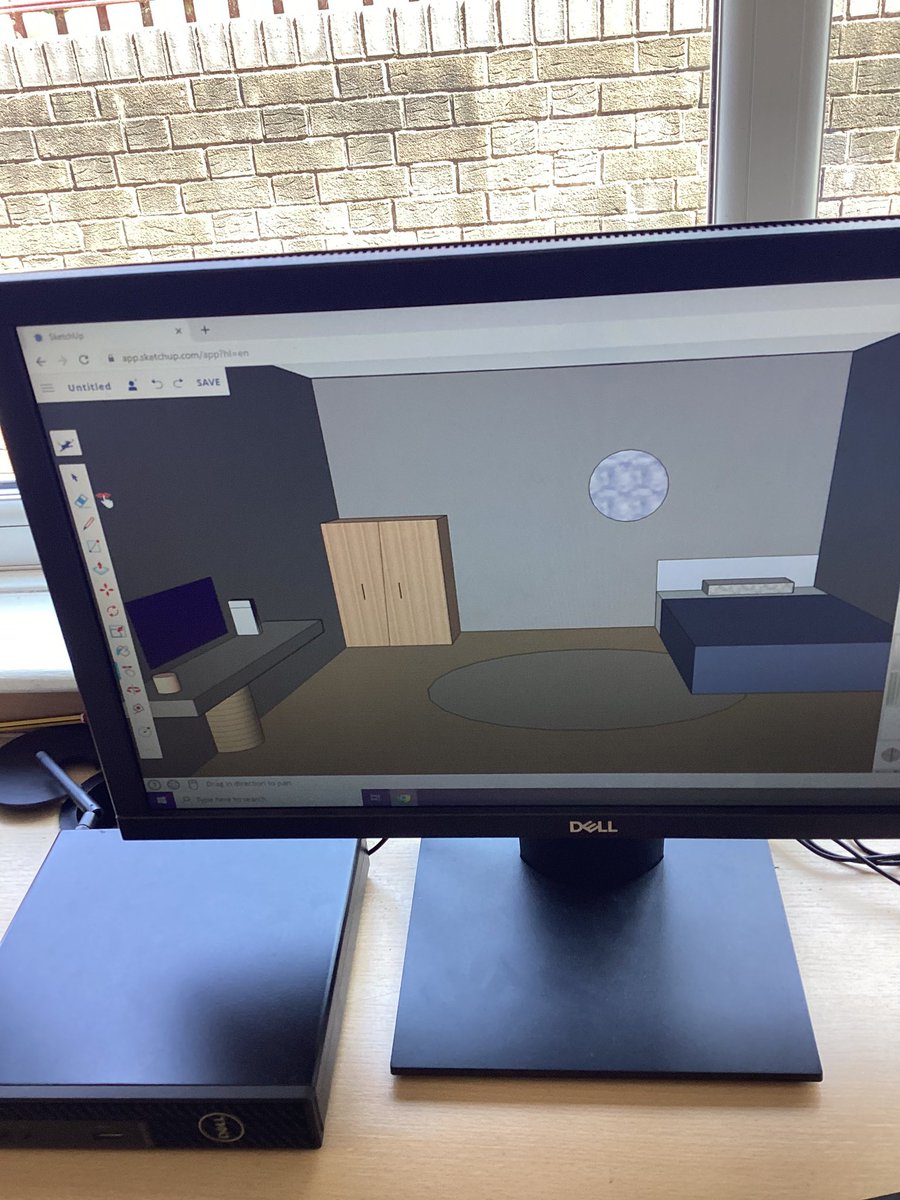
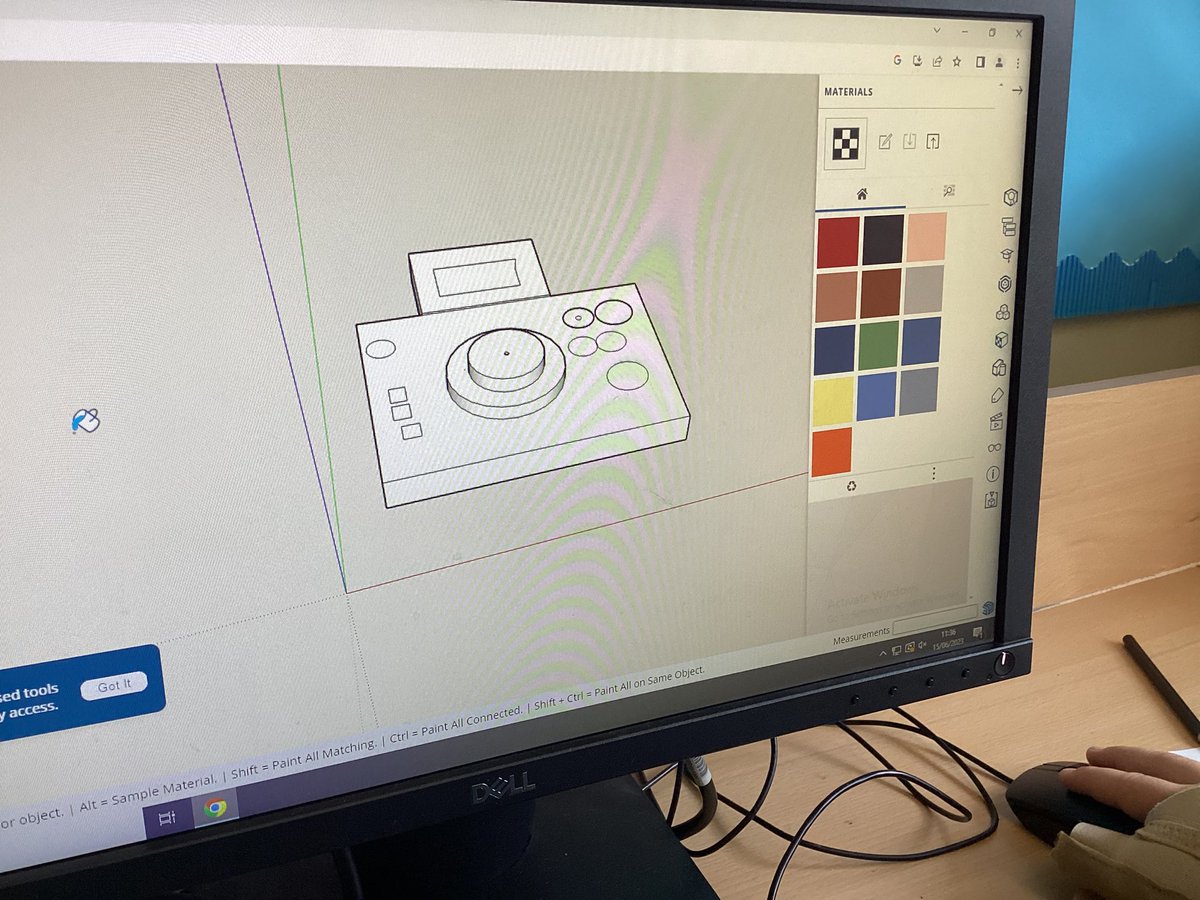
Today Year 5 @stbedesjunior designed their own digital cameras, they explored the features of their chosen camera and then started the design process on Sketch Up. #mglcomputing
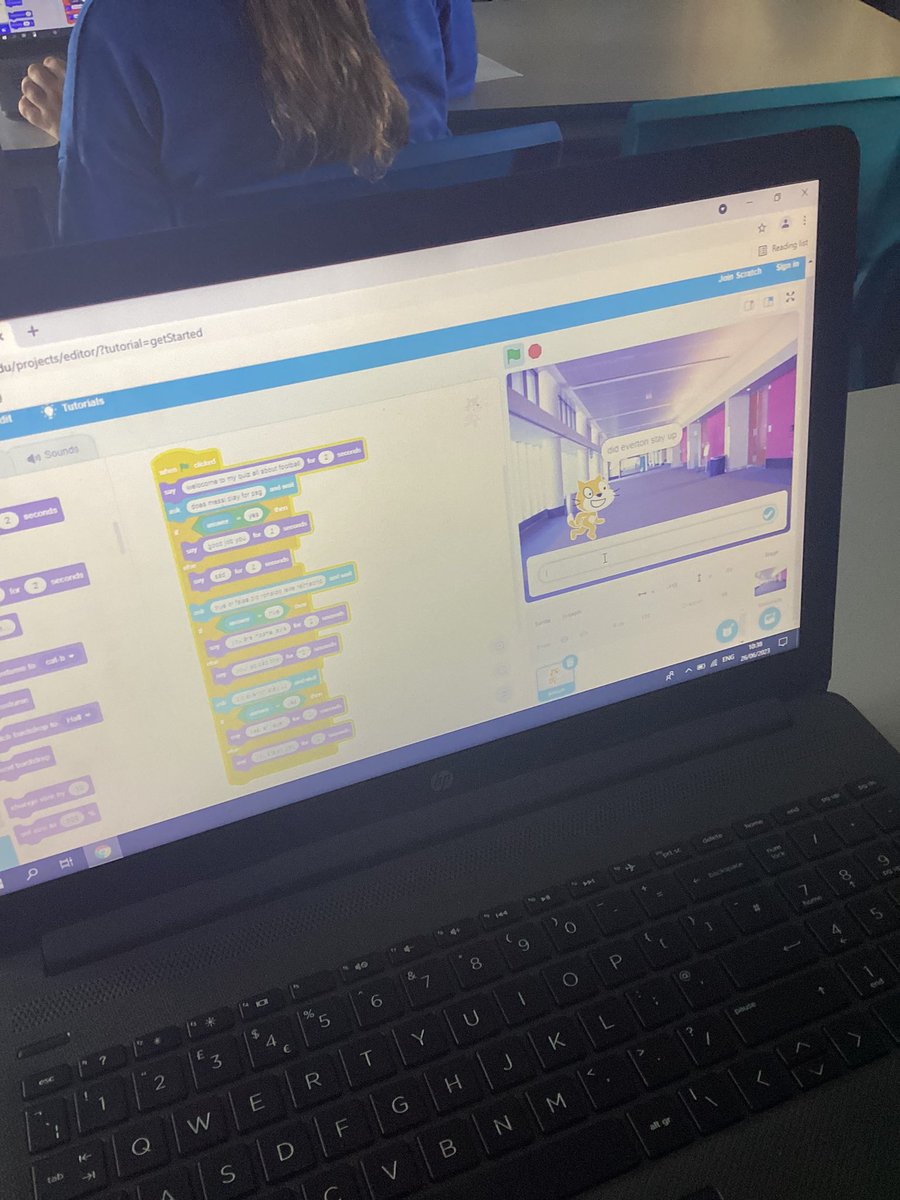
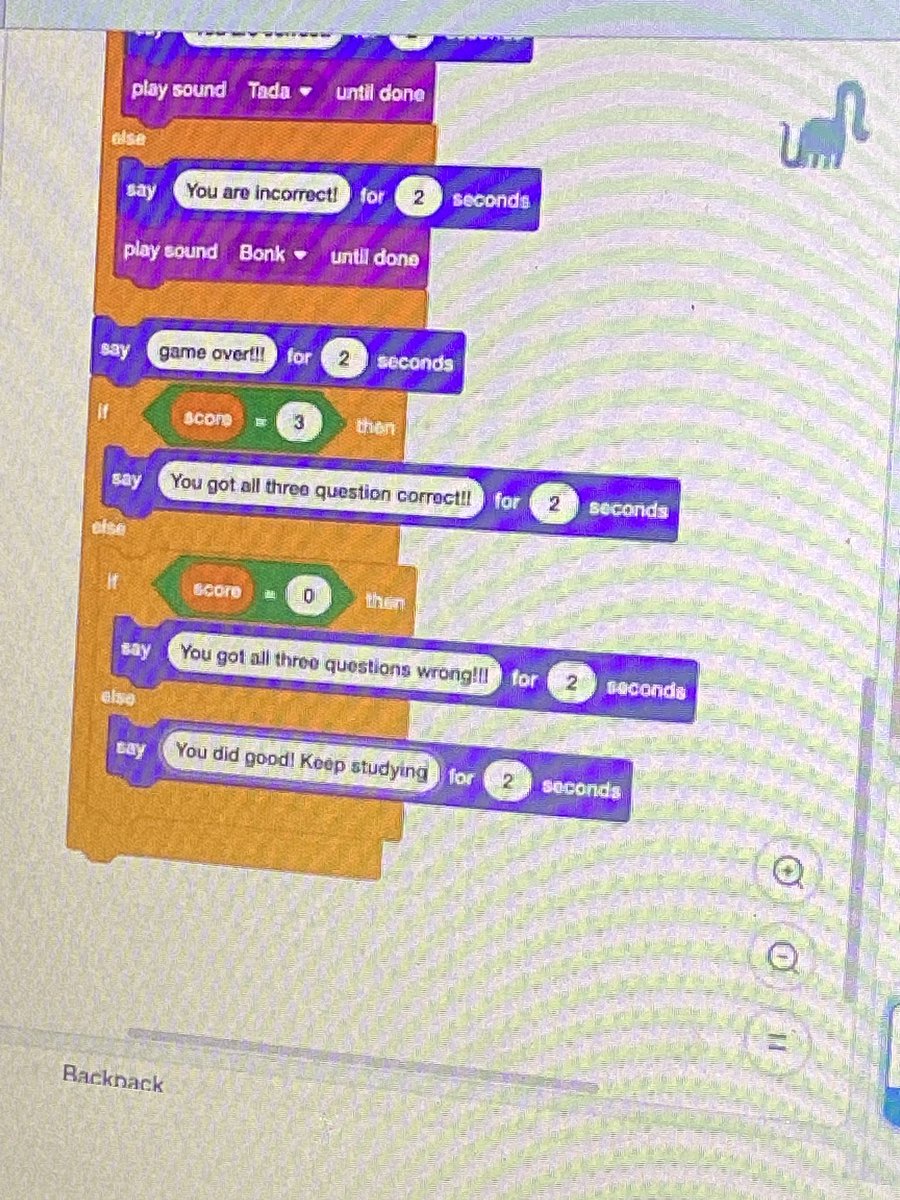
@teresaoflisieux Year 6 have created their own quiz in Scratch using conditional statements. We used a variety of question types such as multiple choice or true or false. #mglcomputing
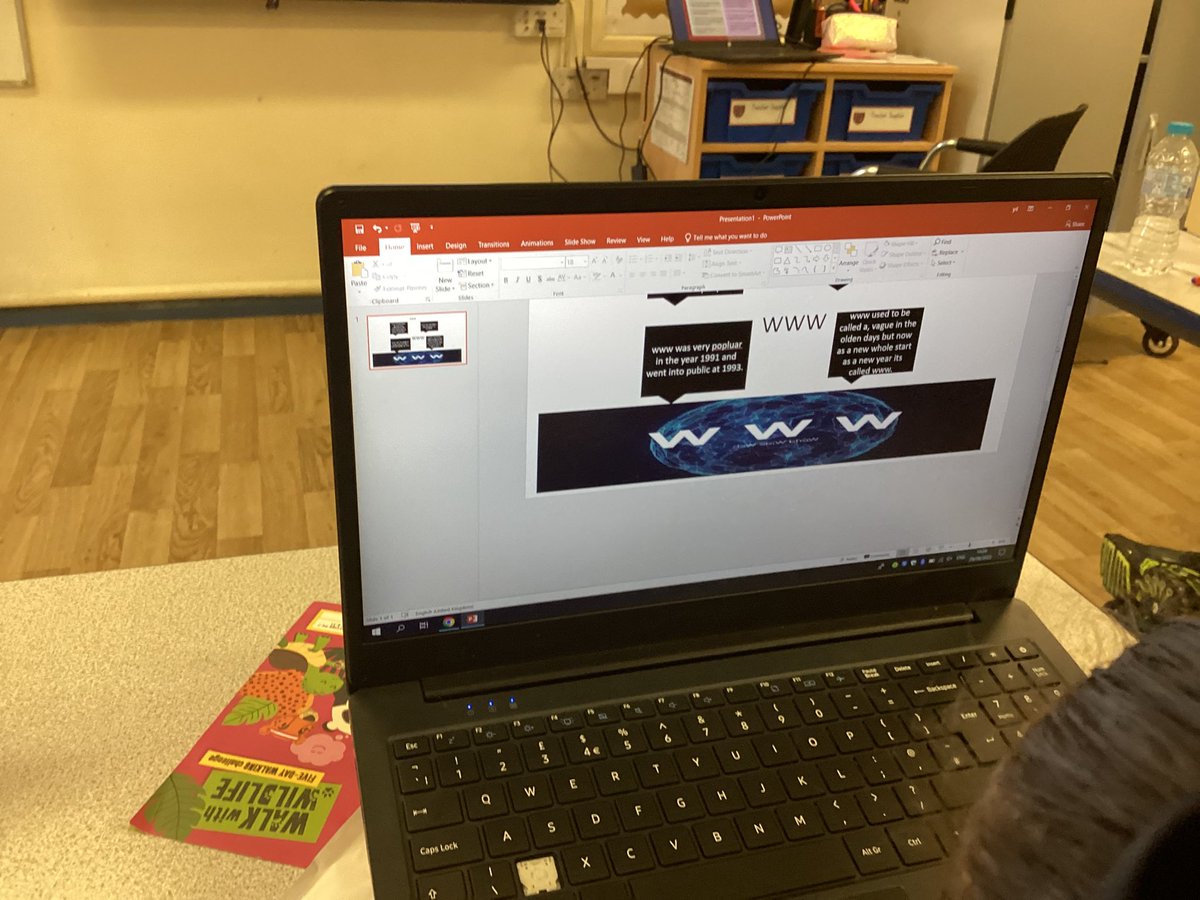
@OLGHLiverpool Well done Year 5/Year 4, today they organised key facts about the internet and the WWW whilst also practicing their PowerPoint skills. #OLGHY4#OLGHY5#mglcomputing
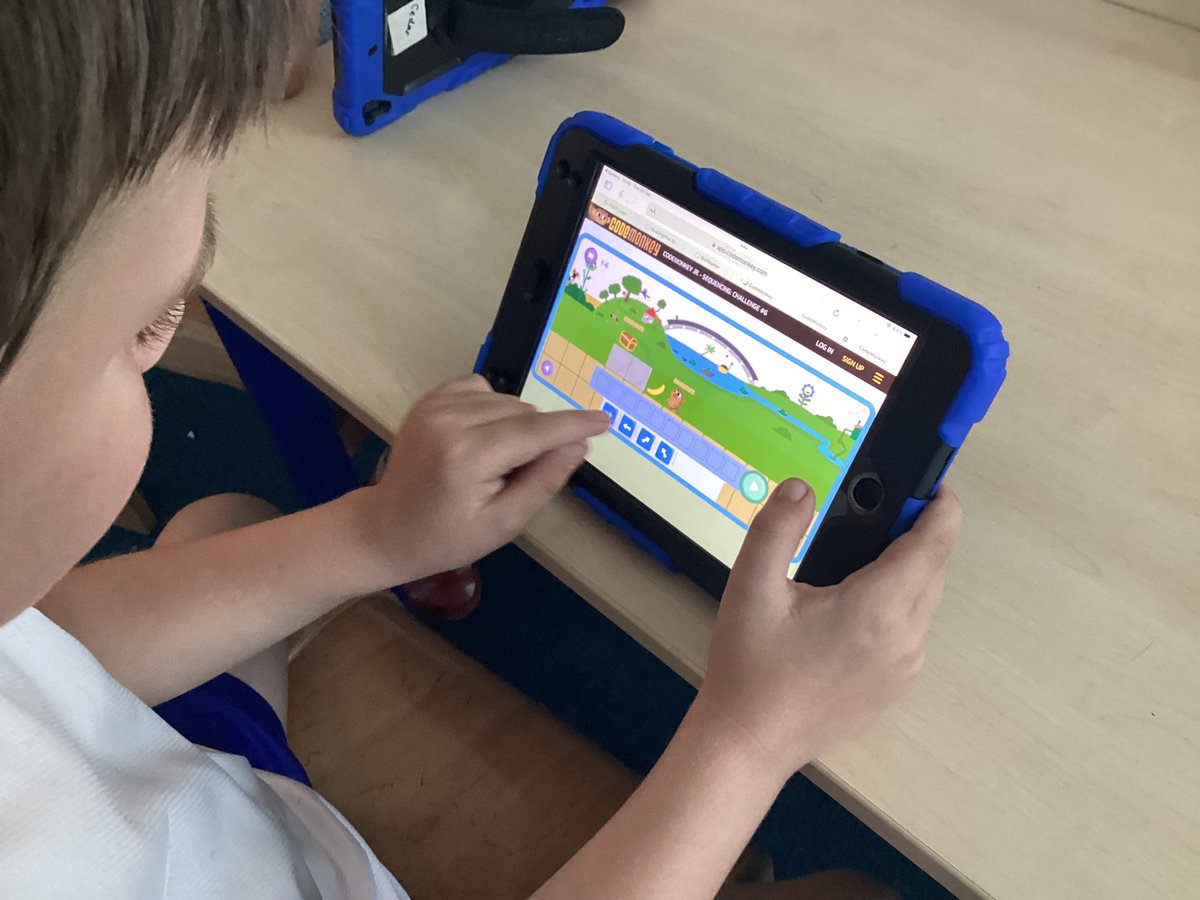
This afternoon @teresaoflisieux Year 2 worked hard completing Coding challenges. We learnt about algorithms and discussed why our instructions need to be clear. #mglcomputing
Year 5 @SPBYear5 continued to explore Scratch today, we looked at conditionals, created a plan and then created our own Quiz. Well done Year 5! #mglcomputing
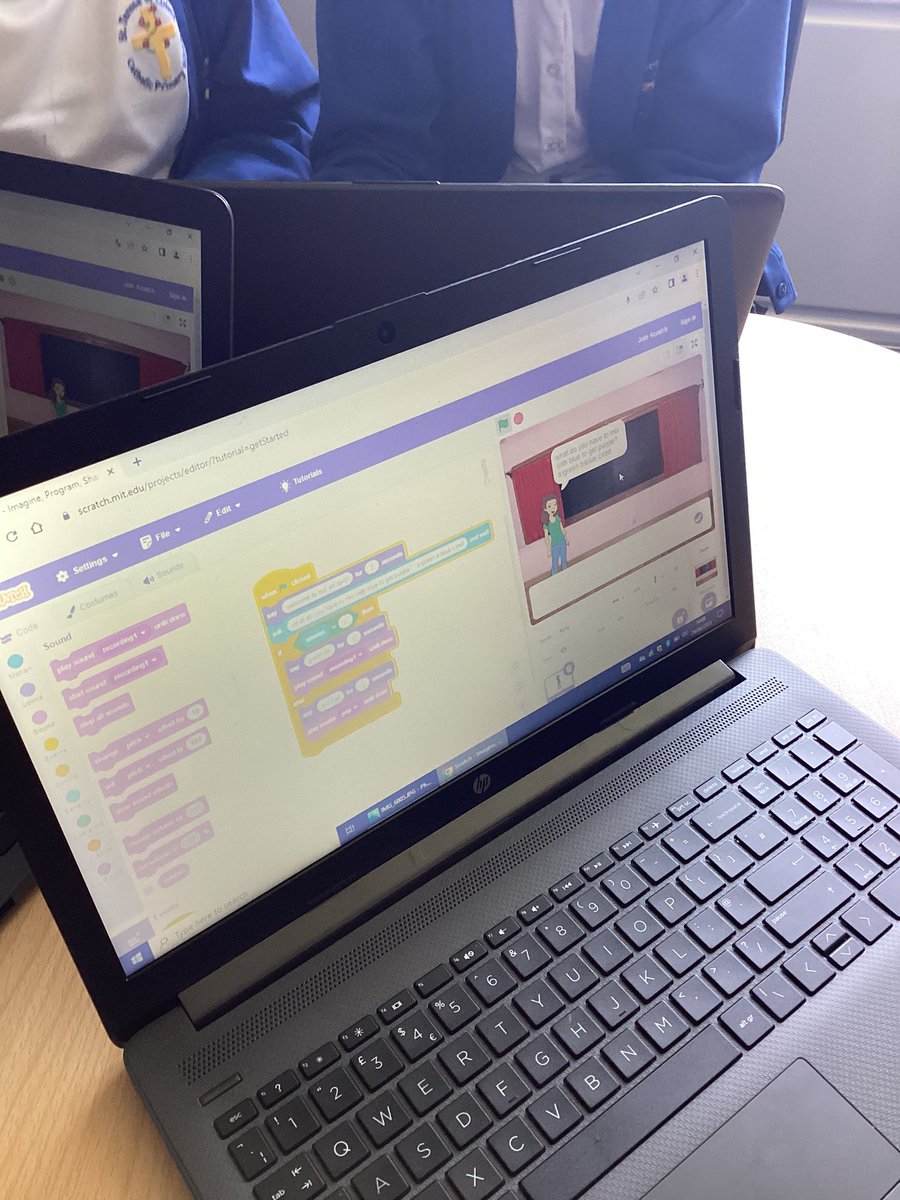
@stmichaelscps Well done Year 4 today you explored Scratch and created your own story, you made predictions about what would happen and debugged your codes throughout. #STMCPComp#mglcomputing
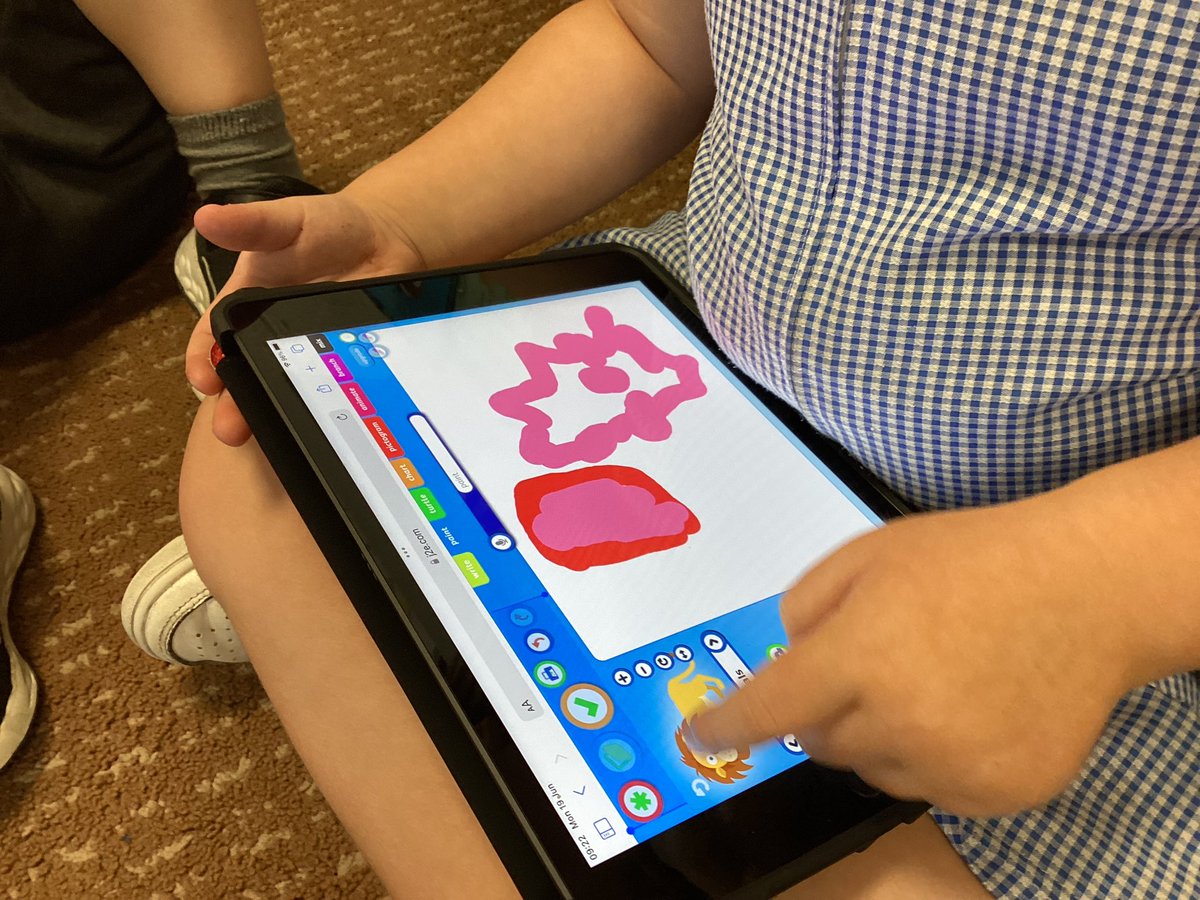
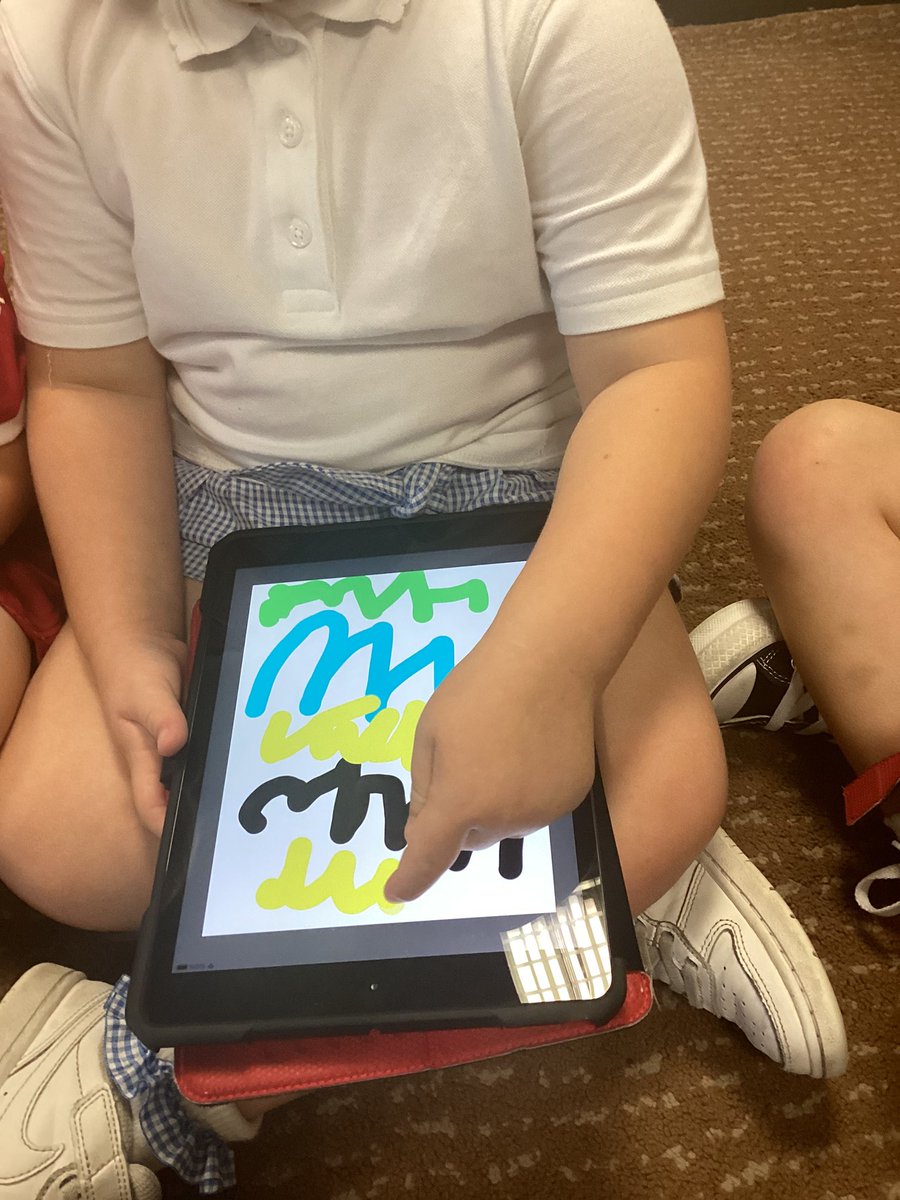
@Flomellynews Nursery created their own digital images today using stickers and paint brushes. They explored different materials and we discussed how to select different tools. #mglcomputing#flomellycomputing
@teresaoflisieux Year 6 have been looking at some Scratch basics today. They explored the forever loop for the first time and also created a dance battle. #stteresasy6#mglcomputing
@CharlesPrimary Year 5 started to explore Sketch Up. They planned and have created their own digital cameras using the push and pool tool,orbit tool and more. #mglcomputing