🧪 ForensicsTools – 2,000+ DFIR Resources, Tools, Labs, and Learning Materials in One Repository
ForensicsTools is a comprehensive open-source repository that curates hundreds of free digital forensics and incident response (DFIR) tools, distributions, frameworks, training resources, CTFs, books, datasets, and reference materials for forensic investigations across Windows, Linux, macOS, mobile devices, networks, cloud environments, browsers, memory, and disk images. The collection includes industry-standard tools such as Autopsy, The Sleuth Kit, Volatility, Plaso, Velociraptor, RegRipper, Wireshark, ExifTool, Hashcat, FTK Imager, Guymager, Timesketch, MemProcFS, and many others, organized by forensic discipline including memory analysis, artifact extraction, timeline analysis, metadata analysis, steganography, acquisition, imaging, browser forensics, network investigations, mobile forensics, and malware analysis. In addition to tooling, it provides extensive educational resources, forensic challenges, certification references, blogs, datasets, and research material, making it an excellent starting point for DFIR professionals, SOC analysts, incident responders, malware analysts, digital forensic investigators, cybersecurity students, and anyone building practical forensic capabilities.
🔗 https://t.co/K6pKPdlLHS
#DFIR #DigitalForensics #IncidentResponse #CyberSecurity #BlueTeam #MalwareAnalysis #MemoryForensics #OpenSource #SOC #ThreatHunting
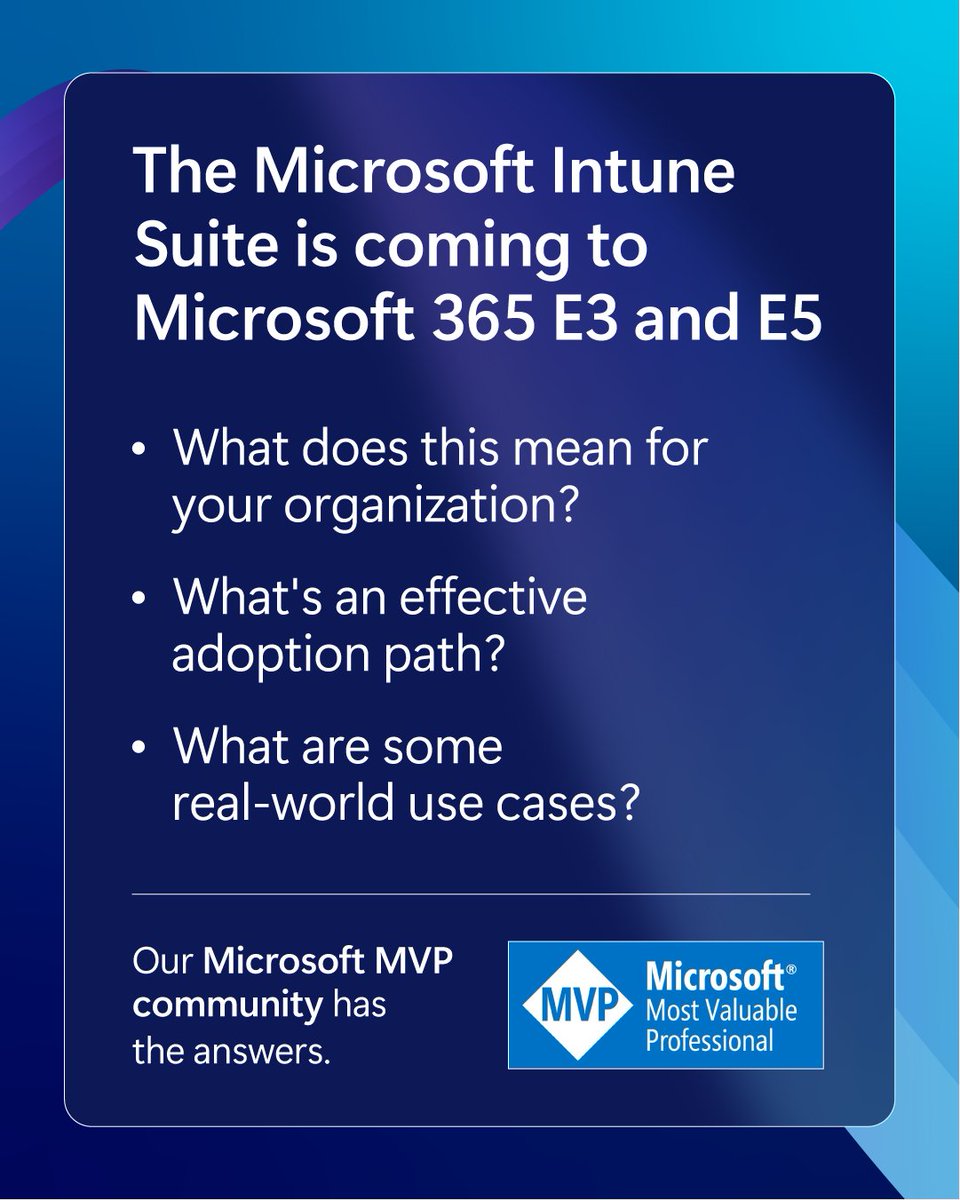
Hear directly what Microsoft MVPs have to say about the advanced Microsoft Intune capabilities coming to Microsoft 365 E3 and E5.
Read the full community round-up: https://t.co/jQ7y4f6lLh
Your authentication hierarchy determines your security ceiling
From weakest to strongest:
Password only → stops almost nothing (spray, stuffing, phishing)
Password + SMS → stops basic spray, but falls to SIM swap, SS7, and AiTM
Password + OATH/TOTP → stops spray, but not real-time AiTM/phishing
Password + Authenticator push → stops spray, vulnerable to MFA fatigue + AiTM
Password + Number Matching → stops fatigue (user must actively enter the number), but still vulnerable to AiTM/proxy attacks
FIDO2 / Passkeys / Windows Hello for Business / CBA → stops phishing, AiTM, and fatigue. Only real remaining risk is full device compromise or advanced endpoint attacks
The critical line is between "phishing-capable" and "phishing-resistant."
Number matching is a meaningful improvement; it forces the user to look at the sign-in page and actively confirm, which defeats blind prompt bombing.
However, in an AiTM scenario the attacker’s proxy can simply display the legitimate number to the victim.
The user reads it, enters it in the Authenticator app, and completes the authentication through the attacker’s infrastructure.
Only methods that cryptographically verify the domain/origin are truly phishing-resistant.
FIDO2 keys, passkeys, WHfB, and CBA check that the relying party (e.g., https://t.co/OSIokxlq1e) is correct.
If the user is on a https://t.co/vmBwzzwfqU page, the credential simply refuses to participate.
No user decision required.When you build a Conditional Access policy that requires “MFA,” you protect against password spray and basic attacks.
When you require “phishing-resistant authentication strength,” you also protect against AiTM and proxy-based phishing.
Important caveats:
1. The policy is only as strong as the weakest method it accepts. Allowing number matching or push as a fallback keeps AiTM in play.
2. Number matching is still a strong practical control and worth enabling everywhere; it significantly raises the bar against fatigue attacks.
3. Even the strongest methods aren’t invincible: full device compromise, endpoint malware, or poor key management can still defeat them.
4. Migrating to phishing-resistant methods is the long-term goal, but number matching + additional context is an excellent interim step for most organizations.
Raise your ceiling. Require phishing-resistant MFA (especially for admins and high-value resources) via authentication strengths in Conditional Access.
🔒 Secure Bits 💡
𝗗𝗼 𝘆𝗼𝘂 𝘂𝘀𝗲 𝗠𝗙𝗔 𝗳𝗼𝗿 𝗔𝗰𝘁𝗶𝘃𝗲 𝗗𝗶𝗿𝗲𝗰𝘁𝗼𝗿𝘆 𝗹𝗼𝗴𝗼𝗻𝘀?
If you follow CIS/NIST (or regulations like NIS2), you already know the direction: password-only authentication is 𝗻𝗼 𝗹𝗼𝗻𝗴𝗲𝗿 𝗲𝗻𝗼𝘂𝗴𝗵.
The hard part is implementation.
In classic 𝗪𝗶𝗻𝗱𝗼𝘄𝘀 + 𝗔𝗗 𝗲𝗻𝘃𝗶𝗿𝗼𝗻𝗺𝗲𝗻𝘁𝘀, truly native options are limited:
🔹 Windows Hello for Business can work well - but in many setups it ends up mainly as a user solution (often hybrid).
🔹 Smart cards / PKI can cover much more - but deploying PKI properly (and managing certificate lifecycle) is a project on its own.
That’s why I started collaborating with Systola and their solution SystoLock - built for the “𝗶𝗻-𝗯𝗲𝘁𝘄𝗲𝗲𝗻” reality:
➡️ you want MFA/passwordless for Windows and AD, but you don’t want a full PKI rollout (it is also more budget friendly...).
𝗪𝗵𝗲𝗿𝗲 𝗶𝘁 𝗰𝗮𝗻 𝗯𝗲 𝗶𝗻𝘁𝗲𝗴𝗿𝗮𝘁𝗲𝗱:
🔹 Windows domain logon (interactive + RDP + UAC/impersonation)
🔹 RD Gateway / RDP farms (single-step, no MFA “double prompts”)
🔹 SaaS / cloud via SAML 2.0 / AD FS (M365, Salesforce, etc.)
🔹 Entra ID federation with local passwordless identities
🧪 𝗪𝗮𝗻𝘁 𝘁𝗼 𝘁𝗿𝘆 𝗶𝘁?
Link in comments. Here’s how it works:
https://t.co/HupEgeggxy the page → you’ll see the license options (one is free).
https://t.co/fhP2uoumcV Request demo.
3.Systola will create your eval account and send access so you can install and test.
If you give it a spin, 𝘁𝗲𝗹𝗹 𝗺𝗲 𝗵𝗼𝘄 𝗶𝘁 𝗴𝗼𝗲𝘀 - I can help and may be able to arrange a discount for paid tiers.
💬 What MFA approach are you using for AD today - WHfB, PKI/smart cards, something else, or nothing yet?
#SecureBits #WindowsSecurity #ActiveDirectory #MFA #IdentitySecurity #BlueTeam #HorizonSecured
Action required: Microsoft Entra ID SSPR will require registered authentication methods starting September 7, 2026!
Currently, SSPR may allow users to verify their identity using contact information stored in directory attributes such as mobile phone, business phone, and alternate email, even if those values were never explicitly registered as authentication methods.
To strengthen identity security, SSPR will require explicitly registered authentication methods for verification. This change is part of Microsoft's Secure Future Initiative and ensures password reset verification is based on trusted, user-validated methods rather than directory-sourced attributes.
𝗥𝗼𝗹𝗹𝗼𝘂𝘁 𝗦𝗰𝗵𝗲𝗱𝘂𝗹𝗲:
• August 6, 2026: SSPR registration campaign begins prompting users and administrators to register authentication methods if SSPR setting requires registration and users do not have enough methods.
• September 7, 2026: Enforcement begins. SSPR will no longer accept directory-sourced contact information for verification.
• General Availability (Worldwide, GCC, GCC High): Early September 2026 through mid-September 2026.
𝗪𝗵𝗼 𝗶𝘀 𝗮𝗳𝗳𝗲𝗰𝘁𝗲𝗱:
• All users (including administrators) in tenants with SSPR enabled.
• Applies to Public cloud and US Government clouds (GCC, GCC High, DoD).
𝗣𝗹𝗮𝘁𝗳𝗼𝗿𝗺𝘀/𝗦𝗲𝗿𝘃𝗶𝗰𝗲𝘀:
• Microsoft Entra ID.
• Self-Service Password Reset (SSPR).
• Web and admin portal experiences.
𝗪𝗵𝗮𝘁 𝘄𝗶𝗹𝗹 𝗵𝗮𝗽𝗽𝗲𝗻:
• Only explicitly registered authentication methods will be accepted for SSPR verification.
• Directory attributes (such as mobilePhone, businessPhone, otherMails) will no longer be valid unless registered.
• Approximately 86% of SSPR verifications already use registered methods today.
• Users without registered methods at enforcement will be:
• Unable to complete password resets.
• Prompted to register methods or contact an administrator.
• The registration campaign will proactively prompt affected users starting August 6, 2026.
𝗔𝗰𝘁𝗶𝗼𝗻 𝗶𝘀 𝗿𝗲𝗾𝘂𝗶𝗿𝗲𝗱 𝗯𝗲𝗳𝗼𝗿𝗲 𝗦𝗲𝗽𝘁𝗲𝗺𝗯𝗲𝗿 𝟳, 𝟮𝟬𝟮𝟲:
• Review authentication method registration coverage:
• Go to Microsoft Entra admin center → Authentication methods → User registration details.
• Ensure all users (including admins) have at least one registered authentication method that satisfies your SSPR policy.
• Allow or enable the SSPR registration campaign to prompt users automatically.
• Plan fallback processes:
• Helpdesk-assisted registration.
• Alternative onboarding scenarios for users unable to self-register.
• Communicate this change to:
• IT admins and helpdesk teams.
• Users (encourage registration via My Security Info).
#Microsoft365 #EntraID #Cybersecurity #IAM
What have we been up to this month?
We've rounded up the latest product updates to help teams strengthen identity and multicloud foundations, protect data wherever it lives, and secure the developer workflows powering AI innovation. ⤵What have we been up to this month?
We've rounded up the latest product updates to help teams strengthen identity and multicloud foundations, protect data wherever it lives, and secure the developer workflows powering AI innovation. ⤵What have we been up to this month?
We've rounded up the latest product updates to help teams strengthen identity and multicloud foundations, protect data wherever it lives, and secure the developer workflows powering AI innovation. ⤵What have we been up to this month?
We've rounded up the latest product updates to help teams strengthen identity and multicloud foundations, protect data wherever it lives, and secure the developer workflows powering AI innovation. ⤵️
So at the half, I have feedback.
Morocco: You need to put the ball in the net, not one of your players.
Both teams: It's a football match, not a goddam BRAWL!
Claude-Red — 100+ Offensive Security Skills for Claude AI 🤖💀
Claude-Red is an open-source library of offensive security skills that transforms Claude into a context-aware security assistant. Instead of one massive prompt, it uses modular SKILL[.]md files that automatically load based on your task—covering web exploitation, Active Directory, cloud, mobile, reverse engineering, exploit development, fuzzing, AI security, wireless, OSINT, and more.
Designed for authorized penetration testing, bug bounty hunting, CTFs, security research, and operator training, Claude-Red provides structured methodologies, tooling guidance, attack workflows, and reporting templates while keeping context usage efficient.
🔗 https://t.co/snnaFXF1xC
#ClaudeAI #RedTeam #CyberSecurity #Pentesting #BugBounty #OpenSource
🚀 New ways to learn—and show what you know
The latest from the Microsoft Skills Hub explores fresh opportunities to build your expertise and demonstrate it in meaningful ways. From hands-on learning experiences to new credentials, this is all about turning skills into real impact.
📄 Don’t miss this read: https://t.co/oxP9QE1YZs
👉 New ways to learn and demonstrate skills
How are you showcasing your skills today? Share your approach and inspire others in the community 👇
#MVPBuzz
🛑 A new #Linux kernel flaw lets a local user rewrite /usr/bin/su in memory and gain #root.
The file on disk never changes. No audit trail.
DirtyClone (CVE-2026-43503) is the fourth bug with this failure mode in two months.
Details and what to do ↓ https://t.co/nYsNZKu7Mk
Anthropic Confirms Claude Mythos 5 Redeployment for US Critical Infrastructure Organizations
Source: https://t.co/Jejy9VRqRL
Anthropic has confirmed that Claude Mythos 5, its most powerful AI cybersecurity model, will be redeployed to a select set of U.S. organizations responsible for operating and defending critical infrastructure, following a government-led review process that began on June 12, 2026.
According to Anthropic, as of June 27, 2026, the U.S. government officially notified Anthropic that Claude Mythos 5 can be redeployed to a defined set of U.S. organizations that operate and defend critical infrastructure. Anthropic confirmed it is moving quickly to restore access for these validated entities.
#cybersecuritynews
🤖 pentest-ai – AI Pentesting Tool That Verifies Every Finding
pentest-ai is an open-source AI-powered penetration testing framework that doesn't just detect vulnerabilities—it replays exploits to verify them before reporting. It combines AI agents, 200+ security tools, authenticated testing, exploit chaining, and machine-verified proof capsules to reduce false positives. With MCP support, CI integration, SARIF reports, and offline execution, it's built for modern security teams and researchers.
🔗 https://t.co/07LcoL7n0M
#CyberSecurity #Pentesting #AI #RedTeam #OpenSource
A single intrusion exposed parallel activity from two unrelated threat actors operating at the same time, blending tactics, obscuring signals, and enabling sustained access while masking the full scope of the compromise. https://t.co/5Qk5tamL1D
Microsoft Incident Response found activity associated with Storm-2603, including reconnaissance targeting on-premises SharePoint servers, persistence through legitimate tools, and multiple remote access channels. Investigators also uncovered a second threat actor whose use of DLL sideloading and custom backdoors complicated attribution and detection.
The case highlights how overlapping intrusion activity can mask the full scope of an attack and why connected telemetry, coordinated response, and operational preparedness remain critical for defenders. Read the full cyberattack series report to learn more.
Microsoft Extends Windows 10 Security Updates for Users Up to October 2027
Source: https://t.co/DC4lrIf2ix
Microsoft has quietly expanded its Windows 10 Extended Security Updates (ESU) program, allowing consumers to receive critical security patches through October 12, 2027, an additional year beyond the program’s originally planned expiration date of October 12, 2026.
Windows 10 officially reached its end of support on October 14, 2025, leaving millions of users globally exposed to potential vulnerabilities without security patches. To ease the transition to Windows 11, Microsoft had initially launched the consumer ESU program to provide a one-year security bridge through October 2026.
#cybersecuritynews
Missed a session or want to revisit your favorite moments?
Your home for Microsoft Build content is here—featuring keynotes, sessions, and resources to keep you learning.
🎥 Explore now: https://t.co/xGJcUk9NLd
#MVPBuzz











![VivekIntel's tweet photo. Claude-Red — 100+ Offensive Security Skills for Claude AI 🤖💀
Claude-Red is an open-source library of offensive security skills that transforms Claude into a context-aware security assistant. Instead of one massive prompt, it uses modular SKILL[.]md files that automatically load based on your task—covering web exploitation, Active Directory, cloud, mobile, reverse engineering, exploit development, fuzzing, AI security, wireless, OSINT, and more.
Designed for authorized penetration testing, bug bounty hunting, CTFs, security research, and operator training, Claude-Red provides structured methodologies, tooling guidance, attack workflows, and reporting templates while keeping context usage efficient.
🔗 https://t.co/snnaFXF1xC
#ClaudeAI #RedTeam #CyberSecurity #Pentesting #BugBounty #OpenSource](https://pbs.twimg.com/media/HL5qKMtbQAAz0yw.jpg)





