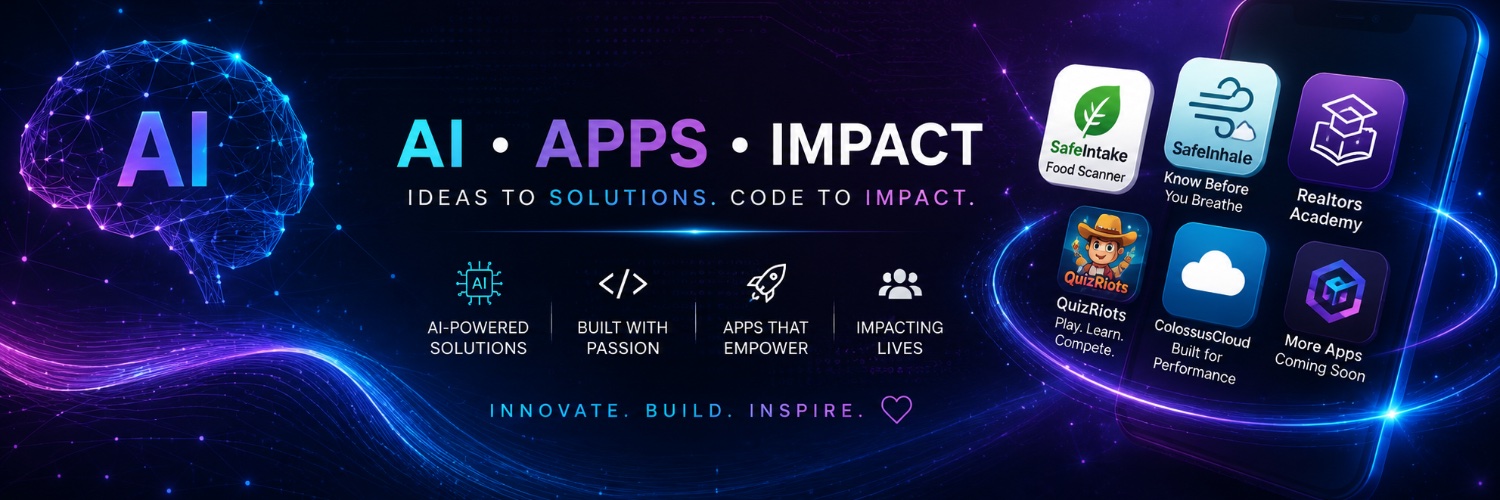
Founder of ServerPoint & ColossusCloud. 20+ years building internet technology. Now building free, useful apps and sharing practical AI insights along the way.
Stop asking Grok Bot to handle everything. Start with one repeating job. Observe. Then drafts. Then small automatic work. Clear job and narrow permissions beat a long prompt. https://t.co/st6bwSshZJ
As a homeschool mom, one thing became obvious fast:
If learning feels boring, kids check out.
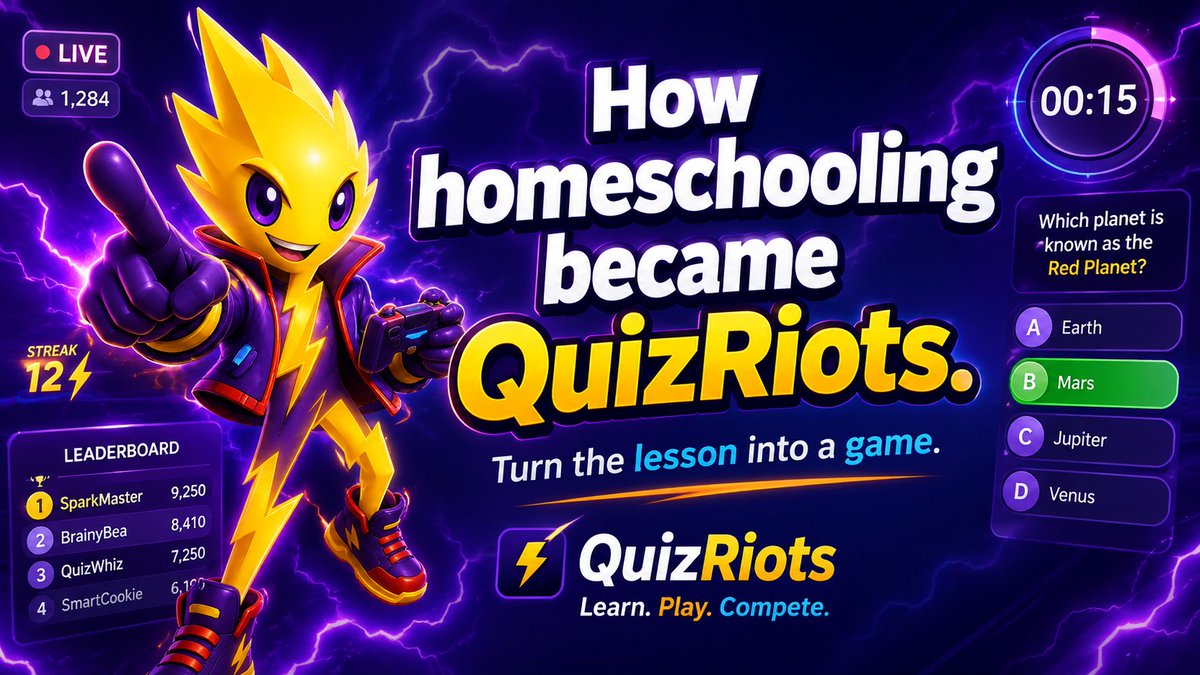
So I built @QuizRiots
Turn the lesson into a game.
Turn the quiz into a battle.
Add speed, streaks, scores, and competition.
Because sometimes the best way to get kids to learn is to make them forget they’re studying.
https://t.co/1g61QOZh3B
How Claude’s text watermark actually works👇
✓No hidden characters.
✓No extra tokens.
✓No user tracking.
Just a statistical fingerprint in the word choices.
📷(“The weather was cold and…” → overcast / grey / sugary)
📷 Instead of pure random choice, a secret key + previous words decides which good option gets picked📷 This happens across the whole response → creates an invisible pattern
📷 Detection uses the same key to check if the pattern matches and estimates the likelihood Claude was involved
It does not:
• Add any hidden text
• Identify the user or chat
• Work well on short / factual / code-heavy text
• Survive heavy rewriting
In short: Claude leaves a statistical fingerprint in the words themselves, not a visible tag.
How my allergies and asthma became an app.
I was tired of checking pollen, air quality, weather, and flu in different places every morning.
I just wanted one clear answer:
How does outside look for me today?
So I built @SafeInhale
One personal Breathe Score. One simple daily read.
https://t.co/80TK0sPLyC
Stop asking ChatGPT to just summarize content.
Use these 9 smarter prompts to uncover insights, challenge assumptions, and turn information into something you can actually use:
1. Distill the Key Insights
Prompt: "Pull out the most important insights, surprising takeaways, and the ideas I should pay closest attention to."
2. Turn Ideas Into Actions
Prompt: "Convert this into a practical action plan with clear next steps I can apply right away."
3. Identify the Big Principles
Prompt: "Explain the core principles, frameworks, or mental models behind this content and how they connect."
4. Compare Other Perspectives
Prompt: "Show how this viewpoint compares with other approaches, including where they agree, differ, and why that matters."
5. Tailor It to a Specific Role
Prompt: "Summarize this for a specific role or audience and only include what is most relevant to them."
6. Build a Teaching Framework
Prompt: "Turn this into a simple framework I could use to explain or teach the material to someone else."
Expose Hidden Assumptions
Prompt: "Analyze the assumptions, blind spots, and overlooked details that may be shaping this content."
7. Surface Contrarian Ideas
Prompt: "Find the unconventional or counterintuitive ideas here and explain why they stand out."
8. Rewrite for Persuasion
Prompt: "Rewrite this to be more compelling using clearer structure, stronger hooks, and more persuasive language."
The quality of the answer often depends on the quality of the question.
9. Don't just ask AI to shorten information.
Ask it to help you understand it, challenge it, organize it, and use it.
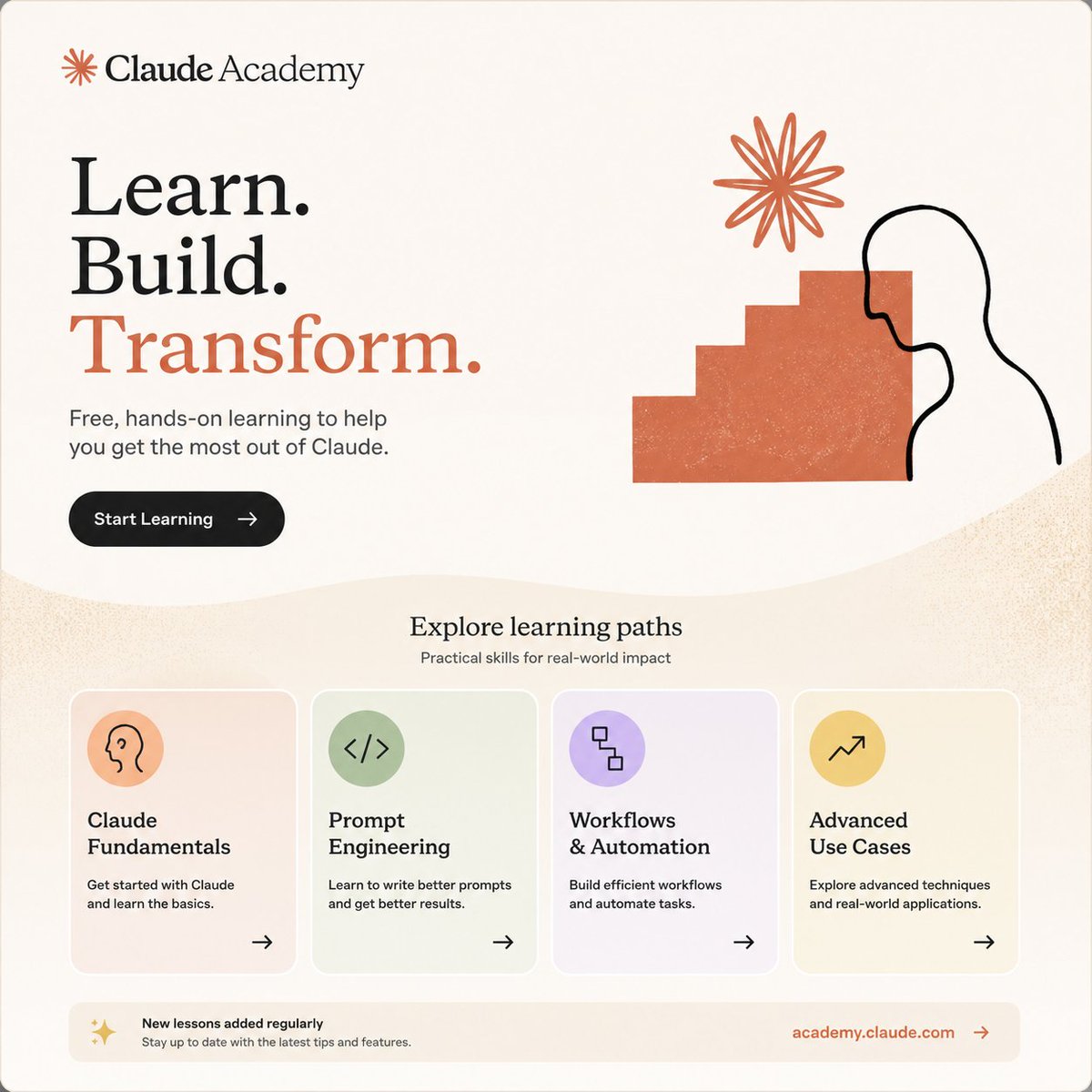
Anthropic just launched Claude Academy.
You can learn how to use Claude for:
- Daily tasks
- Building simple apps
- Projects
- Practical AI skills
Courses and certificates are completely free https://t.co/9Vme3fEZYn
Very simple:
1. Your child needs their own ChatGPT account and must be at least 13.
2. Go to Settings → Parental controls → Add family member.
3. Send the invite to your child.
4. They accept it.
5. Once linked, you can manage their teen settings, including Study Mode and other protections.
The under-18 protections apply automatically. There is no separate “teen app” to turn on.
OpenAI just launched ChatGPT for Teens.
Users under 18 get stronger safety settings, parental controls, and a more age-appropriate experience.
As someone building education tools, this matters.
Age-appropriate AI design is quickly becoming a requirement, not a nice-to-have.
The first app I built was SafeIntake.
It started with a quiet frustration I kept having.
Standing in the grocery store, reading labels, trying to figure out what was actually inside the food I was about to buy for myself and my family.
The ingredient lists felt unnecessarily complicated.
I was tired of guessing.
So I built SafeIntake.
A simple tool that lets you scan a barcode and quickly understand allergens, sugar, carbs, and additives without needing a science degree.
Building that first app did something to me.
It reminded me how powerful it feels to take a real problem from everyday life and turn it into something useful.
After more than 20 years building technology, that feeling is why I’m still creating.
SafeIntake is live: https://t.co/GUVMX6HlIB
Anthropic just announced text watermarking for future Claude models.
In simple terms, the text will look normal to us, but it can carry a hidden statistical pattern that may help identify it as AI-generated.
There are no hidden characters.
What makes this more interesting is that open-source tools are already being built to try to remove or disrupt these kinds of watermarks.
One example is a GitHub project called Watermarks Remover.
But there is an important catch: Claude’s final watermark detector is not publicly available yet, so nobody can honestly say they have already beaten Claude’s system.
For people building AI into apps, websites, education tools, or public content, this is worth watching.
AI-generated content is becoming easier to trace, and the tools trying to hide that trace are already appearing too.
I’ve been building internet technology since 2000.
Back then, businesses were still asking whether they really needed a website.
Today I hear many of the same questions about AI.
I think we’re at the beginning of another enormous shift.
So I’m doing what I’ve always done: building.
This time I’m creating practical, free apps around problems I actually run into in real life. As a mom who homeschooled her kids, someone who deals with allergies and asthma, and a businesswoman who has spent more than 20 years building technology companies.
I’m also learning just how much AI changes what one person can create.
I’ll be sharing what I’m building, what works, what doesn’t, and what 25+ years in technology has taught me about recognizing change early.
The Internet changed everything. AI will too.
True. Biggest vulnerability with Teslas (and most EVs).
Cable in the port = locked in Park.
Screen/app/handle unlock only releases the latch, but you still have to pull the connector out before you can drive. No force-drive override.
Gas cars solved this with breakaways decades ago. Extra seconds matter in an emergency.
@elonmusk this is worth fixing!!
Tech mom. Tesla owner. Charge often.
This video of the Twin Falls shooter firing into a parked Tesla next to the Superchargers is genuinely scary.
3 dead, 7 hurt. Shooter deceased.
Prayers for the victims.