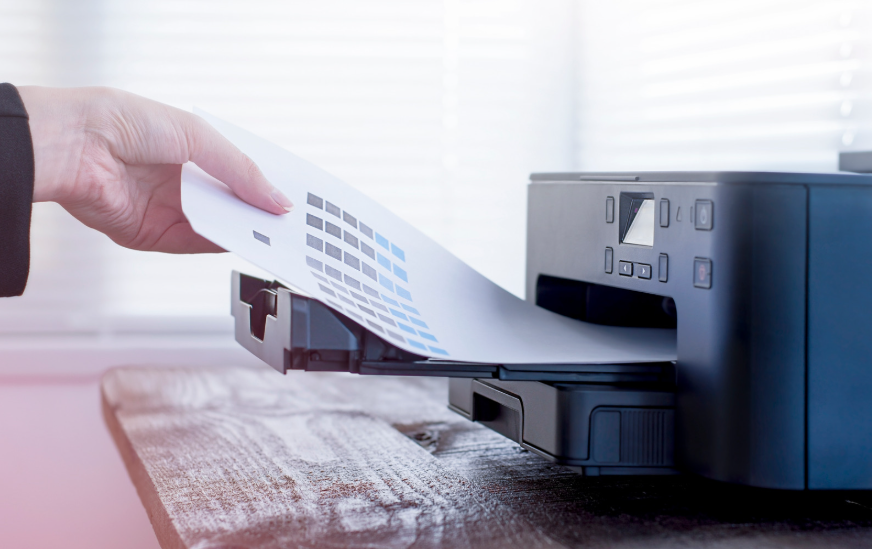
@Microsoft’s Windows Protected Print + Mopria certified printers = secure, seamless printing! 🖨️🔒
See how these advancements protect sensitive documents & redefine IT security in @Quocirca's story for @ComputerWeekly: https://t.co/ToKo3NUcih
Tired of messy browser tabs? Chrome for Android is rolling out a new feature that helps you tidy them up with ease. @TechRadar dives into how this will make your browsing experience smoother: https://t.co/QGIveiUJ2V
#ChromeTips#AndroidNews
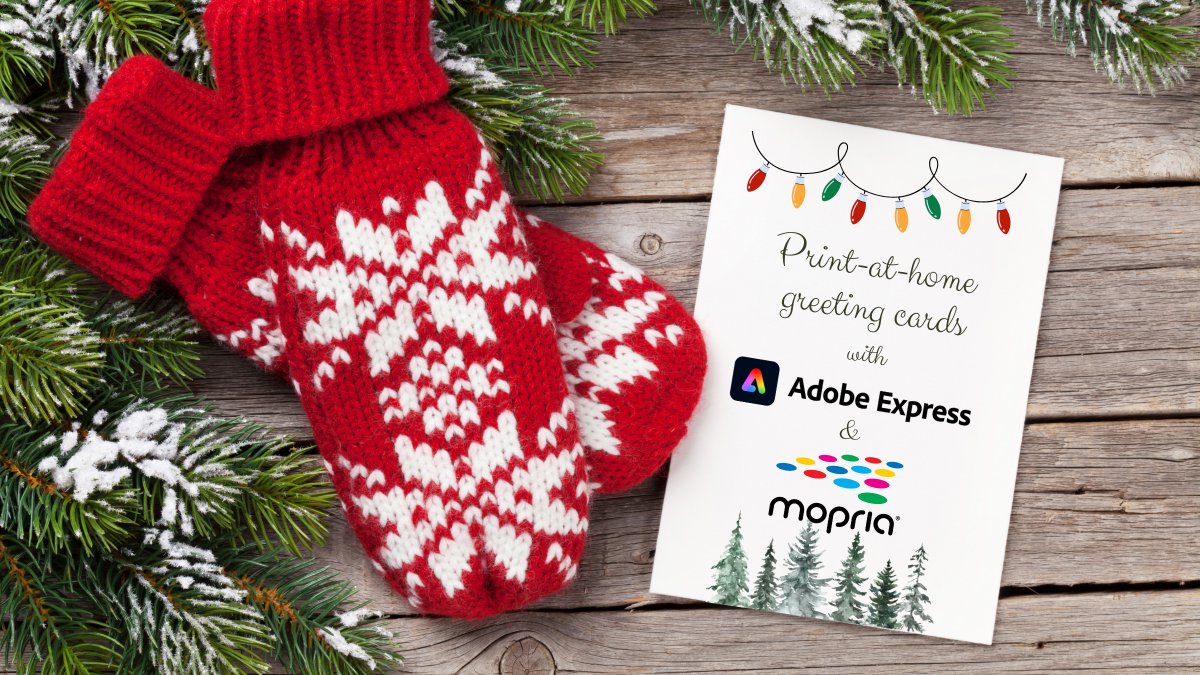
Last-minute holiday cards? Use Adobe Express templates + Mopria-certified printers to create & print with ease!
Start here: https://t.co/sZhvFpY5db
#HolidayPrinting#MopriaCertified#AdobeExpress
Google Photos is making it easier to manage backups on your #Android device. Android Authority discusses the new 'Undo Device Backup' feature, so you can keep your storage under control. Read more from @AndroidAuth: https://t.co/HNGLyixZ2l
#GooglePhotos#AndroidUpdates
Tired of your phone's poor battery life? @ZDNet shares 12 settings you can change to get more endurance from your Android device. Power up your day! Read more: https://t.co/vZLVvCZ4ni #AndroidBattery#TechTips
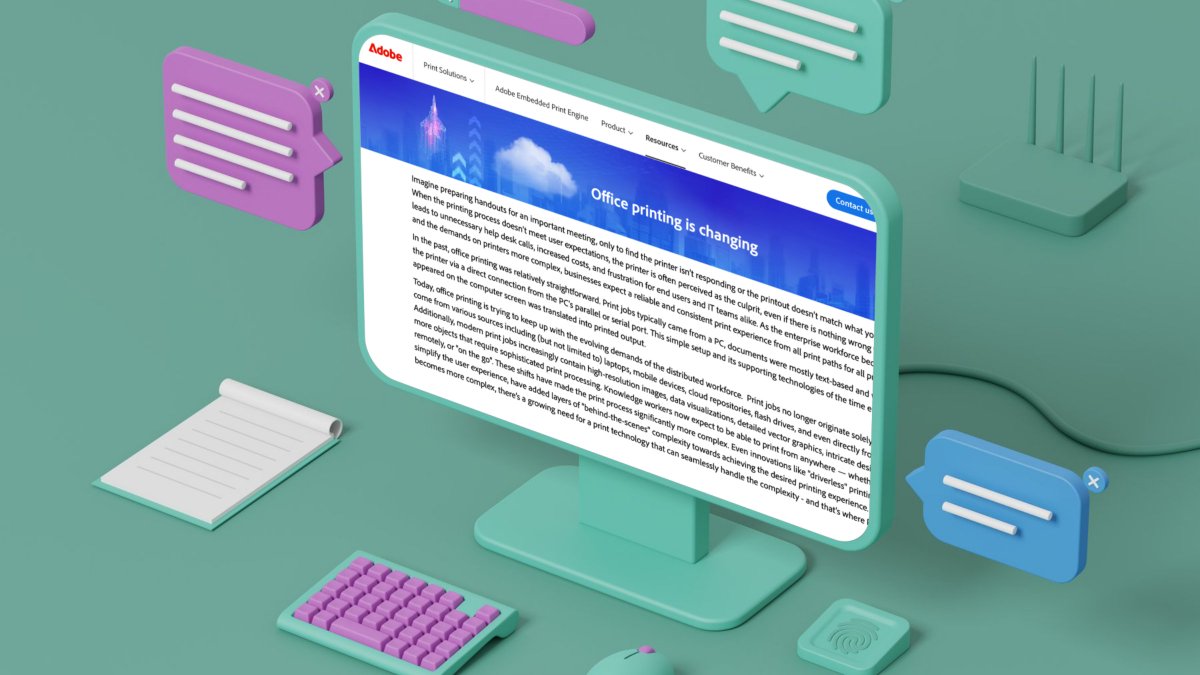
Effortless and secure. Modern printing workflows benefit from advancements like Windows Protected Print Mode and driverless printing, with Mopria standards supporting seamless integration.
Read on from @Adobe: https://t.co/31DPWEq5uJ
#MopriaCertified#DriverlessPrinting
@Beattleur Hi there, thanks for reaching out. Mopria Scan works only with Android 12 and higher. Alternatively, Windows 10 and 11 and Chromebook all work seamlessly with any Mopria certified scanner or multi-function printer, if you use any of those devices or programs. Hope this helps!
Did you know you can now open PDF files directly in Chrome on Android? No more app switching! @AndroidAuth shows you how to do it. Read more: https://t.co/KlNTcjWbrW
#AndroidTips#ChromeFeatures
The latest Android update is here, bringing exciting new features for Pixel users this December! Read more from @verge for a breakdown of what's new and how it impacts your device: https://t.co/p7zkO2CNBY
#AndroidNews#PixelTips
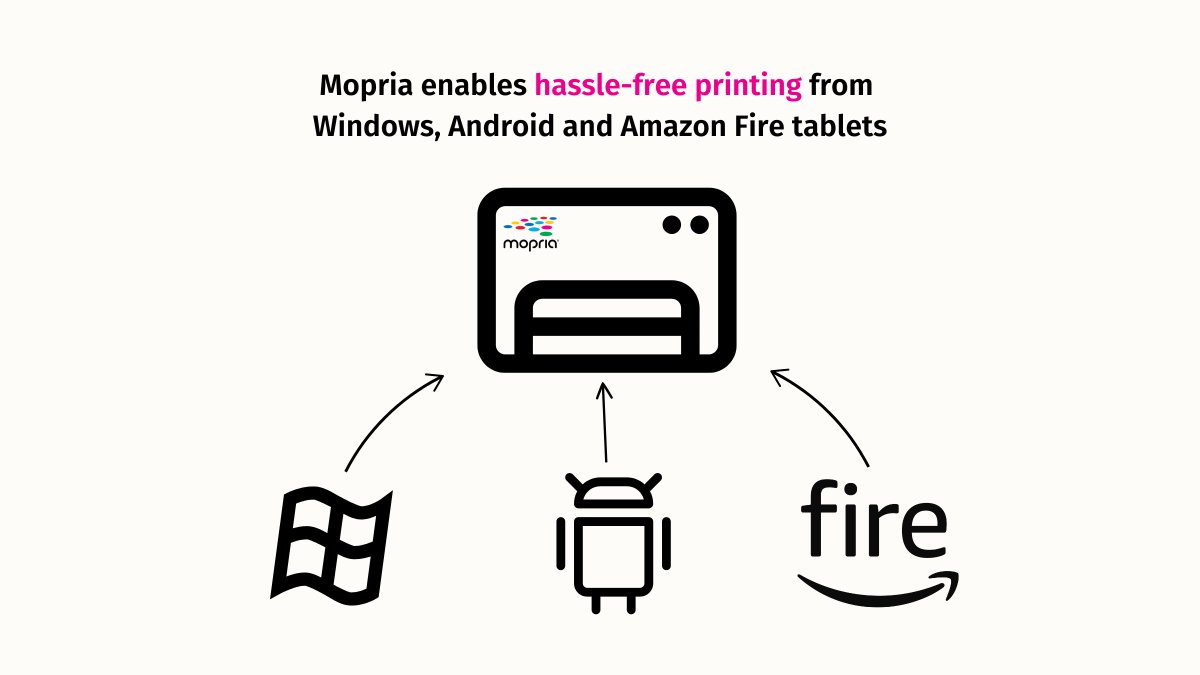
Print to any Mopria certified printer from all your devices. Android, Windows, Amazon Fire? We've got you covered, no printer brand-specific apps needed.
Details: https://t.co/7K9xjLNxfu
#MopriaCertified#PrintingMadeEasy#DriverlessPrinting
Google Play Store is upping its app management game, aligning closer to iOS. Learn how the overhaul is improving the user experience via @Forbes: https://t.co/cf6uhDkSYE
#Android
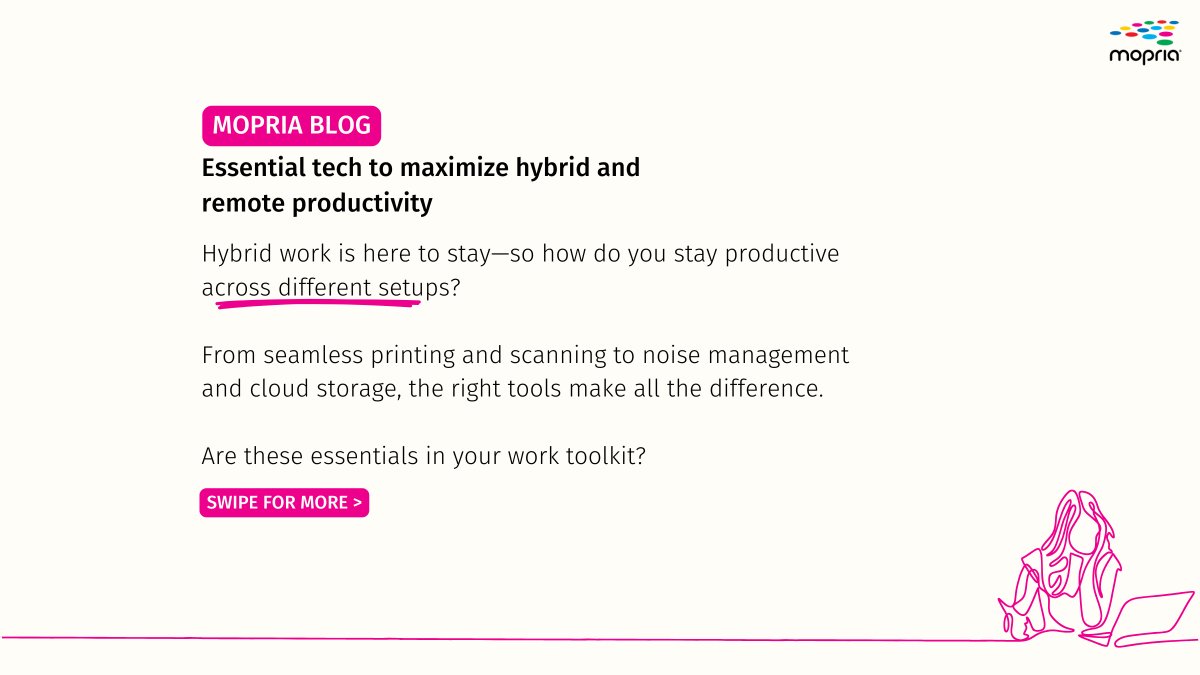
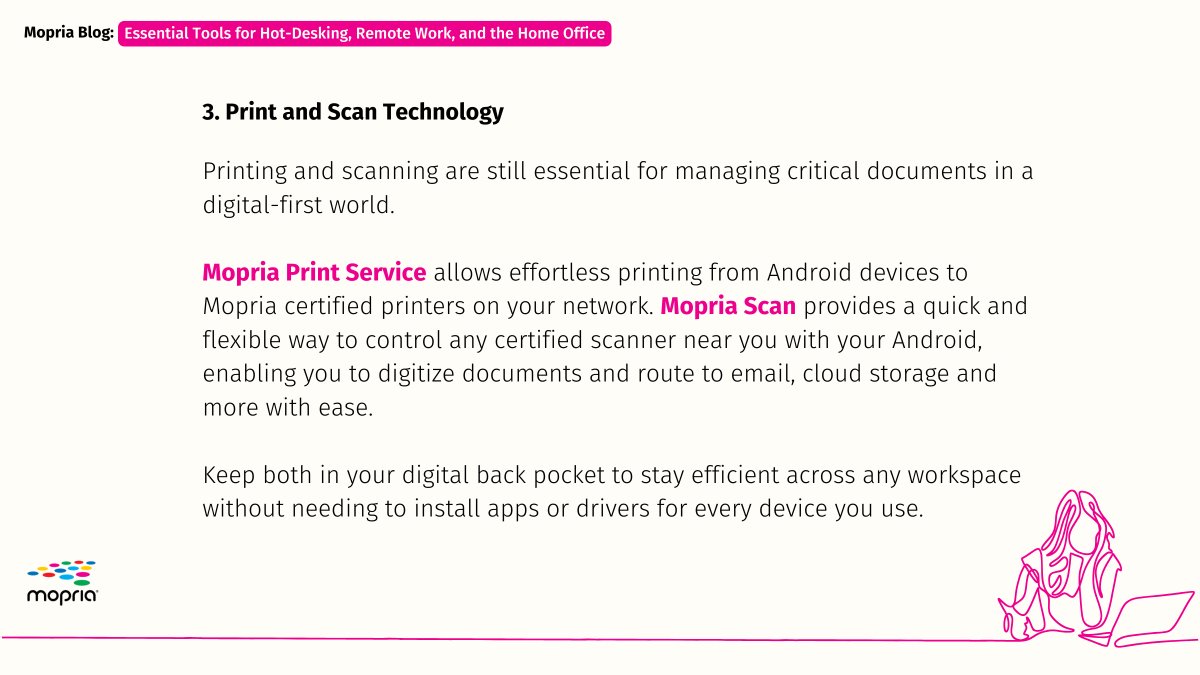
Ergonomic desk tools + smart apps like Mopria Print Service & Mopria Scan = remote work made easy. 🏡💻
Get tech tips for maximum productivity on our blog: https://t.co/qNbJHSTrFK
#productivity#remotework#hybridwork#Mopria
Big changes are coming to #Android's share sheet with Google Gemini! 🚀Discover how this feature streamlines the way you use Google's AI assistant, via @AndroidAuth: https://t.co/Rsq7kJthwg
Multitasking is easier than ever with #Android's picture-in-picture mode. Learn how to use it for videos, navigation, and more via @Lifehacker: https://t.co/6fS7CbXYL0
Connect to any printer, anywhere, with Mopria Print Service 🖨️📱
This single app simplifies your workflow! Dive into its advanced features on our blog: https://t.co/GZ39TS2KC9
Download Mopria Print Service: https://t.co/GtwUFhEQin