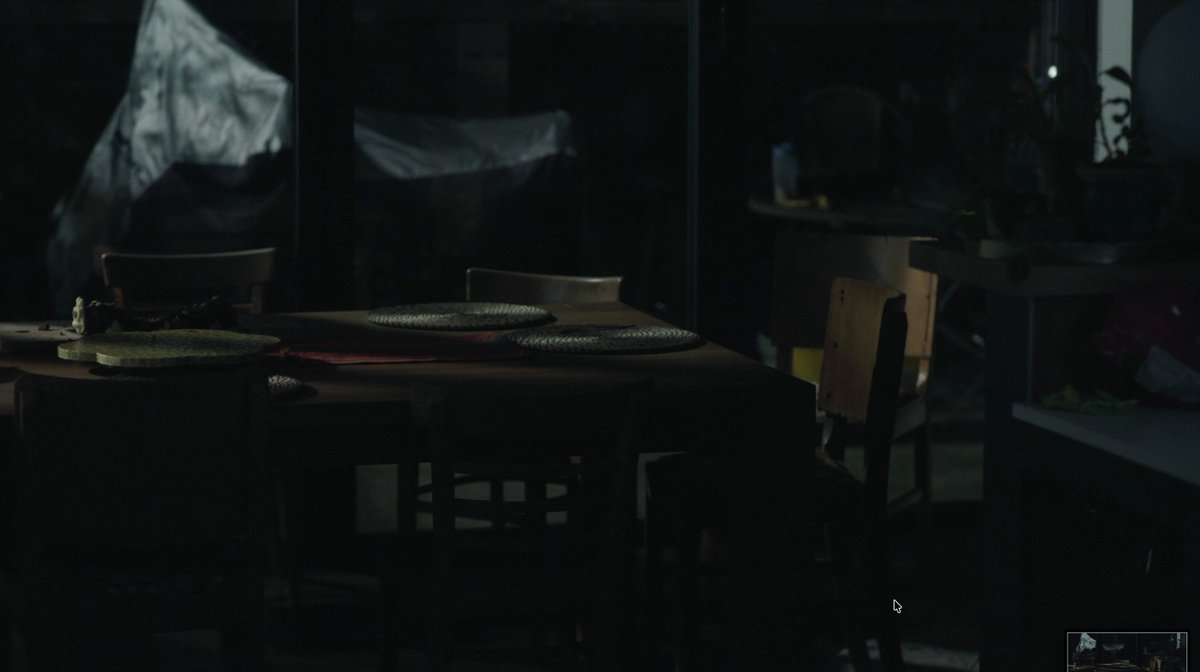
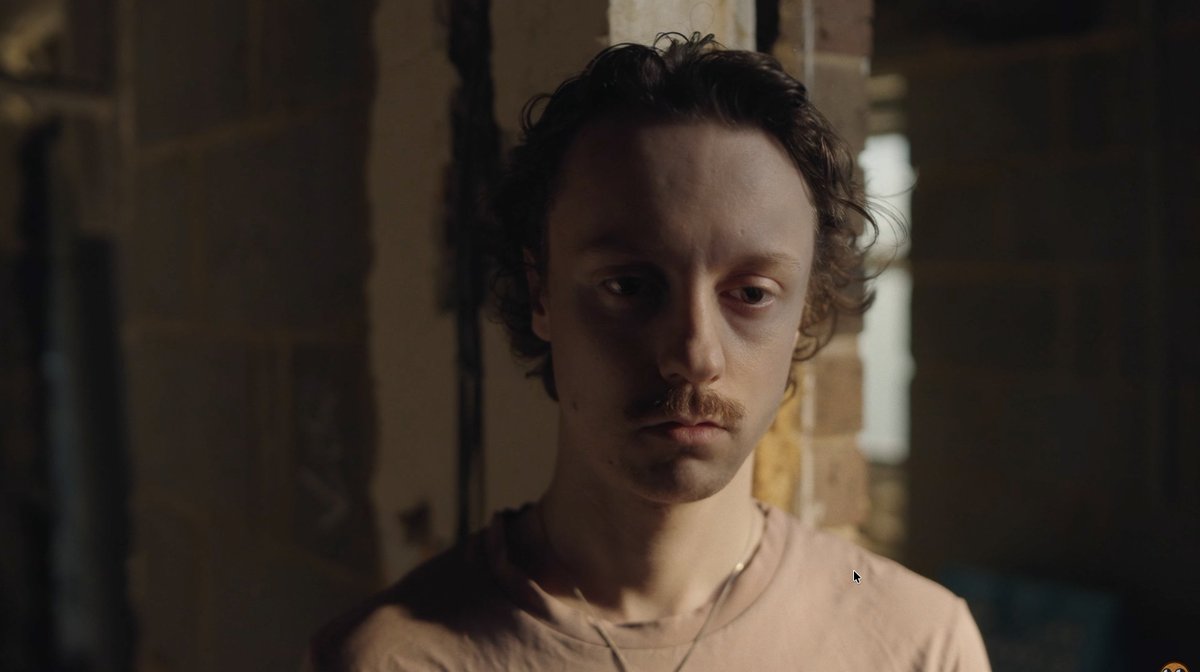
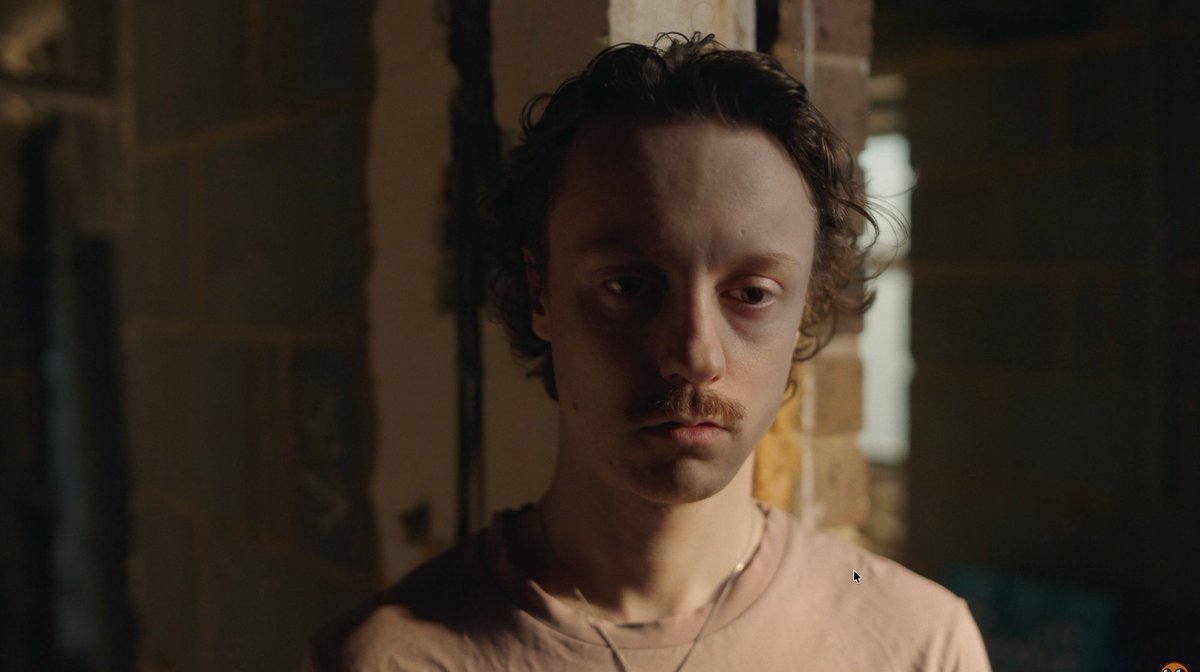
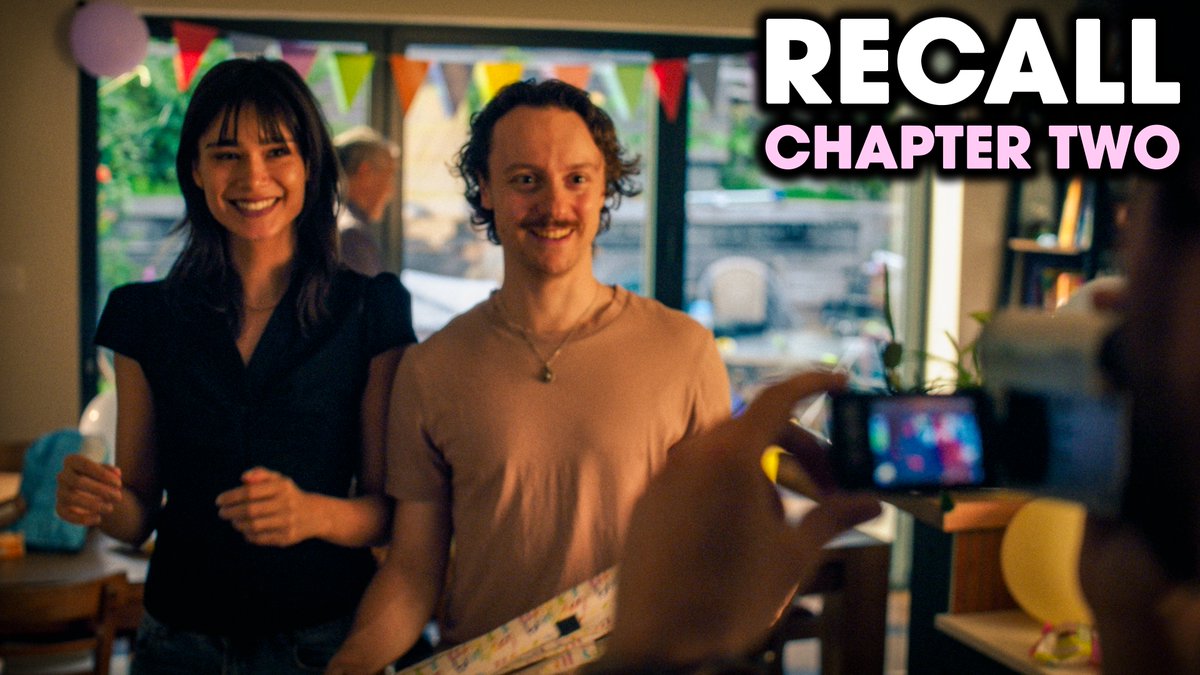
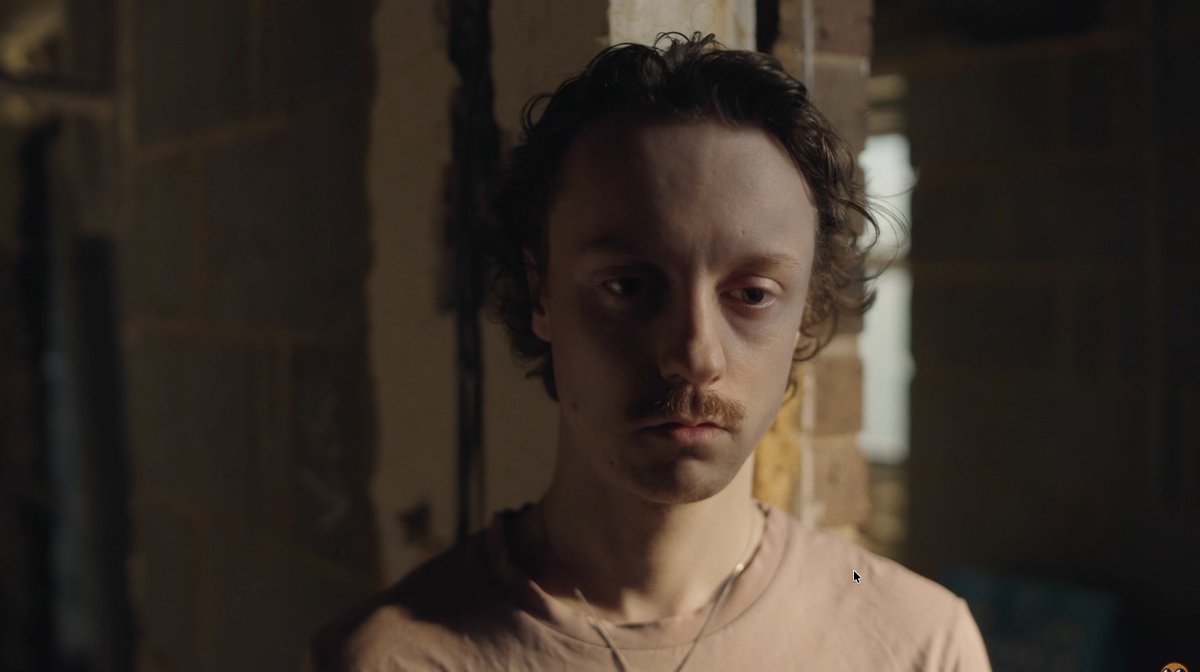
just posted the second part of my short film in collaboration with @remedygames to celebrate CONTROL Resonant launch LET'S GOOOOOOOOOOOOOO
it follows on from the chapter we posted before launch - hope you all enjoy it <333 :)
▶️ https://t.co/KMdHyWyMB6
still waiting for youtube to process the video properly, buuuut if all goes to plan, next chapter of my @ControlRemedy short film will come out tomorrow >:)
thank you both - really appreciate the thoughts. The suggestion around keeping in-progress versions off YouTube is super smart, will definitely be implementing that for the next project like this. Out of all the versions I've been testing, the only one that has seen any positive results is one from yesterday which I uploaded in upscaled 8K 422hq - and the cleaner compression is only visible when 8K is selected on YT player, doesn't also give it at 4K like the old v2 v3 v4 did - but still, it's progress.
The remaining weirdness I need to solve for is why there's this flicker issue happening - it seems to insert a clean, uncompressed frame at random(probably not actually random) intervals, which to the eye looks like the image is flickering. Seems to do it less with 10bit H264, but I haven't done an 8K H264 export yet so trying that now to see if it solves both compression and the flicker issues all in one vid. Crossing my fingers!
Gerald's video there is fantastic, but weirdly when I tested sharpening yesterday on my H264 tests, they all looked very weird - may have been the way I was applying the sharpen though (Premiere adjustment layer). Will look into it more for sure and if I do find anything interesting will report back in case it's useful for you guys to know too !!
have been having a SUPER weird time with youtube compression while working on my short film - any youtube experts able to weigh in here?
the attached video has some examples but the text summary is:
- uploaded 20 versions of short film
- shot on fx3/6, plan was to upload in prores422hq 4K
- versions 1-4 were slightly outdated versions of the edit
- v5 was finally ready to post but the compression quality on it nosedived compared to v2,v3,v4
- haven't been able to recreate the higher compression quality of v2-4 in ANY uploads since
- on PC, v4 looks good 👍 in medium shadows such as in the intro scene, but blocky 🚨 in the dark corridor
- on Mac, v4 looks good 👍 in the medium shadows AND good 👍 in the dark corridor
- on PC, v5-v20 looks bad 🚨 in any shadows at all, and blocky 🚨 in the dark corridor
- on Mac, v5-v20 looks bad 🚨 in the shadows and blocky (and flashes weirdly) 🚨 in the dark corridor
- no matter what settings I try, I can't seem to recreate the compression of v2, v3, v4
- part of me wonders if it's because they were uploaded close to the posting of an actual published video which might mean youtube gave us favourable compression for a few vids before reverting? I really don't know tbh
- note: the codec youtube is giving us for ALL the versions when displayed on windows are the same av1. on all mac versions it's vp9. doesn't seem to be caused by a codec difference
- have tried uploading in 8k, different colour space, adding sharpen, h264 instead of prores 422hq, prores4444, etc etc. nothing has brought back the compression quality of v2-4, they all suffer from same problem
- reuploading the source v4 file resulted in worse quality the second time seemingly?
any ideas here would be super appreciated, this compression flashing and glitching through the shadows has been the bane of my existence all week lol. @TeamYouTube would love if you could lend a hand here too
@DomDezGG yeah fully aware- the issue is I'm getting same OS, same export settings, same source material, same browser, 1 result of YT compression being clean 2 days ago, and now all results of the compression being garbage ever since :(
@Videophile@SirCrest footage graded in davinci, exported at prores422hq, rendered with sound in Premiere (for all versions; the old working ones and the newer not working ones)
actually watched Gerald's video on YT compression yesterday while trying to troubleshoot - phenomenal video but sadly the sharpening etc suggestions haven't helped this particular issue, seems to be the same issue no matter what. v2-v4 all fine, every version since messed up
the fact that on mac (vp9) I'm seeing uncompressed frames amongst the heavily compressed ones is very very odd to me: https://t.co/n1GLx9DGyn
any suggestions for ways I could experiment with tweaking export settings regarding keyframes? or should I just try a few exports with really low/really high keyframe interval for instance and see if anything changes
(just still so weird that I didn't do any of this for v2 v3 v4 and they were fine 😭)
more obvious here though: it's the compressed, blocky frame, then we get two uncompressed frames of different colours (???) and then back to compressed. @TeamYouTube what would cause this sort of glitchiness?
@Videophile@SirCrest 🙏 any ideas would be vv appreciated Brett! have just discovered that the Mac flicker is happening because it's inserting less-compressed frames in amongst the majority of the much more soupy ones, but those v2 v3 and v4 versions never did this. So confused :')
more obvious here though: it's the compressed, blocky frame, then we get two uncompressed frames of different colours (???) and then back to compressed. @TeamYouTube what would cause this sort of glitchiness?
VERY weird discovery - on mac (vp9), the flickering I'm seeing (one of two problems; flicker, and blockiness) is actually a much LESS compressed frame sneaking in amongst the compression...
dnxhr hxq example here: these frames all play back to back...
@HeavyEvil am aware colours are different between mac and PC - that's why I used mac to mac and windows to windows comparisons above. Same export settings with same LUT etc behaving differently in different uploads on same system is my main issue
working flat out night and day to get this next chapter of the short film out, just a few more passes on colour and sound and then it'll be ready and we can ship it. excited for you all to see it!!!!!!!! :)
Today, we’re sharing more about the future of Bungie, including our plans for Destiny, Marathon, and how we’re changing the way we work.
Read more on https://t.co/ZkmLWmaQZr: https://t.co/QbDwADGinr