Have you experimented with the latest #GoogleClassroom mobile features🤳?
-Offline mode now offers greater accessibility
-Smart image capture enables easier assignment submissions, and
-Mobile grading is more seamless than ever
More details here ➡️https://t.co/vUQiGRQi1I
Love the new Smart Chip feature on Google Docs (May work elsewhere…). Type the @ symbol and link to other users, calendar invites and work #edutwitter#smartchip
Exciting news coming from Google Classroom this week. By the end of the year, you will be able to schedule multiple assignments (a big bear of many!) #edutwitter#googleforedu
Want the font to match that already on the document after copying something? Press Ctrl Shift V for it to match the font already in the document. Enjoy! #edutwitter
Computing teachers & educators, we're pleased to announce: The Big Book of Computing Pedagogy 🎉
It's a compilation of our favourite pedagogy-themed Hello World articles, plus a few never-seen-before features! #CSEd#STEMEd
Download for FREE today: https://t.co/MGc9ZqviK1
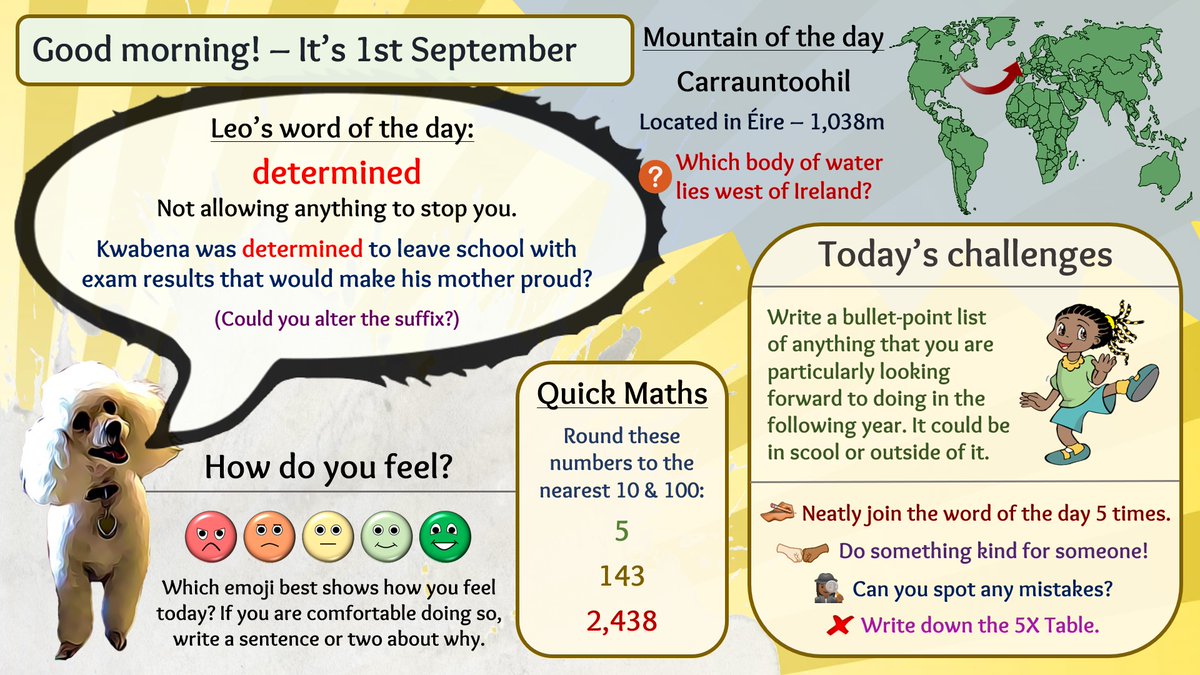
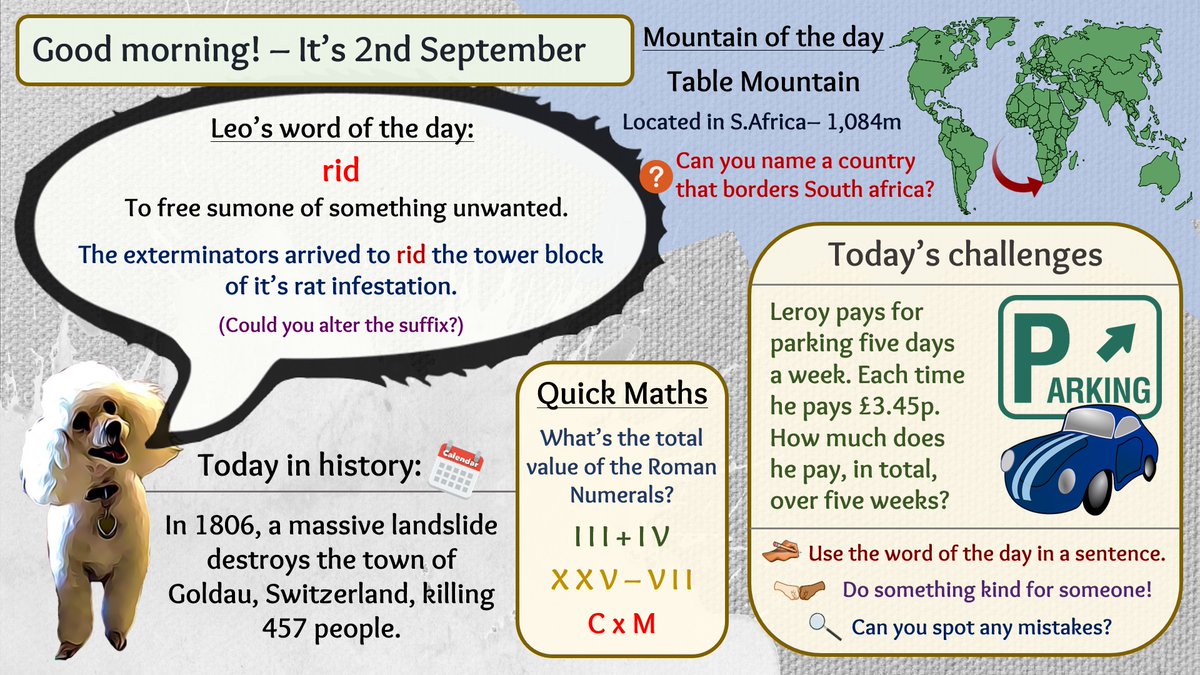
Proud moment 🤩 After dedicating HUGE amounts of time to https://t.co/L4v9mIKCIq over the past 3 years, there are finally two complete calendars. One offering a daily set of challenges for 7-9yr olds and one for 9-11yr olds. Come & check it out for yourself, primary teachers! 😍
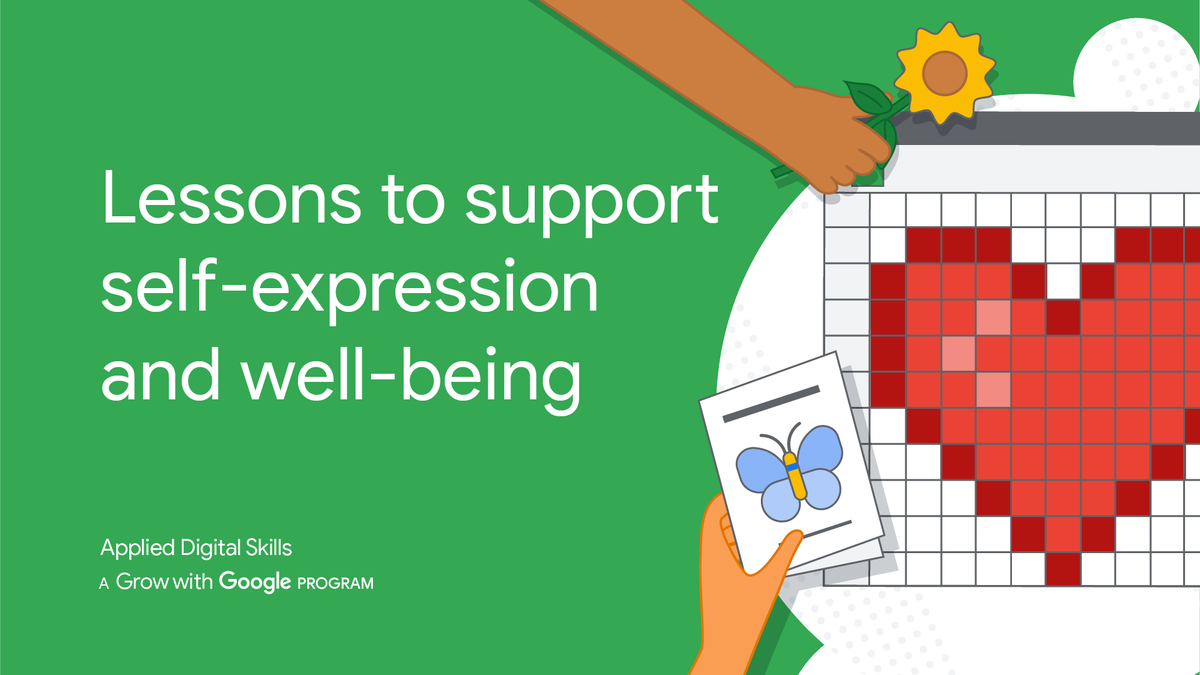
Our latest collection of #AppliedDigitalSkills lessons will help you & your Ss prepare for the return to the classroom, whether that looks like 🏫 or 💻. Discover lessons to support well-being, develop time management skills, and more: https://t.co/wwo4uVmUAb #GrowWithGoogle
Ease into the new school year with #AppliedDigitalSkills lessons to spark creativity and support your students' emotional well-being:
🗺️ Create a mind map
🎨 Design a vision board
👾 Make pixel art with #GoogleSheets
Learn more: https://t.co/pR5byD7MsK #GrowWithGoogle