How to Add a Nickname in MultiUnit in 4 Steps
1.Connect your wallet.
2. Click on your profile (top right).
3. Enter your nickname (max 10 characters).
4. Click Save — that's it!
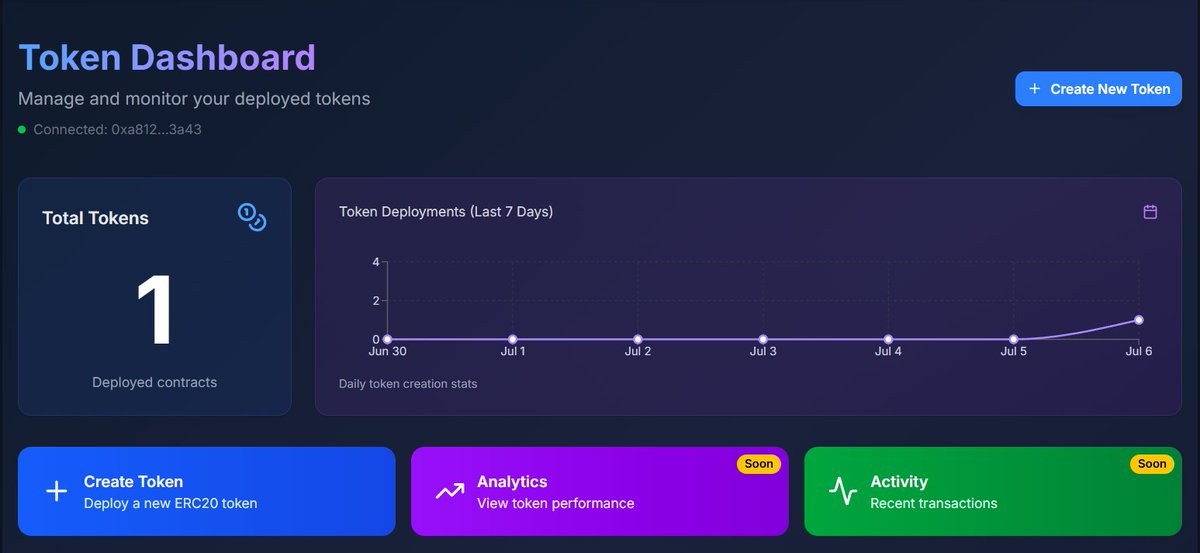
You can now access the Dashboard page to view your token creation stats, including the number of tokens you've deployed and detailed information about each one all powered by MultiUnit.
🔗https://t.co/7gJbHOoMQ7
🚀 MultiUnit's New Token Creation UI is Live!
Experience a smooth, user-friendly interface that makes creating tokens easier than ever.
💸 It's still free — but not for long!
Create your token now before free access ends.
🔗 https://t.co/7gJbHOpkFF
🚨 $M is now live on Uniswap!
The liquidity pool is officially open — you can now trade $M directly on Ethereum.
🧪 Explore the token:
🔗 https://t.co/nzOl22DvTN
⚡ Dive into the $M ecosystem early!
🚀 Coming Soon: $M Token on Uniswap!
Get ready to trade $M — our official utility token — directly on Uniswap. Stay tuned for the official launch Very Soon 🔥