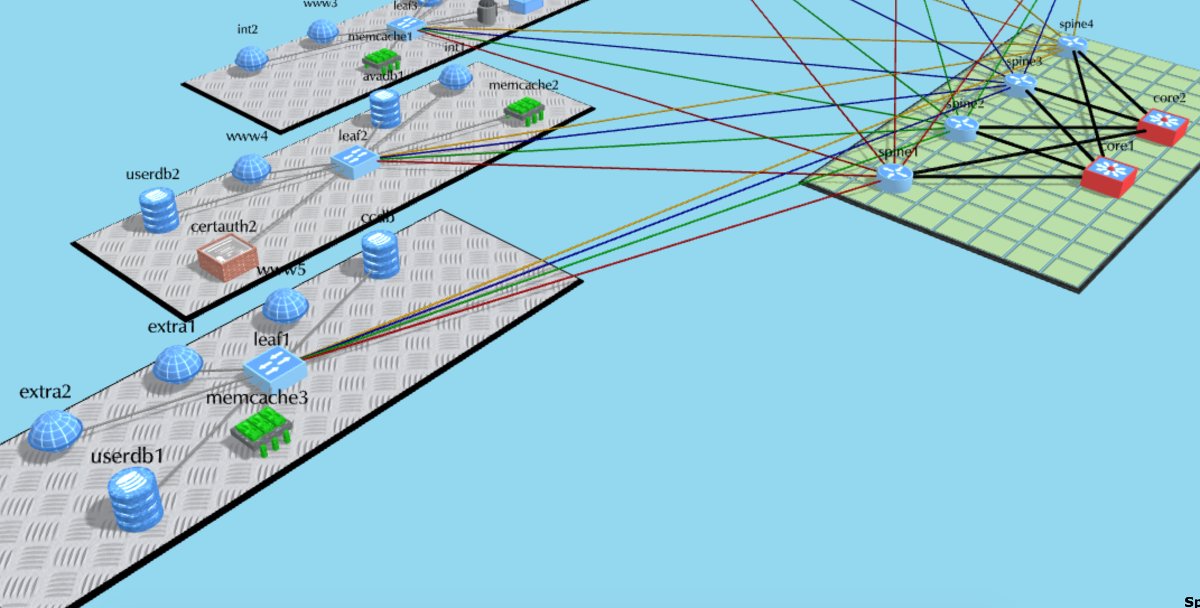
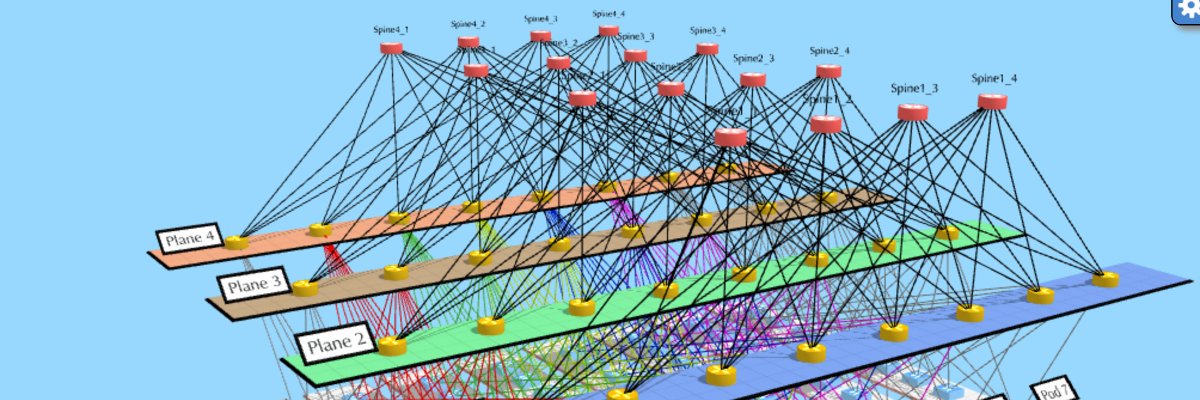
Hey everyone! After taking some personal time, I’m back to working on NetworkMaps 🙌. Excited to dive in again and bring some fresh updates your way 🚀. Thanks for your patience and support—it means a lot 🙏. Let’s do this! #OpenSource
New features added to NetworkMaps. Quick access toolbox that autofills with the most used tools.
This should speed up the process of creating diagrams reducing the time we use navigating the menu.
Ever wanted to create amazing 3D Flow Diagrams just like your network diagrams? Now you can with https://t.co/j0DK8TCsNJ 🚀👍
The open source 3D diagramming tool for everyone in the world!!!
New features on our 3D network diagrams. URLs on elements, non-network diagrams, multiline names, descriptions, searches, and multi object editing are just a few of them. We'll continue adding more features.
Join our next-gen 3D network diagrams at https://t.co/j0DK8TCsNJ
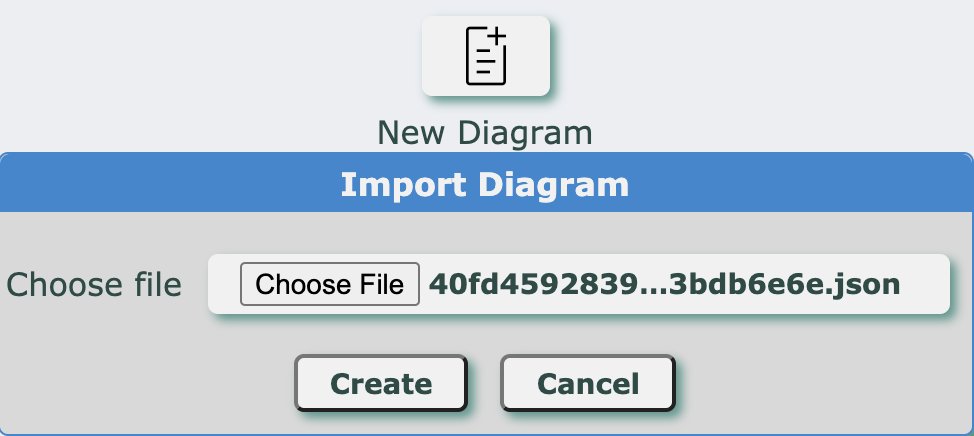
Now NetworkMaps lets you export your network diagrams into JSON files as well as importing them.
What will come next? Device config generation? Device/interface monitoring? More shapes? What would you like to see?
NetworkMaps 3D Shape Editor is finished (the first version). Now you can create your own 3d shapes for your #network#diagrams (documentation pending :( ). Try it now at https://t.co/j0DK8TCsNJ
I've almost finished the initial version of the 3D shape editor. This feature will let you create your own 3D shapes to be used later on your #diagrams. I hope it will be ready in 1-2 weeks.
Latest Update: Now you can share your #network#diagrams with everyone (link sharing in Read Only mode).
Check this live DC network diagram:
https://t.co/8P4U3v7Daq
#NetworkMaps new release 🛠️. Now NetworkMaps can be integrated with your LDAP infrastructure for user authentication. Added also an admin CLI to manage users and your #3D#Network#Diagrams. More details at https://t.co/j0DK8TCsNJ
Now #networkmaps has a library to programmatically create and edit your 3D network diagrams. Documentation is here: https://t.co/uEP0VRgtx4. In the following days I'll update the documentation with examples on how to use it and how to access the API directly.
So, what is a #network#diagram without arrows pointing on the direction of flows? For that, I've added arrows as the new element you can use on your diagrams. You can find them under the "Symbols" menu. https://t.co/BJLdSlOf2E
After countless hours of work, I've finished all the base functions of L3 diagrams 💪.
New features: copy and paste format of elements, to make it easier to mass-change colors, and shapes of elements on your #networkmaps 🚀.
Check it at https://t.co/j0DK8TCsNJ