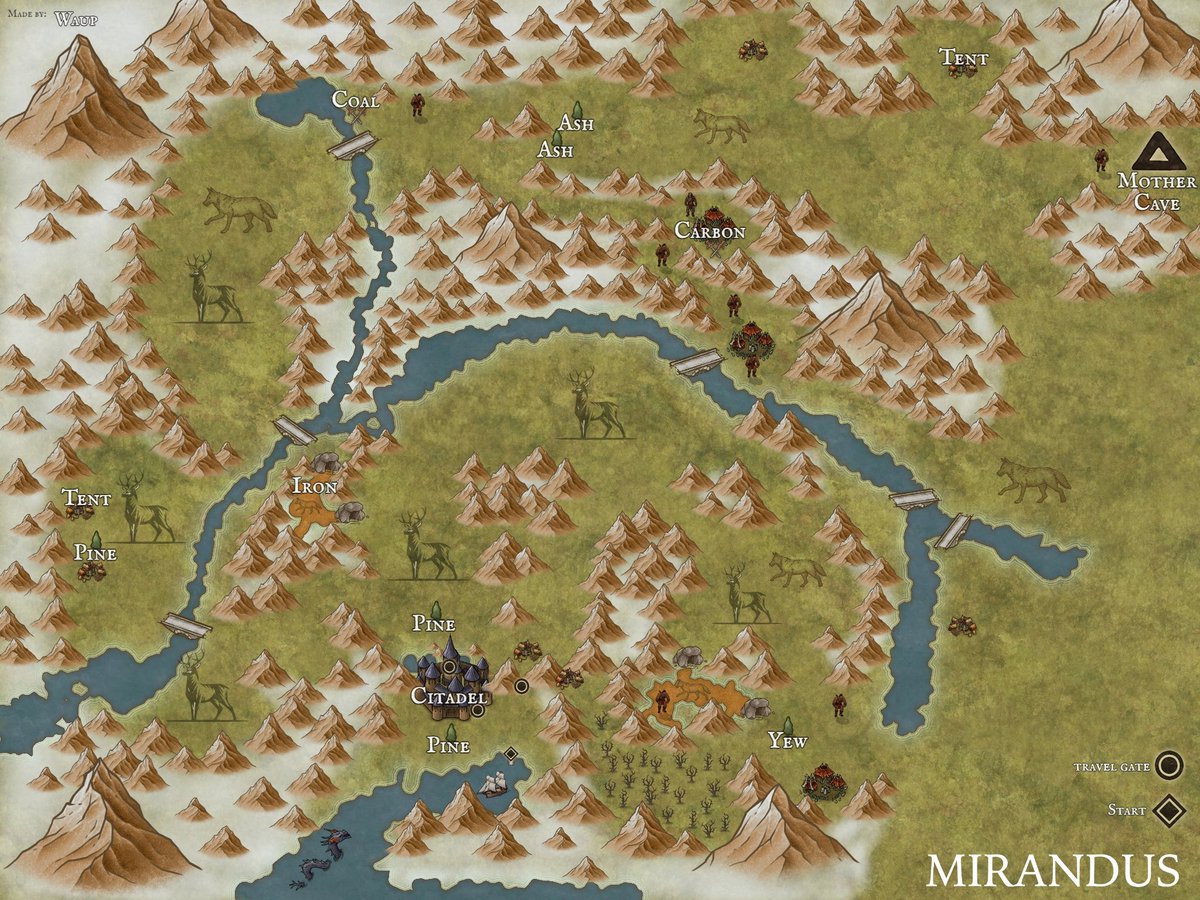
Seeing the whole process and organization behind the Server First Mother Kill last night is really special.
Feels like a bit of @MirandusGame history.
https://t.co/NDK8XAYuCH
Quick lesson on how to get your $GALA to show up in Metamask.
Go here and scroll down to the "Add a Custom Token" part:
https://t.co/8VPeI0Z6RX
1.) Click on your "Assets" tab in Metamask
2.) Click on "Import Tokens"
3.) Click on "Custom Token"
4.) Add this contract address: 0xd1d2eb1b1e90b638588728b4130137d262c87cae
5.) It should auto-populate, but if it doesn't, it is 8 decimals
6.) Click "Add Custom Token"
That is it! Enjoy interacting with your $GALA!
Not at #VeeCon 10 minutes & who do I see... @justshockey 🤩
Thank you for sharing your time & talent! Cannot wait to see you on stage!
#GalaFam the Best Fam!