We just improved NoteForms database views 🔥
The Open Link Button now works even when the URL column is hidden — so you can keep your database clean without losing functionality.
Cleaner UI, same powerful workflows.
https://t.co/3ebCpTlAVs
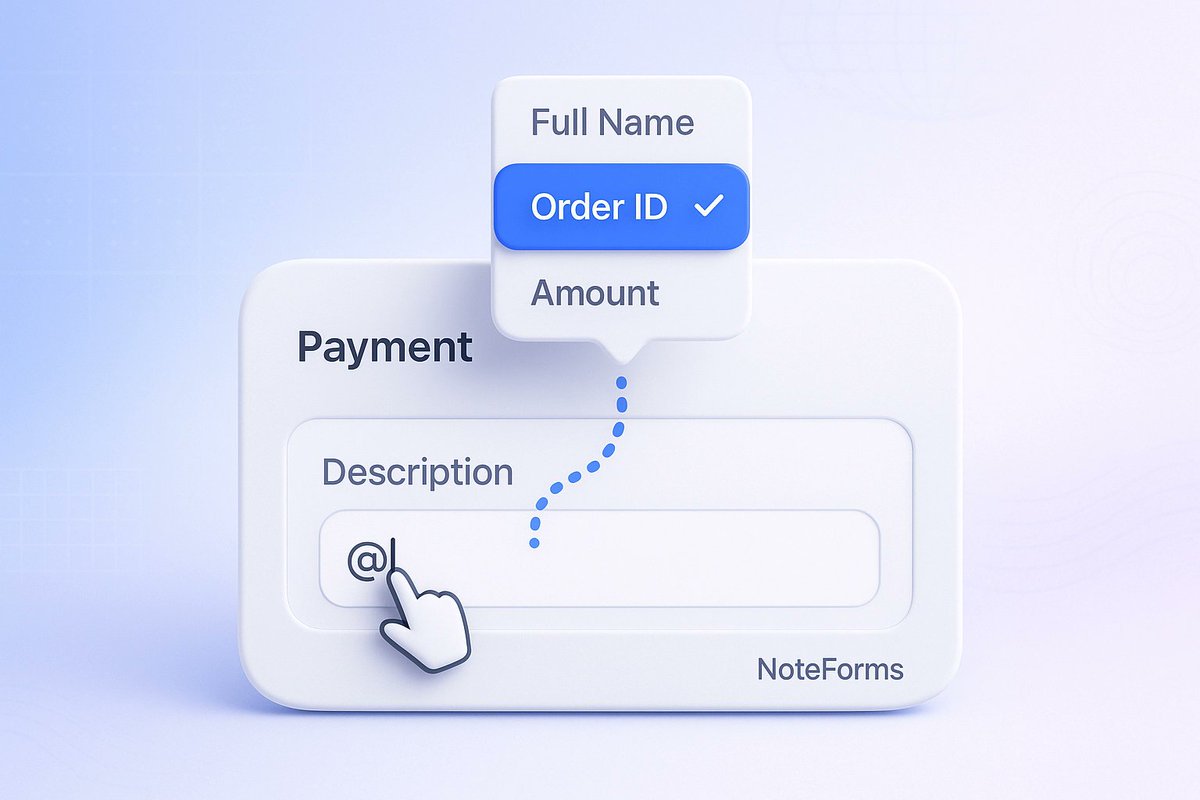
💳 Mentions in Payment Block are here!
Use @mentions to automatically insert submission data into payments in NoteForms. Fast, easy, and personalized! ✨
https://t.co/mJw6vsKOro
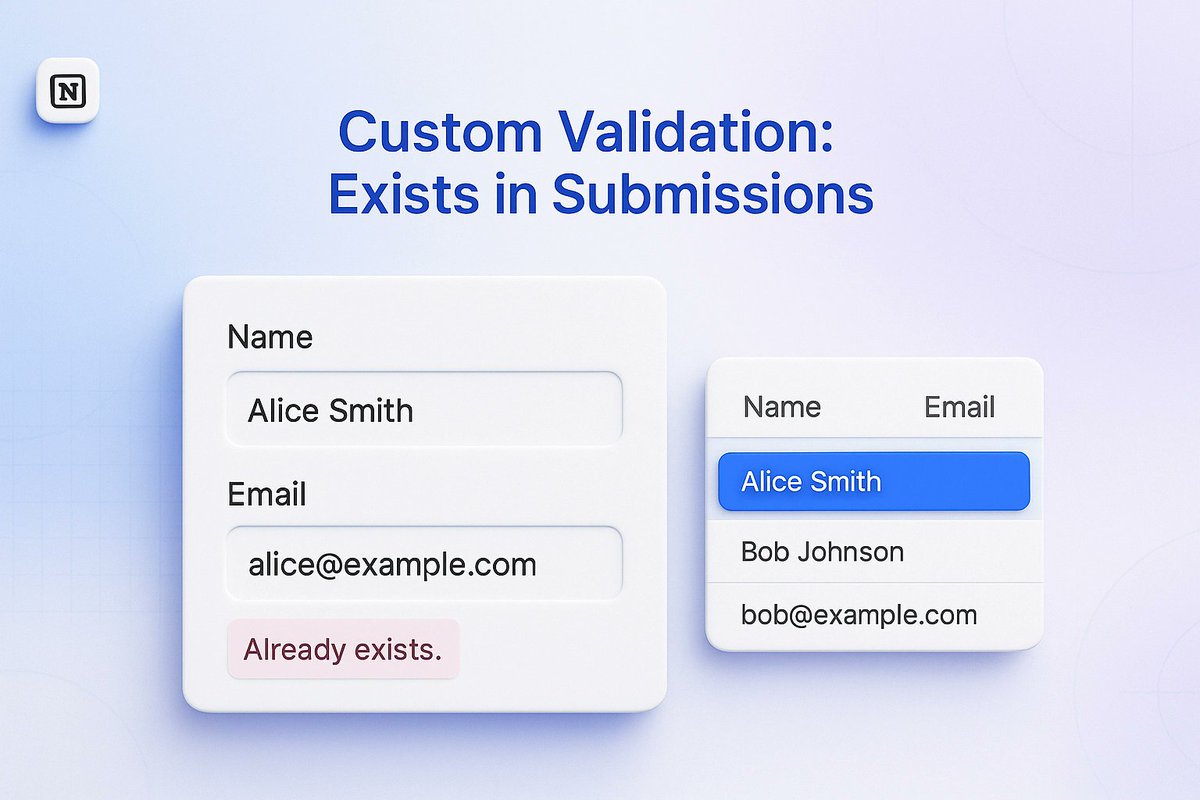
🔒 Custom Validation “Exists in Submissions” Expanded in NoteForms!
Now works for most fields—emails, numbers, select fields, relations, and more. Keep your forms duplicate-free effortlessly! ✅
https://t.co/lNj6bipr5f
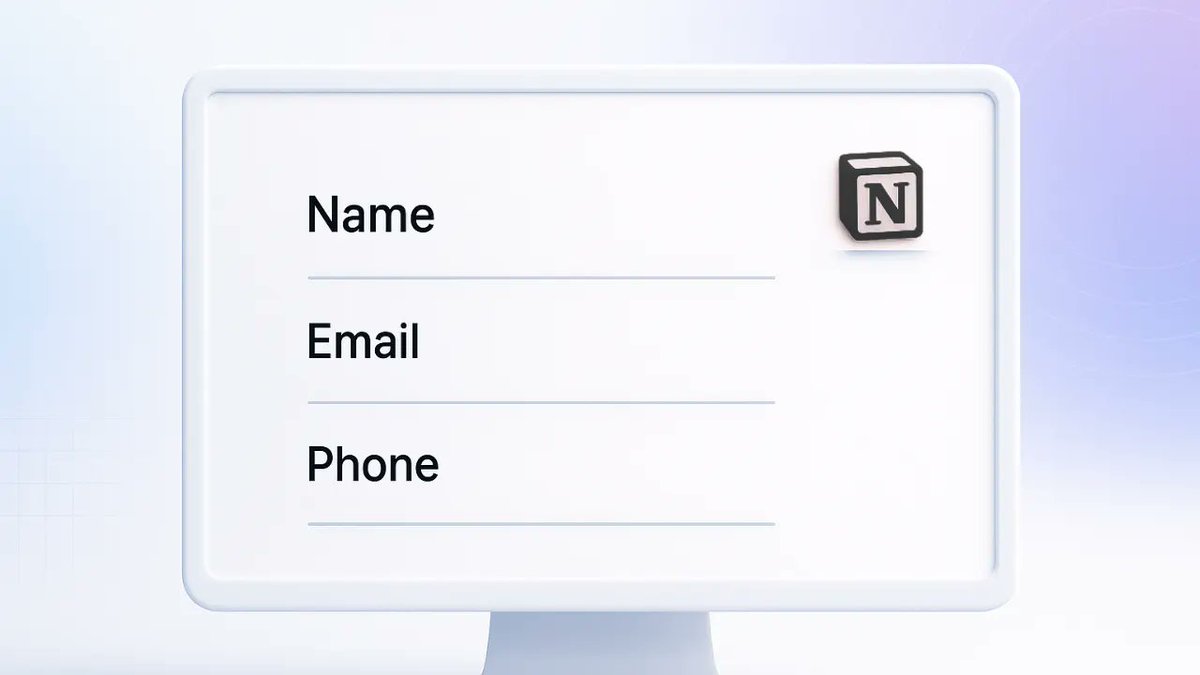
🎨 New Transparent Form Theme in NoteForms!
Make your forms clean and modern with just a bottom border — no radius needed. Ideal for sleek and professional forms! ✨
https://t.co/iY7pQnOIId
🎲 Randomize Options in NoteForms!
Shuffle dropdowns, checkboxes, and radio button options to reduce bias in surveys, quizzes, and polls. ✅
https://t.co/gKW6NtxjEc
🧩 New in NoteForms: Create Notion Pages Using Templates!
Automatically apply your Notion page templates to every form submission—consistent layouts, zero manual work, cleaner databases ✨
https://t.co/TDCbQck6e6
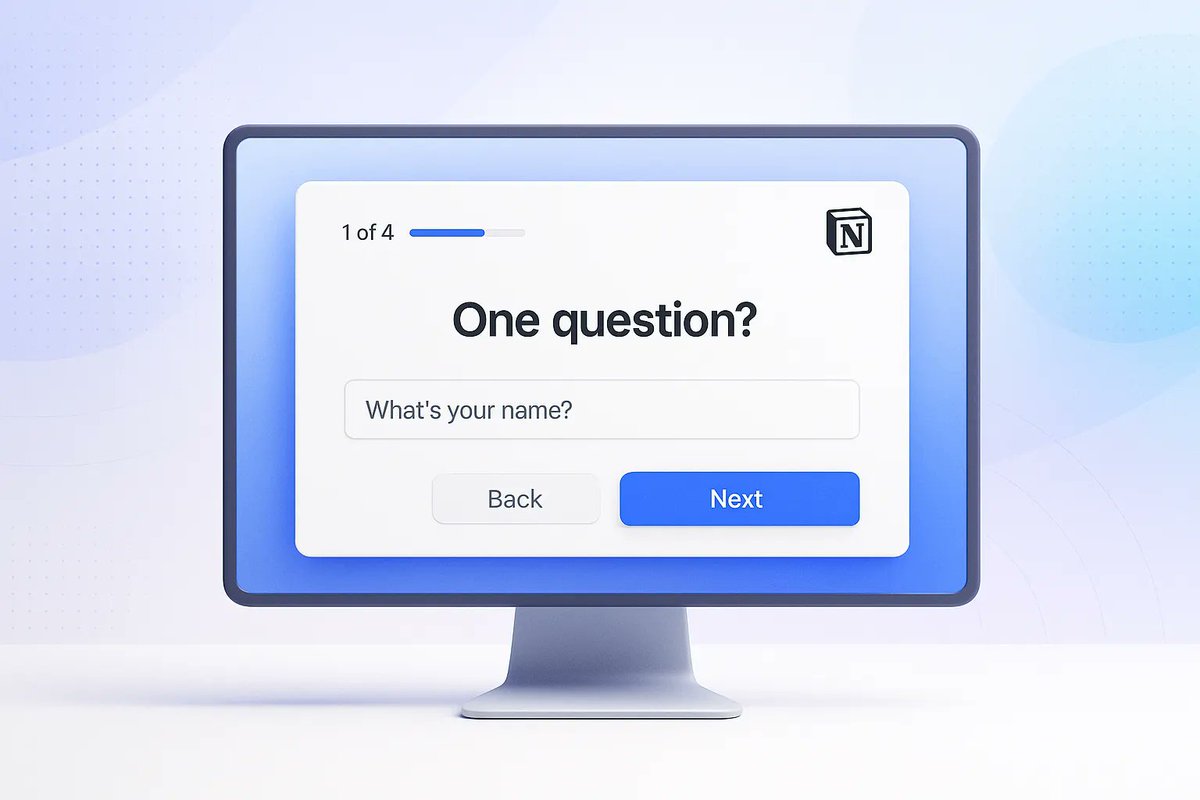
New in NoteForms 🧭
Create Typeform-style forms with Focused Mode — one question at a time for a simpler, mobile-friendly experience. Add images, show progress, and keep everything synced to Notion. Try it now!
https://t.co/yh2pbMLkbk
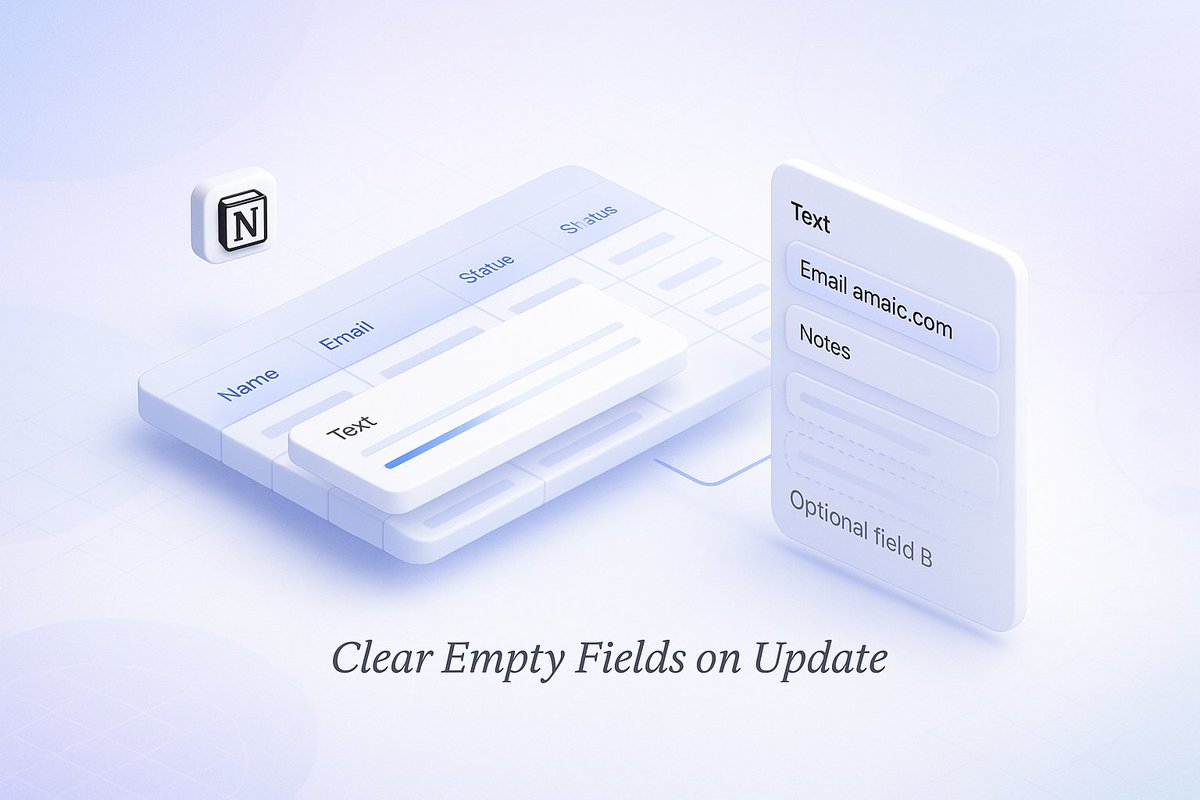
Keep your Notion database clean—only when you want to! 🧹✨
You can now enable an option in NoteForms to clear empty fields whenever a respondent submits an updated entry. Perfect for profiles, registrations, and repeat submissions.
https://t.co/odi0YQMDgk
Plan smarter with the new Calendar View in NoteForms! 📅 See your entries by date, drag to reschedule, and manage events, deadlines, or bookings—all from Notion. Learn more
https://t.co/dAHjGCwlwp
Learn how to use subforms in Notion with NoteForms! Easily create database relations directly and streamline your workflows in Notion like a pro!
https://t.co/Kd4J4BMNXh