Sometimes, you just need to ask.
Pallyfi OnCall lets you ask accessibility questions, review ideas, analyze content, and get guidance, all through one simple conversation.
One chat. Many accessibility needs.
Accessibility work shouldn't stop at identifying a problem.
Give your development team a workflow that makes it easier to move from an accessibility finding to a reviewed, actionable change, while keeping humans in control.
#Pallyfi
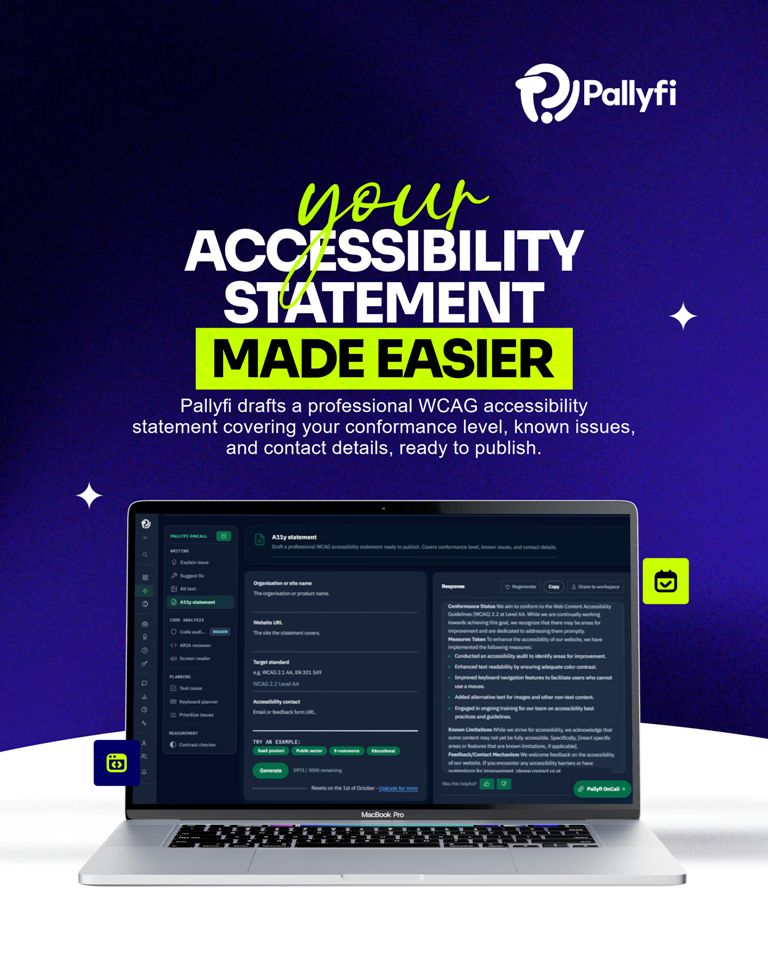
Most teams either skip their accessibility statement or copy someone else's boilerplate. Pallyfi OnCall drafts yours from your own conformance work, ready to review and publish.
#Pallyfi
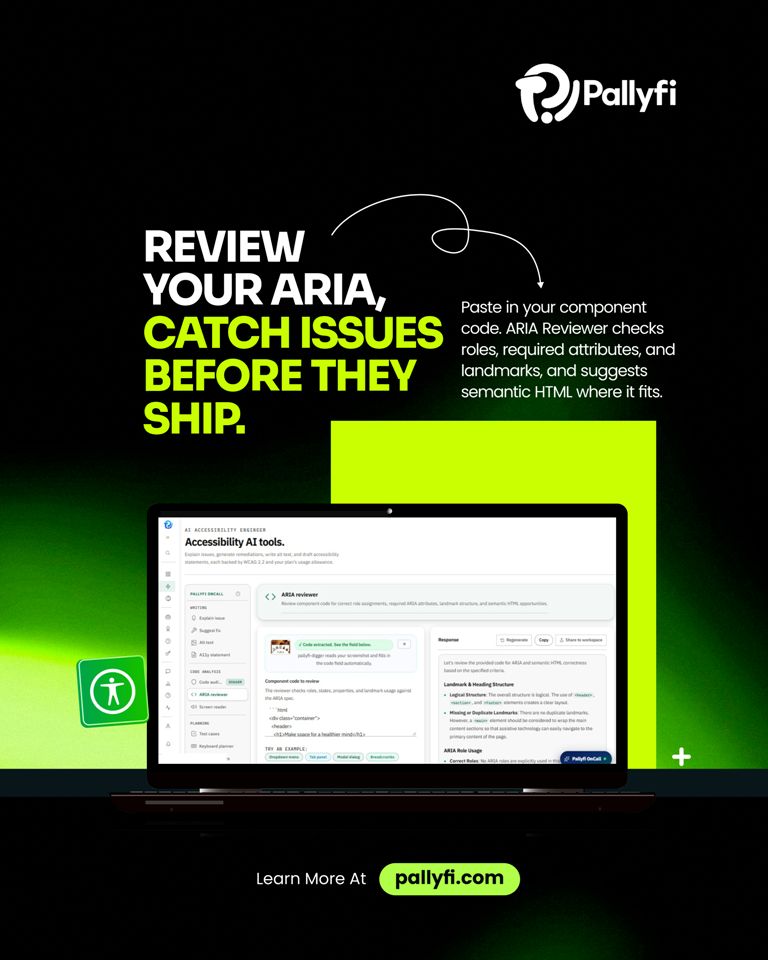
Wrong ARIA can make a page harder for screen reader users than no ARIA at all. Catch those mistakes before they ship with Pallyfi's ARIA Reviewer, backed by WCAG 2.2 so your fixes are grounded in the standard, not guesswork.
#Accessibility#Pallyfi
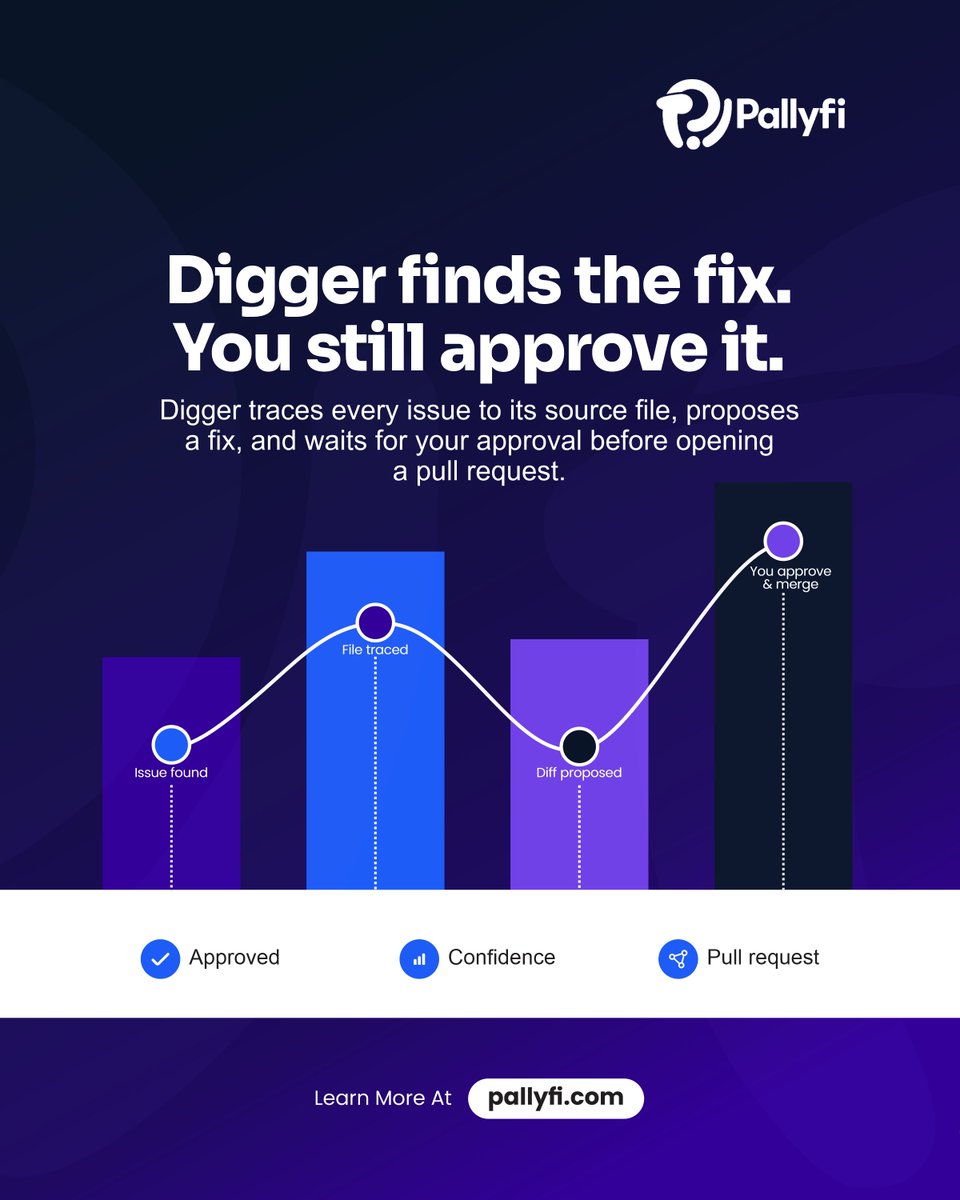
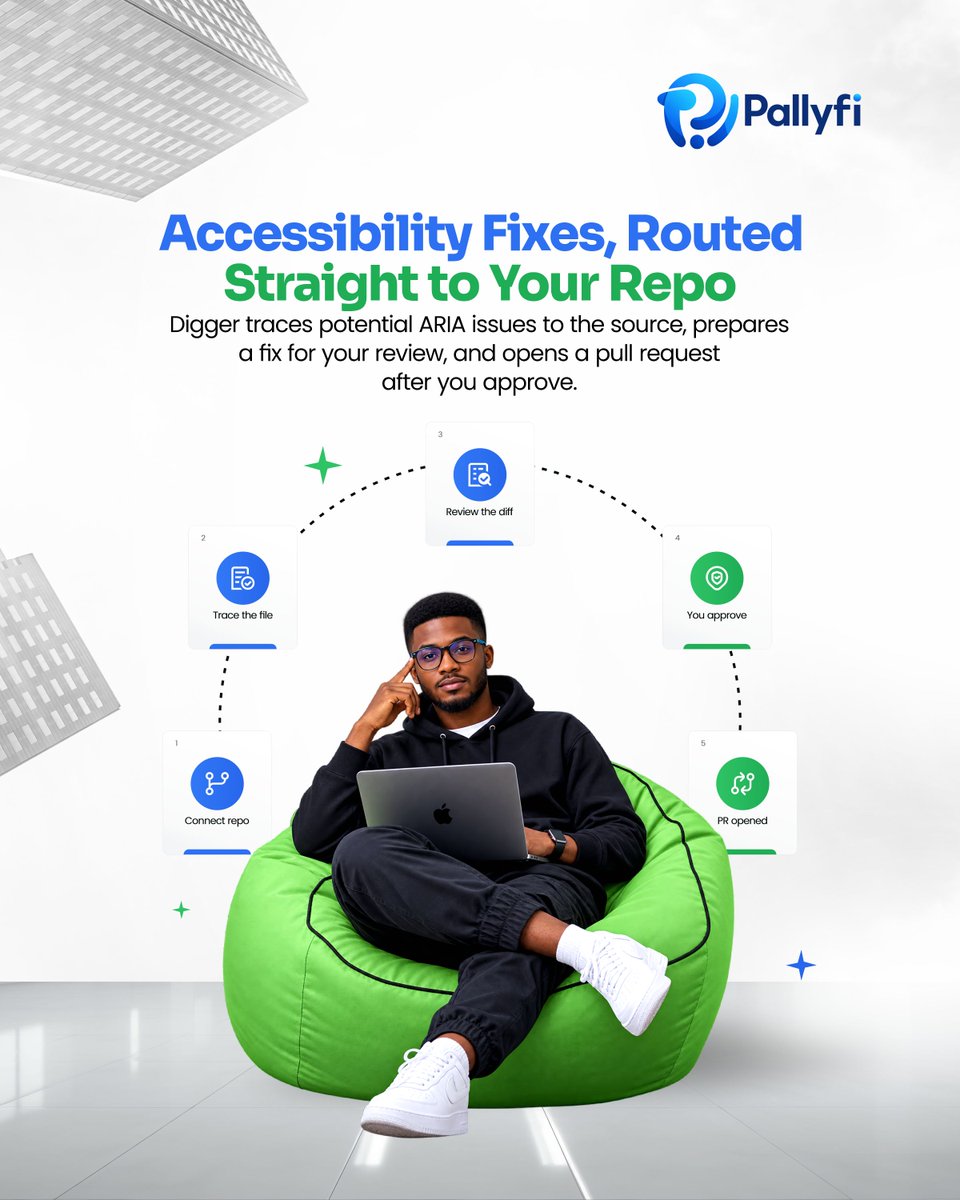
Every fix Digger proposes comes with a clear path back to you, it traces the issue to its source file, drafts the fix, and waits. Nothing becomes a pull request until you approve it.
Learn more at https://t.co/gS3ZYhoHnh
#Pallyfi#A11y
Manual audits only catch what you remember to check. Pallyfi connects to your repo and scans the codebase itself, surfacing violations with the source file, root cause, and fix attached.
#Pallyfi
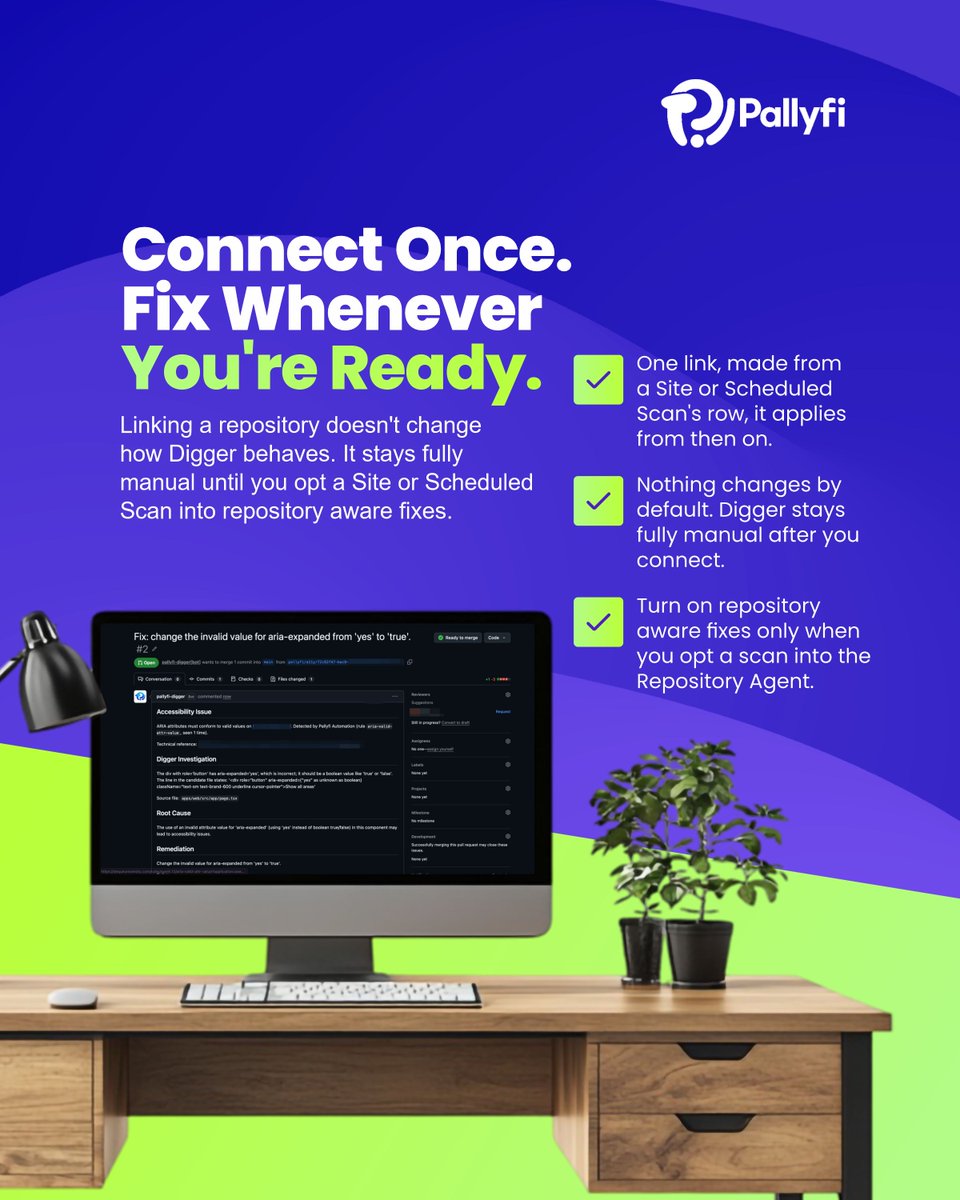
Nothing ships without you. Digger connects to your repository once and stays fully manual from there, every fix gets your review, and auto-merge stays off by default.
#Pallyfi#WebAccessibility
Connecting a repository doesn't flip a switch. Digger stays fully manual until you decide a scan is ready for repository-aware fixes.
#Pallyfi#WebAccessibility#A11y#GitHub
Connect a GitHub repository to a Site or Scheduled Scan, and Pallyfi Digger finds the exact file behind a failing element, then proposes the fix as a real pull request. No more manual digging through your codebase to trace an issue back to its source.
#Pallyfi
Experience your website through a screen reader. Better accessibility starts with testing beyond what automation can see.
Test beyond automation. Build for everyone.
#Accessibility#Pallyfi
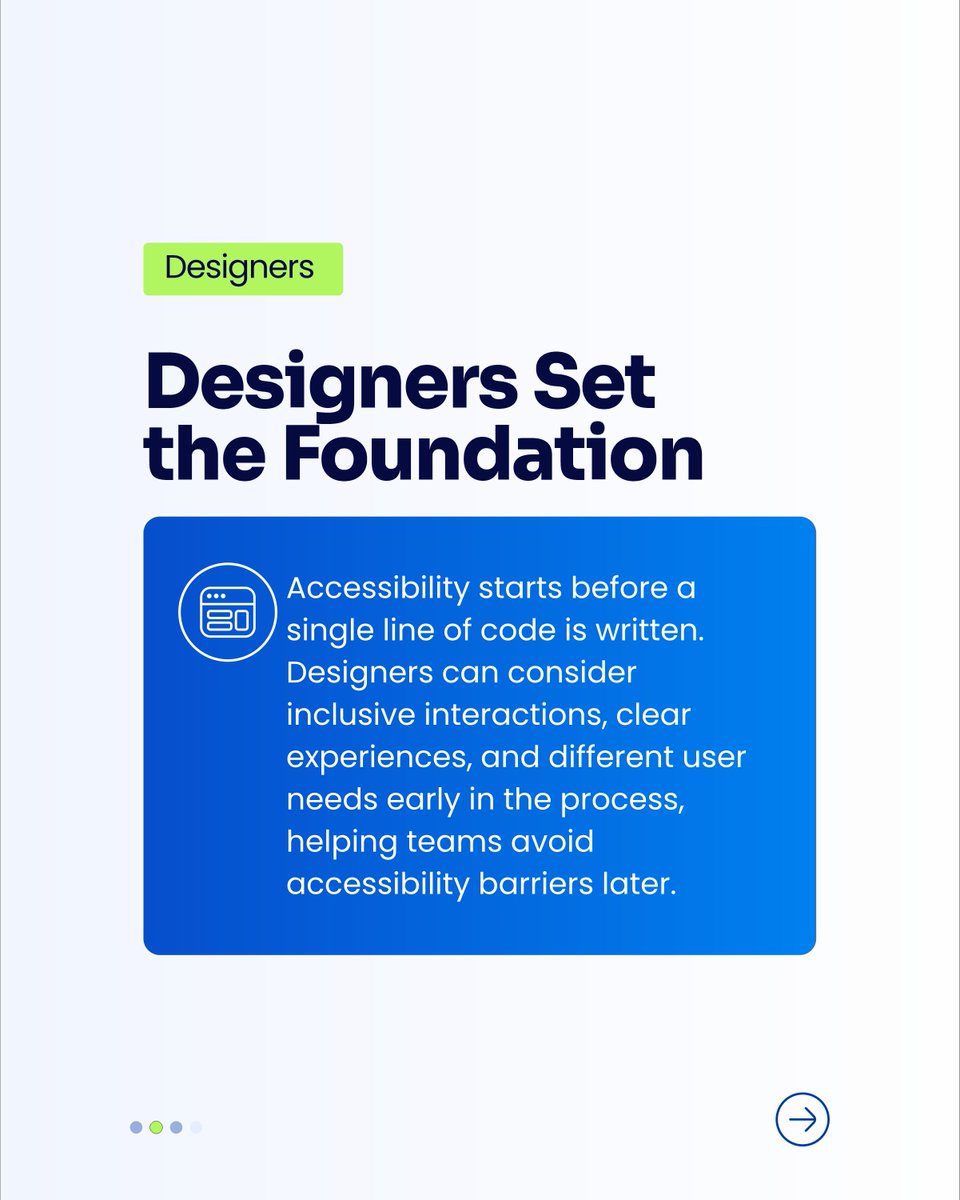
A truly inclusive digital world starts with thoughtful design. From adding meaningful alt text to ensuring strong color contrast and enabling keyboard navigation, small accessibility improvements can make a big difference.
#Pallyfi
Pallyfi-digger runs the real axe-core engine on your code, identifies accessibility violations, explains what’s wrong and why it matters, then provides copy-ready corrected code to help you move from issue to fix faster.
#Pallyfi
Writing meaningful alt text shouldn't slow down your workflow.
Pallyfi uses AI to help generate concise, purpose-aware alt text for your images, making accessibility easier to build into your content and products.
Finding an accessibility issue is only the first step. With Pallyfi, you can understand the problem and get clear, copy-ready guidance to help your team fix it faster.
Find it. Understand it. Fix it.
#Pallyfi
Pallyfi goes beyond identifying accessibility problems, it traces the root cause and gives you corrected code ready to ship. Less guessing. Less manual debugging. More accessible experiences, faster.
#Pallyfi
Detect accessibility issues. Understand their impact. Fix them at the source with Pallyfi.
From automated scanning to Pallyfi OnCall and Digger, Pallyfi brings accessibility into one connected workflow.
Detect. Understand. Fix.
https://t.co/VozDN6mq3W
https://t.co/92kiHL0vxY
Accessibility findings can be technical and difficult to interpret. With Pallyfi, you can turn an accessibility finding into a clear, plain-language explanation of the root cause, affected users, and relevant WCAG criterion.
#Pallyfi