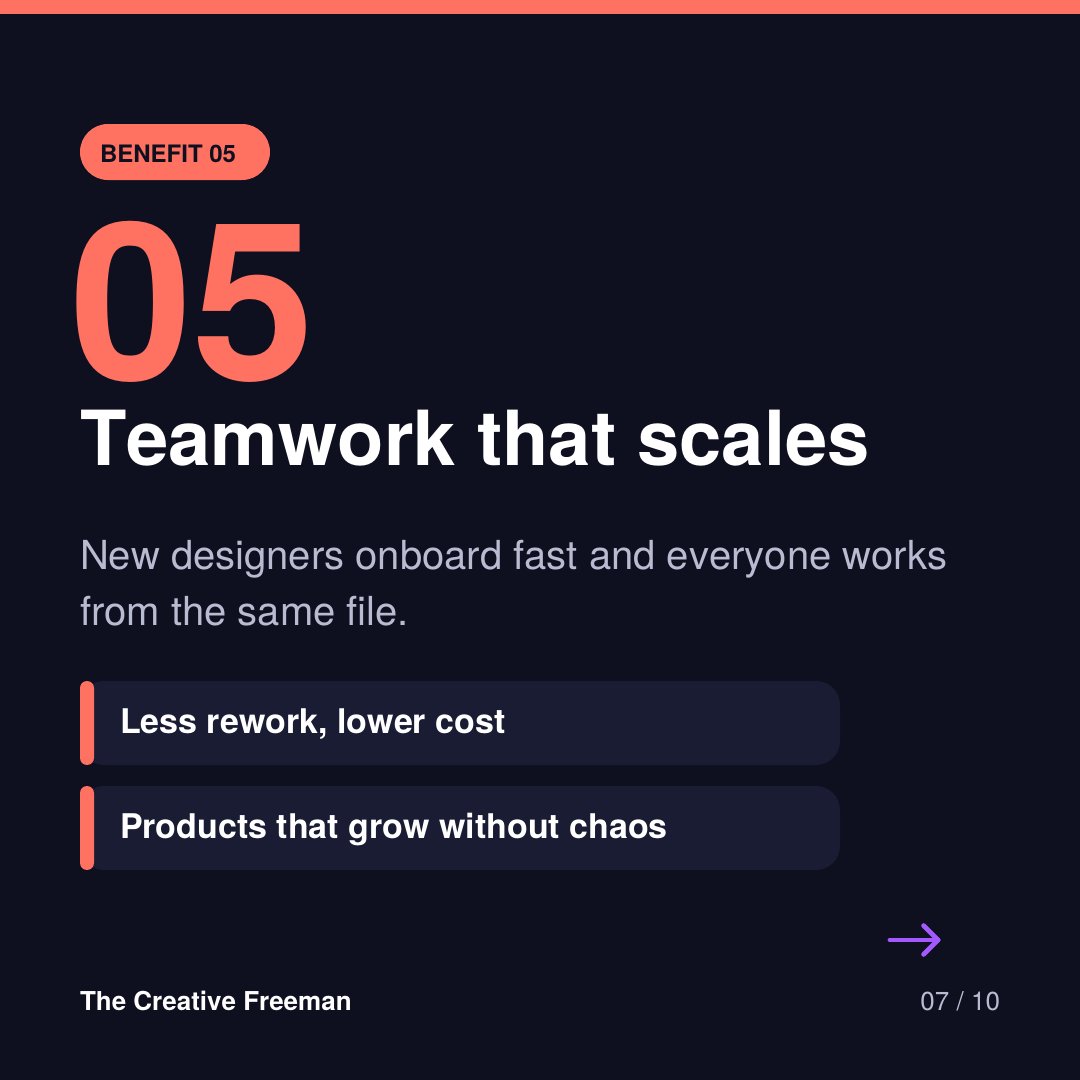
Design systems in Figma, in one line:
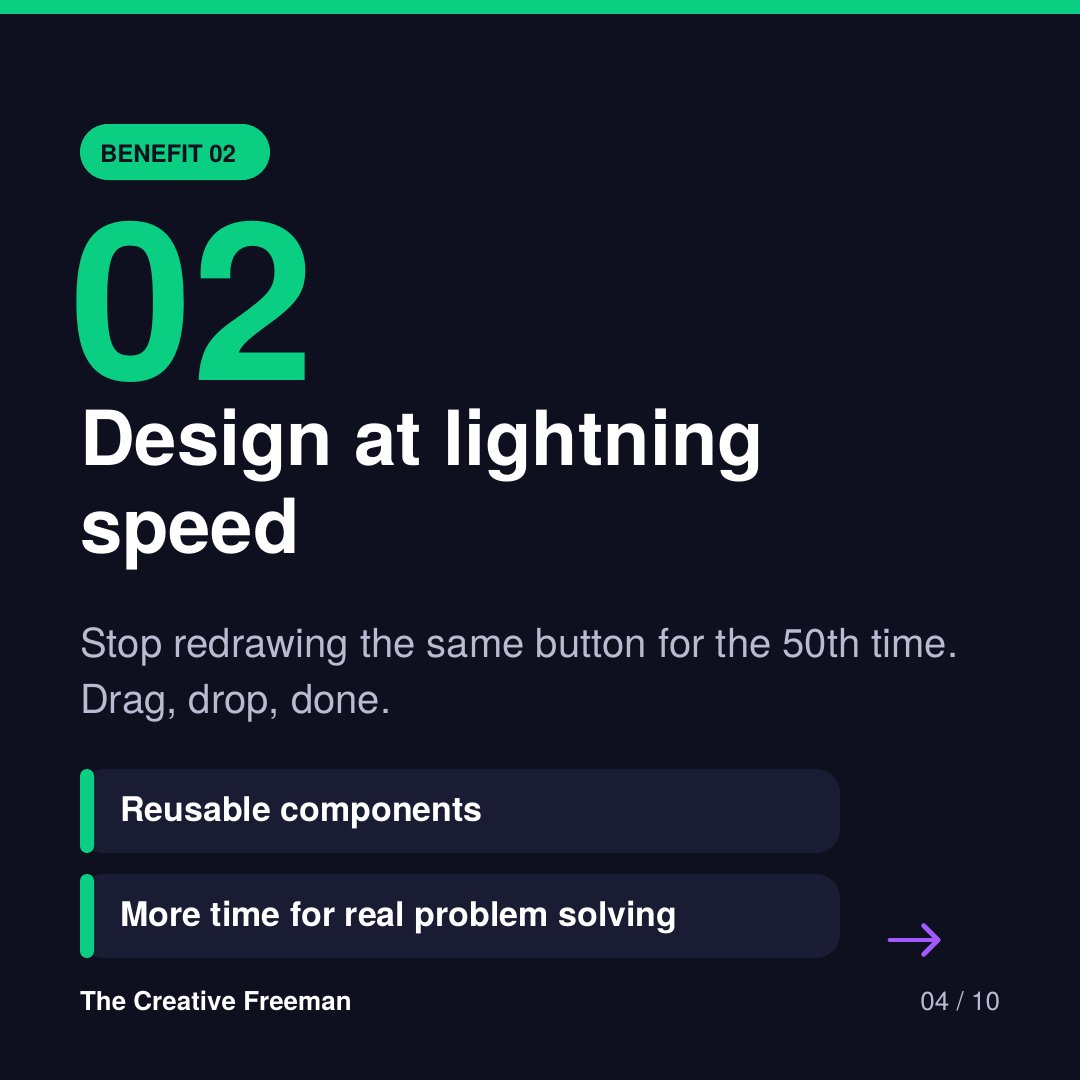
Design it once, reuse it everywhere, update it in seconds.
Consistency. Speed. Scale. Clean dev handoff.
Swipe the carousel for the 5 benefits 👇
#Figma#DesignSystem#UIUX#ProductDesign
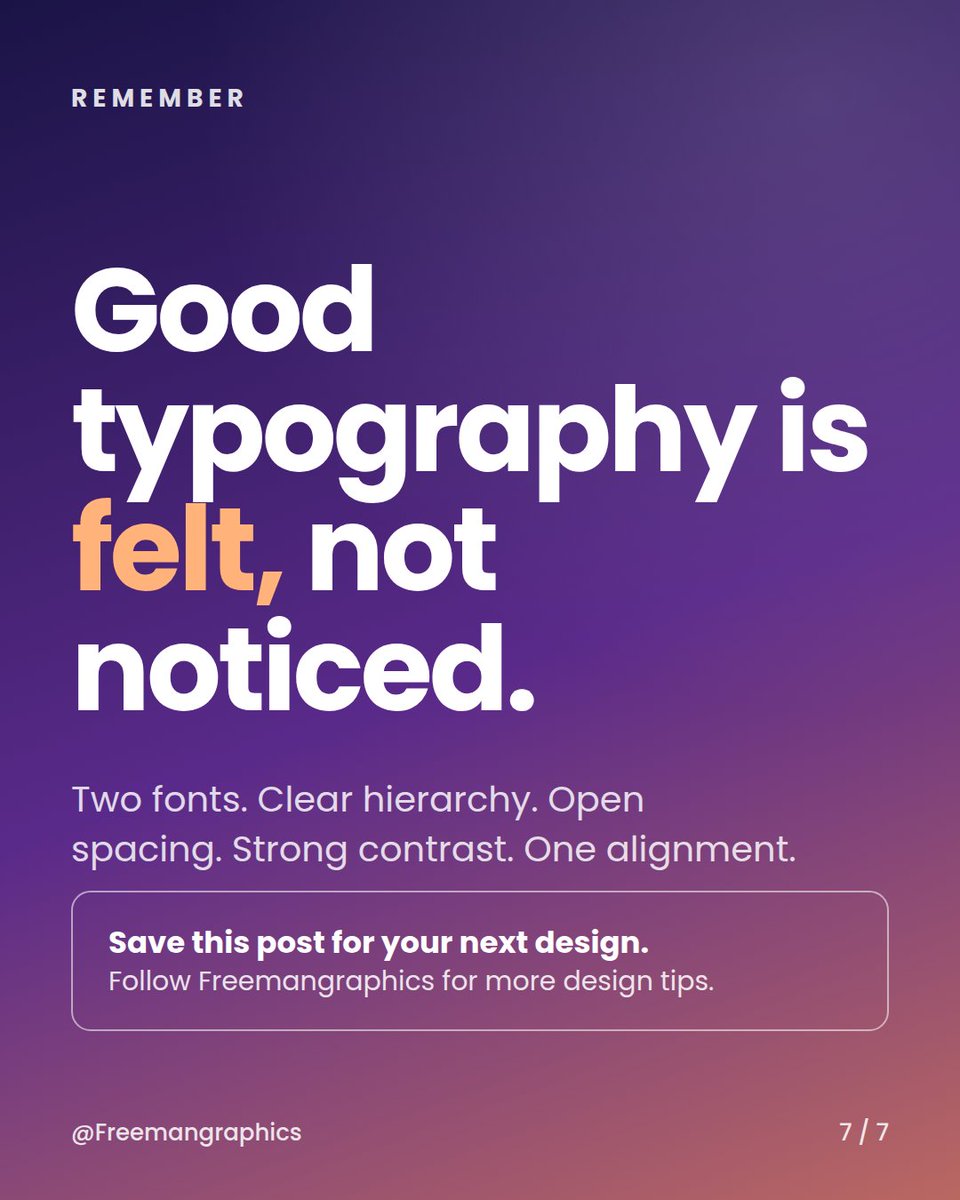
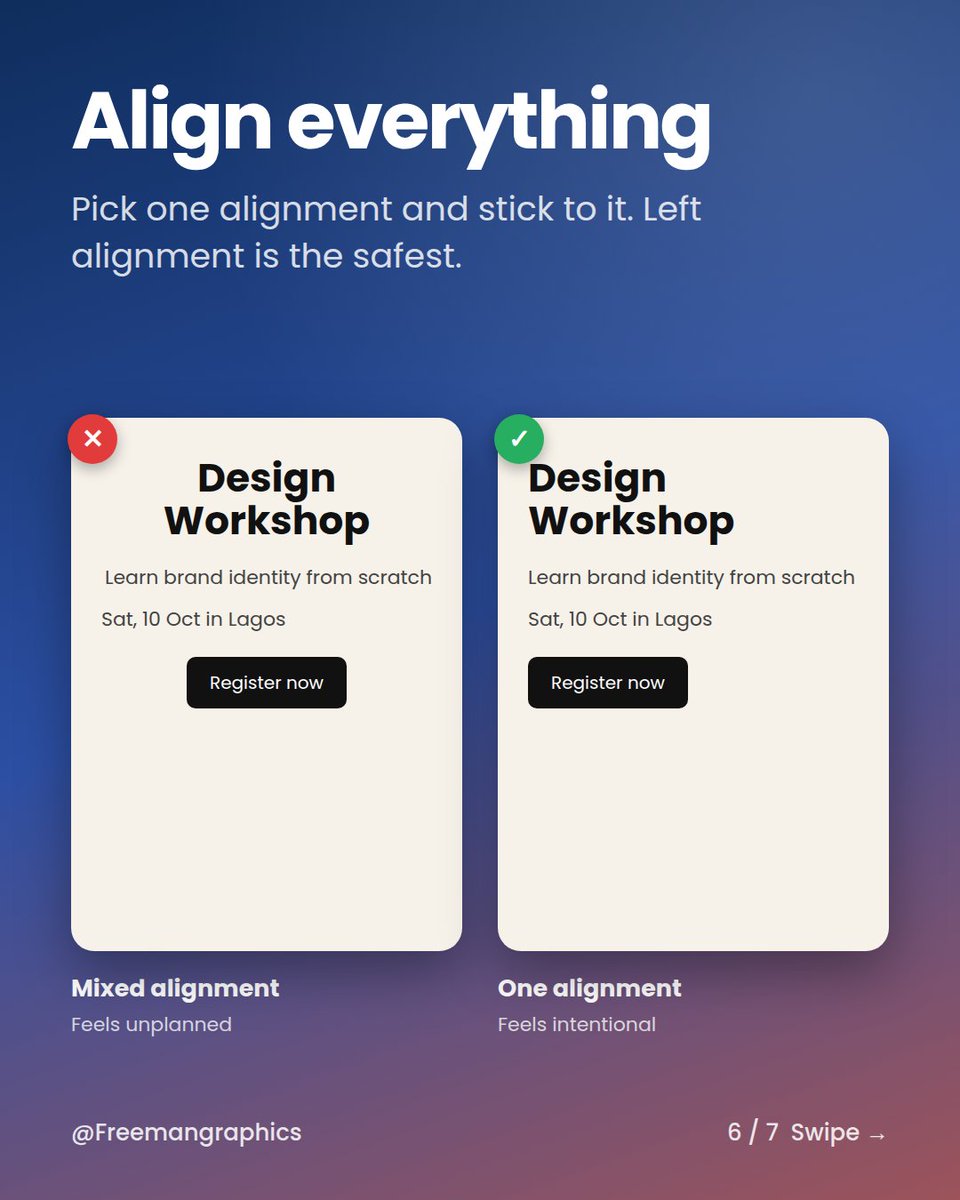
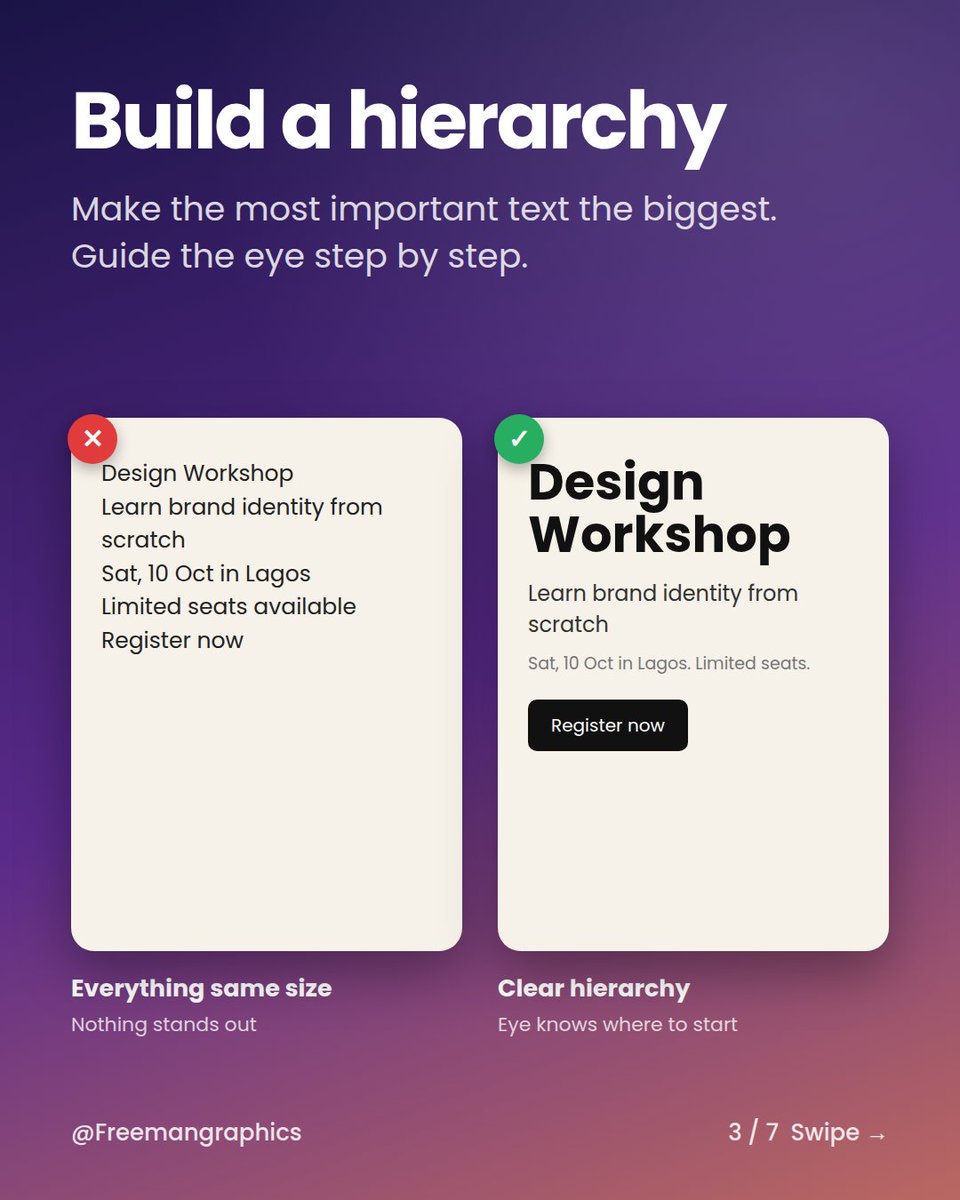
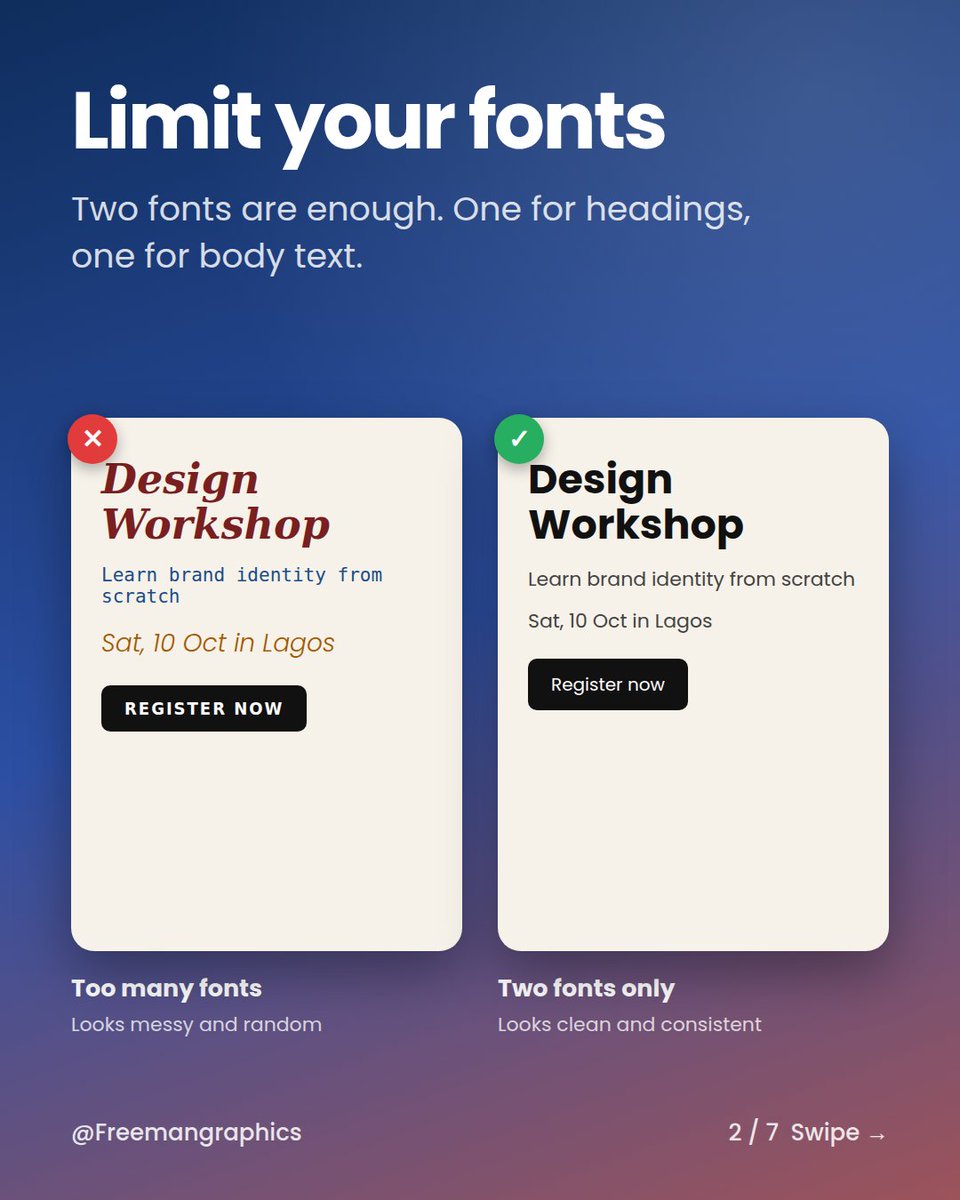
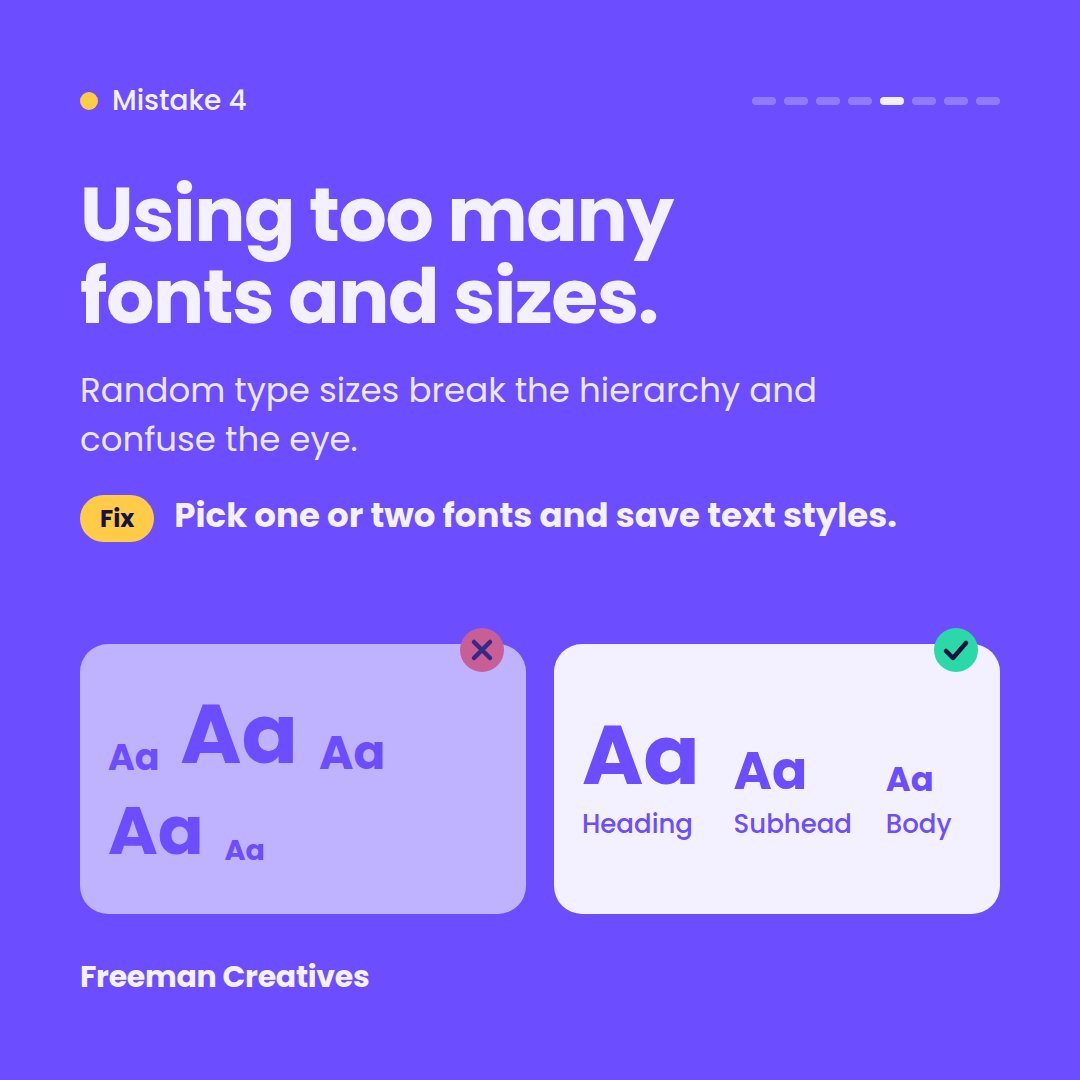
5 typography rules that instantly make your design look better:
Two fonts. Clear hierarchy. Open spacing. Strong contrast. One alignment.
Swipe through. Save it. 👇
#typography#designtips#graphicdesign
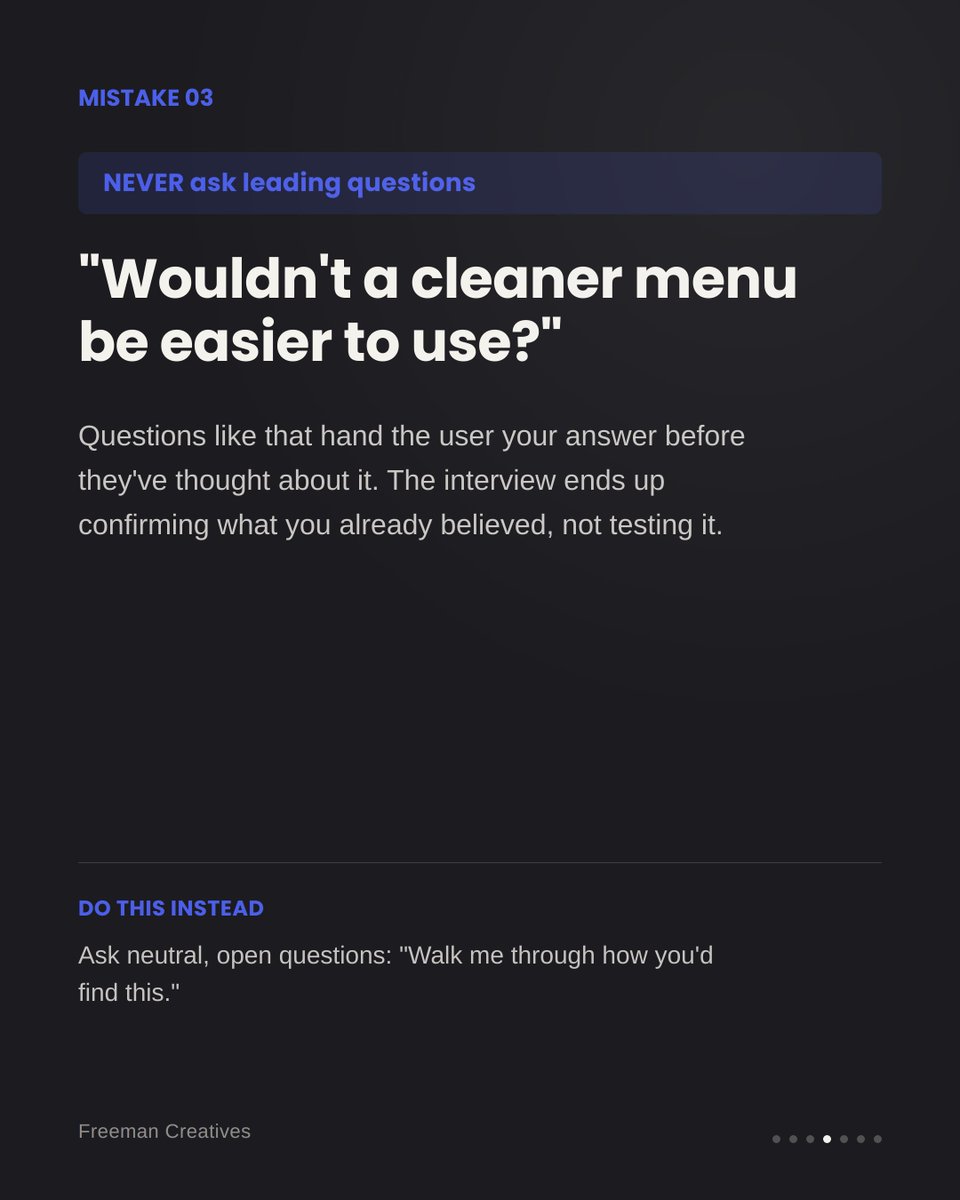
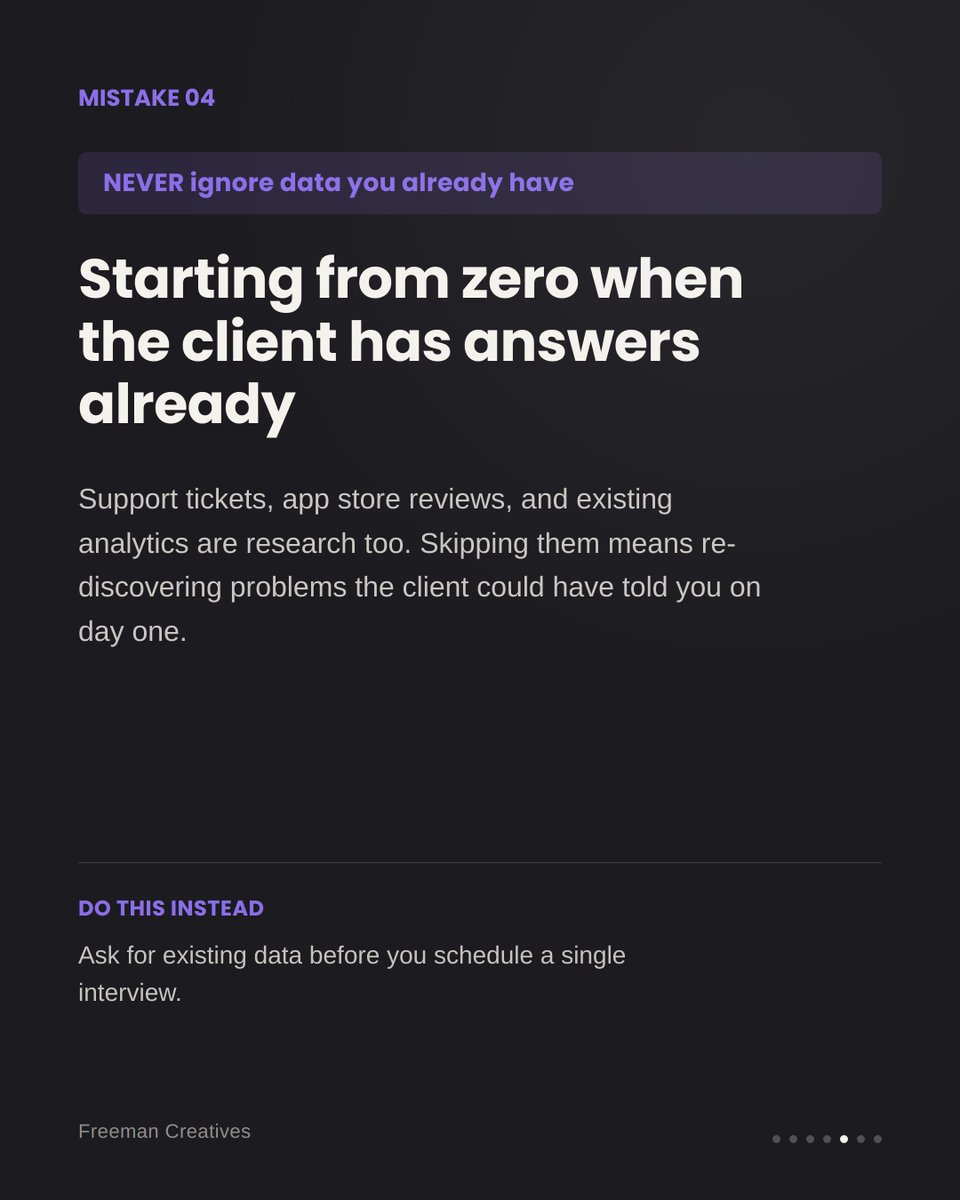
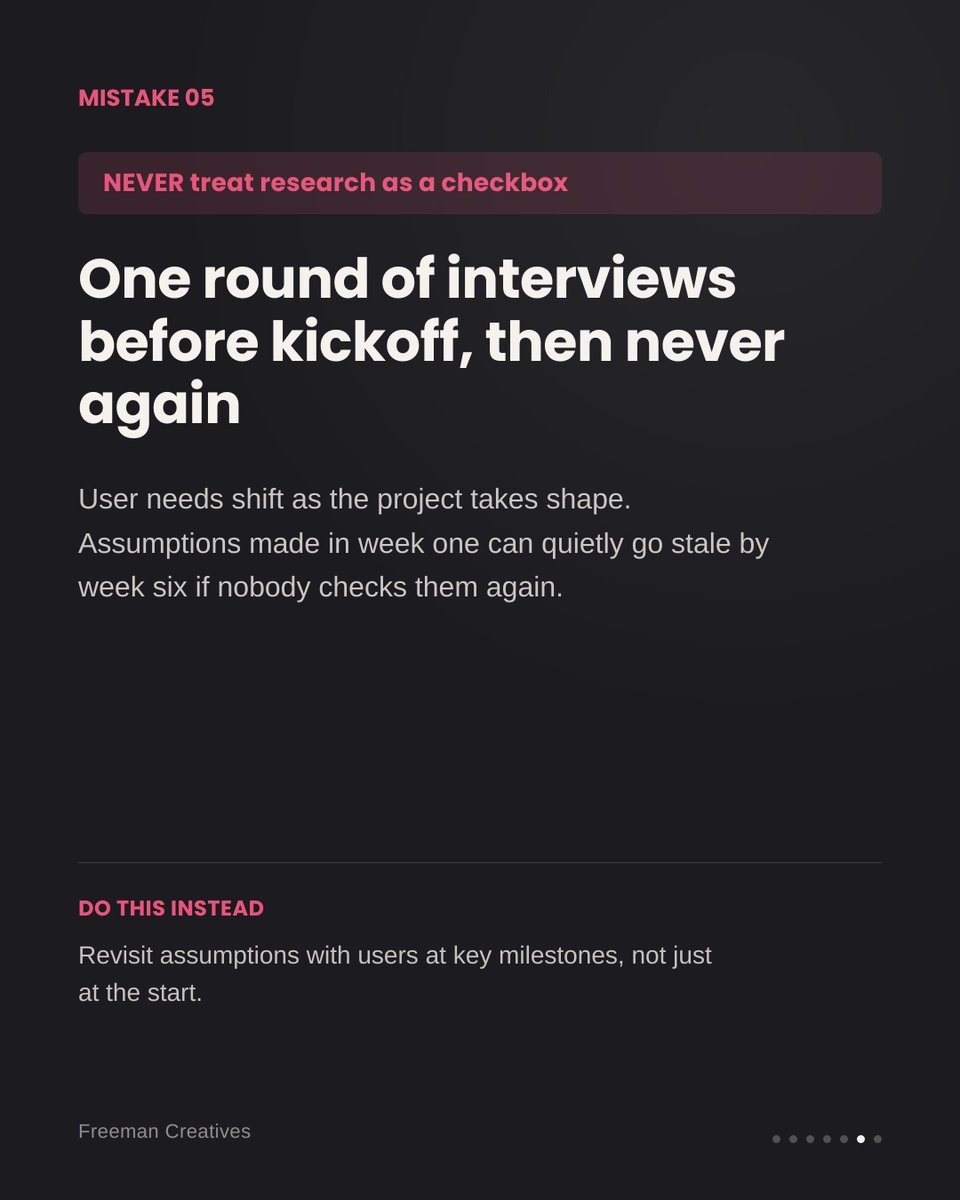
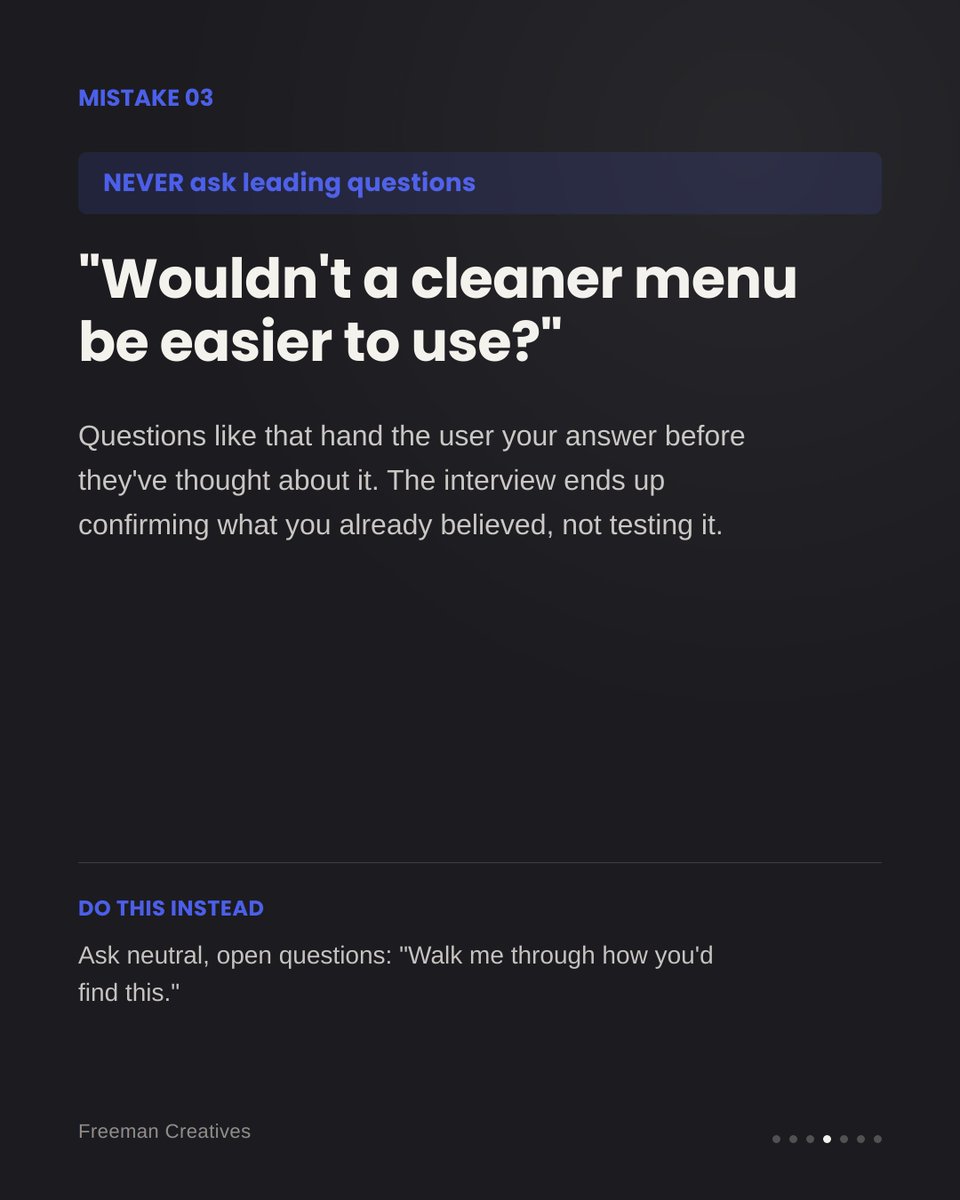
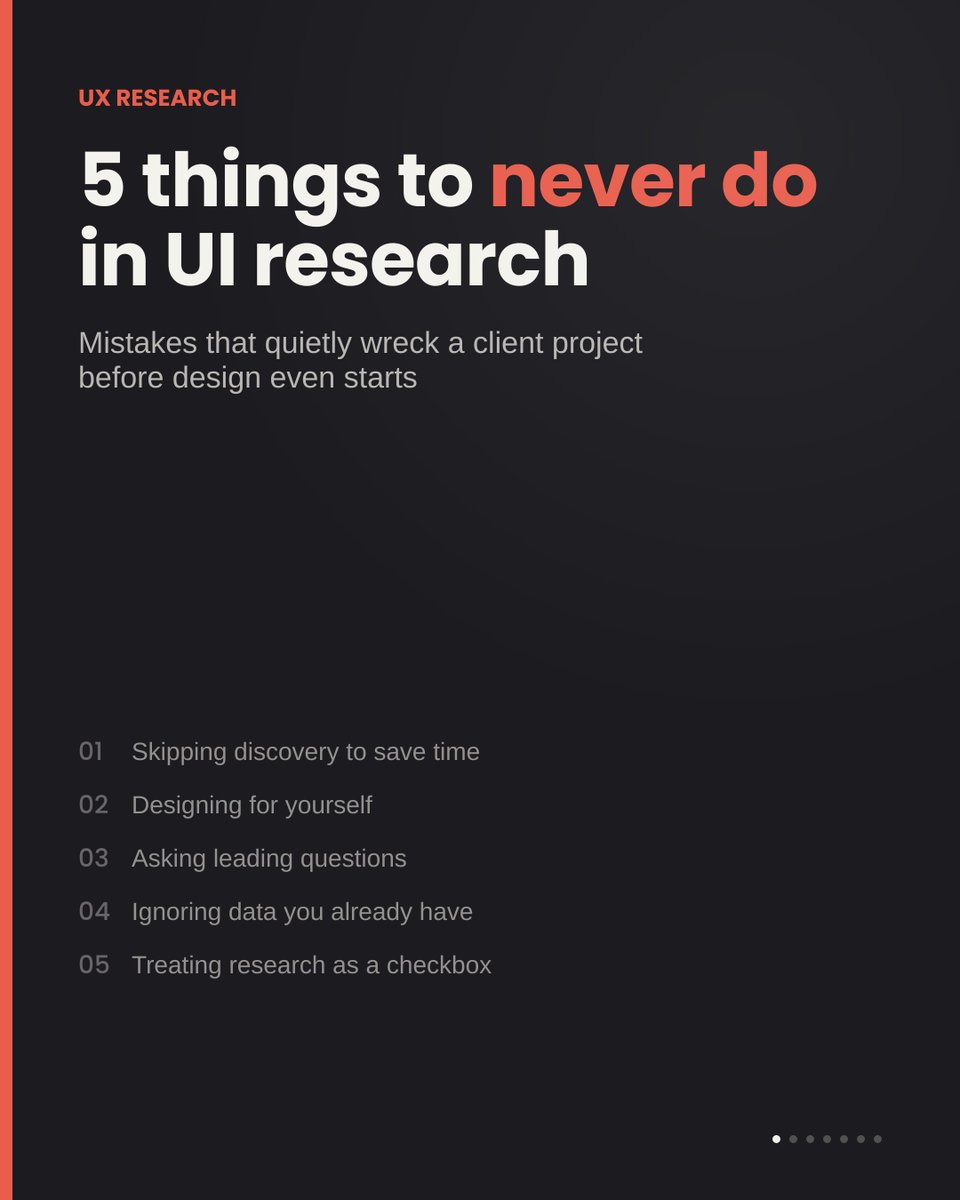
5 things I never do when researching for a client project (and what to do instead). Most UI problems start way before the first wireframe. 🧵
#UXResearch#UIDesign#ProductDesign
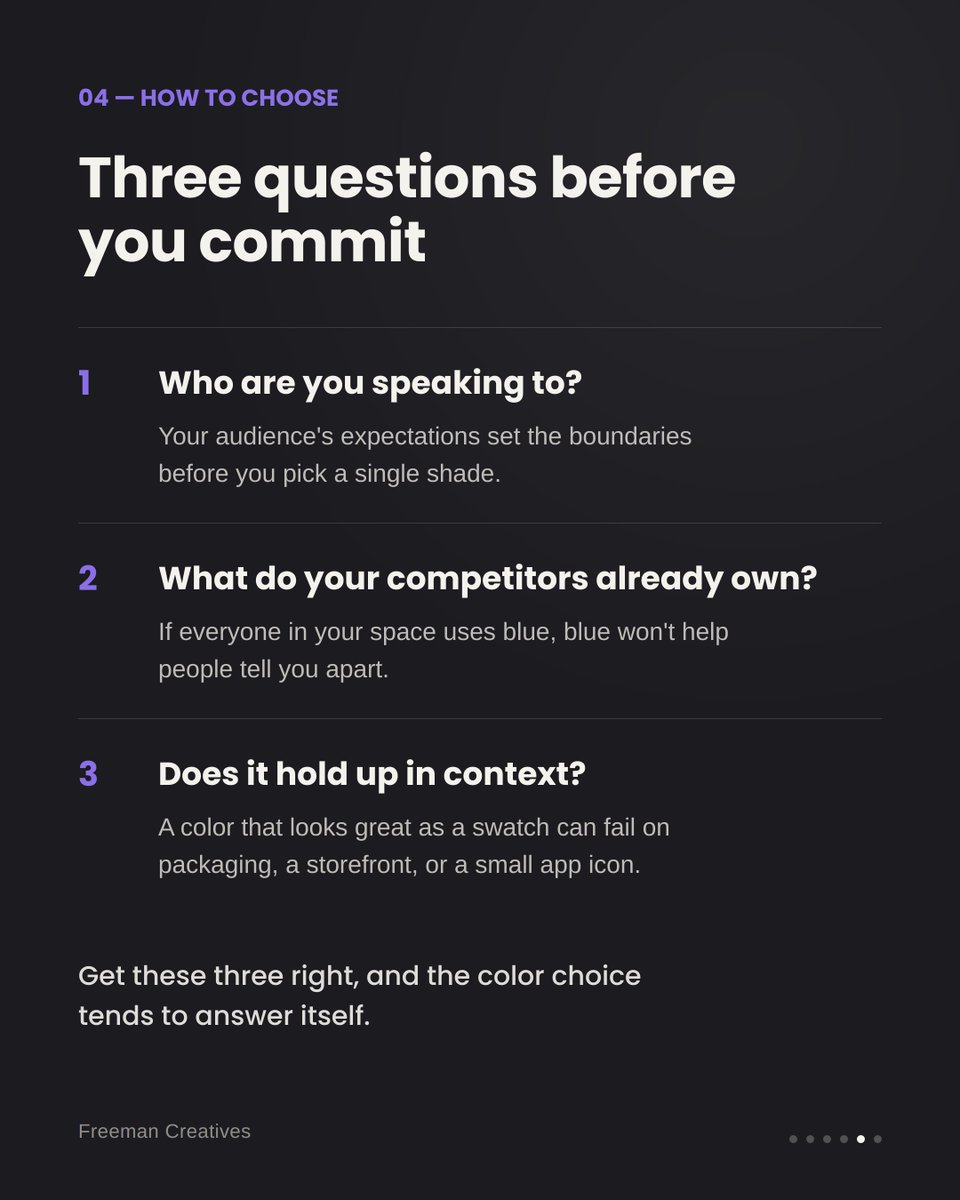
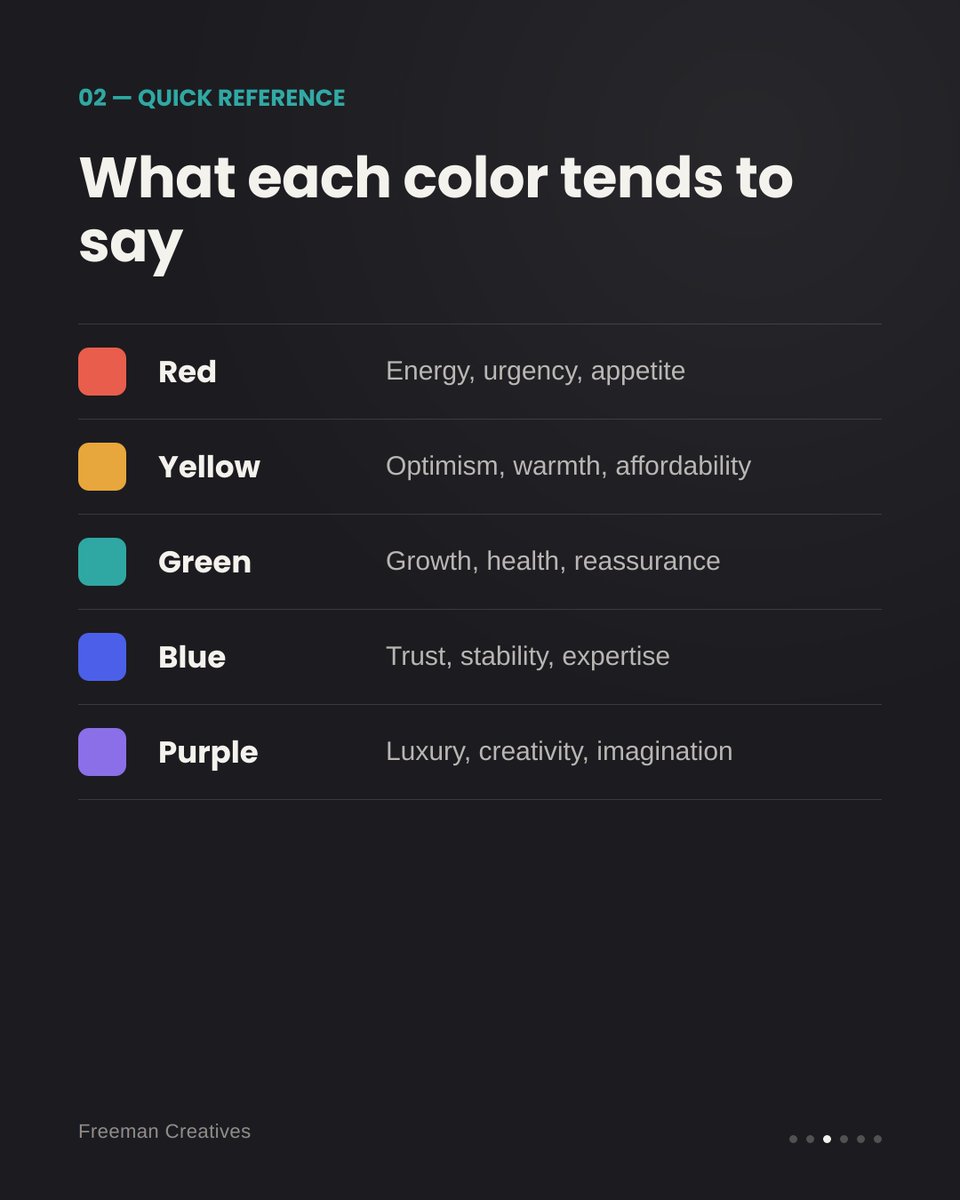
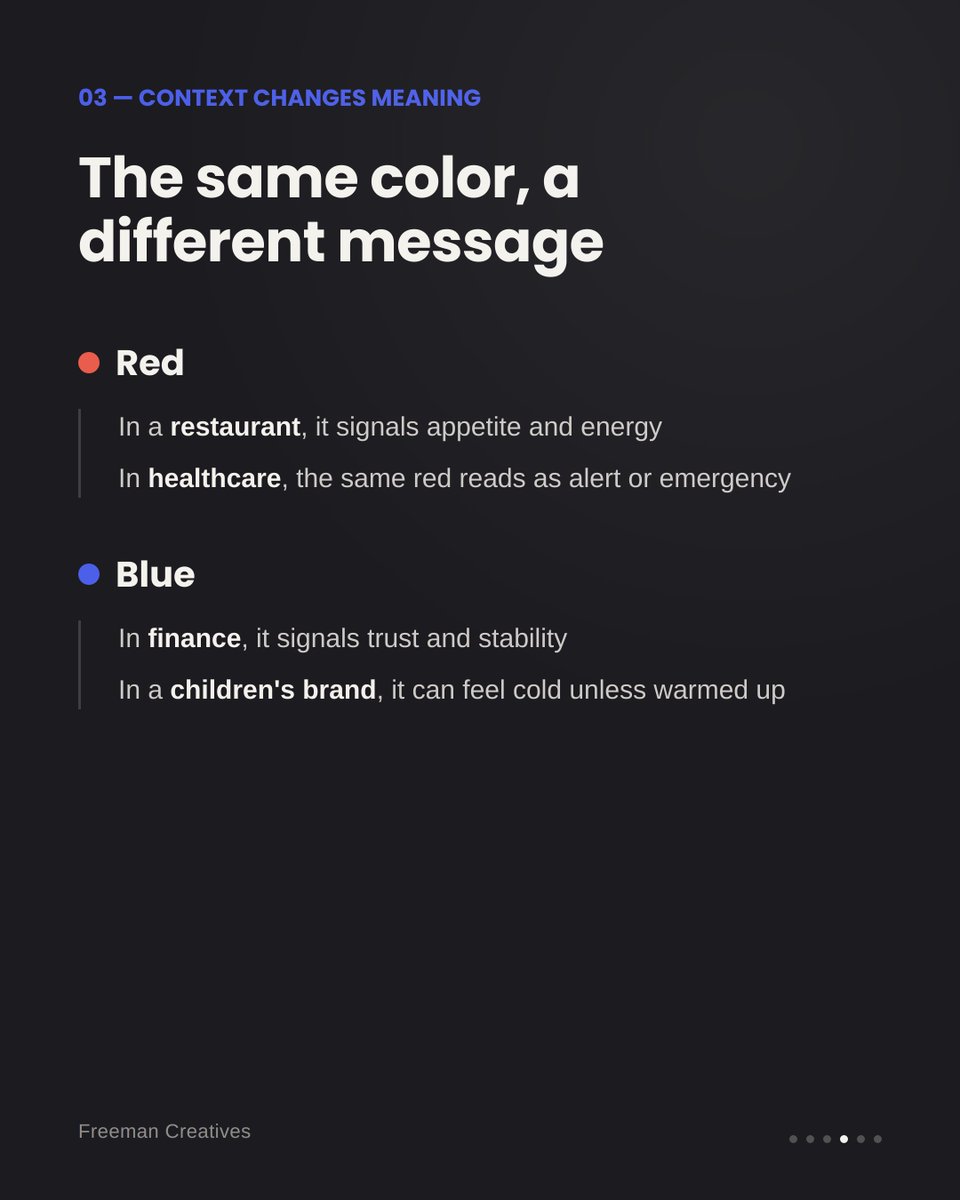
Your brand color is talking before your logo even loads. A quick guide to picking the right one, whatever industry you're in. 🧵🎨
#branding#design#colorpsychology
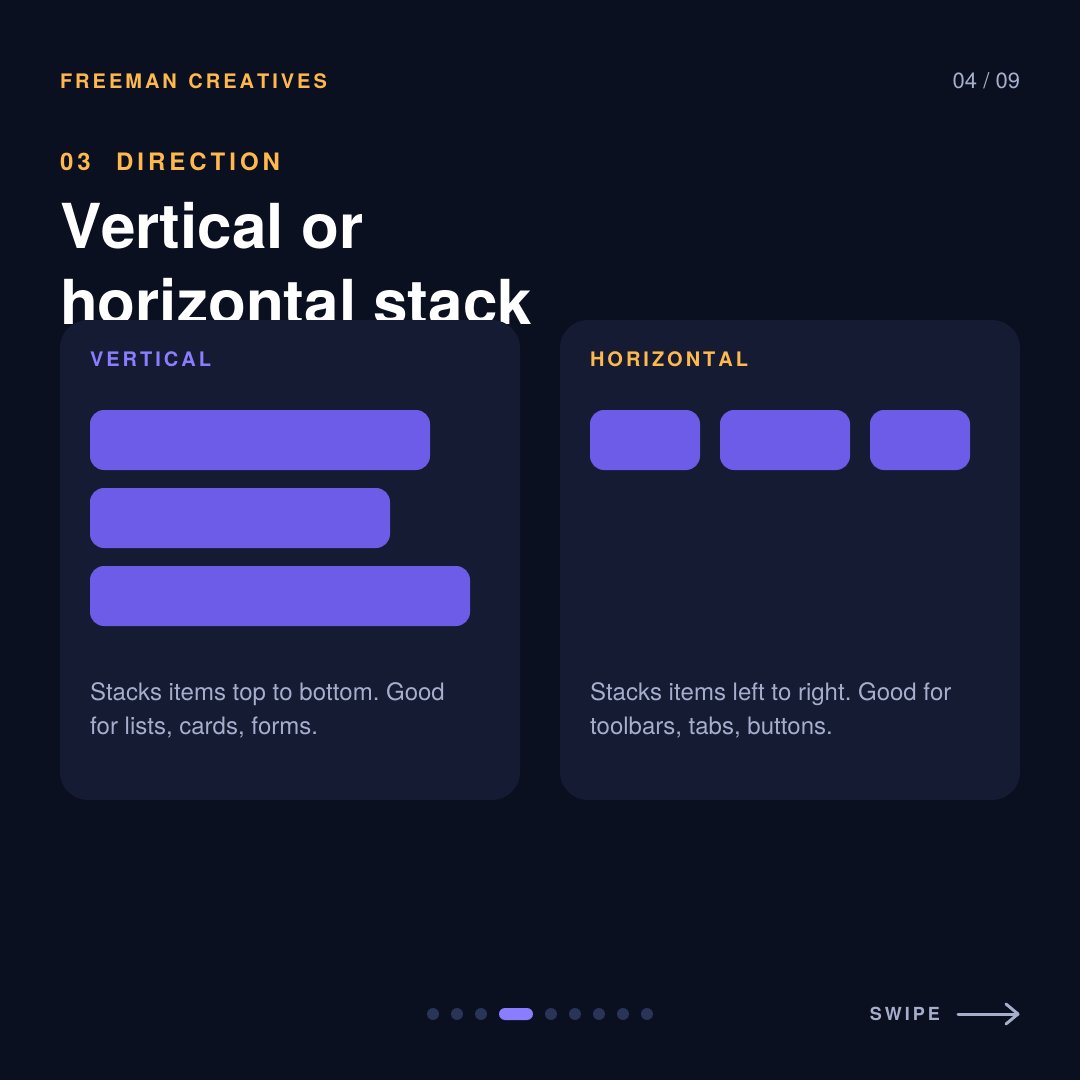
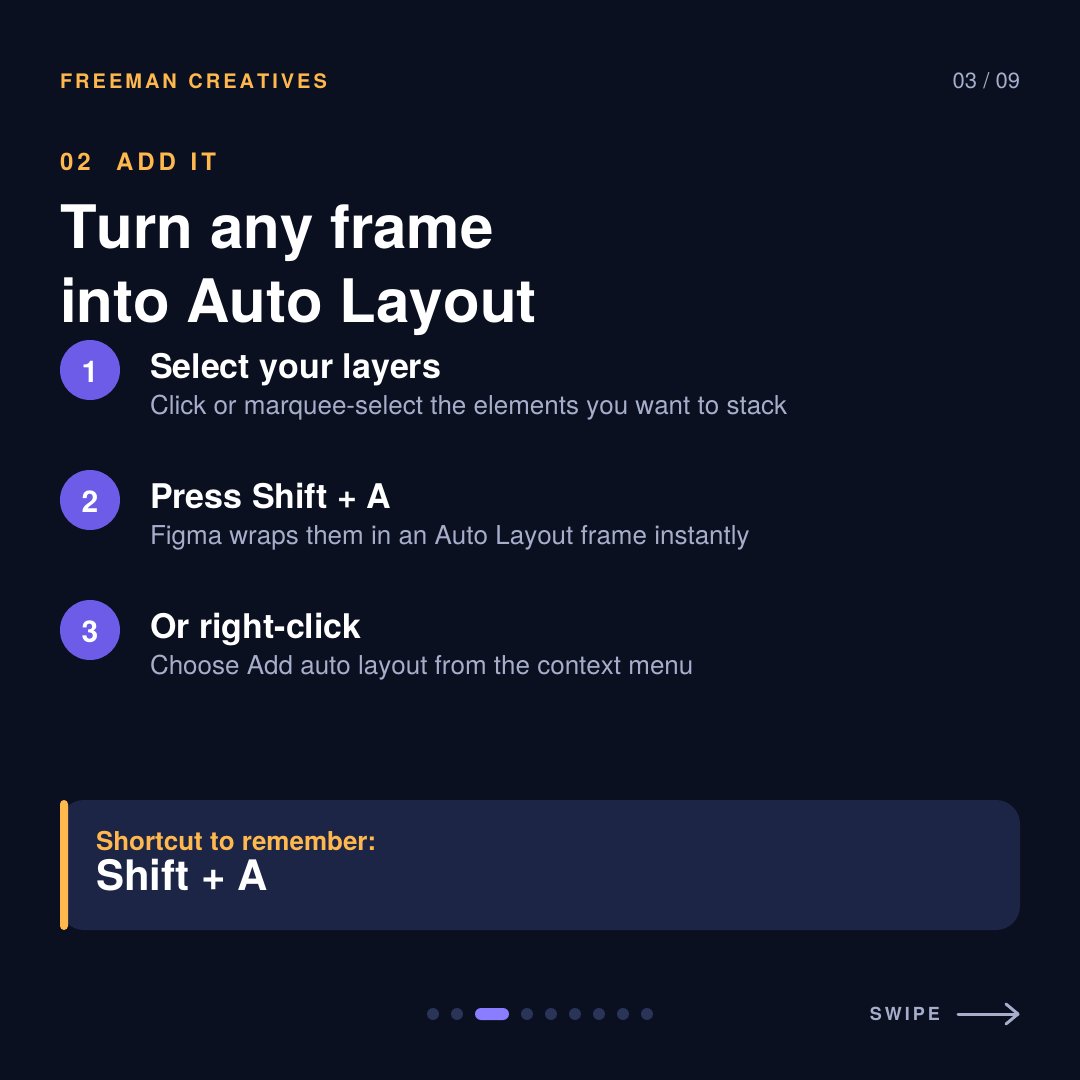
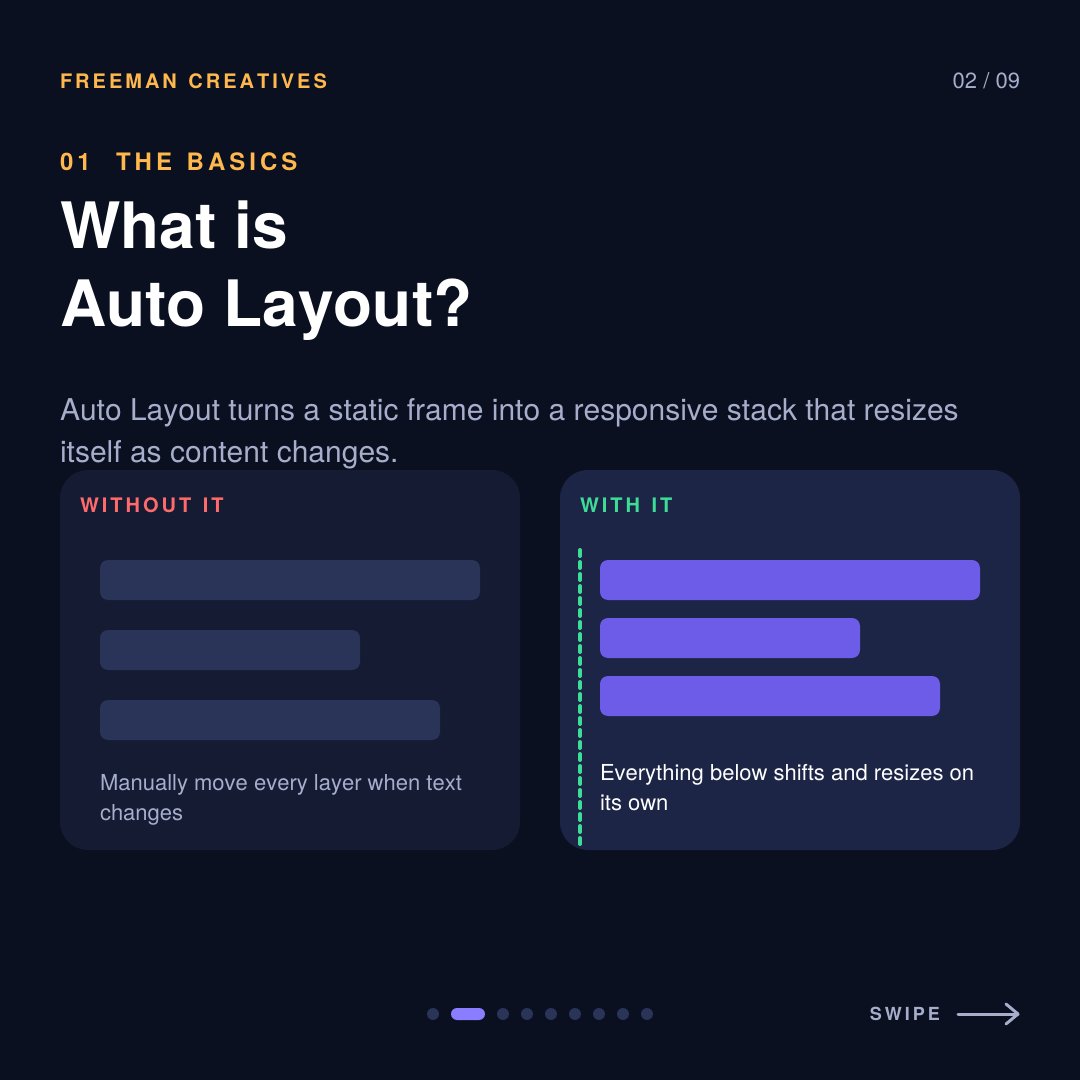
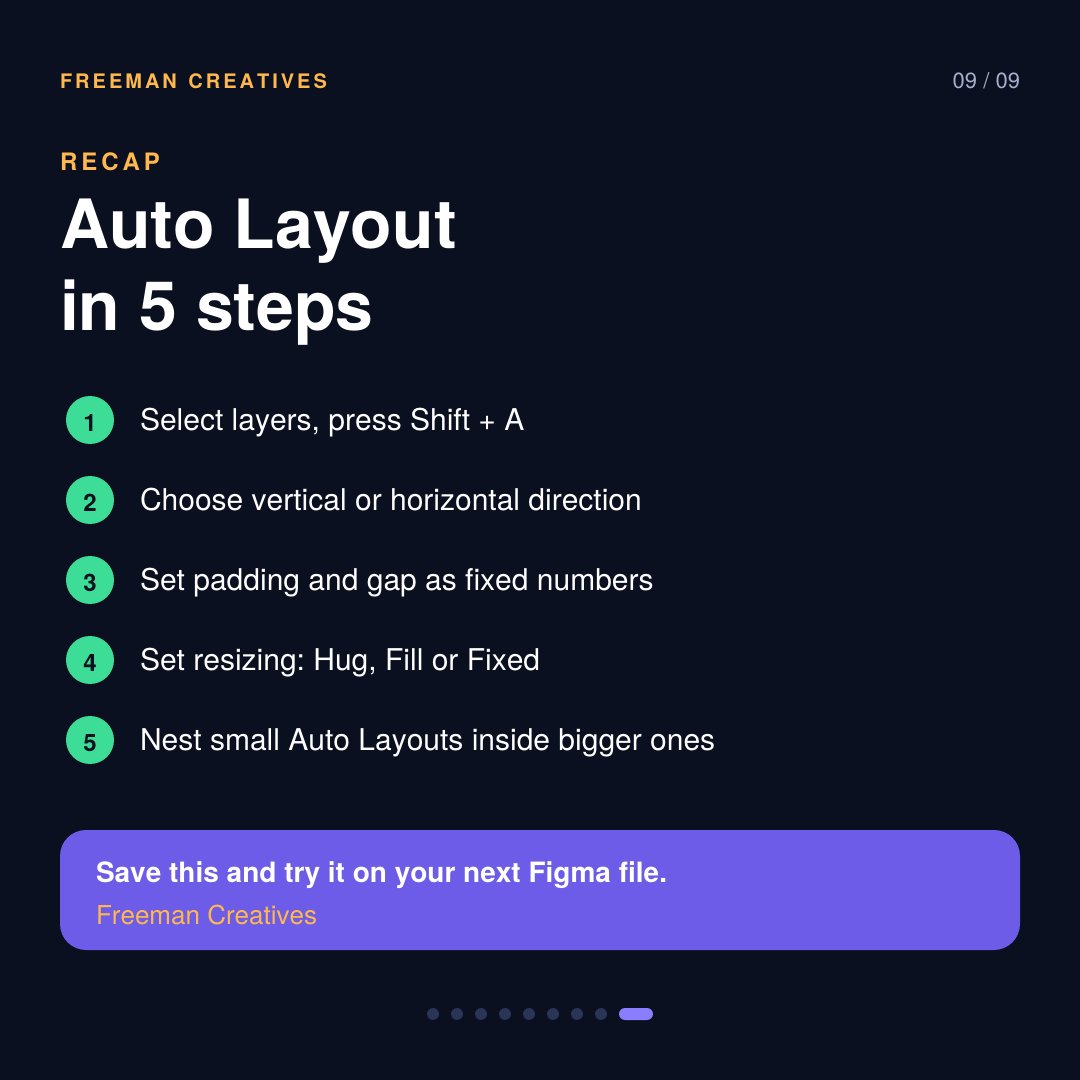
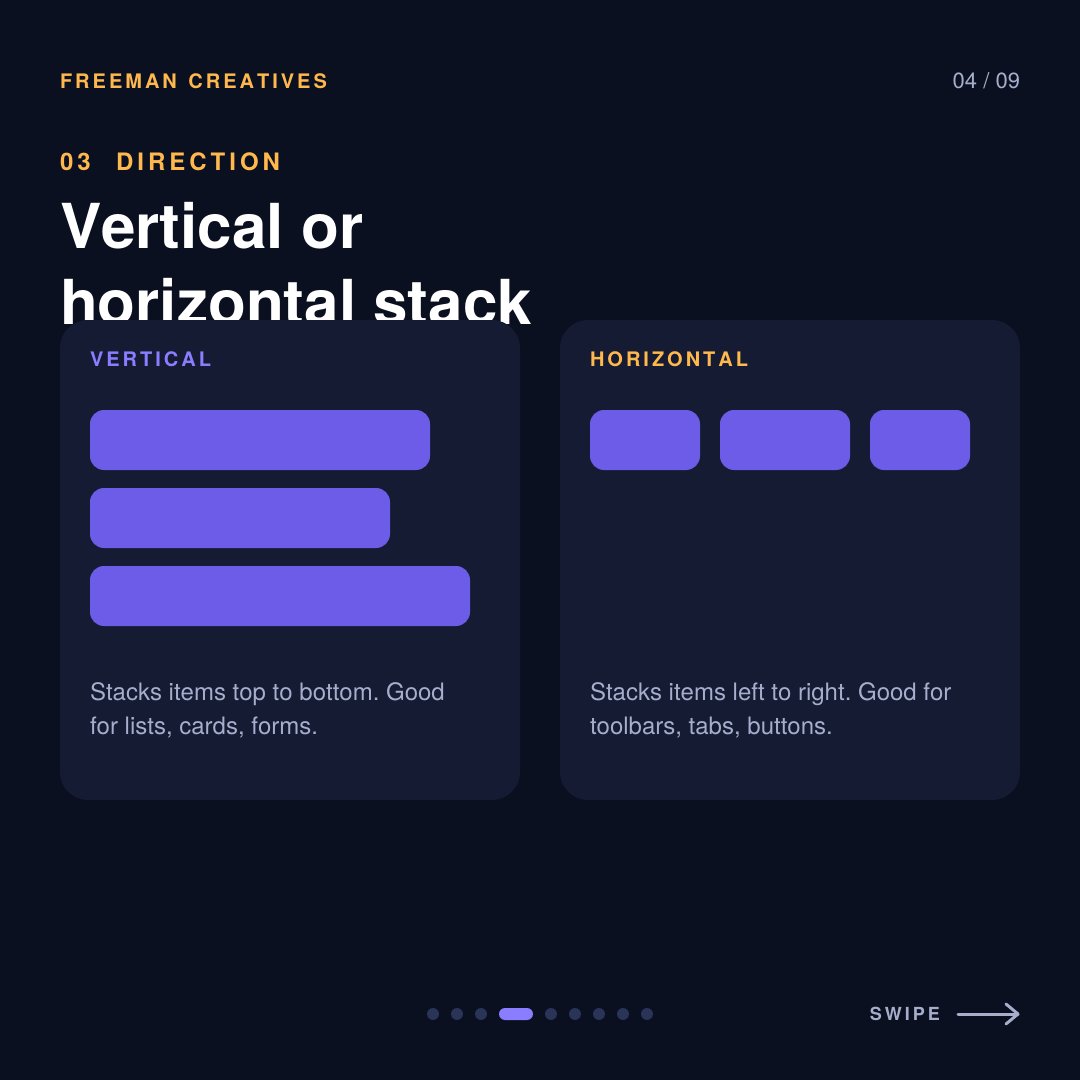
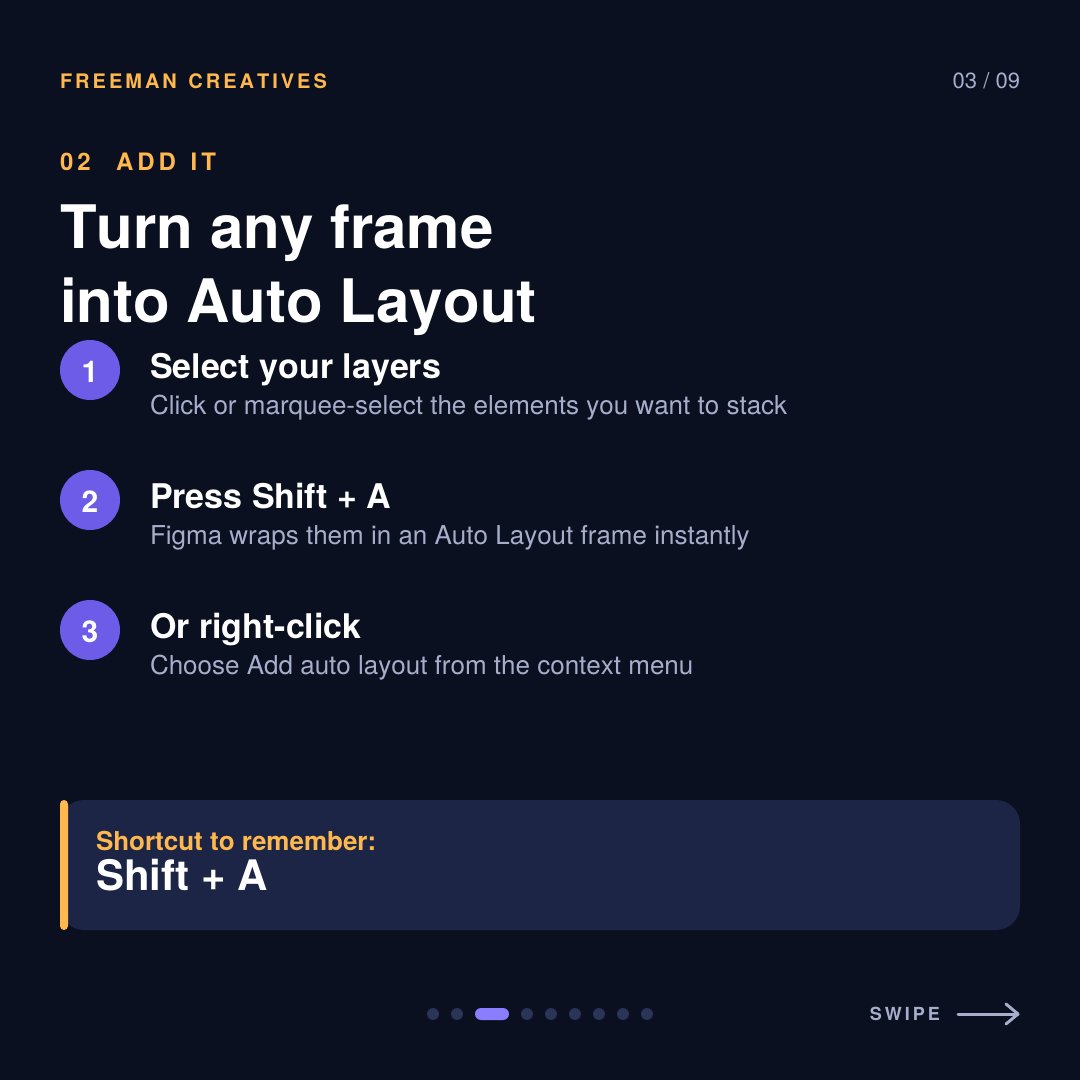
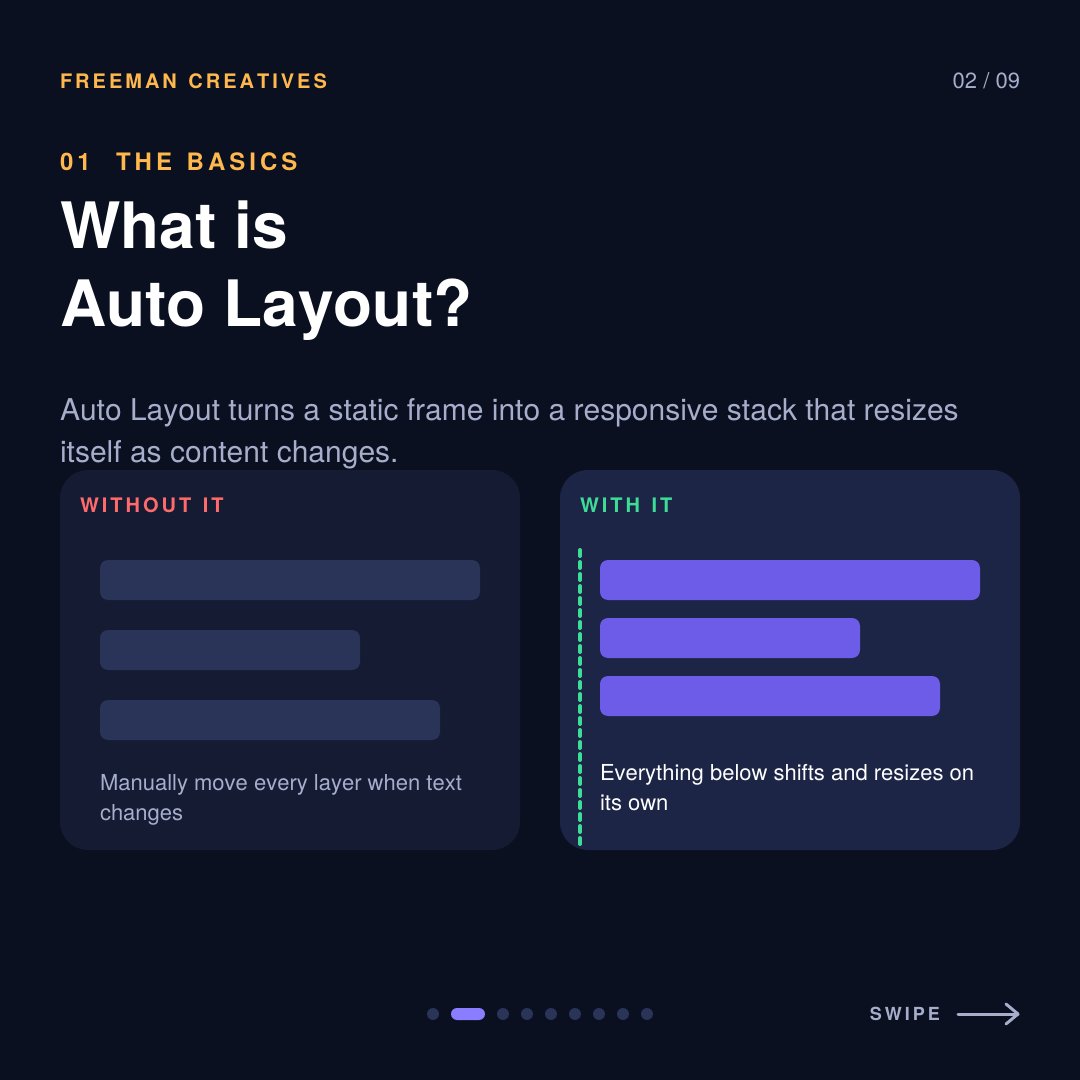
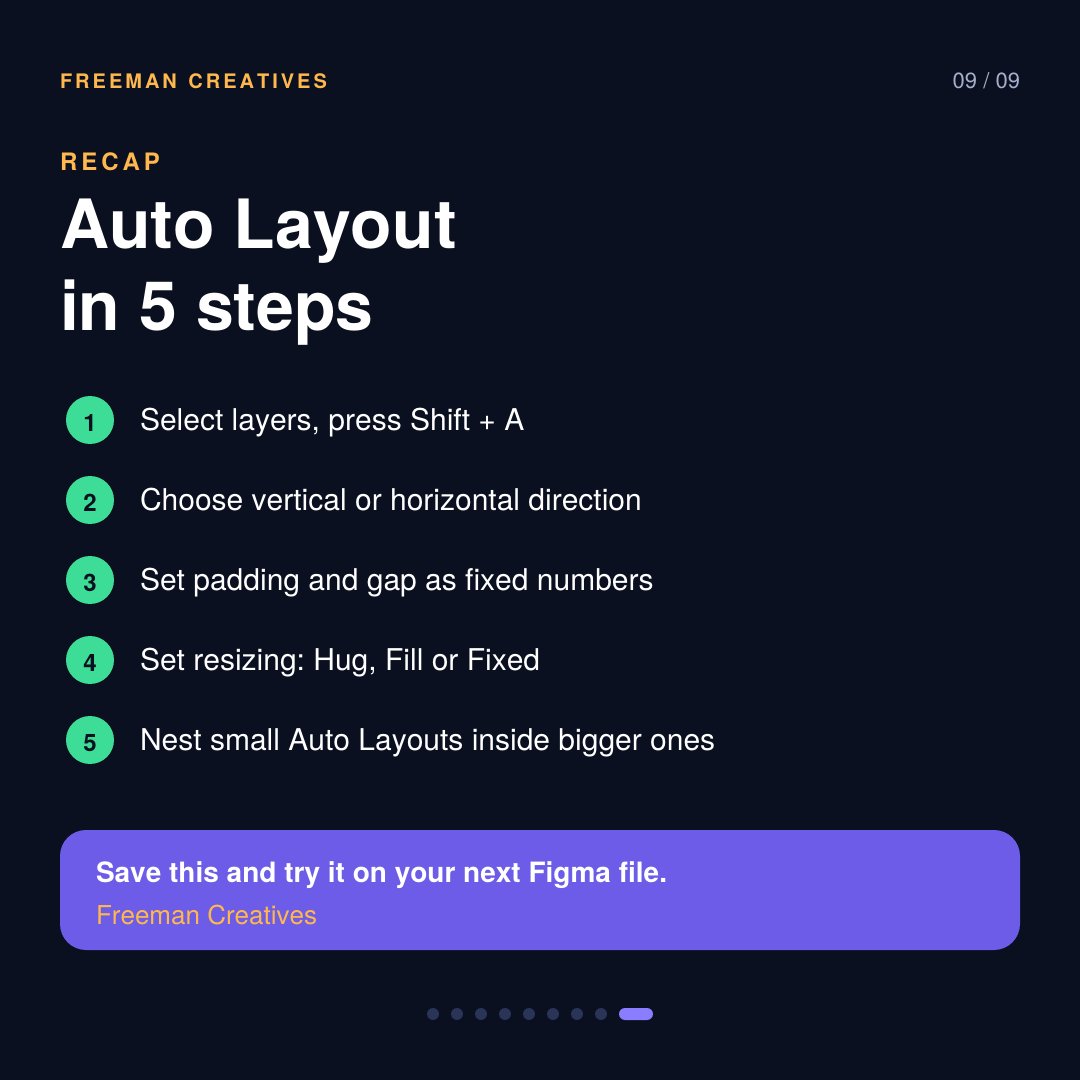
Stop dragging layers around in Figma.
Auto Layout turns your frame into a responsive stack that resizes itself. Thread below 🧵
#Figma#UIDesign#UXDesign
Stop dragging layers around in Figma.
Auto Layout turns your frame into a responsive stack that resizes itself. Thread below 🧵
#Figma#UIDesign#UXDesign
Color Styles
Never pick colors randomly again. Save your brand colors as Styles so one click applies them everywhere, and one edit updates the whole file. 🎨#BrandDesign#Figma#GraphicDesign
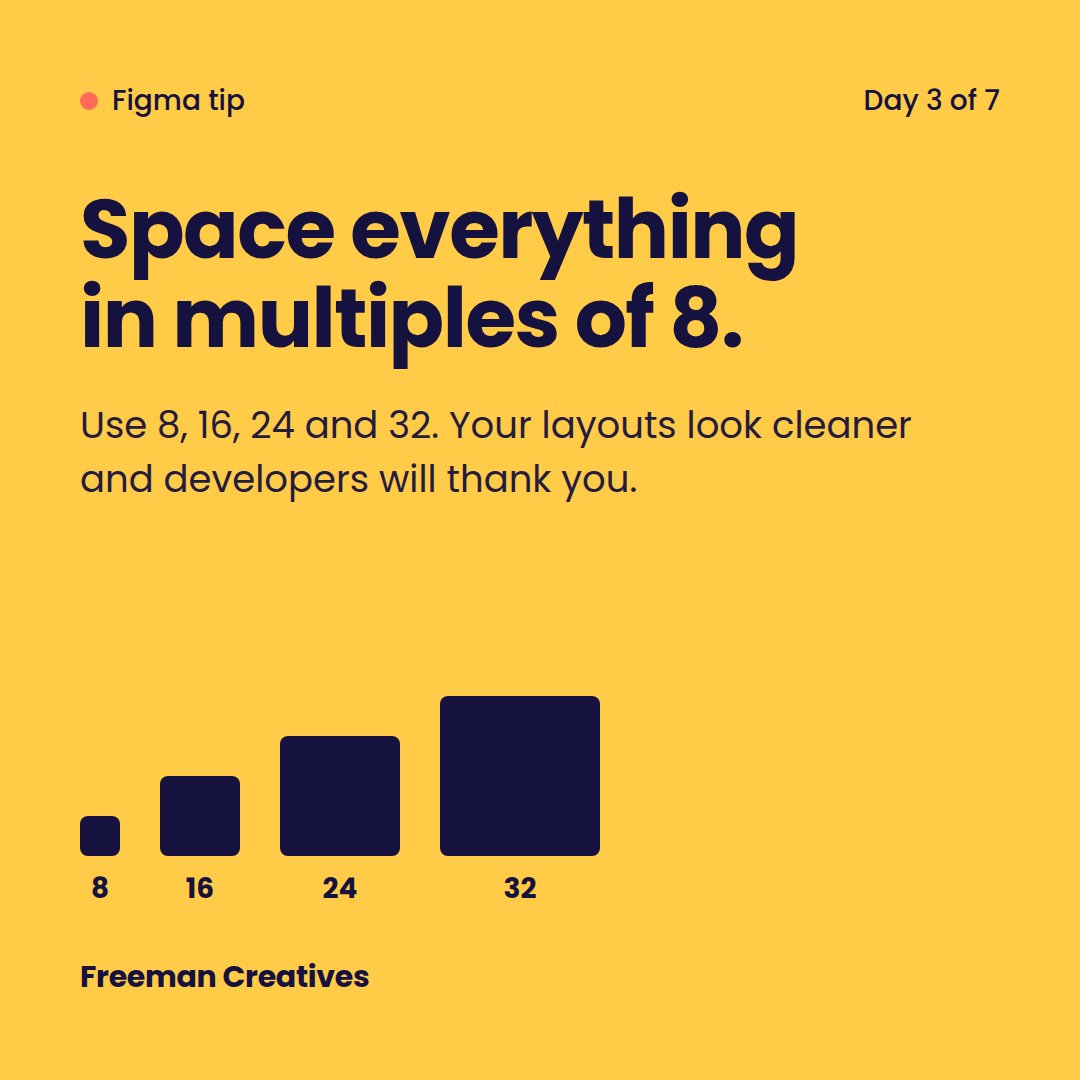
The 8-Point Grid
Use spacing in multiples of 8 (8, 16, 24, 32). Your layouts will look cleaner and more professional, and developers will thank you. 📐
#DesignSystem#Figma#WebDesign
2: Components
Design a button once, then turn it into a component with Ctrl/Cmd + Alt + K. Change the master and every copy updates instantly. Work smarter, not harder. 💡
#Figma#ProductDesign#UXTips