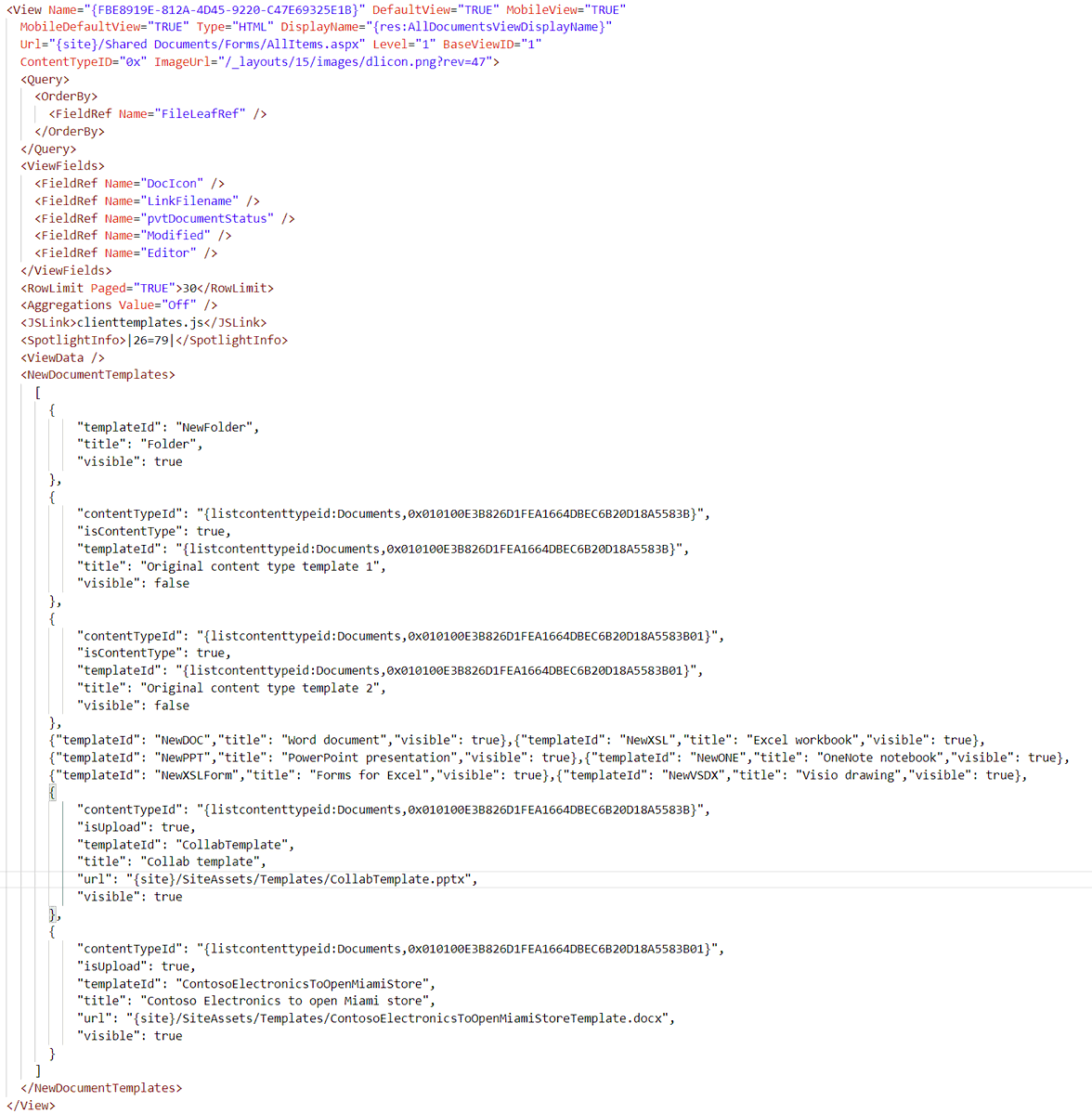
@kasperbolarsen The listcontenttypeid token is specified with the list title and the base content type id for the content type id to get from the list.
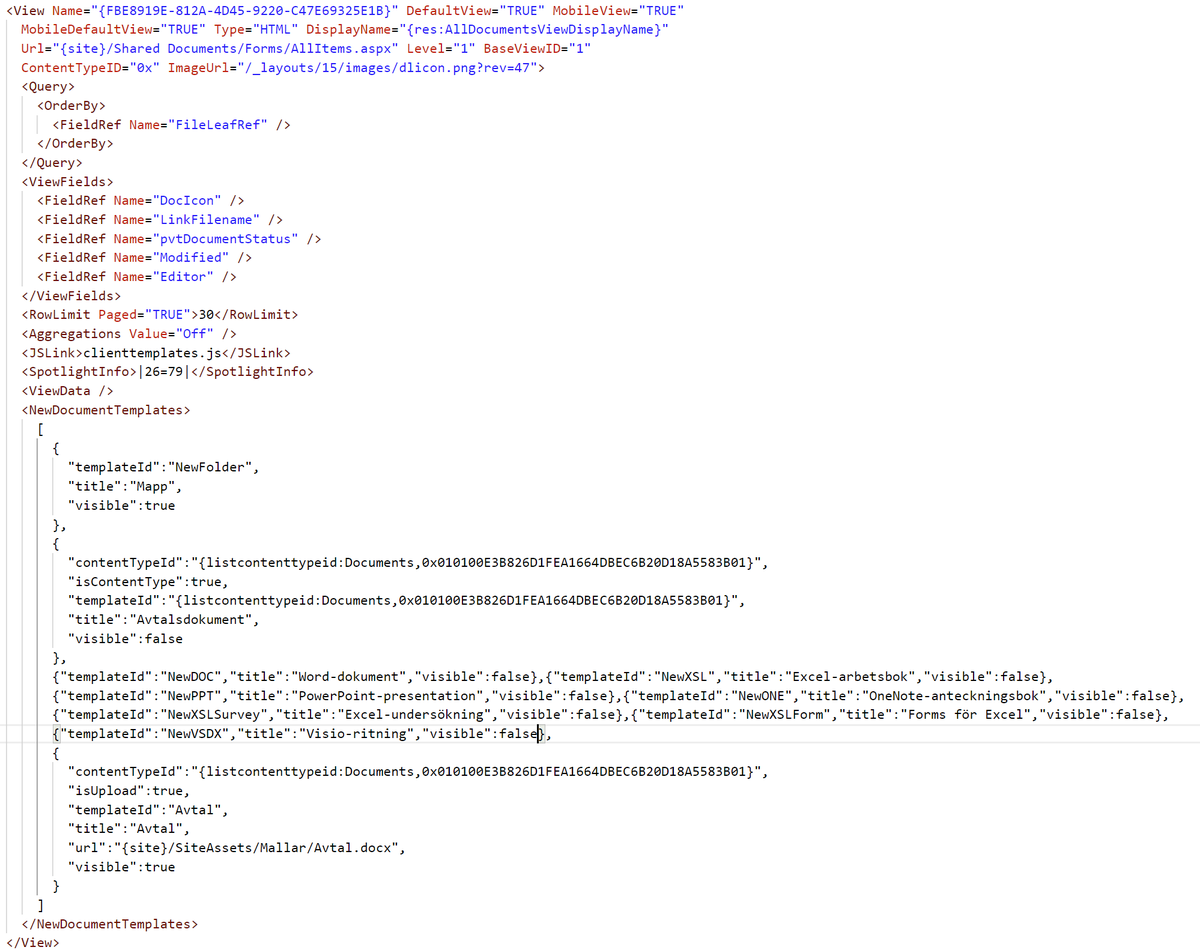
@kasperbolarsen In a PnP Provisioning template you can use the following View xml node to do what you want. I have formatted the json to make it easier to read but I always keep the NewDocumentTemplates element on one line.
1/2
@kasperbolarsen This hides the original template from the list content type and the default Office document templates.
It displays Folder and the template specified by the url which then uses the specified content type id when created.
2/2
📺 We are introducing changes on how the PnP PowerShell and CLI for Microsoft 365 can be used to connect to Microsoft 365, which might have an impact for your scripts and automation.
https://t.co/5bMVHDYMKW
Here is the next part on how to customize the MGT person card in #PnP Modern Search. This time for when it is used in the People layout.
https://t.co/E4ACbp9koM
Want to display Entra ID extension properties (or any other) in the MGT people card in #PnP Modern Search document/list item layouts?
Here is a post on how to do it:
https://t.co/u5LvES4XXp
@bpmccullough You need to click on the Tag icon button to open the tree view picker. There you will find an ellipsis (...) button next to the Term Set name and all terms, click on that and you have New Term there.
@kasperbolarsen @bpmccullough Nice way to push us to move from ACS in time for the retirement but things getting messed up a bit earlier than I thought it would