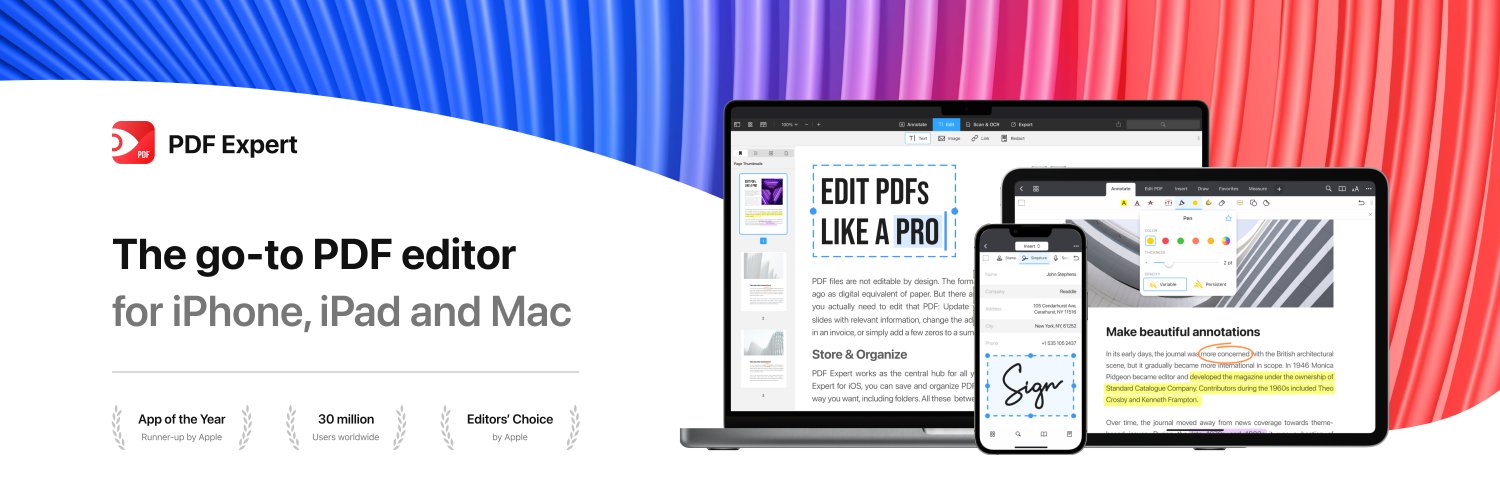
📄 With PDF Expert, you can edit, annotate, sign, merge, convert, fill out forms, and more. Explore all the powerful tools that make working with PDFs easy.
🍎 Available for iPhone, iPad and Mac.
💻 Read more and download the Mac version here:
https://t.co/4xsHF0iUF3
Unconventional studying tip:
Place a small treat 🍬 (a gummy bear, a chocolate, a grape) at the end of every section or every 5 pages of your PDF/textbook.
Why it works: It makes your brain’s dopamine system hunt for reward after finishing each chapter.
The PDF Expert pro method: Use the Bookmark tool to mark your "Snack Stations" so you can see exactly how close you are to the finish line. 🏁
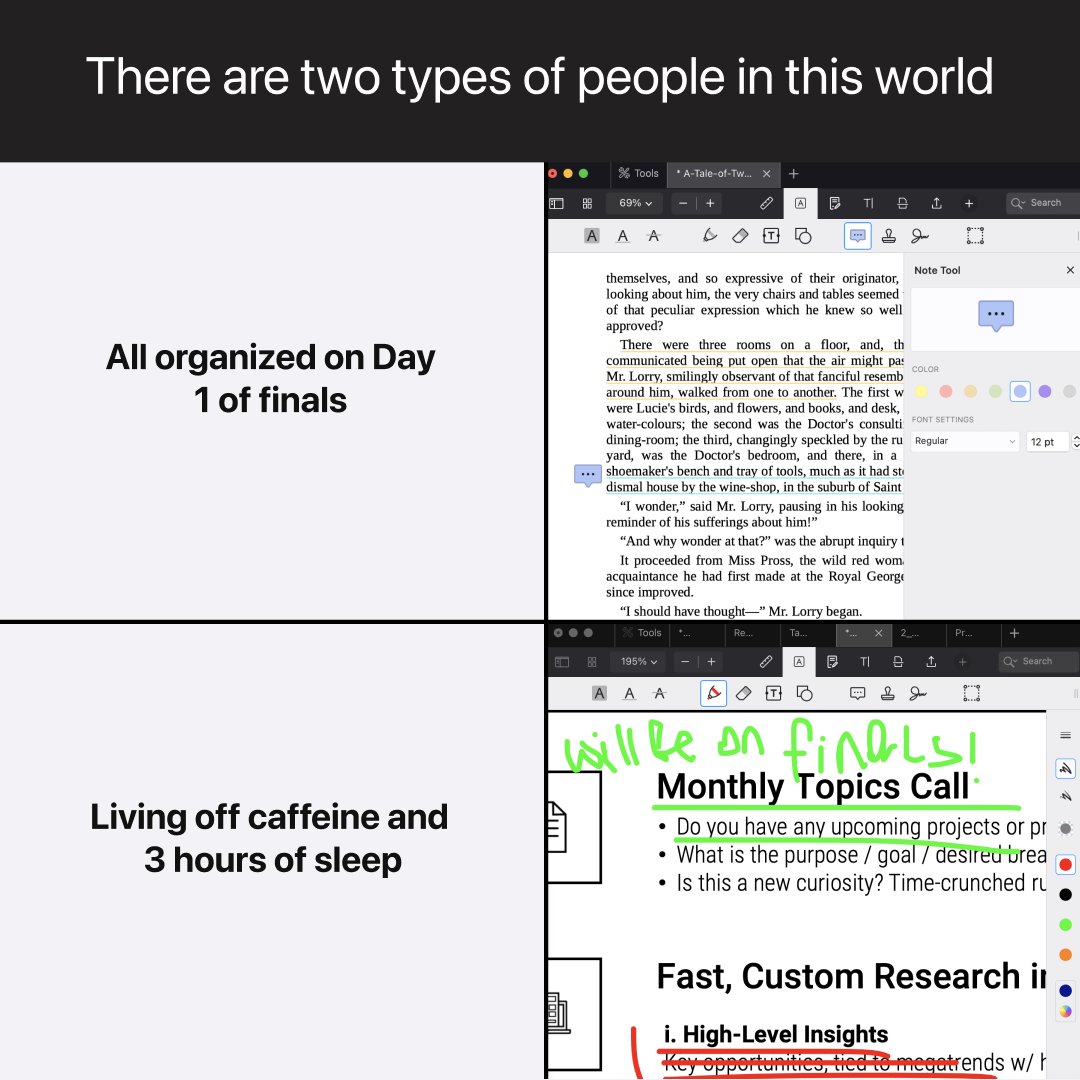
The study hack that will turn your finals prep around ✨
With PDF Expert, you can generate a quiz from the material, highlight what matters, and actually be ready. No more guessing. No more wasted time. 🙌
✅ AI-powered quizzes from your own notes
✅ Highlight, annotate & summarize any PDF
✅ Works on iPhone, iPad & Mac — one account
If finals are coming up, you need this app — https://t.co/QKvSyaHKke👆
Study smarter, not longer. Active Recall is the closest thing to a cheat code your brain has. 🧠⚡
Here are 7 proven studying techniques - choose the one that fits your subject best:
How does a seasoned Project Manager like Serkan Çakır stay on top of complex electrical plans? He lets his PDF tools do the heavy lifting. ⚡️🏗️
🔵 Split view: He views architectural details on one side and the legend on the other. No more flipping back and forth!
🔵 Audio notes: Why type on a dusty site? Serkan records Audio Notes directly onto the plan and listens to them later on any device. 🎤
🔵 Math on the fly: Measurements and square footage are calculated right on the project. Fast, precise, and professional.
Learn how Serkan streamlines his workflow here:
👉 https://t.co/GL9W4pHM1Z
Hi @paulnovosad ! Try saving your file as flattened — it locks annotations in place so they display correctly everywhere. Here's a quick guide: https://t.co/VGq3wM8cTB
If that doesn't do the trick, our support team at [email protected] would love to investigate — they're quite good at taming unruly PDFs! 🙌
Unconventional studying tip:
Wear a very specific, unique perfume or chew a weird flavor of gum only while studying a specific subject. Then, wear that same scent or chew that gum during the exam.
Why it works: This is "Context-Dependent Memory": the smell acts as a physical bridge back to the info you studied.
What’s your "Study Scent"? Eucalyptus? Cinnamon? Despair? Let us know! 👇
Ever feel that mini-panic when you need to share a document but realize it’s full of your private info? 📑
Whether it’s an old tax return, a medical record, or a contract with your home address, you can scrub every mention of your private details in seconds with PDF Expert. 🛡️✨
PDF Expert’s redaction permanently removes the data from the file's code, so your secrets stay secret. Your personal data is now fully protected, and you can hit "Send" with total confidence.
Stop wasting hours on "passive" reading that leads to forgetting. If you want to ace your exams, you need Active Recall. It’s the scientific "gold standard" for encoding info that actually sticks. 🧵
How to start:
✅ Blurting: Read, close the book, and "blurt" everything you remember onto a blank page.
✅ Feynman Technique: Teach the concept to a 10-year-old (or record an Audio Note in PDF Expert to test yourself).
✅ Pre-Quizzing: Use PDF Copilot to generate a quiz before you dive into the chapter.
Read the full guide on our blog: https://t.co/r0LYYs4377🚀
📚Unconventional studying tip:
If you hit a mental wall, move. Not just to another chair—to another vibe. Move from the room to the kitchen, or from the library to a park bench.
Why it works: Your brain associates environments with "stuckness." A new physical perspective forces your brain to re-encode the information in a fresh context.
The PDF Expert Pro Tip: This is why the iPad app is elite. Grab your Apple Pencil, head to a cafe, and leave the mental block behind. 📱☕
⚖️ Master Bates Numbering — make litigation faster and cleaner. Here is how to automate your indexing workflow in PDF Expert on Mac:
1️⃣ Open your PDF.
2️⃣ Go to Edit PDF > Header and Footer.
3️⃣ Click Add Bates Numbers and set up your prefix/suffix.
4️⃣ Customize the digits, layout, and font to your needs.
Stay in control of your workflow — one case at a time 💼📄 https://t.co/QKvSyaHKke
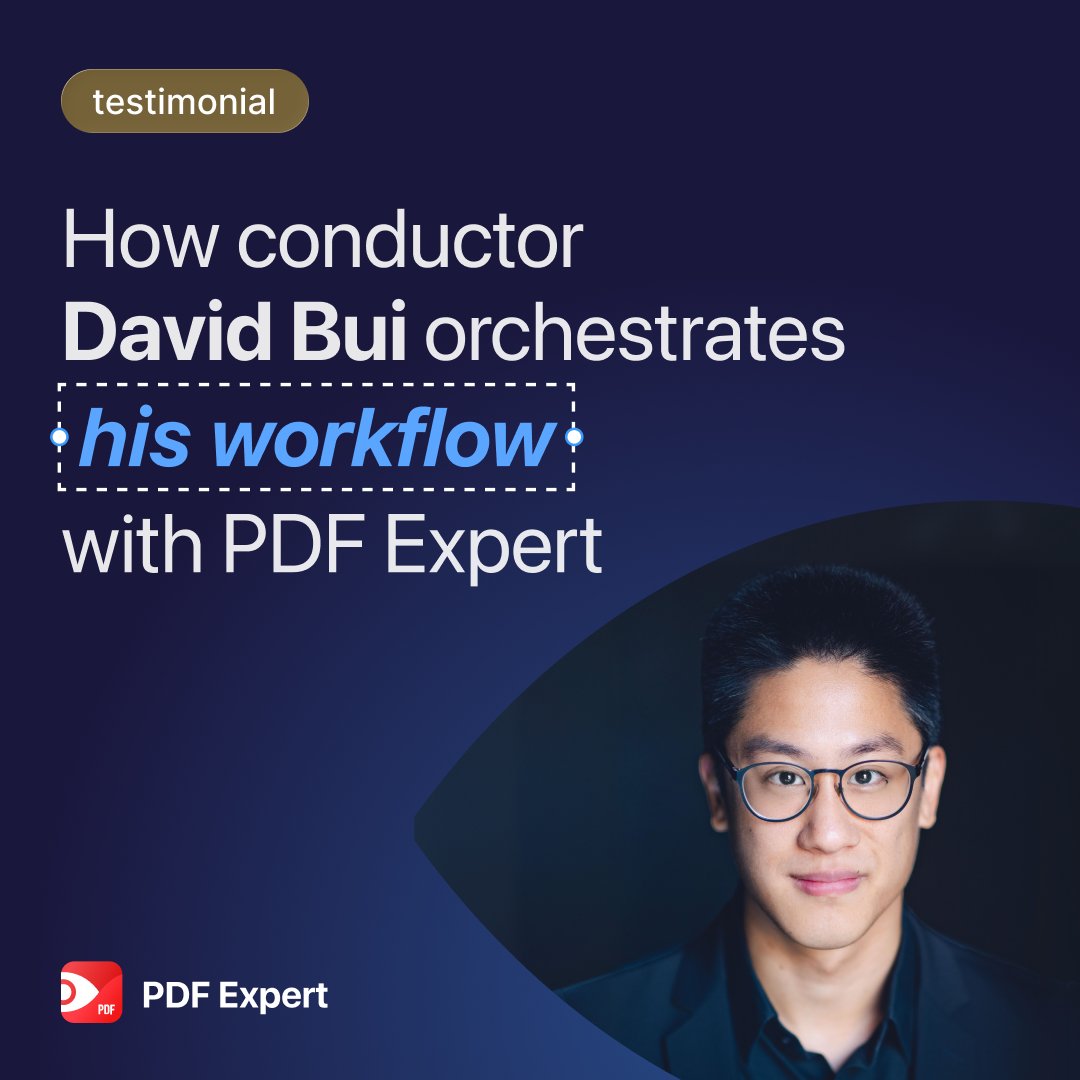
How do you fit a symphony orchestra into an iPad? 🎼
Meet conductor David Bui. From the podium to the library, he’s mastered the ultimate paperless workflow:
🎼 forScore for managing & annotating complex scores. 📄 PDF Expert for research, docs, and learning French. 🤖 AI to streamline his admin tasks.
No more heavy binders—just pure music.
Read the full story here: https://t.co/D1SvGeRbtS
#MusicTech #iPadPro #Productivity
🚀 Beat the tax filing deadline!
With PDF Expert, you can edit, sign, and organize all your tax documents in just a few clicks. It’s a hassle-free way to cross taxes off your to-do list before time runs out.
Get started now: https://t.co/Fz17EnUb9h
🔔 This is your reminder that only two weeks left to file your tax forms. Use PDF Expert to easily fill out forms, edit, and sign tax documents: https://t.co/Fz17EnUb9h
🗂️ Easily combine multiple PDFs into one to keep your tax documents organized with PDF Expert
Prepare for stress-free tax filing: https://t.co/mC6H41iBR0