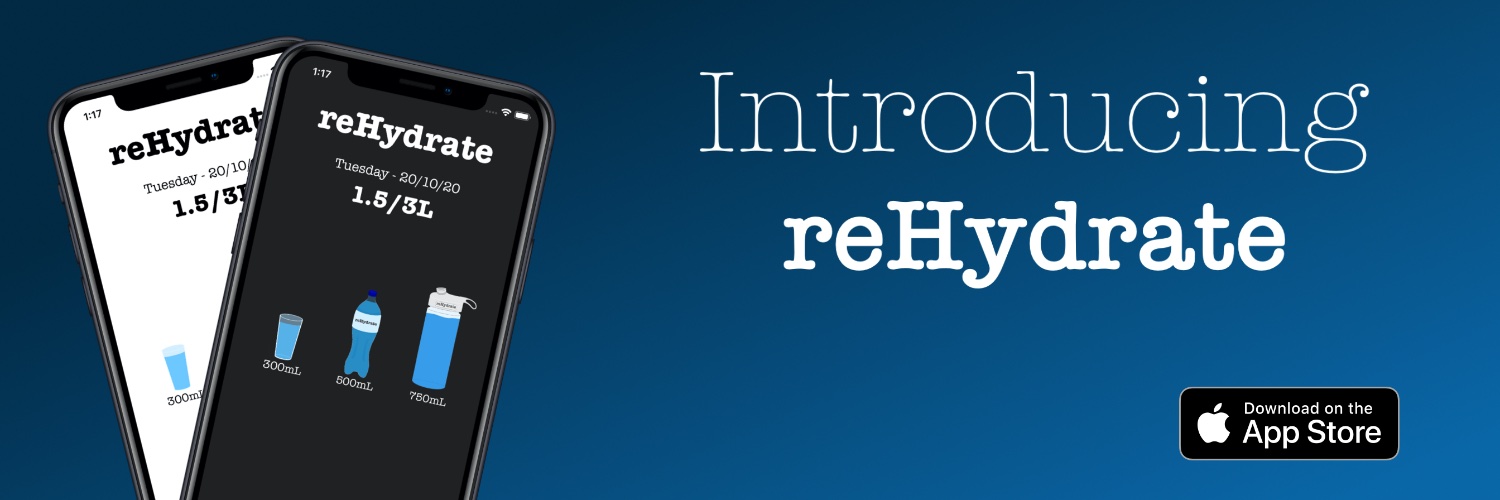
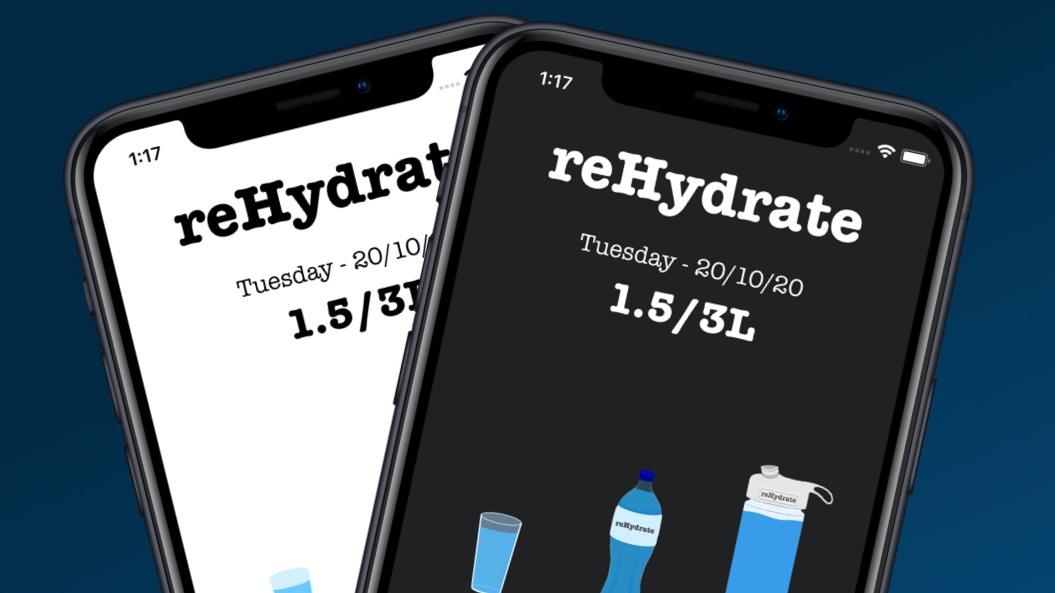
reHydrate - my first iOS app - is now available on the App Store! Try it out here: https://t.co/gSbaNBdUig
It's a simple water-tracking app with a bespoke interface that you can customise to your liking. Download it now and let me know what you think! 🥤
@iosmayank I’m actually looking into how to do testing and possibly TTD and this was a good intro. Do you have any recommendations on where I can learn more about it?
@ios_dev_alb I’m currently in the process of going from 1 to 2, and so far I’ve adopted Combine and Core Data. And I have to say it’s so much nicer to work with
Will there be a future Apple AR/VR headset?
We'll find out later this week as WWDC 2022 kicks off today!
Here's what's on our #WWDC2022 wishlist:
🤞SwiftUI modular bottom sheet
🤞Improved Apple documentation
🤞Open-sourcing Swift frameworks like Combine
What's on yours? 💭
We’re excited to share that we’ve partnered with @stripe
With Stripe’s integrated suite of payments and financial services solutions, we can help our clients get their apps up and running quickly and easily!
https://t.co/QAzQtHI39F
#StripePartner
@ios_dev_alb The best thing I’ve found is to talk to my team. Talk about projects see their problems and give/get feedback.
This gives me such a boost. I get to see how everyone else is doing and hearing their passions 🤩
Hey iOS developer,
Here’s a list of the most common shortcuts used in Xcode:
Build: ⌘ + B
Run: ⌘ + R
Test: ⌘ + U
Stop: ⌘ + .
Clean: ⌘ + ⇧ + K
Clean the build folder: ⌘ + ⇧ + ⌥ + K
Open quickly: ⇧ + ⌘ + O
Code completion: ⌃ + Space
Share with your friends.
Retweet