@vowe@RafaelZeier Currently PicFrame is free with a watermark or a small subscription or a single one off purchase. I’d be curious to know what a suitable price model would be in your opinion, always looking to improve the app and experience of users. Danke ☺️
@jackieossister@tristesouvent Check the App Store to make sure you’re running the latest version (update released with some fixes). Let me know exactly when it crashes if you still have a problem
@tristesouvent I’m just one person who has made the app since 2011. No one to fire, but I’ll definitely take your feedback onboard and hope you give the update a shot. I find it much faster to create frames and see the different options I have as a preview. 🙏
@tristesouvent You can use it the old way by selecting “Frames” and choosing a frame. If you’re on iPhone tap an empty spot and add photos. If you’re on the iPad you can then drag and drop photos exactly where you want. It’s really not that different if you use it that way.
@ForevernSwift All features you had before are still available at no extra charge (tap restore purchases if you don’t have them). The extras are additional features and are to provide support for continued development. If you don’t want the extra features you don’t need to pay a cent more.
@caliecalister 😂 All good. By the way, it’s just one person making the app since 2011. I’m trying to do what’s best and keep my work alive. Unfortunately paid apps aren’t viable these days so I have to adapt. I will message you early next time before I make changes 😉
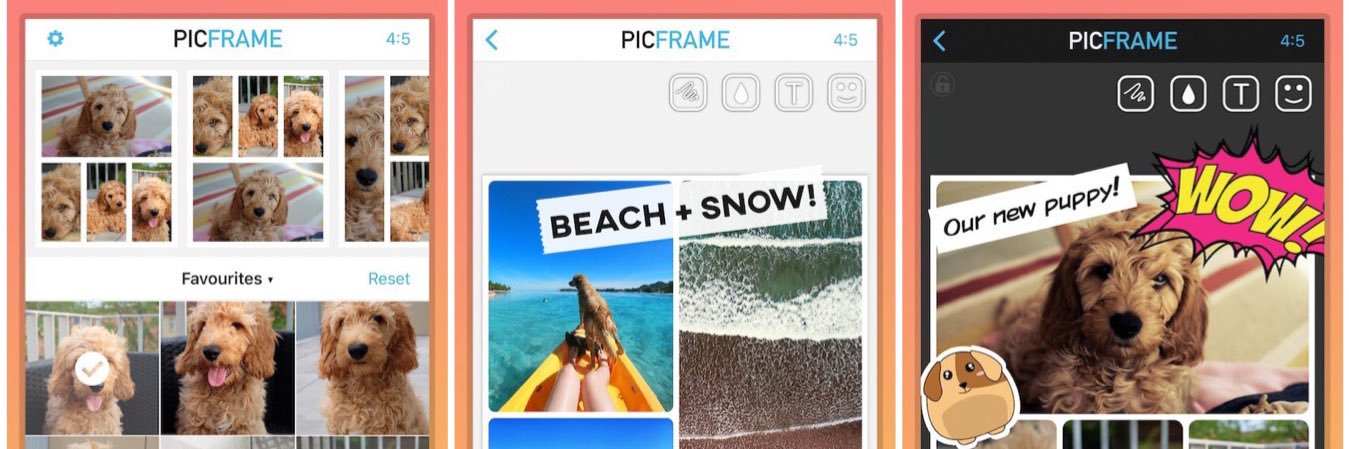
Check out the latest version of PicFrame on the iOS App Store. (Big update with improved UI and more features, make sure to try it on your iPad also!)
https://t.co/ATCji5CTWe
Students in k2 made various letters out of loose parts! They helped to decide which pics to put @PicFrameApp , then asked if I could post on @Twitter ! Love their creativity! @AgnesMacphailPS
@HarryStebbings Thanks for the feedback, this shouldn’t be the case. Can you check Settings > PicFrame > Photos to see if Read and Write is allowed. Also try a delete and reinstall.
@beingkeesh Hi, I’ve just double checked it on a few different devices and it appears to work correctly - this was not touched during any recent update. What device are you using? Do you have the latest updates. Temporarily you could save to camera roll and then open in Instagram.