Follow us for the latest @PICOXR developer news, comprehensive guides, step-by-step tutorials, and valuable insights into crafting immersive XR experiences.
Also out today:
· PICO Unity SDK 6.2.0 — image tracking, Unity dynamic lighting in PICO Spatial
· PICO Unreal SDK 6.2.1 — image tracking, plus the new PICOUnrealMCP plugin for AI agents
https://t.co/vDY7rHMrPl
PICO CLI 0.7.0 is out.
Generate 3D assets, then ship your app to PICO Vibe Lab — draft, preview, submit — from your AI agent.
New: project detect/configure, camera control, accessibility & interact, knowledge pinning, plus Auth/Release/SGS/APS CLIs.
https://t.co/BQzicJrtxI
PICO Spatial SDK 6.2.8 is out.
New: scene capture to render texture, dynamic shadows, RawMesh, procedural skeletal animation, 3D accessibility.
Heads-up: SpatialUI breaking changes; hand / mesh / plane tracking now need user permission.
https://t.co/F7FAXy5Ho8
A dog mid-jump. A ball in the air. A moment to revisit in XR. ⏳
This developer built a time-freezing app with Claude Code, with PICO CLI helping take the workflow to “ready for you to test.”
We love seeing our tools help developers bring playful XR ideas to life.
Opus 5.5 built me an app to freeze time ⏳
End to end, from scratch. Claude Code installed everything I needed on my new MacBook Neo:
- Unity 6
- Unity CLI
- Pico CLI
Then it went ahead and built the first iteration using headless versions of every program involved (no UI), built the .apk, installed it on my device (new Pico headset), and told me it was “ready for you to test.” I was 🤯
Another great creation from our developer community! 🎉
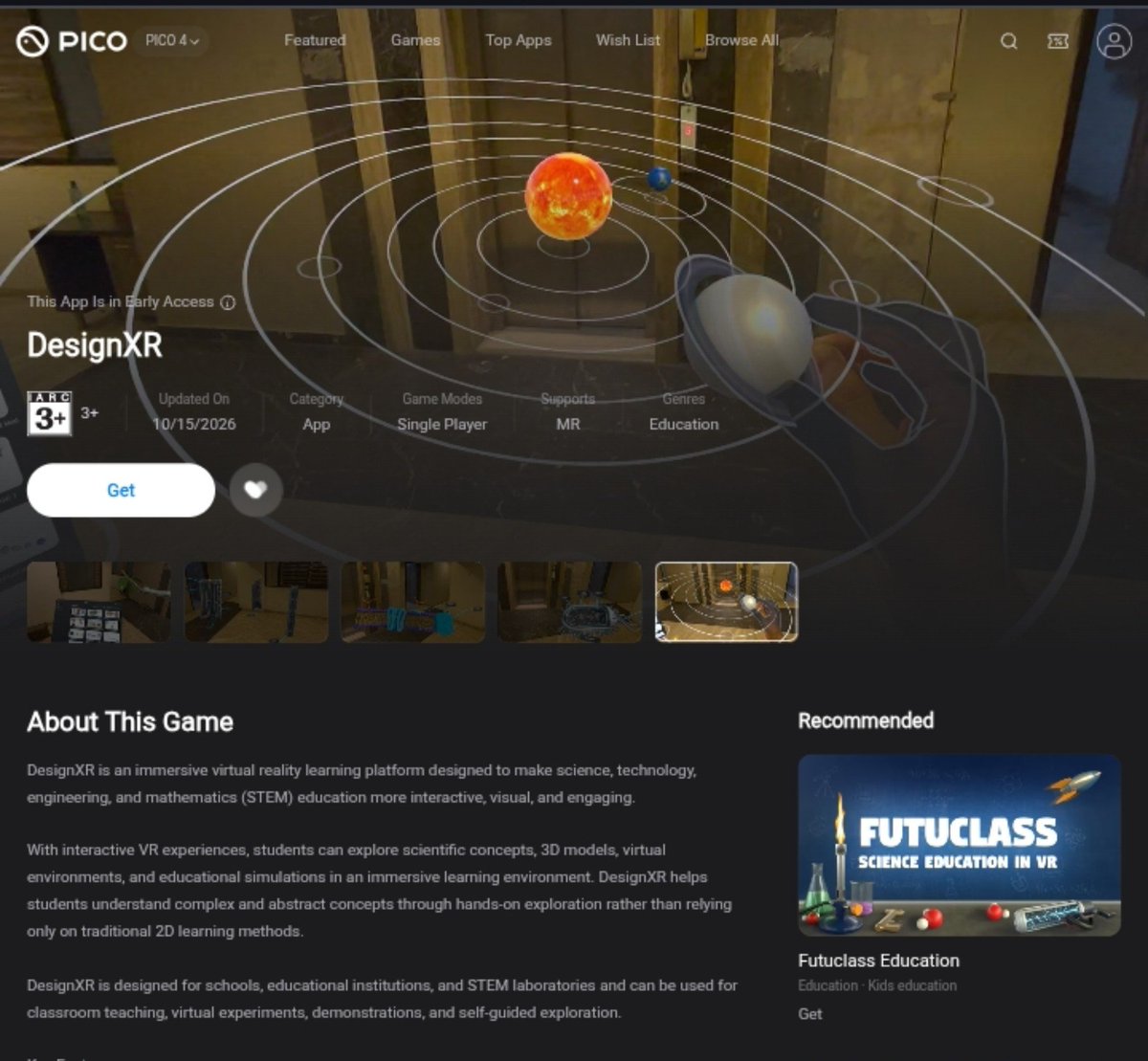
DesignXR is now live on PICO! 🚀 Congrats to @iTSikhwal on the launch — excited to see more developers bringing their ideas to life on PICO.
Give it a try! 👇
Build once. Reach more XR devices with OpenXR.
In this PICO OS 6 Developer Video Series episode, learn how OpenXR enables portable XR apps, how extensions unlock body tracking, spatial mesh & more.
Watch Full Video: https://t.co/I8sIQOilBx
#PICO#PICODev#OpenXR#XRDevelopment
🚀 PICO CLI 0.5.0 is live!
Build your first spatial app from a single sentence — AI can create, build, debug, and run it on the PICO Emulator.
Learn more: https://t.co/ezj5rsPtBv
Got ideas or feedback? Tag @PICOXR_Dev
Join our Discord: https://t.co/T6aUnvDOBU
PICO is heading to #BCON26! 🚀
Join us September 23–25 for our talk: “Practical XR Bridge to Blender Spatial Workflows.”
Discover how we’re turning PICO headsets into spatial workstations with frictionless PCVR and uninterrupted 3D iteration loops.
See you there! #Blender3D
🚀 PICO Sample Inspiration Season is here!
🎙️PICO Sample Inspiration is a creator showcase featuring creative projects built with Android Spatial, offering inspiration and practical insights for exploring XR development.
Missed Season #1? Catch up with the livestream replay and creator resources here: https://t.co/11nISFZsrt
🌌 Now, explore 6 new Android Spatial Samples—from shooting games and 3D Sudoku to an XR farm and spatial weather. Come cast your 🔥 for the Samples you love and choose the livestream time! https://t.co/vDzHKjPBxN
Build your first WebSpatial app and run it live in the PICO Emulator.
In this hands-on episode of the PICO OS 6 Developer Video Series, you’ll learn how to turn a standard React project into a native-feeling spatial experience in just a few minutes—without switching to a 3D engine or learning a new programming language.
Starting with a familiar Vite and React setup, the video walks through installing the WebSpatial SDK, configuring the project, initializing the runtime with SpatialBoot, connecting to the PICO Emulator, and opening the page as a spatial app.
You’ll also learn how WebSpatial’s 2D-wraps-3D approach lets you combine standard HTML and CSS layouts with spatial depth, add interactive 3D models through React components, and choose between Window and Volume scenes.
#PICO #SpatialComputing #MixedReality #ProjectSwan #Web #WebSpatial #React #CSS #HTML #WebDevelopment
Go beyond static model display with WebSpatial’s Dynamic 3D API.
In this episode of the PICO OS 6 Developer Video Series, you’ll learn how to build fully interactive, programmable 3D experiences inside a React app—all while staying within the familiar HTML, CSS, and React ecosystem.
The session covers WebSpatial’s core architecture, Spatial Containers, Model and Reality workflows, reusable entities and assets, spatial gestures, React-driven animation, CSS integration, and coordinate-system handling.
#PICO #SpatialComputing #MixedReality #ProjectSwan #Web #WebSpatial #React #CSS #HTML #WebDevelopment
🎙️ Thinking about getting into XR? Worried the barrier is too high? Feel like you don't have any ideas?
Come to the PICO Sample Inspiration Season 1 Live Sharing Session — your questions might just get answered.
6 wildly creative spatial works, all built with Android Spatial — and their creators come from completely different backgrounds: designers, product managers, engineers.
📅 Live: Wednesday, August 19, 2026, at 9:00 PM Beijing Time / 9:00 AM EDT / 6:00 AM PDT / 2:00 PM London / 3:00 PM CEST
📍 Streaming on Discord + Recording through Lark
Come & Join: https://t.co/rrY61u9rOq
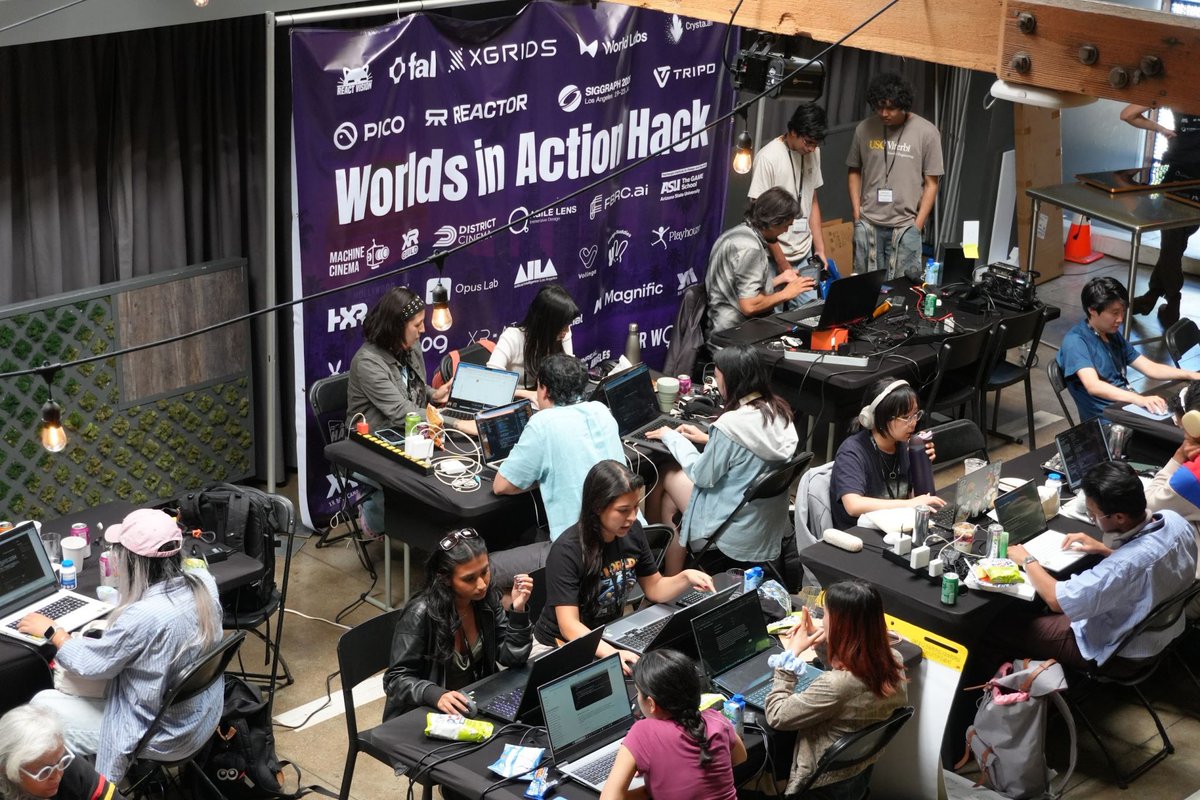
We spent the weekend before #SIGGRAPH2026 at the second Worlds in Action Hack in Los Angeles, where 60+ teams built spatial prototypes with our tools.
PICO partnered with the hackathon to put PICO OS 6, WebSpatial, the PICO Spatial SDK, and the PICO Emulator in the hands of developers. David Gene Oh was on site all weekend, helping teams get from whiteboard sketches to running spatial prototypes.
We sponsored two challenges:
🏆 Best App Running on Emulator - productivity, creative, and spatial workflows built and tested entirely in the PICO Emulator, no headset required
🏆 Best Agentic Spatial System - AI agents wired into spatial, multi-view interfaces via WebSpatial or the PICO Spatial SDK
What came out of it was immersive cinematography, interactive storytelling, and spatial systems built to help people make genuinely hard real-world decisions.
The emulator entries in particular proved something we care about: real spatial software can now be built before a headset ever enters the room.
Huge thanks to SensAI Hackademy and ACM SIGGRAPH for bringing this to LA, and to Ferhan Özkan, Pia Behmuaras, Robert Nochez, Paul McCabe, Rahel Demant, and many more, for running it.
Great to build alongside World Labs, XGRIDS, Tripo AI, ReactVision, Poeia, fal, and many more.
What would you build if the only thing standing between you and a spatial app was a browser tab?
#WorldsInActionHack #PICOOS6 #SpatialComputing #XR #SensAIHackademy #PICOXR
Unreal Engine 5.8 now ships with built-in PICO support.
Create a VR template, configure Android, build — and it runs on PICO devices and the Emulator. No external plugins required, thanks to native OpenXR support and a built-in PICO Controller plugin with default input mappings.
See Full Blog: https://t.co/TgebKdYVwF
Got a surprise Pico Developer kit from @PICOXR_Dev this week :o
This is due to them recreating the developer Discord server with a more active community, where I have been active before the recreation.
If you're developing for @PICOXR VR headsets, check it out! #VirtualReality
PICO OS 6 Deep Dive: PICO Spatial for Unity
Dive into a new way of developing XR games that can run with other apps simultaneously in the shared space. Also, it supports porting from existing mobile games to spatial computing.
Watch Full Video: https://t.co/r4nSsTzWRo
PICO OS 6 Deep Dive: PICO Unity and Unreal Engine SDKs
Learn how to build games and real-time 3D interactive experiences using the all-new PICO Unity SDK and Unreal Engine SDK, which fully support OpenXR APIs, PICO XR features, and the new PICO Spatial mode for multi-app experiences.
Watch Full Video: https://t.co/MKAmYZfyHV
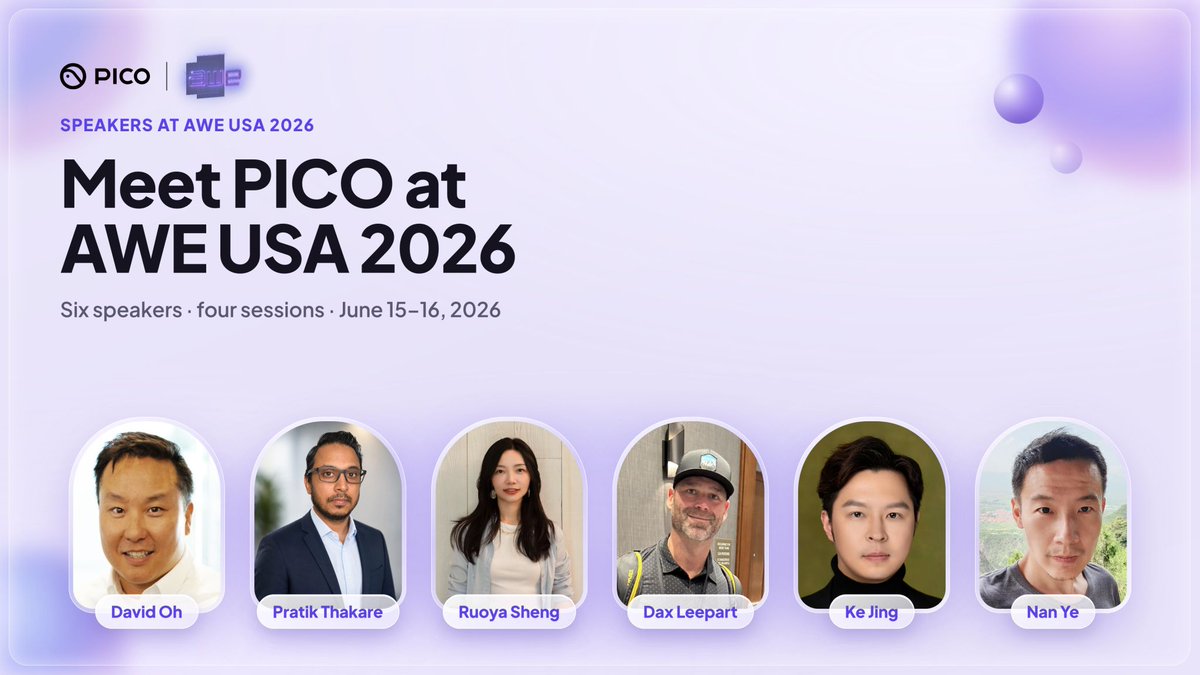
That's a wrap on #AWE2026. Two sessions, one open web framework, and a look at what's next for spatial computing on PICO.
What stuck with us wasn't the slides — it was the conversations: web devs realizing their existing skills already work in 3D, and developers digging into where PICO OS 6 takes spatial multitasking and on-device AI next. Those talks kept going long after the sessions ended.
Thanks to ThrillSeekerVR, @PHIA_bunny , @kentbye , and all the creators who came through the booth for those conversations — and for keeping XR moving.