Meet PromptBranch: a local-first workspace for AI prompts.
Version changes. Compare real model runs. Keep the reasoning behind what works. Desktop app + CLI + MCP server.
Explore: https://t.co/9S8zDYd3Z5
#AI#PromptEngineering#OpenSource
@Michael_Fenech_ For prompts, checkout PromptBranch, it might be useful. It keeps them local, lets you version and export them, and gives agents access through MCP. It doesn't move your whole workflow, but it can make your prompts easier to take with you https://t.co/9S8zDYd3Z5
That hurts, especially with Seedance credits. Checkout PromptBranch, it might help keep your prompt versions straight. Quick Access lets you fill in variables and copy/paste the one you want to test. It won't tell you which workflow works best, but it can keep the prompts organized https://t.co/XfaERIq0Ot
@romulocorrea@Gemini_Notebook@romulocorrea If you want a separate place for prompts, PromptBranch may be useful. You can organize and version them, then use the Quick Access palette to fill in variables and copy/paste into Notebook. Prompts are also available through MCP: https://t.co/9S8zDYdBOD
@NFTMansa PromptBranch may be useful, it keeps prompt versions and run history together, lets you compare runs across models, and record ratings from 1 to 5 across four dimensions. It doesn’t automate the whole eval: https://t.co/9S8zDYdBOD
@TGarver13346@KomalWCode@TGarver13346 If you want to keep prompts across model changes, PromptBranch might be worth a look. You can save versions and run them on different models to compare the results: https://t.co/9S8zDYd3Z5
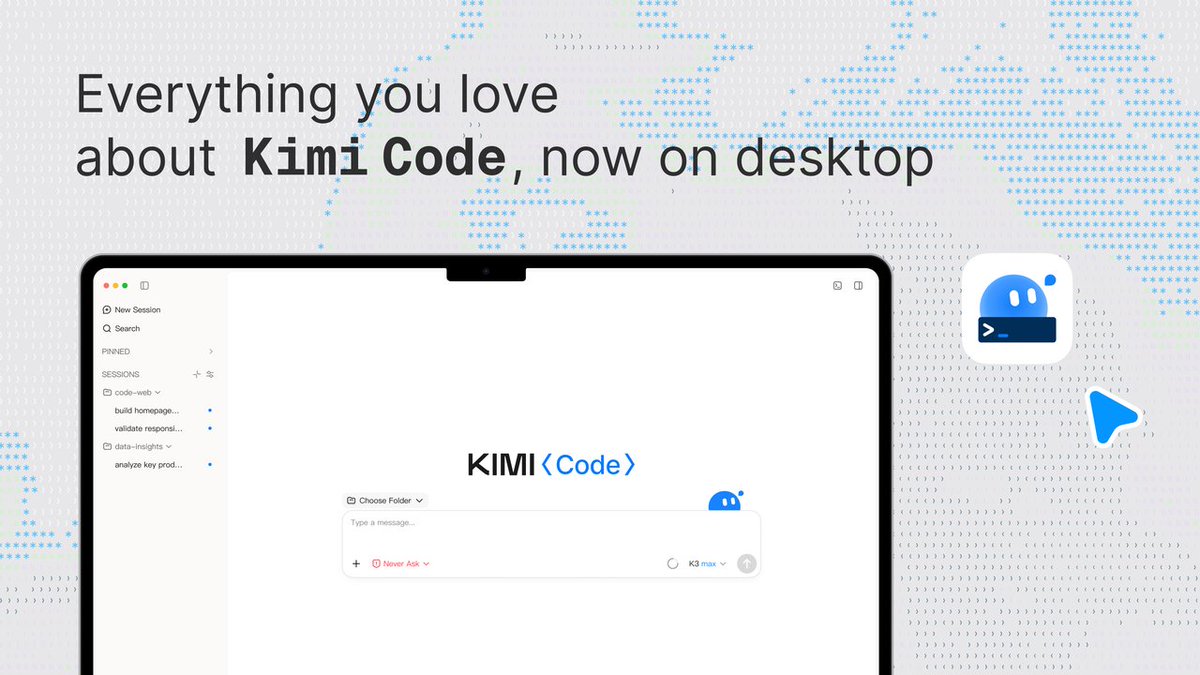
Meet Kimi Code Desktop
Drop it into any dev workflow and get faster, more reliable results — programming tasks done in record time. Manage multiple agents in one focused space, run tasks in parallel, and stay in sync with your agents even on long-horizon work.
Now available on MacOS & Windows.
PromptBranch 0.7.2 is live 🎉
🏷️ Click tags to filter your Library
✨ Click the active tag again to clear the filter
💻 Installers for macOS, Linux & Windows
https://t.co/a39KeL3J8h
Download:
https://t.co/6pz6roEG7q
#PromptBranch#AI#DevTools#PromptEngineering
PromptBranch 0.7.1 is live 🎉
✨ Copy prompt names from the context menu
🛡️ Safer CLI publishing with preview + explicit approval
Explore: https://t.co/9S8zDYd3Z5
Download:
https://t.co/jzvWe18e3y
#PromptBranch#AI#PromptEngineering#DevTools
💡 PromptBranch Highlight: Suggestions
Let your coding agent propose a prompt variation through CLI or MCP. It stays pending until you review it in the desktop app, compare the change, and approve or reject it.
Agents propose. Humans approve.
#PromptEngineering#MCP#DevTools #AIEngineering #VibeCoding #OpenSource #CodingAgents
🔄 Sync your PromptBranch library between desktop devices.
Pair desktop apps with a short verified code, sync directly over your local network, and let changes catch up automatically when the devices can reach each other.
Your library stays local and under your control.
https://t.co/mGg3CJ55Y3
#PromptBranch #DevTools #LocalFirst #Privacy #OpenSource #PromptEngineering
🖥️ Desktop App · ⌘ CLI · ��� MCP Server
Each can run independently. Point them all at the same SQLite database when you want one shared library or use different databases for different use cases.
One library or multiple libraries. You choose.
https://t.co/mGg3CJ55Y3
#DevTools #MCP #AIEngineering #PromptEngineering #VibeCoding #OpenSource
@OrcaRouter@OrcaRouter Useful distinction. Prompts, tools, and harnesses can shape behavior as much as the model. We’re exploring the builder side with PromptBranch, versioning prompts and testing them across models. Feels complementary to your archive.
The model is NOT the agent.
Same model. Different system prompt. Different tools. Different agent.
So we built OrcaPromptVault 🐳
An open-source, versioned archive of the hidden layer behind AI agents:
�� System prompts
→ Developer instructions
→ Tool schemas
→ Skills
→ Agent harnesses
Covering agents from OpenAI, Anthropic, Google, xAI, Cursor, Qwen, GLM, Kimi and more.
Captures can be reproduced with OrcaReplay, so you can see exactly how agent behavior changes across models, versions and harnesses.
Model weights are only half the story.
The harness is the other half.
Open source ↓
https://t.co/HmDoJp66Sq
PromptBranch 0.7.0 is out 🚀
Reliability improvements across device sync, drafts/version saves, validated imports, and run-safe model results—plus faster sync merges, ratings, and search.
https://t.co/9S8zDYd3Z5
https://t.co/eni8aWHi5z
#DevTools#OpenSource#PromptBranch#AI
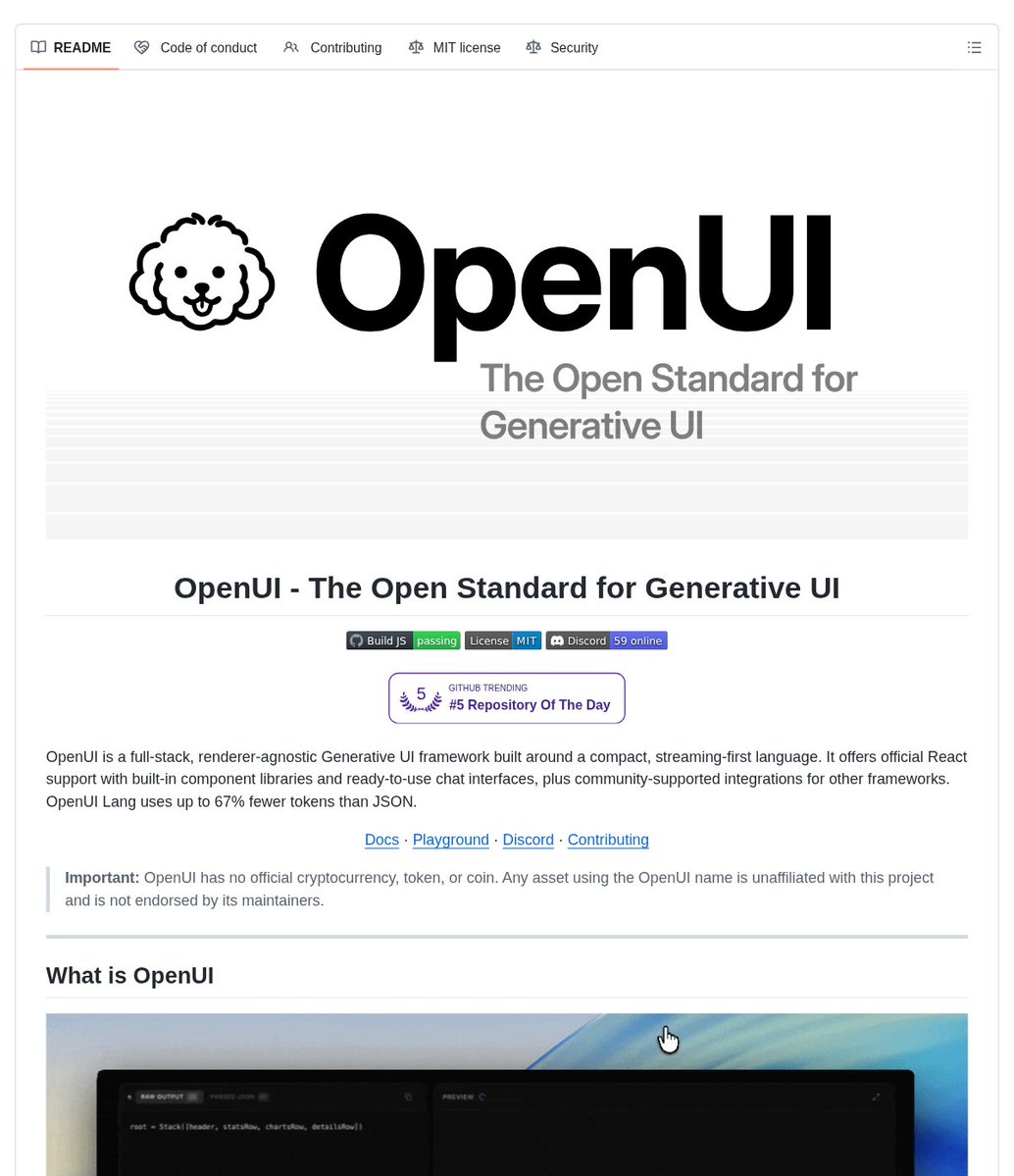
Your AI assistant shouldn’t be stuck replying in plain text.
OpenUI is a full-stack, renderer-agnostic Generative UI framework for builders who want models to generate structured interfaces.
It helps you turn a component library into live UI by generating model instructions from the components you allow, then progressively rendering OpenUI Lang as the model streams output.
Key features:
• Component-driven output – define and register the components a model can generate
• Streaming renderer – parse and render model output progressively in React as tokens arrive
• Built-in UI libraries – start with charts, forms, tables, layouts, and more, then extend them
• React support – use official React packages for rendering, headless chat state, or prebuilt chat interfaces
• CLI scaffolding – create a starter app with streaming, built-in UI, and OpenUI Lang support
It’s open-source (MIT license).
Link in the reply 👇
🔗 PromptBranch Highlight: Sharing
Share prompts through the free online portal or self-host it for full control.
📥 Import shared prompts directly into PromptBranch.
One link. A reusable prompt.
https://t.co/9S8zDYd3Z5
#SharingIsCaring#OpenSource#DevTools#PromptBranch
🧩 PromptBranch Tip: MCP
1. Use list_prompts to browse your library from an MCP-compatible agent.
2. Use get_prompt to retrieve the exact saved prompt you need.
Your prompt library, right where you build.
https://t.co/9S8zDYd3Z5
#MCP#DevTools#OpenSource#OpenCode