Rafetus in one picture.
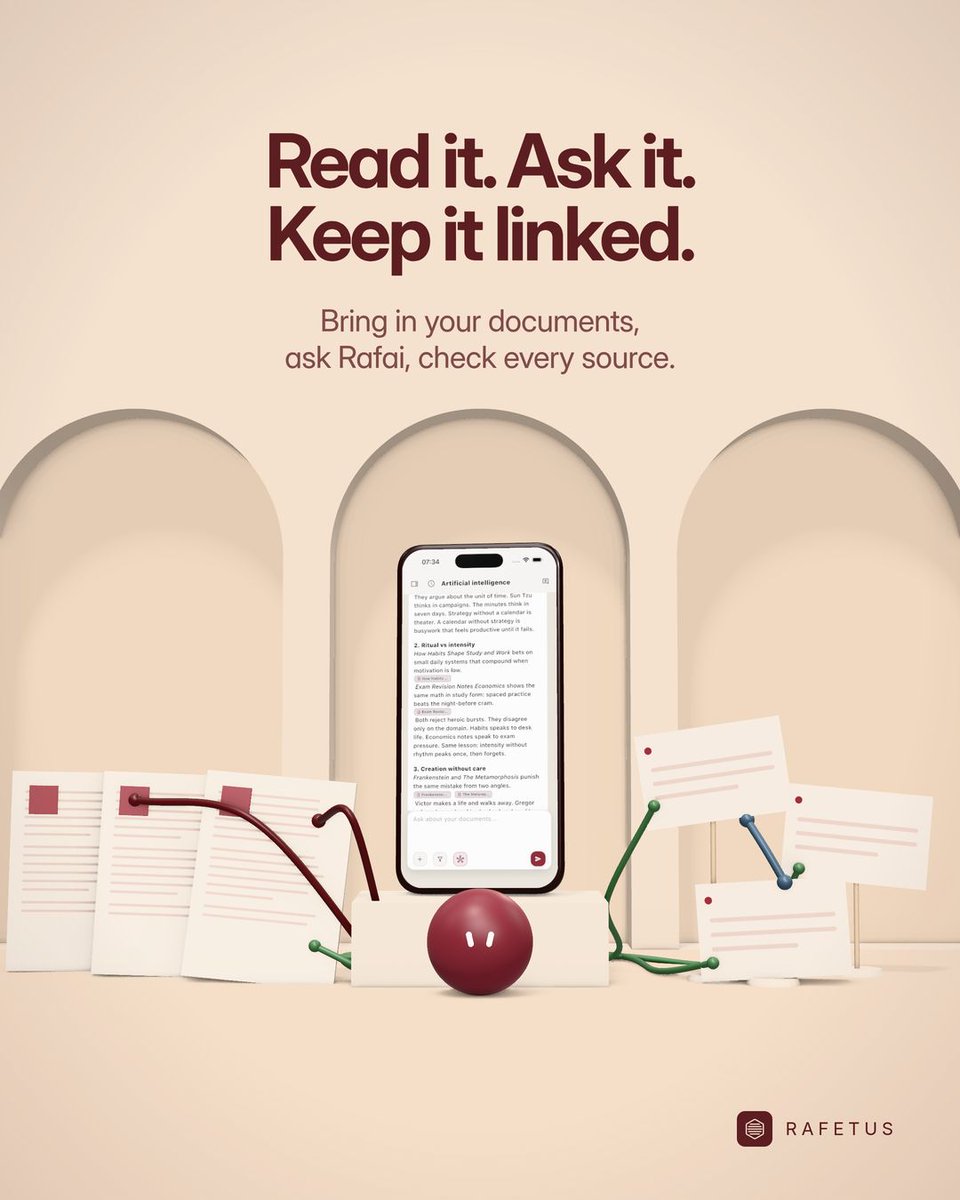
Bring in your documents. Ask Rafai, the AI inside the app, a question, and the answer shows which documents it came from so you can open them and check. Write notes as you read, and each one stays linked to its document.
You read ten pages of a paper between classes, close it, and later scroll for minutes to find where you stopped. Rafetus for web remembers the page you were reading, so the document opens where you left off.
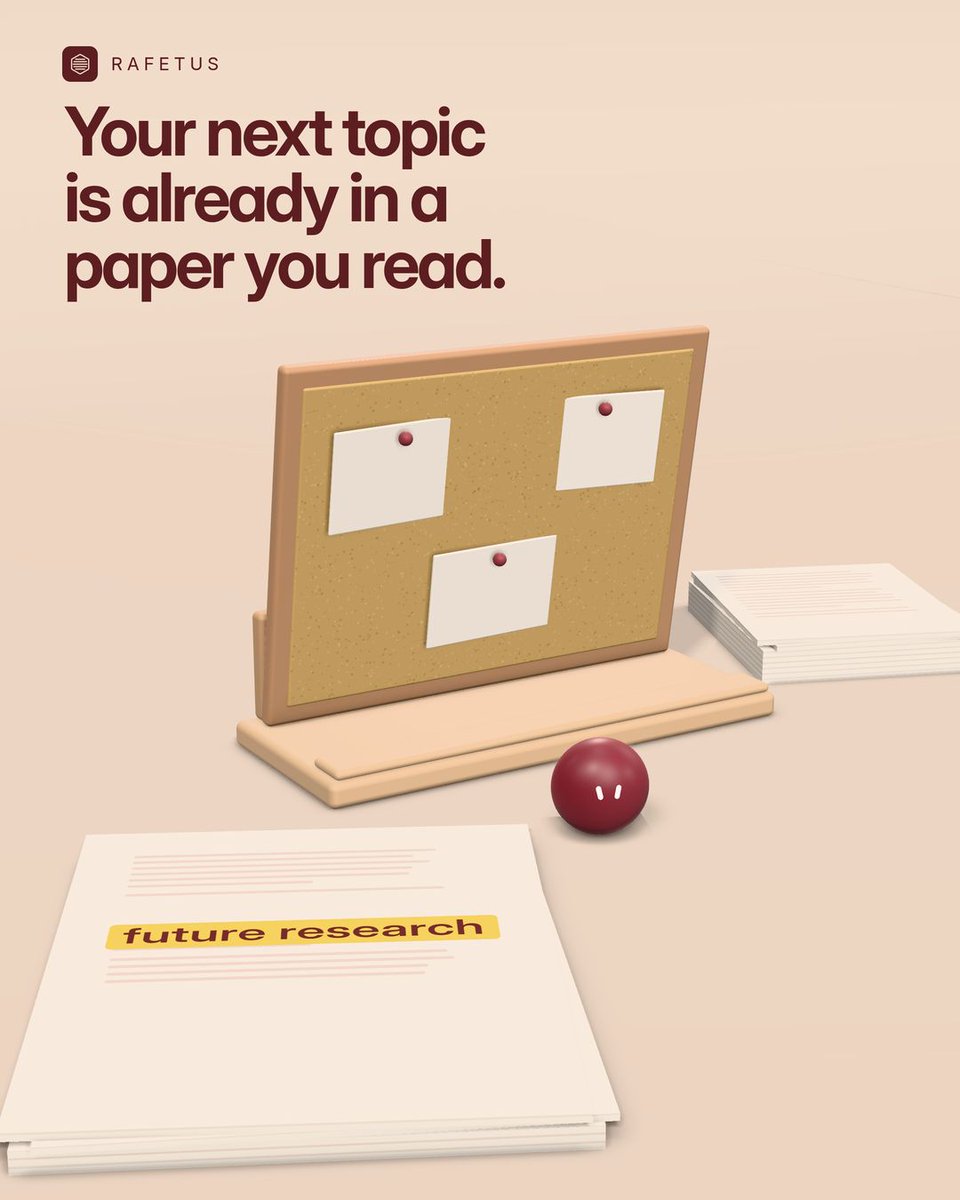
"Bring me three project topics next week." Start with the papers you have already read, in the lines about future research. In Rafetus, Deep Search finds words inside the documents you have added to your library, so search future research and those lines come back.
Type the word deposit into Deep Search. Rafetus looks inside the documents in your library and lists each one that contains it, here the Apartment Lease Agreement and the Moving Checklist, with the word highlighted where it appears. You search what a file says, not its name.
New on Rafetus for web:
• Smoother PDF and Word reading, and it remembers the page you were on
• A cleaner reader that's more stable and has more of the tools you use
• Search inside your documents now takes you to the exact spot
• Upload files up to 200 MB
Checking a reference list by hand means opening every PDF and scrolling for the one line you quoted. That is the manual part that lets small citation errors slip through. With your papers in a Rafetus library, Deep Search finds that line inside the PDF and DOCX files you added.
Rereading the same paper months later is the normal part. Finding it again should not be the hard part. We built Rafetus so that once your PDFs are in your library, Deep Search finds a word you remember inside any of them.
15 relevant research papers, two weeks, and a supervisor asking for the limitations of each. Once those PDFs are in your Rafetus library, Deep Search finds the word "limitation" inside all 15 without opening them one by one.
Quick quiz. You remember one line from a 40-page PDF, but not the file name. What finds it faster?
A) Open the likely files one by one
B) Search the words themselves across your library
Reply A or B. In Rafetus, Deep Search does B inside the PDF and DOCX files you add.
Rafetus 1.1.3 adds Note Canvas. You can now write and draw right on a note with a pen, add shapes and highlights, and drop in photos. Update from the App Store to try it.
You remember a phrase from the paper, not the name the file was saved under. That is normal. In Rafetus, Deep Search looks for the words inside the documents you have added to your iPhone library, so a few words you remember are enough to find the document that has them.
The research gap is easiest to write when you never have to go looking for it. Each time a paper names a limitation or an open question, note it right then. In Rafetus, the notes you write on a document stay with that document in your library, so every gap points to its source.
A famous finding is often a headline about a paper, not the paper itself. Before you repeat it, read the methods: who was studied, how many, what was measured. In Rafetus, the papers you add stay in your iPhone library, so the original is right there to check before you cite it.
Citing from memory is how sources get mixed up. Cite from your notes instead. In Rafetus, the notes you write on a document stay with that document in your library, so the source is right there when you write.
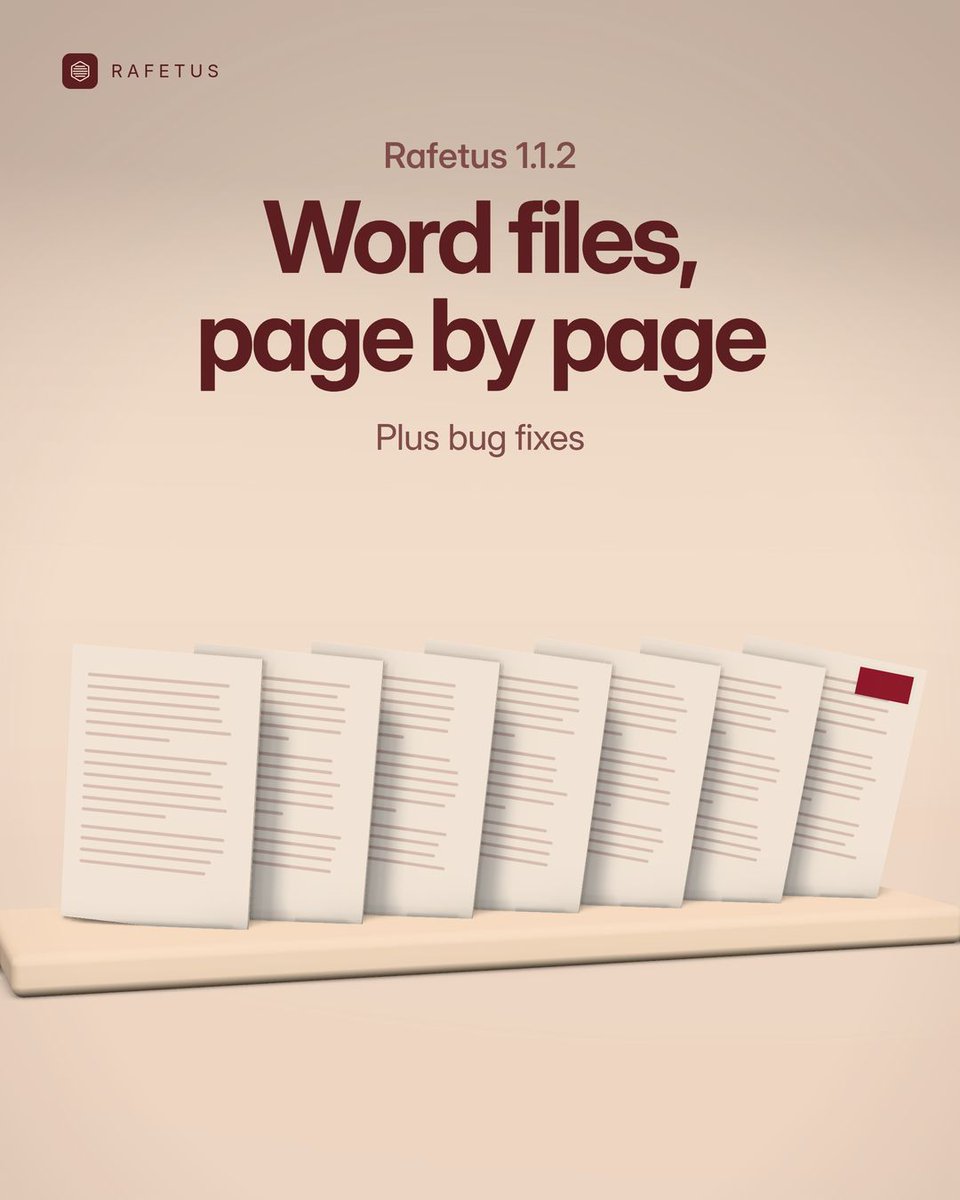
Rafetus 1.1.2 shows your Word files page by page.
Open a long DOCX and there's a break where each page ends, so you can see where page 4 starts, even on a phone. It shipped with bug fixes as well.
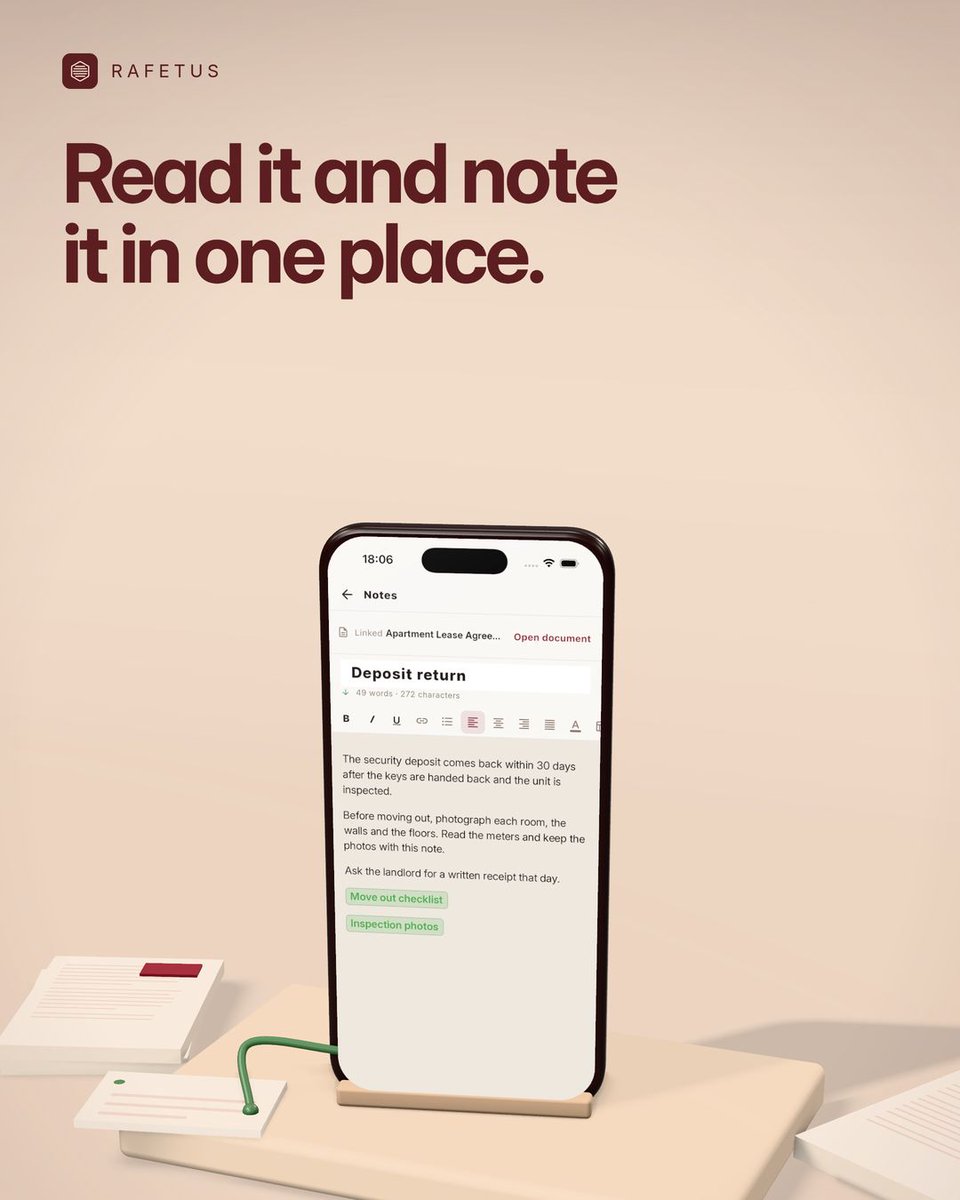
Reading in one app, notes in another, and a screenshot to remember which part you meant.
A month later the note turns up with no clue where it came from.
In Rafetus you read and take notes in the same place, and each note stays linked to its document.
Midterm season, and three readings that don't quite agree.
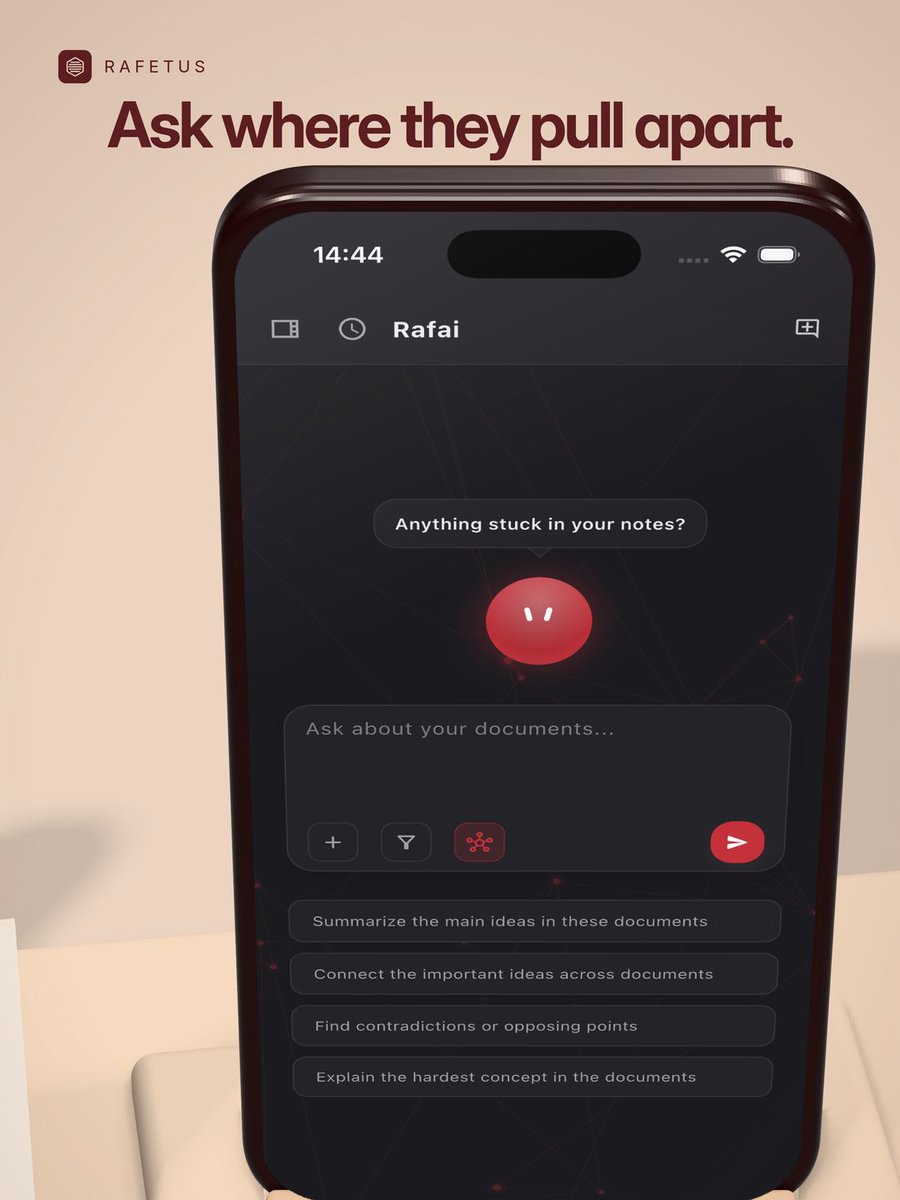
Put them in one library and tap Find contradictions or opposing points. Rafai lays out where they pull apart, and each answer shows which documents it came from.
Which class has the readings that argue the most?
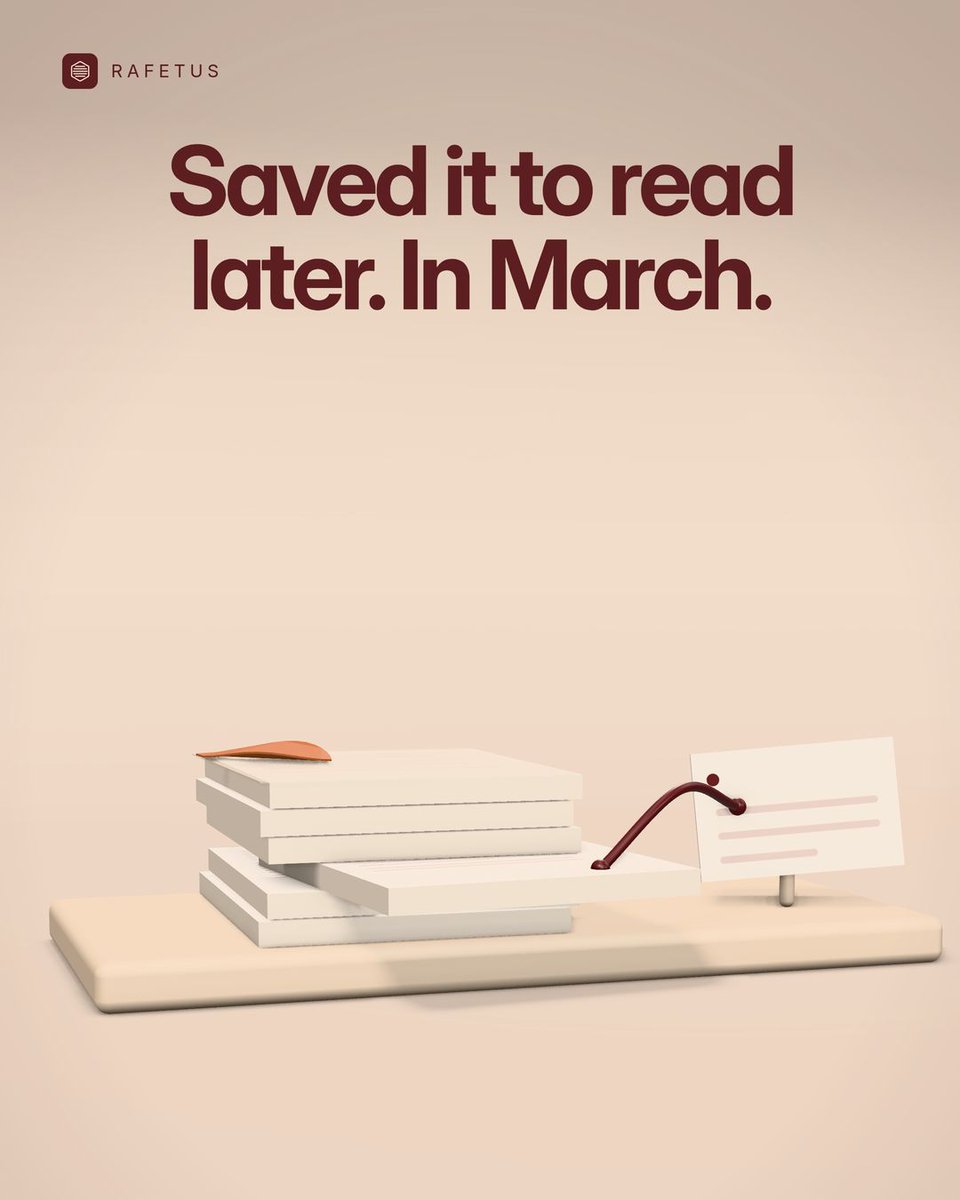
A file saved in March to read later. Still unopened.
Most of us keep a few like that. They mattered once, then never got opened again.
Put them in one library and ask Rafai what's in them. Each answer lists the documents it came from, the March file included.
Screenshots, receipts, a lease and three copies of the same form, all in one pile.
A library works the other way. Only the files you chose to add, with your notes linked to the ones that matter.
Start with the three files you opened most this month.
@WithBukky Fair question. That's what we're building. In Rafetus on iPhone, your papers go into one library and search finds them by the words inside, so the one with the method point turns up without rereading the folder.
Happy Halloween to every unread document still haunting your phone.
Rafetus answers in sections, each tagged with the documents behind it. Frankenstein and The Metamorphosis turn up under the same one.
A lot less spooky once you've read them.