MatPlus 1.2 is out.
Full breakdown:
https://t.co/i0bSCVjT5U
Fixes focused on real production issues:
– UDIM + Eevee bake working again
– AmbientCG loading issues fixed (Mac hidden files)
– Better mask handling
– UI tweaks + new demo scene#Blender3D #b3d#MatPlus#BlenderAddon
Tutorial:
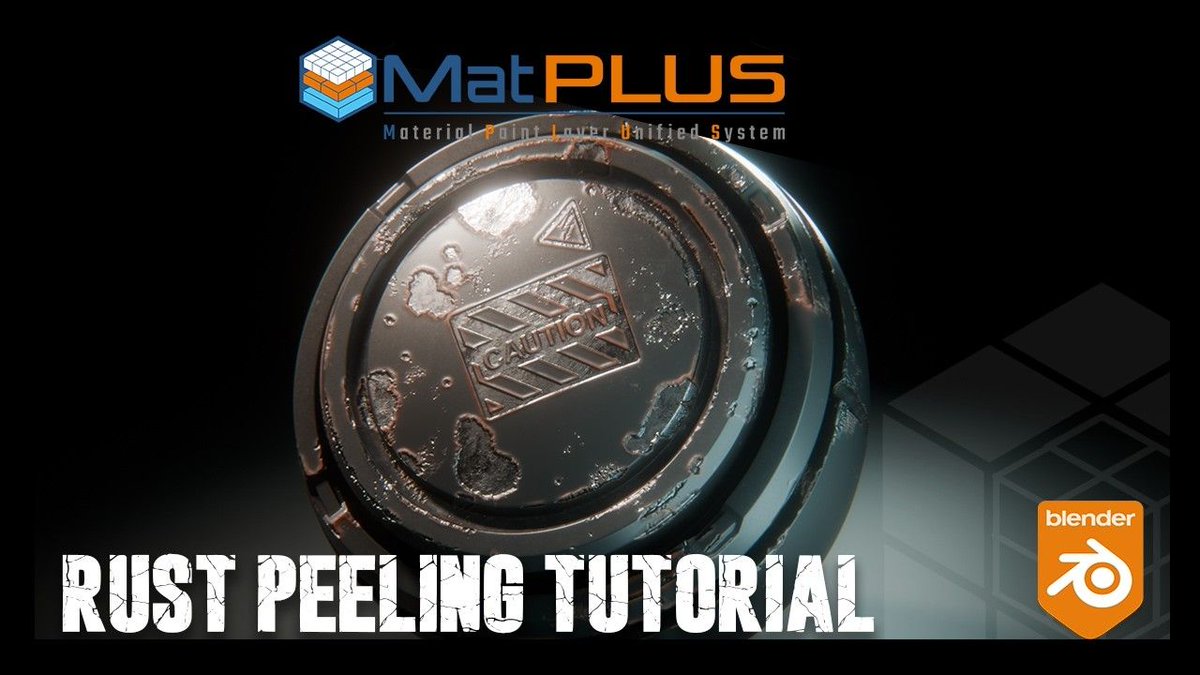
Aprende a usar MatPlus en Blender para crear un material de acero envejecido (desgaste, suciedad, rayones y edge wear)
https://t.co/4u5zp4T7ox
#MatPlus#PBR#Blender3D
Tutorial:
Vidrio realista en Blender con MatPlus (paso a paso).
Rayones, suciedad, polvo y detalles para que el glass se vea pro.
https://t.co/PUYRY42lLH
#MatPlus#PBR#Blender3D#Glass
New tutrial!
Watch here:
https://t.co/Kh3uvQjqEt
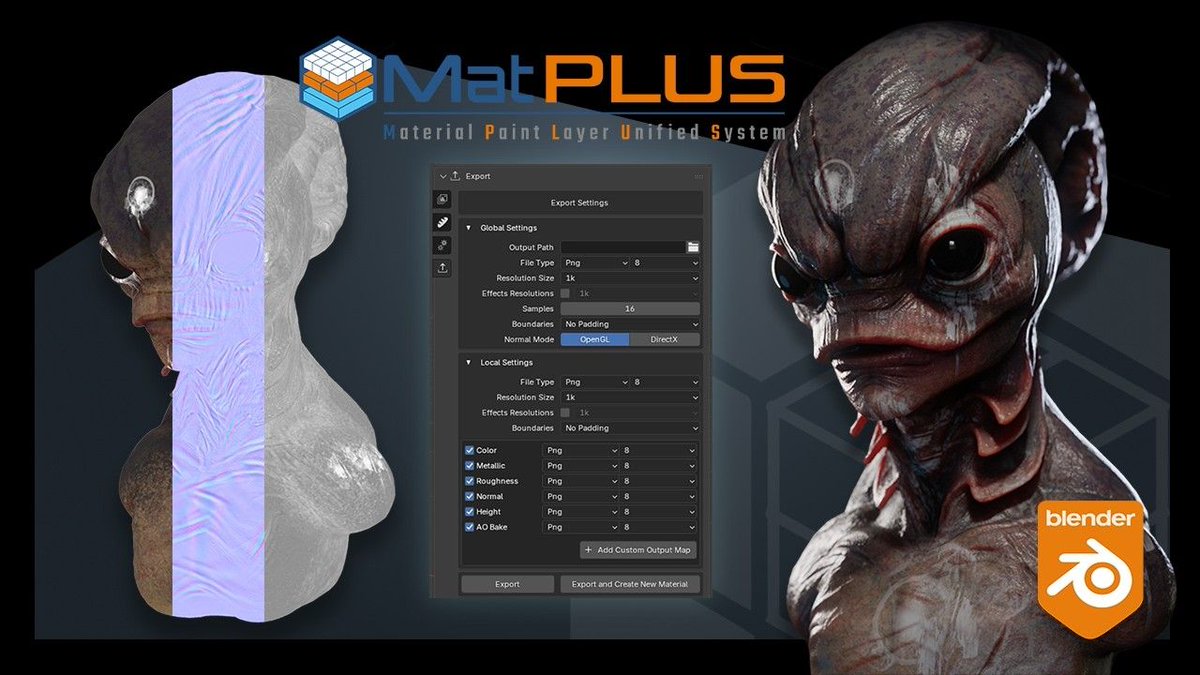
Exporting textures and testing them in Marmoset Toolbag — making sure your maps, shading and final presentation are production-ready.
Clean export.
Accurate results.
#Blender3D#MarmosetToolbag#Texturing#GameArt#b3d
Hoy en directo con los desarrolladores de un Addon que va a hacer que no tenga ningún sentido usar más Adobe Substance 😳
Además vamos a sortear una licencia gratuita. 20:30PM
https://t.co/ePFj3XcJsp
EN BREVE ESTAMOS LIVE
20:30 hora española
En el canal de YouTube de Héctor – Esperando el Render
BeFXStudio + @EsperandoRender
Texturizado profesional en Blender y workflow real de MatPlus.
Anuncio sorpresa en vivo.
https://t.co/mSZyFUuLSV
#Blender3D#b3d#MatPlus
🚨 HOY EN DIRECTO 🚨
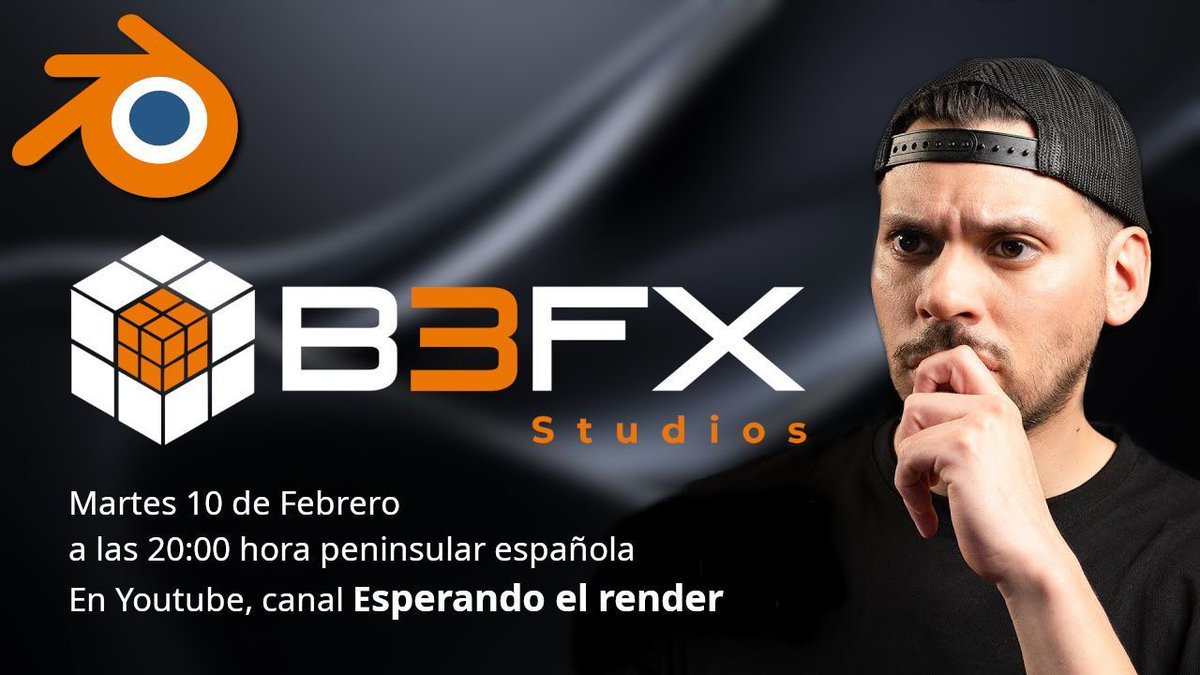
Esta noche a las 20:00h estaremos en directo en el canal de @EsperandoRender.
Texturizado profesional en Blender + workflow real de MatPlus.
Materiales · Producción real · Noticia Sorpresa
¡No te lo pierdas! https://t.co/pqWPN0C6Qk
#Blender3D#b3d#MatPlus
Este martes 10 a las 20:00 estaremos en directo en el canal de @hectorVFX hablando sobre texturizado profesional en Blender y el workflow de MatPlus.
Además, habrá una gran sorpresa durante el directo.
https://t.co/pqWPN0C6Qk
#b3d#blender3d#MatPlus
Part 3 of our Alien texturing tutorial is live.
Final detailing using a non-destructive, layer-based workflow in Blender with MatPlus.
https://t.co/gqAalQnsig
#b3d#MatPlus#blender3d
MatPlus tutorial series – Part 2 is live.
Character texturing using layers to build a clean, non-destructive workflow directly inside Blender.
https://t.co/NLZaTfCUPW
#b3d#MatPlus#blender3d
New MatPlus tutorial series is live.
Part 1 covers proper bake setup for clean, reliable texturing before materials and engine export.
https://t.co/BXay9EdJ4b
#b3d#MatPlus#blender3d
New tutorial: Decals & Links in MatPlus 1.1. Learn how to add decals and link them to material channels for a faster, non-destructive workflow in Blender.
https://t.co/i3V3ju9gbQ
#b3d#MatPlus#blender3d#substancepainter
@brandon_trabon It is precisely a tool that we will include in a future update. A system that leverages the different elements to generate a clean and accurate bake.
Smart Materials in MatPlus solve a key Blender limitation: material reusability. Build once, reuse across assets, fully editable and non-destructive.
#b3d#substancepainter#MatPlus#blender3d
Smart Materials in MatPlus let you create complex, reusable materials directly in Blender. Faster workflow, no external tools, fully non-destructive.
#b3d#substancepainter#b3FXStudio#MatPlus#blender3d