Who sees what in workforce analytics?
With ReclaimTime:
✓ Managers see team numbers by group
✓ Supervisors see their own groups and below
✓ Tracking on or off per site
✓ Window titles off by default
✓ No location, camera or microphone
MYTH: With workforce analytics, “working hours only” means the data is hidden after hours.
ReclaimTime shows managers where a team’s time goes. Outside working hours, nothing is recorded. Not hidden. Never recorded.
Workforce visibility shouldn't mean watching every employee movement.
ReclaimTime provides insights into active time, meeting time and app use without screenshots or keystroke capture.
Data is collected only during working hours.
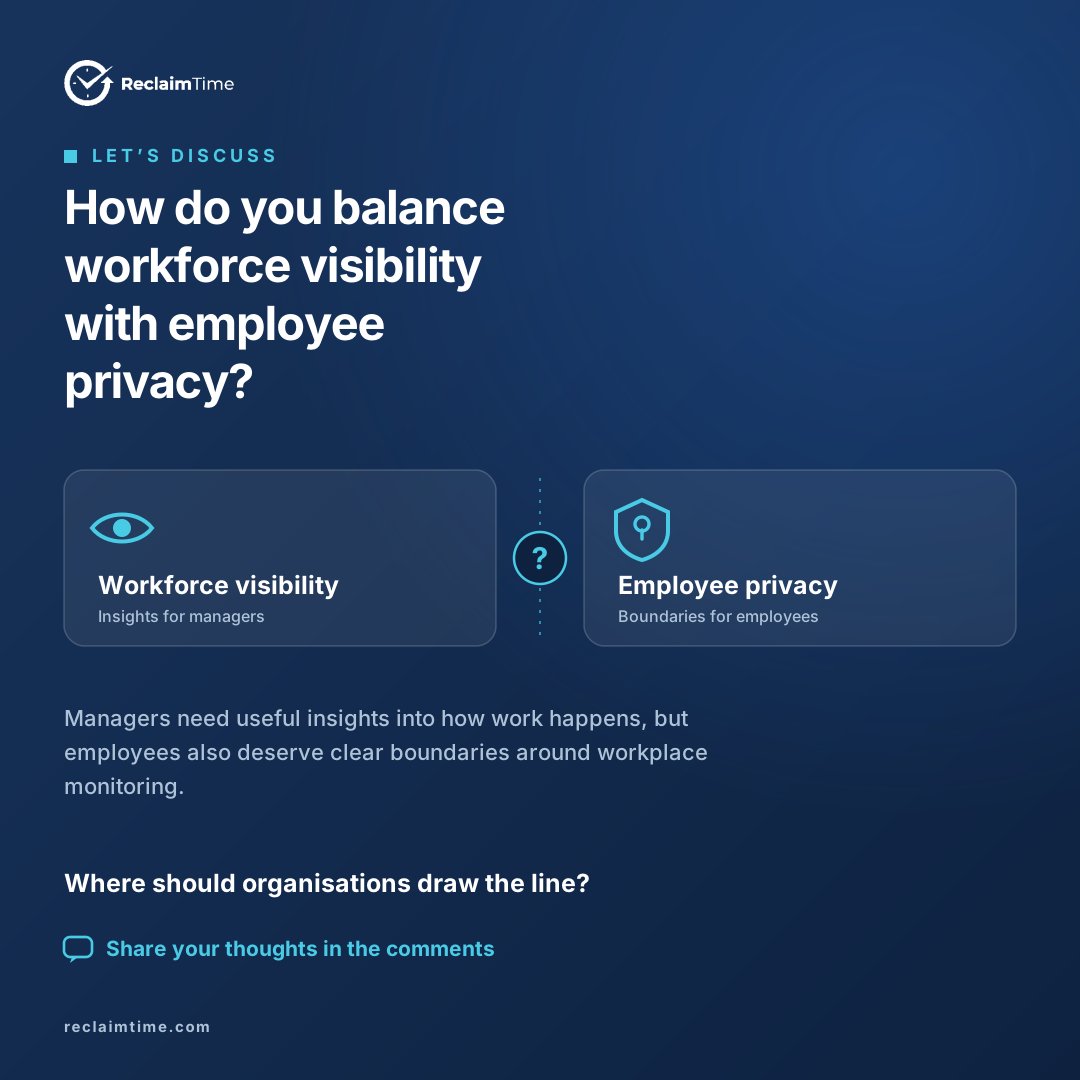
How do you balance workforce visibility with employee privacy?
Managers need operational insights, but employees deserve clear boundaries around workplace monitoring.
Where should organisations draw the line?
#EmployeePrivacy#WorkforceManagement
ReclaimTime at 500 seats is $12,000 a year, with no keystroke logging on any plan.
Side-by-side comparisons, taken from each product's own pages: https://t.co/HCEKMpvCRo
500 seats: $12,000 a year, not $60,000.
ReclaimTime costs $3, $2.50 or $2 per user per month by volume, billed
annually, from 10 users.
ActivTrak's entry plan is $10 per worker per
month billed annually, which is $60,000 a year for 500 people.
MYTH: Enterprise software deployment always means complicated manual installation.
ReclaimTime supports silent script installation and Active Directory single sign-on, helping IT teams simplify deployment and user access.
MYTH: A quiet keyboard means an idle agent.
Not true. ReclaimTime counts Teams and Skype calls as meeting time, so a call isn’t flagged as idle.
Speak with an expert: https://t.co/jI4WHWMEka
#WorkforceManagement
Rolling out a desktop agent to 500 Windows PCs should not mean 500 tickets.
ReclaimTime installs silently through SCCM, Intune or a logon script,
records only during working hours, and the dashboard shows which PCs
have reported in and on which version,
New software across every desk usually means packaging, sign-in and support tickets.
Which costs your IT team the most time?
ReclaimTime installs silently with SCCM, Intune or a logon script. Staff see nothing.
Speak with an expert: https://t.co/ubBEpJfEBP
#ITManagement
Monday morning. Where did the team’s week go?
In ReclaimTime:
Pick a group and date range
See active, meeting and total time
Check app and site time
Export to CSV
No screenshots. Working hours only.
Start a pilot: https://t.co/q4YzhjKx5I
#WorkforceAnalytics
Low computer activity. Idle, or on a call?
ReclaimTime counts Teams and Skype calls as meeting time, so a quiet keyboard isn’t flagged as idle.
How does your report tell the difference?
Start a pilot: https://t.co/dUh2aHomEA
#WorkforceAnalytics
Better workforce decisions start with better visibility.
ReclaimTime brings insights into focus hours, app use and meeting load into one central dashboard, helping managers understand workforce patterns across distributed teams.
Turn workforce data into actionable insights.