Who disconnected the Scanfully plugin?
In 2.6.0, our audit log records site plugin connections and disconnections. For a disconnect in WordPress, it shows the WordPress user.
Filter by WordPress plugin to find the entries.
https://t.co/uA37ZU1I8k
Your site responds, but a firewall blocks the Scanfully plugin's route.
In 2.6.0, we identify that as "Scanfully can't reach the plugin" and explain what to allow. We also try a second address first.
https://t.co/pynbCLtxrx
Your mail service turned a test message into HTML only, and Scanfully called it missing.
We fixed that in 2.4.6. Received HTML-only tests, including those sent through Brevo, count as arrived.
https://t.co/QoxjbCGmbk
To change your Scanfully sign-in email, enter your new address and current password in Account > Security. We send links to both addresses. Open both within an hour to finish the change.
https://t.co/Au2g7fWZWo
We include missing security update alerts in your Everything else notification.
Each issue alerts once; muted issues don't alert. For a missing WordPress release, we wait a day before alerting.
https://t.co/JVB0yaWuDi
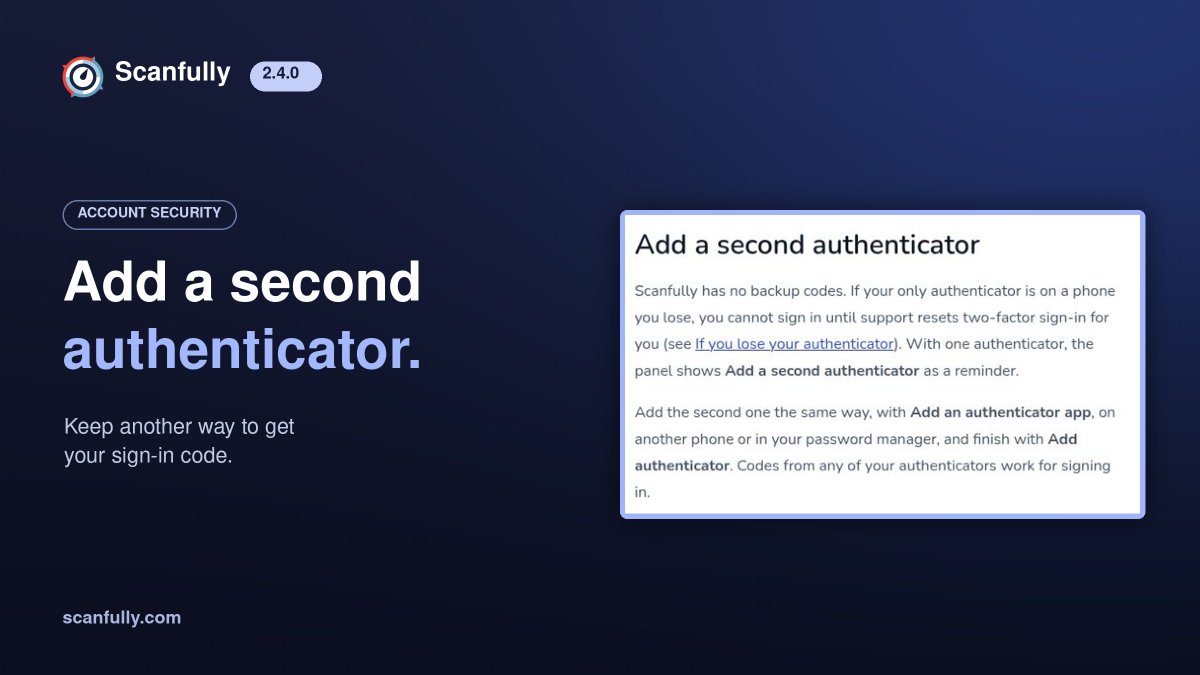
Losing your only authenticator means waiting for support to reset two-factor sign-in.
Add a second one in Scanfully on another phone or in your password manager. Codes from either work.
https://t.co/0tMO96TgDm
A very high PHP time limit or database connection limit could stop a site's health and plugin data updating in Scanfully.
We fixed that in 2.6.0, including updates to must-use plugin data.
https://t.co/jy6lUpPxef
Sign up and test Scanfully on your shop. WooCommerce monitoring is free during the trial and stays enabled as a paid add-on when you upgrade. Turn it off first on shops where you don't want it.
https://t.co/FAufzZzIdo
A shop can be online while its checkout fails.
In Scanfully 2.6.0, our WooCommerce tests are out of beta. We check the product, cart and checkout, stopping before payment.
It's a paid add-on per site.
https://t.co/zUREgGJV5e
See how setup-screen detection works: https://t.co/CMONBdgx8q
Test Scanfully on your sites with a free 14-day trial, no card needed: https://t.co/1fhSzzyVGQ
A WordPress setup screen can return HTTP 200 while leaving the site open to takeover.
Scanfully 2.5 treats a detected setup or installer screen as downtime. Once confirmed, its urgent alert bypasses quiet hours and the digest. An active snooze still applies.
Your WordPress site can stay online while its monitoring data goes stale.
Scanfully 2.5 checks when its plugin stops reporting and explains the reason when it can.
Uptime, certificate, and DNS checks continue. The missing WordPress data gets a warning.