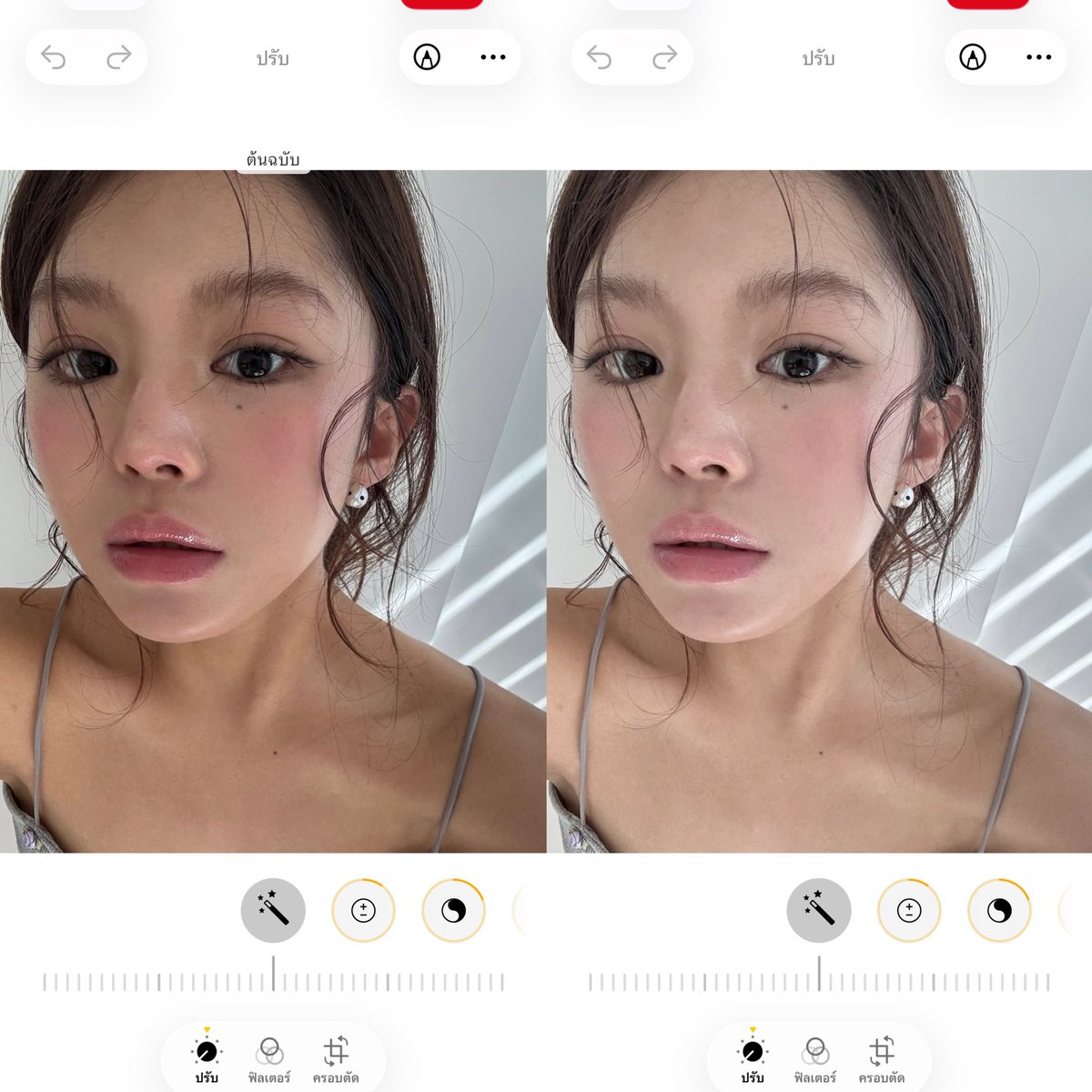
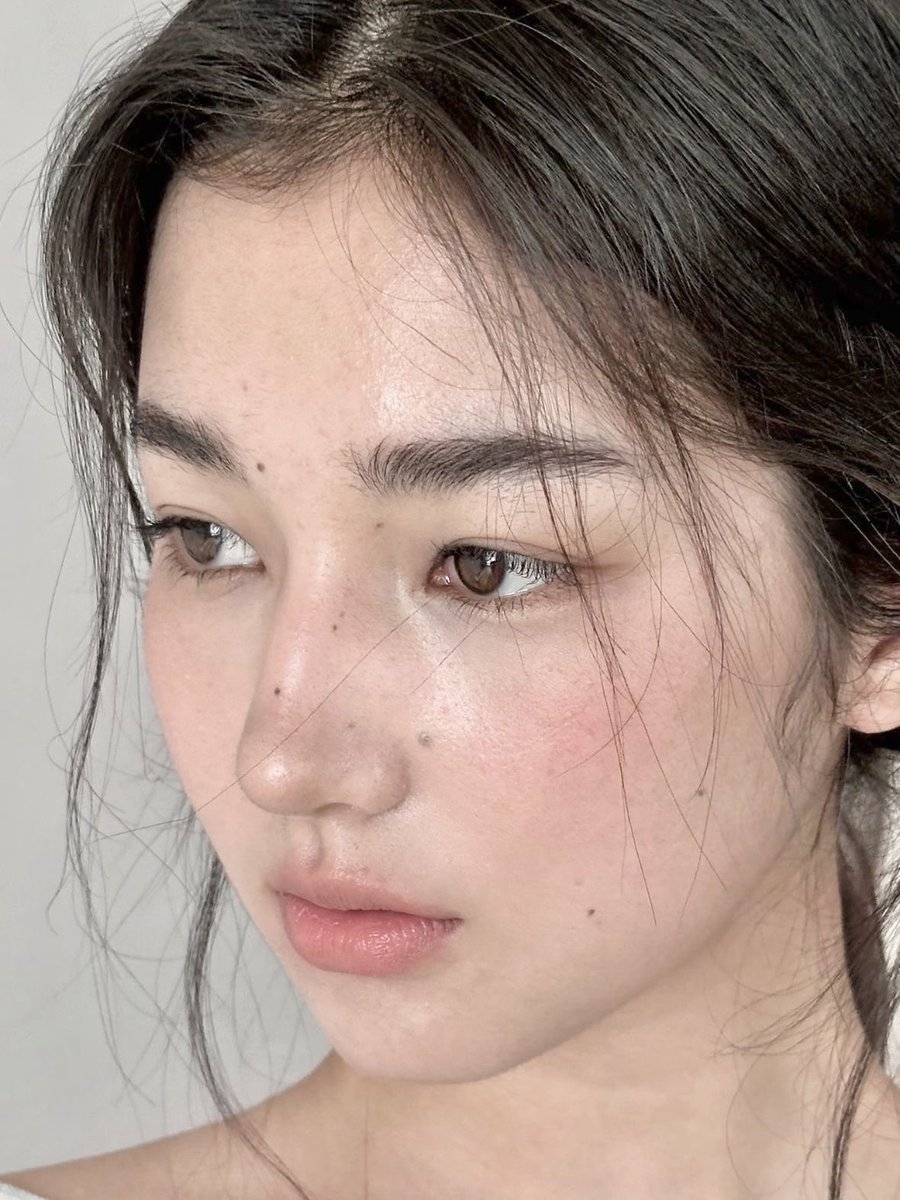
📱iPhone camera editing:
•Vividness: +47
•Shadows: -79
•Brightness: +33
•Black point: +27
•Saturation: -24
•Color temperature: -11
•Sharpness: +43
•definition: +51
Tips 📝:
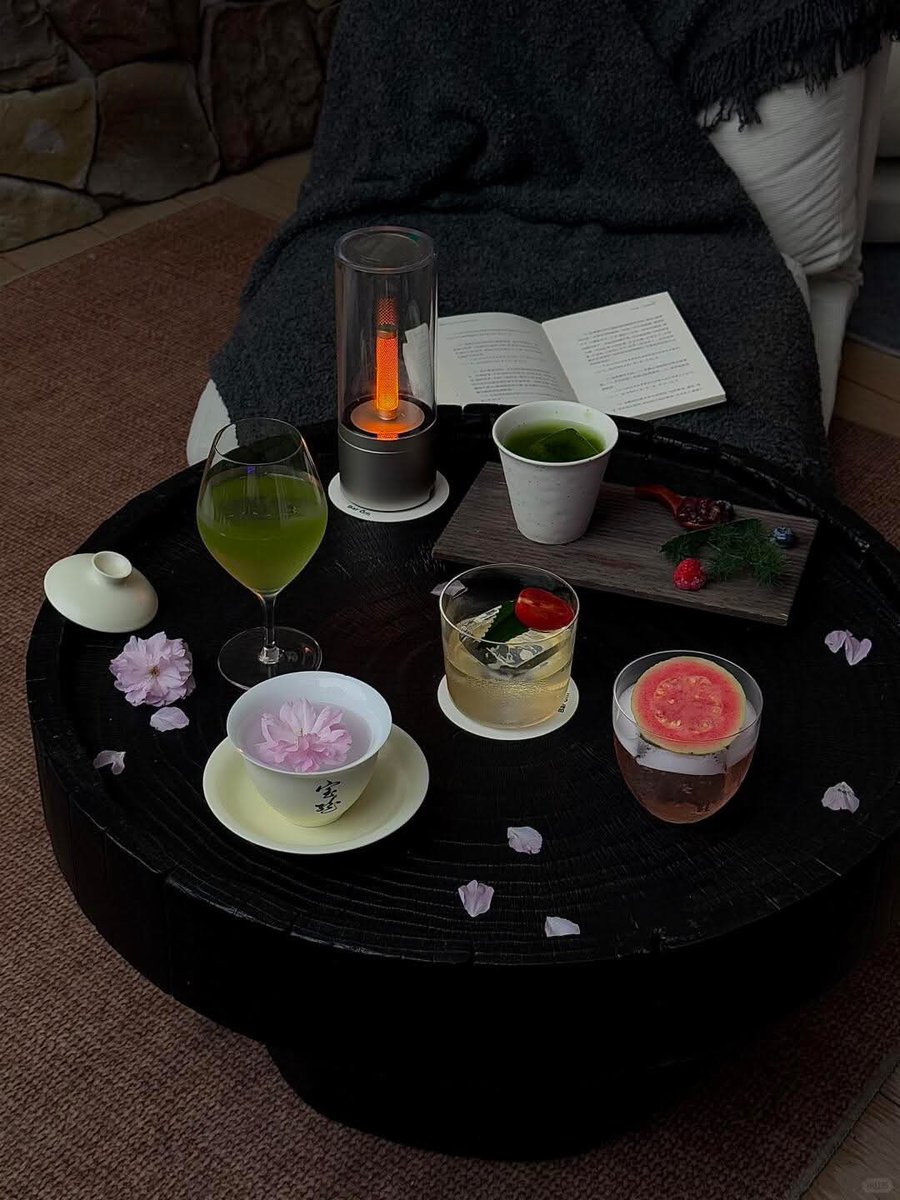
1️⃣ First find a pure black background, use the original camera of Apple, clean the lens, lower the exposure appropriately when shooting, if you can't frame, zoom in 1.5-3 times
2️⃣ Advanced filter, the background should be as simple as possible, mainly black, white and gray, same color scheme is best, don't have too many colors.
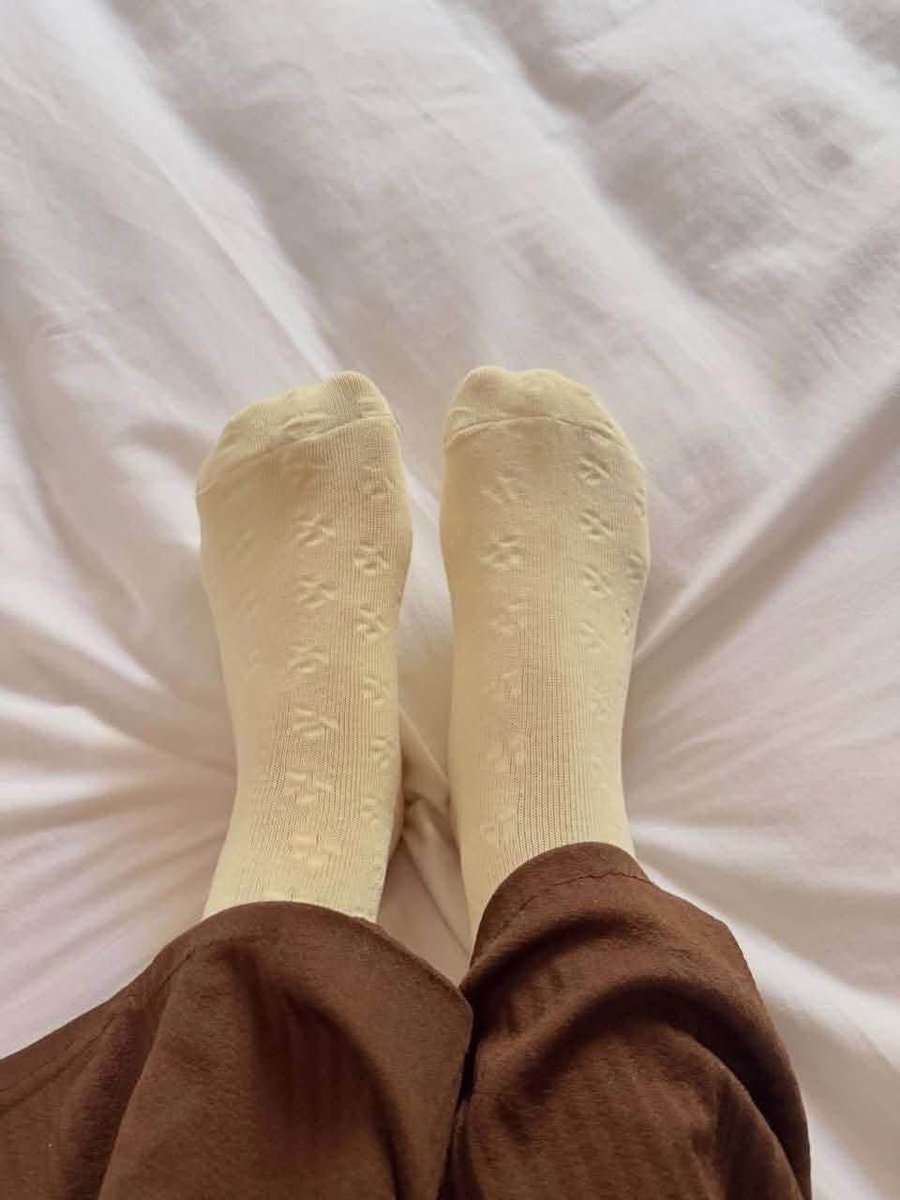
3️⃣ Lowering saturation and color temperature mainly adjusts the coldness of the picture, which is also the key to making hands look "cold white skin"
4️⃣ Increasing sharpness and clarity➕ adjusts the transparency of the cup and water
เวลาเพื่อนเอามือถือเราไปดูรูปแล้วไม่อยากให้เพื่อนปัดไปดูรูปอื่นๆ ให้ไปที่ control center หรือ Setting แล้วกด accessibility เลือก Guide Access เวลาใช้ก็กดใน control center เลือกได้ด้วยว่าให้เพื่อนสามารถทำอะไรในหน้าจอได้บ้าง เวลาจะกดหยุดก็แค่กดที่ปุ่ม power 3 ที
ใช้ได้กับทุกแอป