@TeamYouTube I am writing to formally appeal the termination of my YouTube channel, "PUBGUC TRICKS" (Channel URL: https://t.co/hpWlxgvS9f).
I believe this termination may have been issued in error. My channel has never published any content. To clarify: It has zero uploads
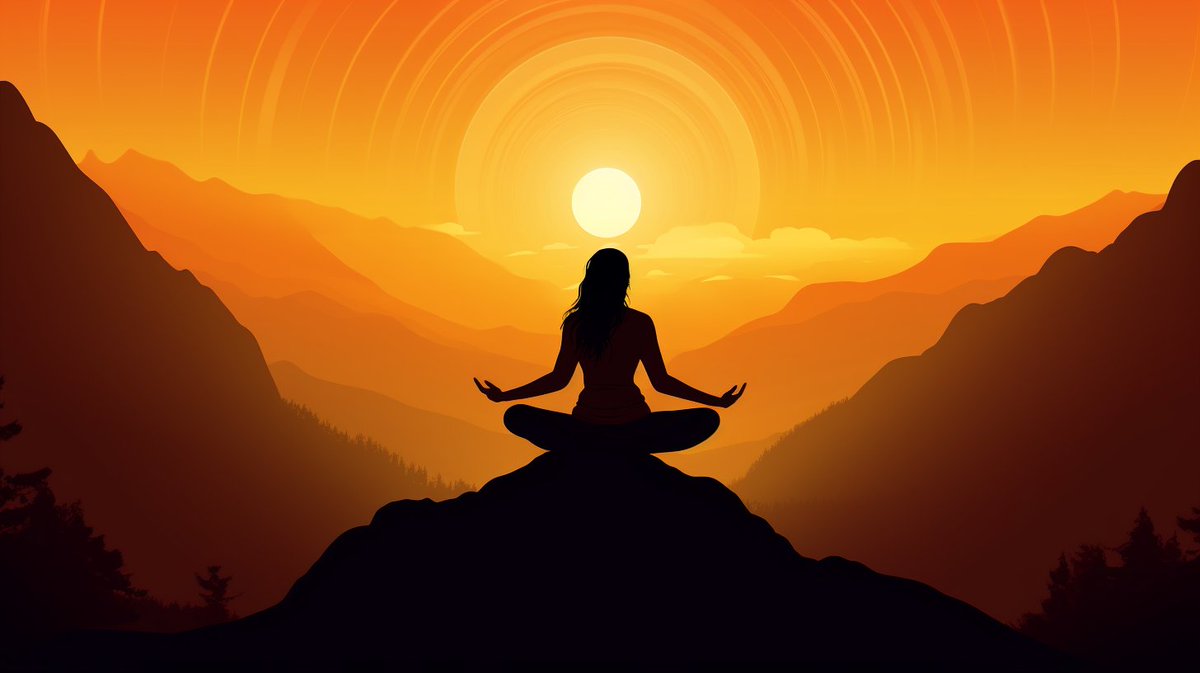
⚡️Scottish Melancholy⚡️
I've felt really down for the last week, my job didn't work out because my wrist injury renewed on the first day... not really uploading much, not feeling creative, so here's something that fits my current mood.
Prompts in alt.
Made with #MidjourneyAI
How to create high quality vector illustrations with Midjourney (Part 2)
Yesterday, I shared a prompt to make vector illustrations. See it on my profile.
Today, I'll teach you to control how detailed the images look.
You can do so by changing the "stylize" value.
The default value is 100.
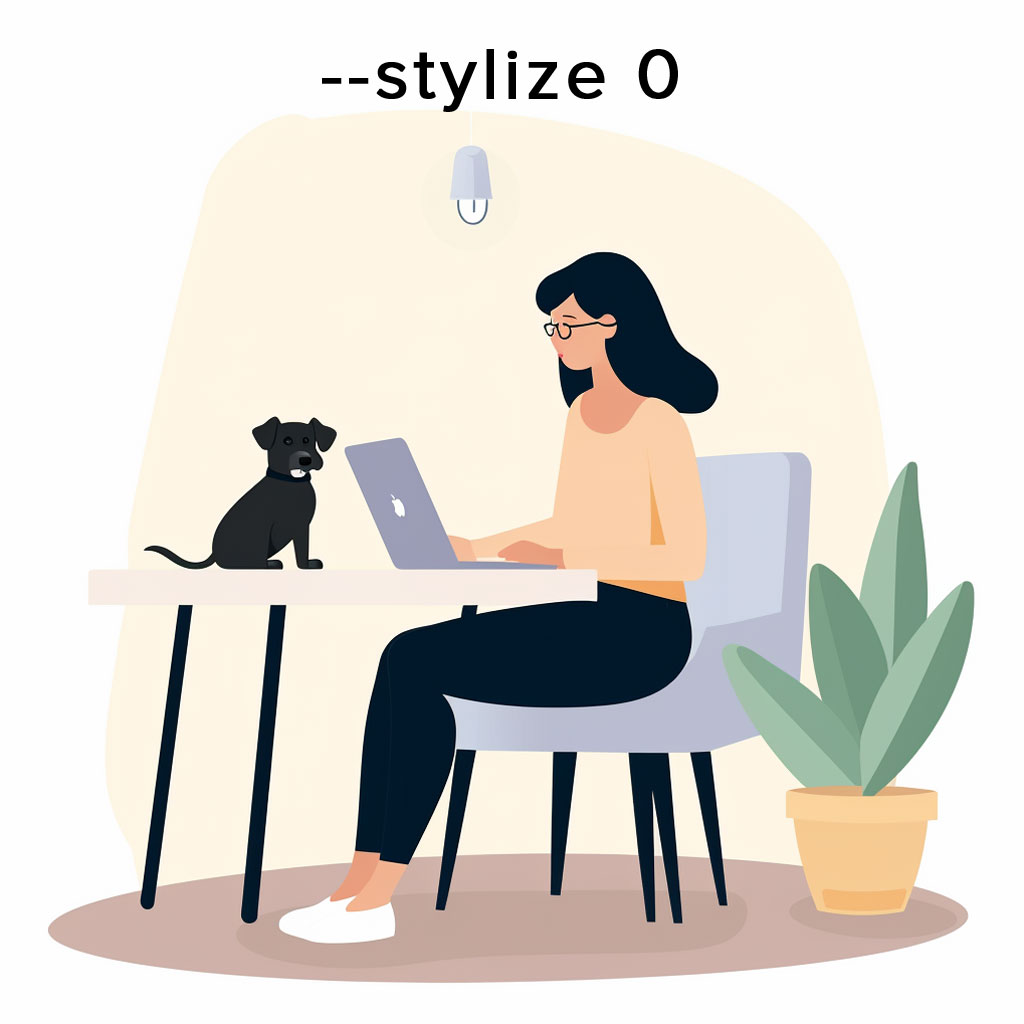
To make flatter images with less detail, use a lower stylize value, like 0.
So the new prompt looks like this:
png white background, [subject], in the style of animated illustrations, [location], full body, text-based --style raw --stylize 0
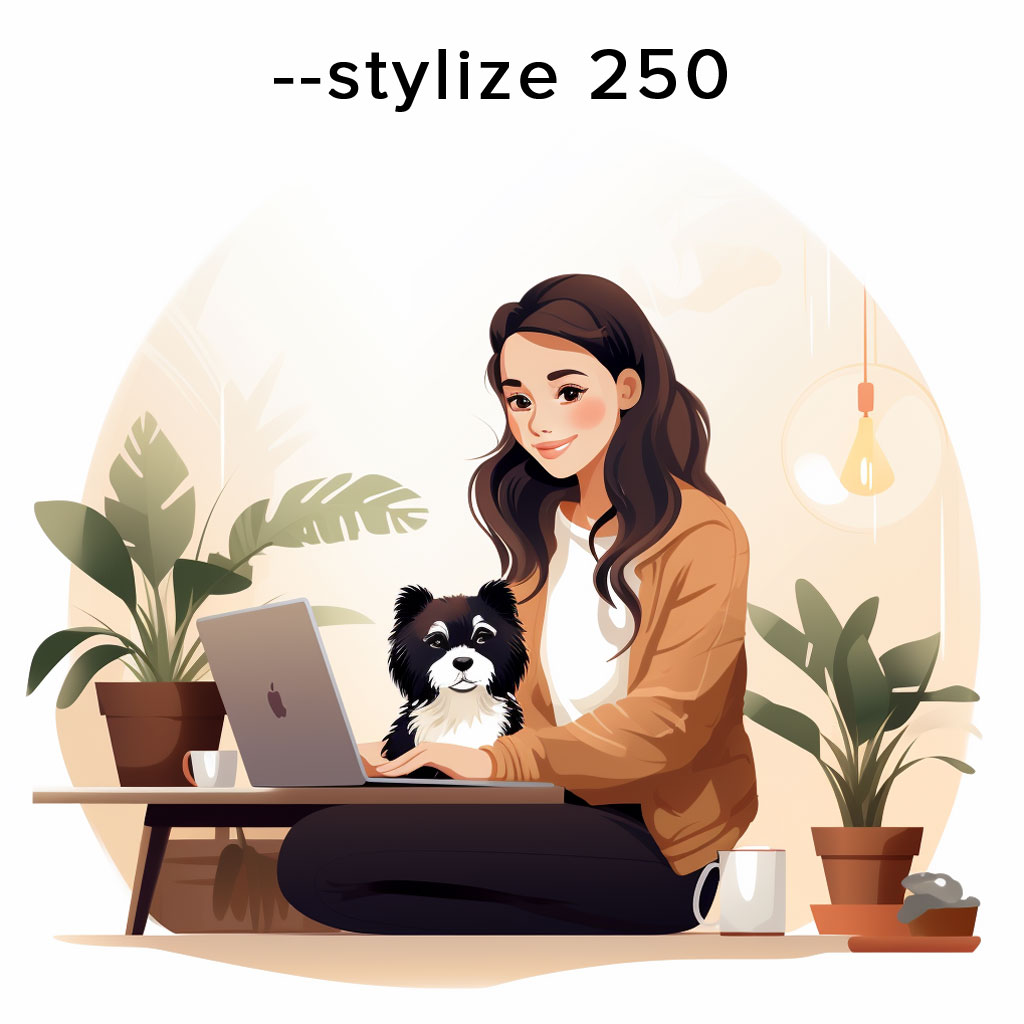
To make images more detailed, use a higher stylize value, like 250:
png white background, [subject], in the style of animated illustrations, [location], full body, text-based --style raw --stylize 250
Increasing the stylize value makes the vector appear more detailed and artistic.
The maximum value is 1000.
By making use of this setting, you can control the style of your images so that it fits your project's needs.
That's all for today.
Tomorrow, I'll share another interesting technique to further enhance the base prompt.
To see it, make sure to follow me at @chaseleantj.
🎨 PROMPT SHARE 🤖
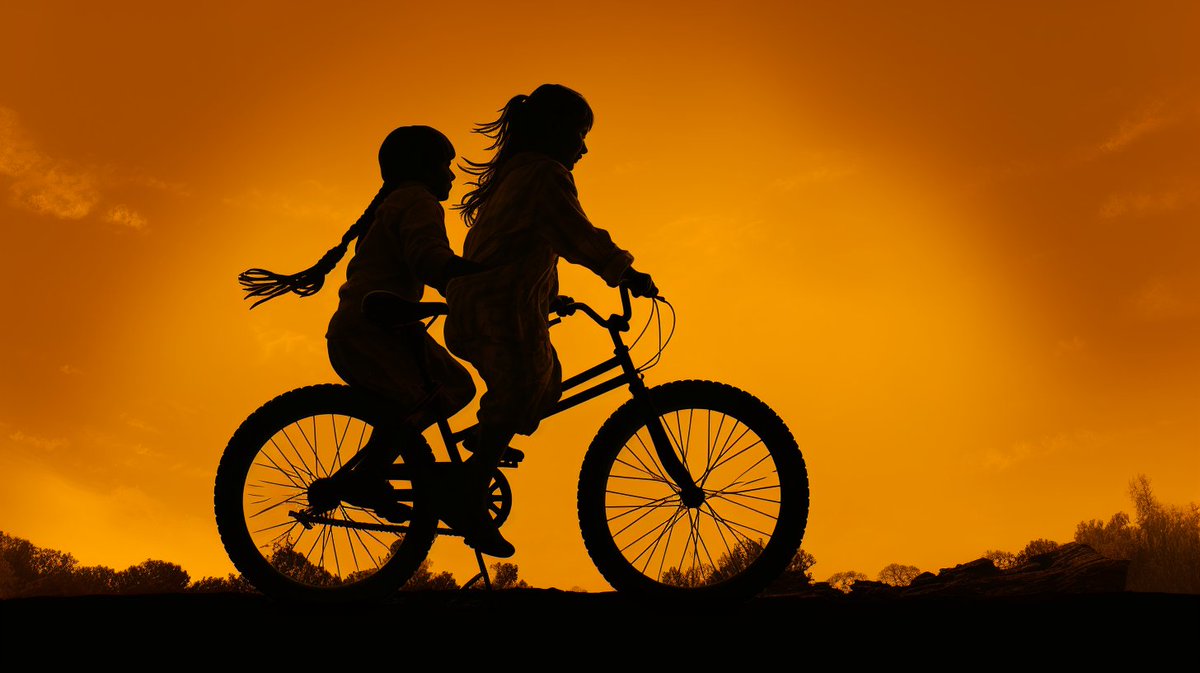
Theme: Silhouette at sunset
✨New Prompts🚨 :
1️⃣ : [PROMPT], silhouette, in the style of dark yellow and orange , close up --ar 16:9
2️⃣ : [PROMPT], silhouette at sunset, in the style of dark yellow and orange , beautiful, artistic --ar 16:9
Inviting all AI artists.
Have fun and share your beautiful creations.
♥️🤖🎨
YouTube نے ابھی ابھی اپنے کمیونٹی گائیڈ لائنز سٹرائیک سسٹم کو اپ ڈیٹ کیا ہے۔
اس سے پہلے کہ اگر آپ نے گائیڈ لائن کو توڑا، تو آپ کو ایک مستقل وارننگ ملے گی۔
پھر اگر آپ نے دوسرا توڑ دیا، تو آپ کو اپنے چینل پر ایک ہڑتال ملے گی۔
3 سٹرائیکس = چینل ختم کر دیا گیا۔
اب اگر آپ گائیڈ لائن کو توڑتے ہیں تو آپ کو وارننگ ملتی ہے لیکن اسے ہٹانے کے لیے آپ مختصر کورس کر سکتے ہیں۔
مثالی طور پر، اس سے YouTubers کو مکمل طور پر ہڑتالوں سے بچنے میں مدد ملے گی۔
کیونکہ اگر آپ 90 دنوں میں اسی گائیڈ لائن کو نہیں توڑتے ہیں تو آپ کے چینل سے وارننگ ہٹا دی جائے گی :)
ہڑتال سے پہلے ایک وارننگ ہمیشہ موجود رہے گی۔
لہذا اگر آپ اسی گائیڈ لائن کو 90 دنوں میں توڑ دیتے ہیں۔ آپ کا ویڈیو YouTube سے ہٹا دیا گیا ہے اور آپ کو اپنے چینل پر ایک سٹرائیک ملے گا۔
اگر آپ اسے 90 دن کے بعد توڑ دیتے ہیں (اسی طرح 91 ویں دن)
تب تک وارننگ ختم ہو جائے گی، اس لیے آپ کو صرف ایک اور وارننگ ملے گی اور اسے ہٹانے کے لیے دوبارہ کورس کر سکتے ہیں۔
YouTube یہ ان تخلیق کاروں کی مدد کے لیے کر رہا ہے جنہوں نے ایماندارانہ غلطیاں کیں اور انہیں نہیں معلوم تھا کہ انہوں نے ایک اصول توڑا۔
وہ ان لوگوں پر نظر رکھیں گے جو جان بوجھ کر قوانین کو توڑنے کے لیے اس کا غلط استعمال کرتے ہیں۔
How to create high quality vector illustrations using Midjourney
If you need good vector illustrations for your website or presentation, this prompt could save you both time and money:
png white background, [subject], in the style of animated illustrations, [environment], full body, text-based --style raw
There are 2 important elements to the prompt:
1. Subject
Specify the subject.
Also, describe what they're doing to make the picture more interesting and dynamic.
For example:
- a woman listening to music
- a man giving a presentation
- a woman sitting at her desk with a puppy
2. Environment
Adding the location will allow Midjourney to capture the appropriate mood and ambience.
Some good environments include:
- Study place
- Office atmosphere
- The great outdoors
Now, if you fix the environment and change the subject, this creates a set of pictures with the same theme.
It's important to keep the theme of the images consistent to ensure that your website, infographic or presentation has a unified look.
That's it for now.
Tomorrow, I'll share a few interesting techniques to further level up this prompt.
Follow me at @chaseleantj so that you won't miss it.
Daily Tahajjud tip:
Wake up half an hour before Fair
Pray atleast 2 to 4 rakahs
Cry out to Allah with your heart's wishes and In Sha Allah He will listen to you. Those extra 5 minutes can be your path to Jannah.
May Allah invite us to Tahajjud every night