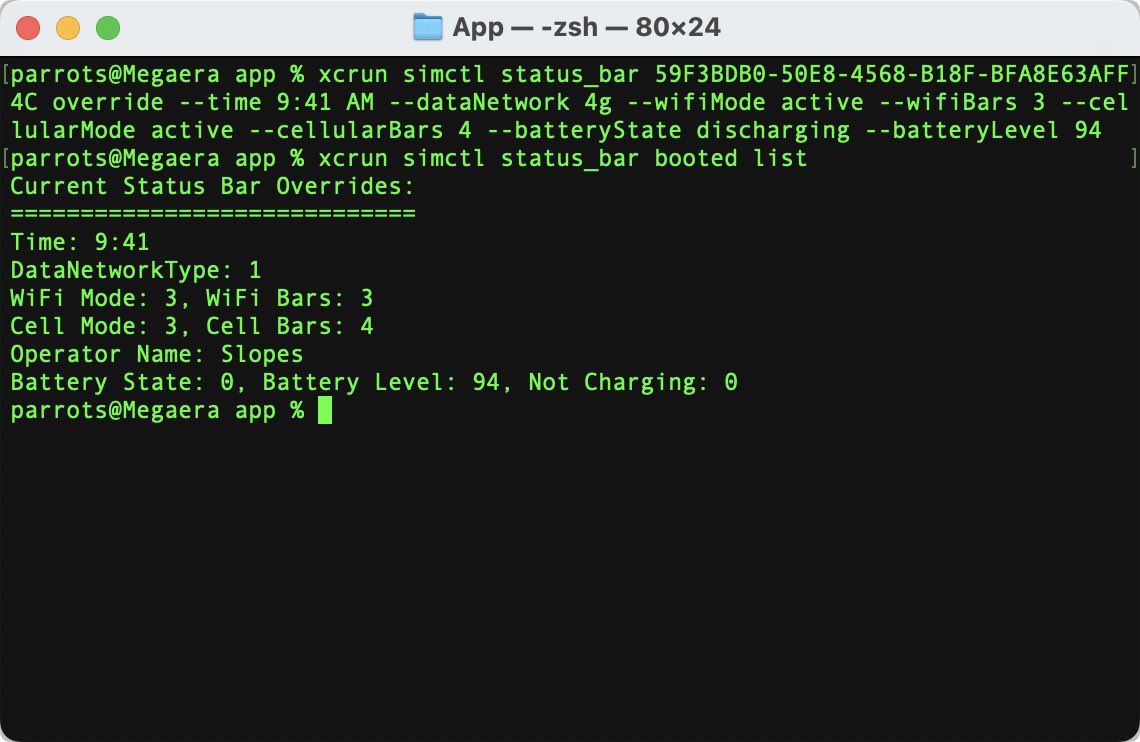
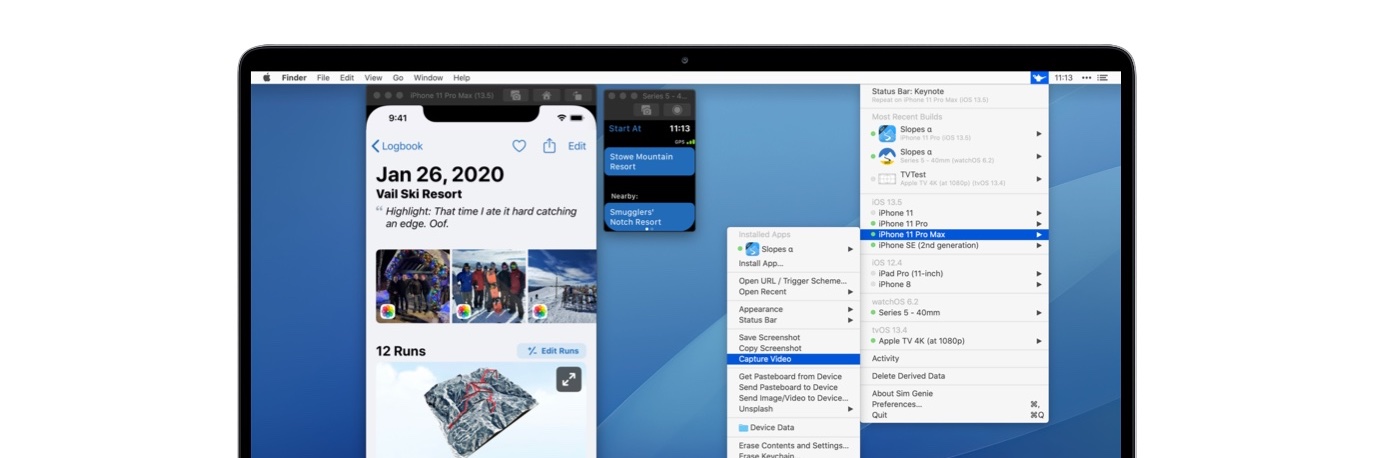
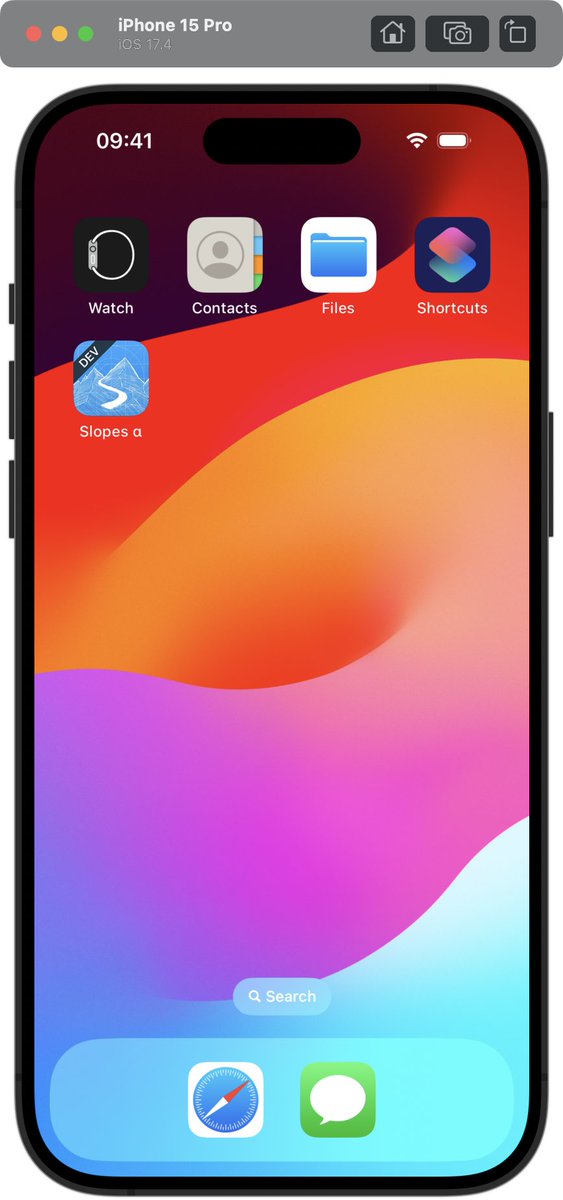
Good news! Xcode 15.3 RC finally addresses issues with status bars + simctl that have been broken since iOS 16.1.
Dropping an update soon to take advantage of this fix.
Still working on this with Apple, but in the mean time it is limited to iOS 16.1. If you can use the 16.0 sims for screenshots you should still be golden.
It’s not just you 😢. Apple borked something with Xcode 14.1 that some of the the status bar overrides (like time) don’t work anymore. You can run `simctl status_bar booted list` to see the changes you requested are there, the sim just doesn’t show them.
FB11716688
@chrisvasselli @parrots Weird, there was a bug like this back in the 1.0 days but you were the first person to complain about something like this in two years. There are no crash logs?
@EugenPirogoff@hukl Yeah sadly the simulator’s built-in video recording doesn’t capture the indicators. Getting that to work would require injecting custom gesture detectors into the sim runtime (something I’ve considered).
@drobeson Why one part breaks and not other: that’s a great question for Apple 😅. If simctl doesn’t work, all external tools are prevented from mucking with that setting.
14b3 did have a bug that’d hose older Xcodes on install, I think they added a workaround to the release notes.
@drobeson What happens if you try it via Xcode’s built-in simctl tool? Run this in terminal:
for device in `xcrun simctl list | grep Booted | egrep '[0-9a-fA-F]{8}\b-[0-9a-fA-F]{4}\b-[0-9a-fA-F]{4}\b-[0-9a-fA-F]{4}\b-[0-9a-fA-F]{12}' -o`; do xcrun simctl ui $device appearance dark; done
🚨 Coming soon - location simulation
Being able to import a GPX file is easier than ever, but you might not always have a GPX handy. So just scribble a quick path and SimGenie builds the GPS data for you! ✍️
Plus playback date/time adjustment options, speed settings, and more.
@venderbase Hahhaah literally deploying it now.
Background: I had heard from a friend some additional location improvements were coming to the sim command-line tools in the betas, but they haven’t surfaced.
🚨 Coming soon - location simulation
Being able to import a GPX file is easier than ever, but you might not always have a GPX handy. So just scribble a quick path and SimGenie builds the GPS data for you! ✍️
Plus playback date/time adjustment options, speed settings, and more.
@seviu I don’t recall the simulator exposing that detail via simctrl no. But I have some other file system things I want to look into manually, I’ll add that to the list.
@phynet Sure! Moving to a new machine and need a license reset? Hit the email on https://t.co/hVqPeQhWAK with your license number or purchase email and I’ll get you sorted!
@thinkmobilede Behind the scenes SG relies on Xcode’s simctl tool. You could confirm that it gets the right container folder. Swap out your bundle ID.
xcrun simctl get_app_container booted com.mycompany.myapp data