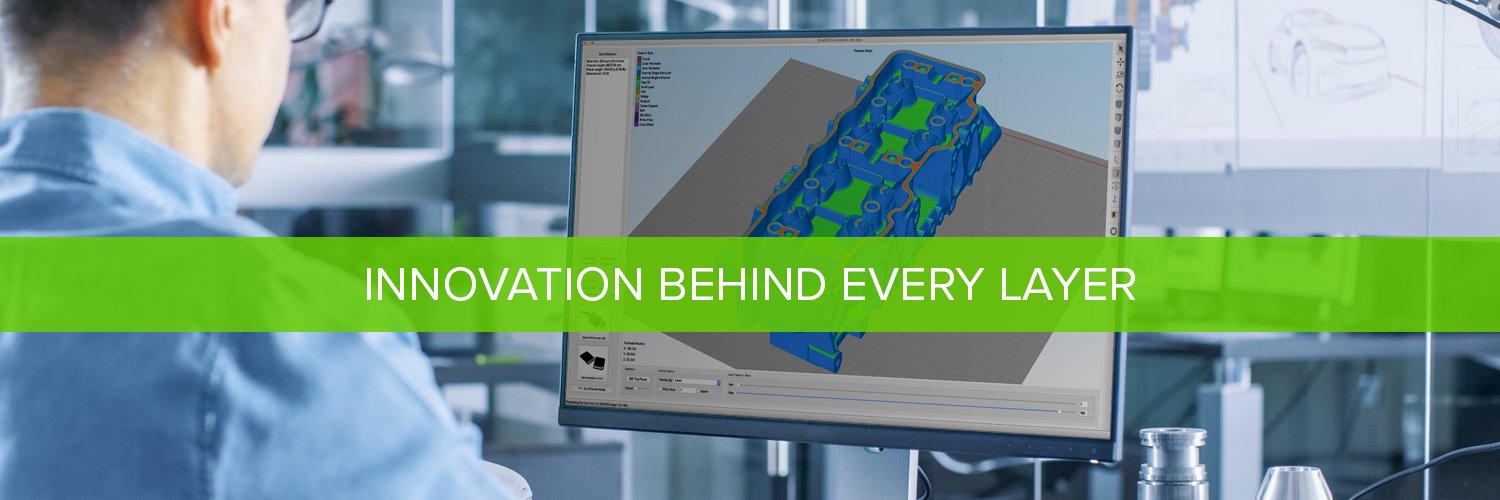
Version 5.1.2 is now available! This release includes improvements for support structure editing, expanded Klipper firmware support, high-speed settings profiles, and numerous UI enhancements. View a complete list of changes here: https://t.co/MOJUplXsrb
Version 5.1.1 was released today with several enhancements for WiFi and Ethernet connected printers, improved high DPI user interface scaling, and nearly a dozen important bug fixes. View the complete list of changes here: https://t.co/MOJUplY0gJ
One of the features in Version 5.1 that keeps improving our prints is the new Anti-Scarring functionality. This feature combines intelligent retraction, ooze control, and motion planning to eliminate scars on the top surface of your prints! Instructions: https://t.co/gkxAgzFrG3
The new ironing feature in Version 5.1 is a huge help for parts with large flat surfaces. The software performs a second finishing pass extruding a small amount of extra material to fill in any gaps or imperfections. Enable this option on the Infill tab. https://t.co/ZmCS1J3deS
Need help enabling the new print quality features in Version 5.1? Try out our rapid settings search! Type "ironing", "monotonic", or "top layer" into the Process Settings search bar to jump to the exact input that controls that setting.
Version 5.1 is here! Ironing smoothing, intelligent anti-scarring, monotonic infill, Klipper/OctoPrint/Duet WiFi support, embedded thumbnails, real-time build previews, and many more popular requests! Learn more: https://t.co/jwN0W2JhWC
@MaxBarrett99494 We've been using it on several Windows 11 PCs in our office without any issues. Might want to contact our support team if you're having issues.
Version 5.0.2 just released with improved machine communication, expanded printer compatibility, and several important bug fixes for user-reported issues. Read the full list of changes here: https://t.co/xrJaPDcCbN
@metalheadprntg We were able to fix 20+ items with 5.0.1 and we're about halfway done with our upcoming 5.0.2 release, so hopefully that will continue to make things even more stable. Please keep reporting any issues you find to our technical support team so that we can incorporate them.
Have you ever encountered a problematic 3D model that had trouble during slicing? We just published an in-depth article explaining the new automatic repair options in Simplify3D V5 to save you time on your next print! https://t.co/q7pVCj9DY6
@Jason_M_Burns We've had quite a few customers tell us the existing Voron 2.4 settings in S3D V5 work well on the V0.1 after you change the build dimensions, so this could be an option!
Version 5.0.1 added support for 10 highly requested printers including the Bambu Lab X1/X1C/P1P, FLSUN V400, Voron 2.4, and AnkerMake M5. Let us know which printers you want us to support next!
https://t.co/NlufoOfHkn
@SliceWorx3D Feel free to contact our engineering technical team at the following link and share more details about your printers so we can start investigating! https://t.co/Uc9otNfv4j
@247_printing We already developed a profile for the RatRig V-Core 3 (email our team and they can send it to you!), and we've had several customers tell us the Voron 2.4 settings in S3D 5.0 are already working great on the Voron 0.1 after making changes for the build volume size.
@isler_marcel We released S3D 5.0.1 a few weeks ago that specifically improved profile import from V4 to V5. Make sure you update to the latest version and that should work much better!