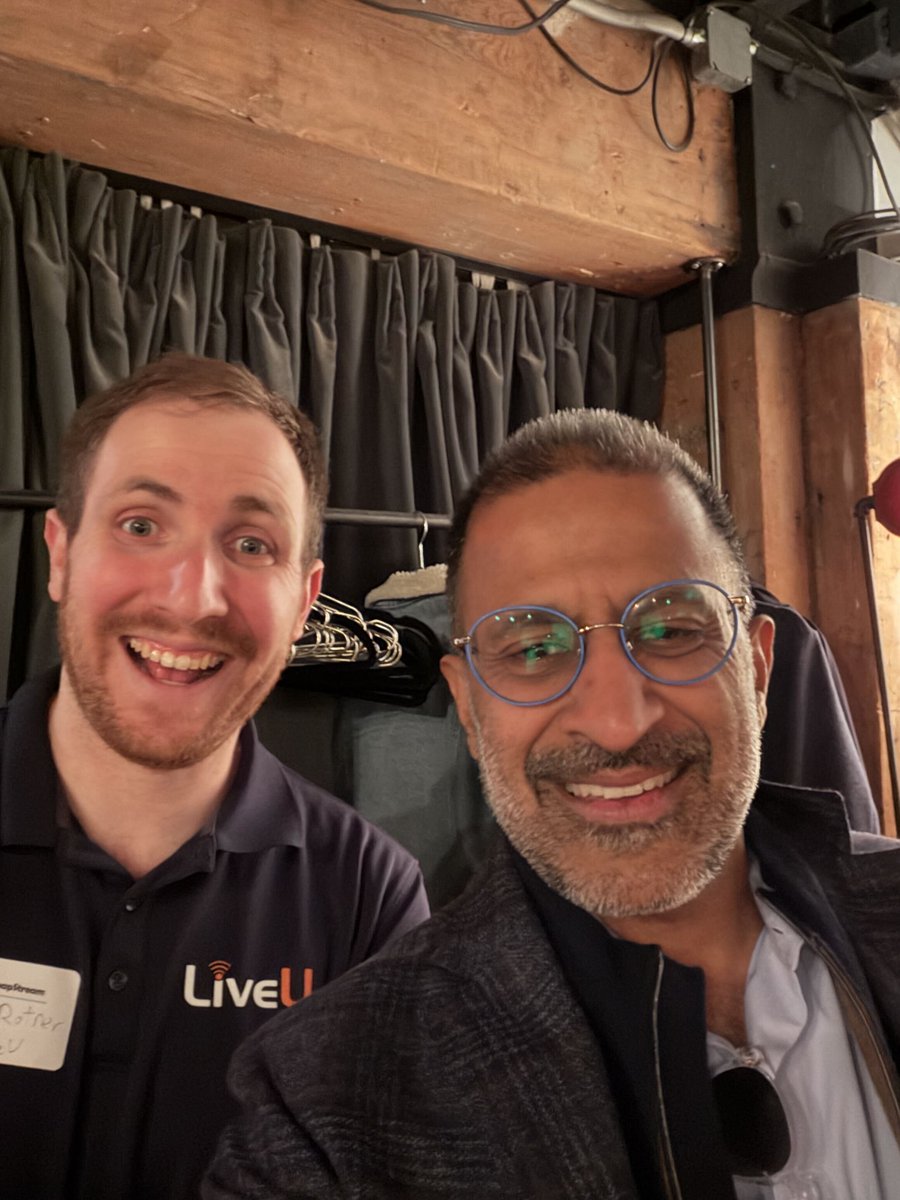
Wonderful night in NYC celebrating 25 years of SnapStream with our amazing friends, clients, and partners!
It was great to have so many folks in one room representing the industries we serve, from broadcast and digital media to news, entertainment, sports, politics, education, and finance.
SnapStream has grown and evolved so much over the years, and it wouldn’t be where it is today without all of you.
We’re really looking forward to what comes next!
Here’s to another 25 years! 🥂
Heads up that I'll be tweeting newsy moments from the JD Vance presser using a Reuter Connect stream I'm accessing through @SnapStream. SnapStream is hosting a webinar next week about how this powerful integration works. If you're curious to learn more, sign up here: https://t.co/gJtYfQ6vqh
I post newsy clips every morning using @SnapStream, the premier tool in social media video. Next week, SnapStream is hosting a free webinar about how Reuters streams can be used in SnapStream for powerful rapid response and news coverage. Register here: https://t.co/l0qGxeBWia
Clipping newsy cable news moments like this one 👆 is extremely easy to do using @SnapStream, the premier tool for social media video. If you'd like to clip like me, click the link for more info and to set up a demo. https://t.co/z339nVcuLP
You can transcribe, search & clip and video you've downloaded all with SnapStream. Just press upload.
Video and transcript side by side, easily searchable with auto-summaries.
Earnings call season is here, and we've got you covered.
With SnapStream you've got access to monitor, clip & search every major business channel, CNBC, Fox Business, Bloomberg & more.
No matter what live feed workflows your team uses:
-NewsWire provider
-Clean HLS/RTMP
-LiveU/TVU connection
SnapStream can integrate with all of them AND provide competitor broadcasts & livestreams all at once.
Some users don't know that for any channels you're not monitoring live, you can have keyword mention alerts sent to your email.
These alerts can be set to any kind schedule you prefer, weekly, nightly, hourly, or even near real-time mention.