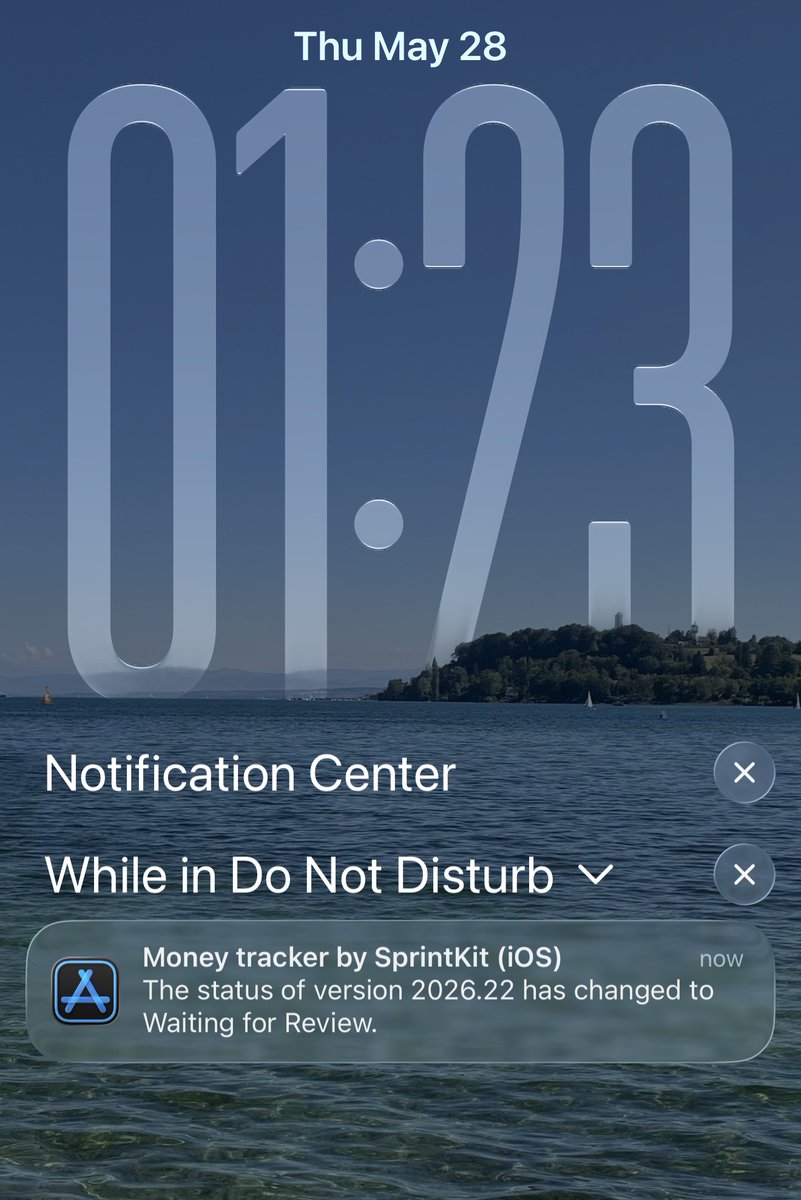
SprintKit is out 🎉
If you’re a solo builder juggling projects and want to track time, costs, income, and ROI in one place, give it a try:
https://t.co/vL4k06IPJs
SprintKit is out 🎉
It was stuck on “Waiting for Review” for 5 days, then got approved almost right away once Apple actually picked it up.
SprintKit is a project cockpit for solo builders. Track time by project and activity, log income and expenses, and see profit and ROI clearly so you know what’s paying off.
Download SprintKit:
https://t.co/OJ5DQVaNSB
Explore my other 4 apps:
https://t.co/CVVhQugLXG
I can give 1 year free to the first 30 people who DM me. SprintKit is for managing real projects, so please only DM if you’re currently working on a project and will actually use it. I mainly want early users who can share honest feedback so I can make it better fast.
Just updated @sprintKitApp. Deep Work can now block the apps you pick (X, Instagram, TikTok, anything that pulls you away) for the entire length of your focus session.
Start the session, they're locked. Session ends, they unlock automatically.
No willpower needed. The phone holds the line for you.
——
If you don’t know, SprintKit is a project cockpit for anyone juggling multiple projects. Track time and Deep Work sessions, log income and expenses, see profit trends and ROI, and keep a changelog for every release. One app, full clarity across all your projects.
Ever talked to an AI agent about an idea and it told you to "build a waitlist first to validate it"?
Sounds simple. Until you actually try.
Domain. Backend. Email service. Signup form. Database. A few hours of setup at minimum, just to start collecting names. By the time it's live, half the momentum is already gone.
So I built lighthouse.
From an indie dev, for indie devs and makers.
✅ Validate your idea
Not just a waitlist. Attach survey questions (text fields, ratings, multiple choice) to every signup. By the time you hit your first 100 emails, you don't have a list. You have insight on what people actually want.
✉️ Keep your customers
Built-in newsletter. Your waitlist signups become subscribers in one click. No CSV exports, no juggling four tools, no losing momentum between "they signed up" and "they hear from you again."
💬 Grow with feedback
You can't grow if you don't know what your customers think. Lighthouse gives you a public feedback page: visitors leave an email, a rating, and what's on their mind. You reply right from the dashboard.
📲 QR code for every page
Every page (waitlist, survey, newsletter, feedback) comes with its own.
Going to a meetup? Show the QR.
Coffee shop bulletin board? Print and pin.
Gym, co-working space, club bathroom wall? Stick it up. Free distribution. 🎯
🔌 REST API on top of everything
Wire Lighthouse straight into your live product. Onboarding answers become segmentable, emailable data inside your app.
Validate. Keep. Grow.
One toolkit for the first 100 users, and what comes after.
Follow @Lighthouse_app_
🔗 https://t.co/oxOrV1NJOr
Just shipped a new @sprintKitApp update and wanted to share what's new.
I added Deep Work because a normal timer never really worked for me. I'd start it, then catch myself checking email, scrolling X, opening random tabs. Half an hour later the timer says I worked but I know I didn't really.
Deep Work changed that for me. You start a session, pick up to 60 minutes, and the screen goes black. Just the timer. Nothing else to tap on, nothing pulling your attention. You can also see it on your Lock Screen with Live Activity which somehow makes it even harder to bail.
Finish a full 60 minutes and it automatically gives you a 15 minute break. Sounds simple but honestly it works. Way more useful than just tracking hours.
If you haven't heard of it, SprintKit is basically a cockpit for all your projects. Time tracking, income and expenses, profit and ROI charts, and a changelog for every release. Everything in one place so you actually know what's going on across your projects.
https://t.co/OJ5DQVaNSB
After a long day building Lighthouse, pushed a big update to @sprintKitApp tonight.
New UI improvements, added Deep Work mode, and expanded to 6 languages.
Honestly, one reason I kept avoiding new languages was the pain of retaking App Store screenshots for every single locale. Each language means launching the simulator, switching locale, navigating to the right screen, taking a screenshot... multiply that by 6 languages and it gets old fast.
So I automated the capture side with XCUITest, it switches the simulator locale, navigates the app, and grabs every screen automatically.
Then for the actual App Store slides, thanks to @Curlh1 for telling me about @ParthJadhav8's app-store-screenshots tool. I built an editorial style on top, a Next.js page renders each slide with phone frames, localized headlines, and hand-drawn decorations, then Playwright exports all 36 images in one go. Whole pipeline takes about 25-30 minutes.
Not perfect, but I love how they turned out. Happy to share more if anyone's interested.
Also connected @TryAstroApp's MCP server to Claude for ASO keyword research across all locales.
A lot shipped today but the real win is the workflow. Next update will be way faster 🚀
For those of us without a massive customer base yet, it always feels amazing when someone randomly shows up and says they’re actually using your app 😄
Posted about @sprintKitApp on Reddit, and one of the users appeared with genuinely great feedback. Totally made my day.
Already preparing a new update based on it 👀
If you don’t know SprintKit, it’s a project cockpit for solo builders to track time, expenses, income, and ROI per project.
It also includes focus sessions, insights charts, and release logs with tasks, so you can connect the work you do to actual outcomes and ship with more clarity
If you’re juggling projects and still guessing where your time goes, you need a project cockpit.
SprintKit lets you track time by project and activity, log income and expenses, and see ROI clearly. Last month I added pending releases with tasks and a timer per task, so you can measure how long a release actually takes.
The macOS app is currently the iPad version on Mac. Next I want to make it feel native, and add a deep work flow like 60 minutes focused work, then a required 10 minute break, all tied to the right project.
You can get it from @sprintKitApp
Started building a new SaaS today, Lighthouse, it’s the day 1.
The idea came from seeing so many builders struggle after launch. Building the product is hard, but getting the first real users feels crazy harder sometimes.
Lighthouse will focus on helping software builders find those first 100 users, and hopefully way more after that, no matter what kind of product they’re building.
It will sit beside @Spaceport_build . Spaceport helps iOS builders skip weeks of setup with payments, auth, onboarding, AI, networking, and more already done for you. Lighthouse will focus on helping builders get people to actually use what they built.
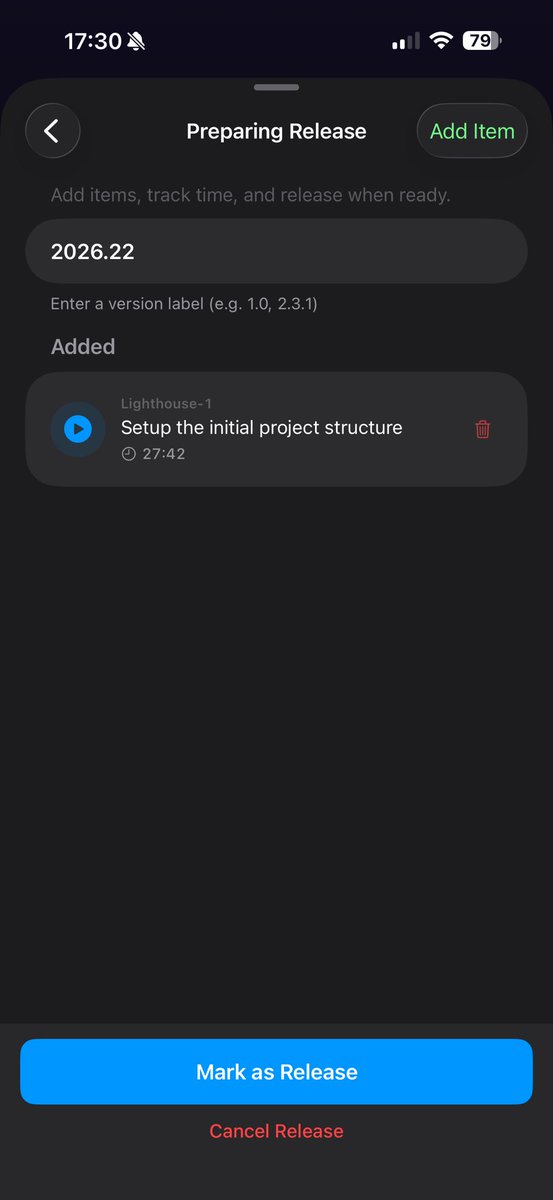
I’m tracking the entire journey inside @sprintKitApp, including releases, tasks, time tracking, income, and expenses. Created the first Lighthouse release today, 2026.22, targeting week 22 of 2026
For the setup, I used https://t.co/57hU00K0Ug by @marclou, and had the project structure ready in 27 minutes. Feels nice to spend time building instead of configuring things for days
Now we start from zero and build in public
Follow me along the journey
#buildinpublic #IndieDev #SaaS #iOSDev
If you’re marketing on any platform (TikTok, Instagram, YouTube, X, etc), track the time you spend on it.
I use SprintKit to block a daily Focus session for marketing, so I can see exactly which channels are eating my time.
And if you’re running ads (Meta, Google, Apple Search Ads), SprintKit helps you track spend vs income over any period, so ROI isn’t a guess.
Lifetime is discounted right now. If it’s still too pricey, DM me and I’ll send a promo code in exchange for honest feedback.
SprintKit just got a solid update.
You can now run the timer directly from Release tasks, plus a clearer onboarding that walks new users through the core features before they hit the dashboard.
Would love any feedback from solo builders using it daily
Just released a new @sprintKitApp update.
SprintKit is one of my apps where I got lucky with real customer feedback early. It’s a project cockpit for solo builders. Your project can be anything, a software app, a home renovation, even repairing an old car. You track where your time goes inside the project, log expenses and income, and see ROI over time.
One big request from users was to connect time tracking to releases. SprintKit has a Release section where you log what shipped, with tasks and items. In this update, you can now run the timer directly from a release task.
I also have Focus mode for countdown sessions, and it still counts as time spent on the project.
I’m experimenting with a more direct onboarding too. Less nice wording, more guidance. It explains what the app is, walks through the main features, helps you create your first project, and shows how time tracking, expenses, and income work before you land on the dashboard.
After almost 6 months of shipping apps, I’m still experimenting. It might look a bit odd, but I know I still have a lot to learn, especially distribution and how to convince people the app is worth paying for.
The new update of @SuccessKitApp update is live ✅
This release focuses on polishing the experience with UI/UX improvements and fixes based on your feedback.
Download SuccessKit:
https://t.co/7evno9xXHP
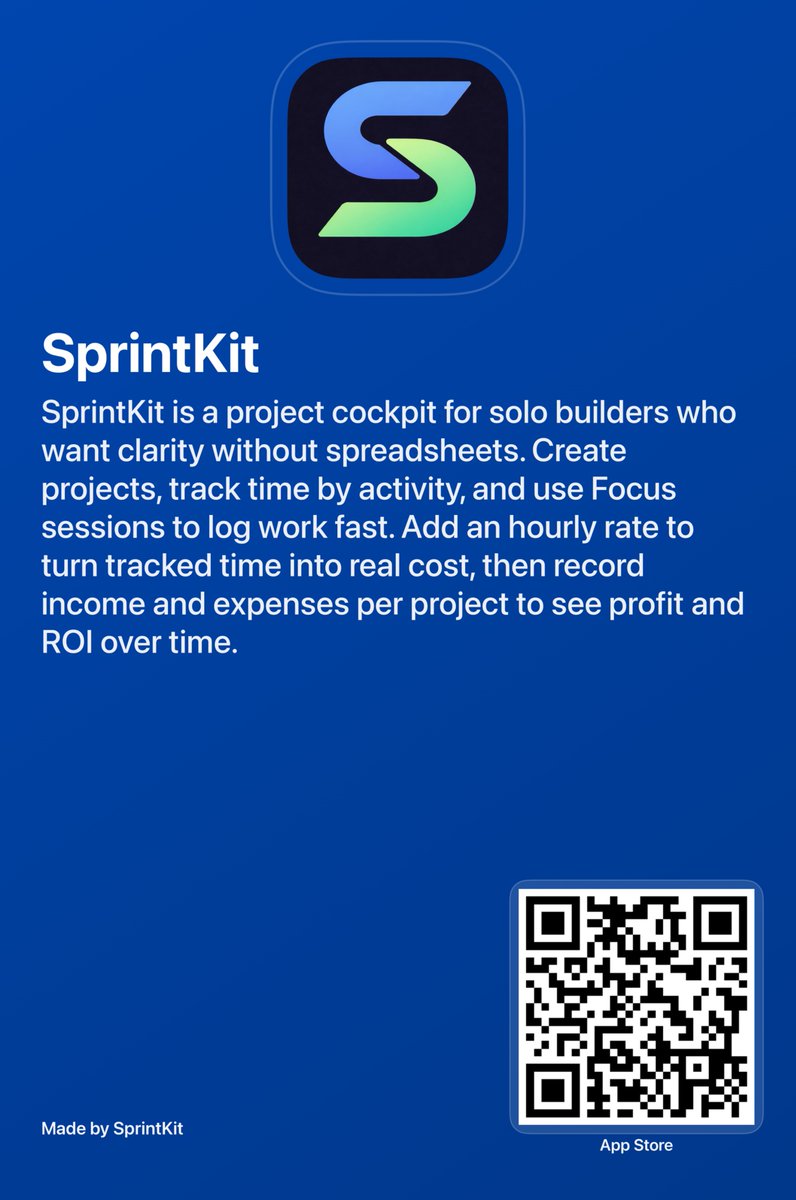
Also, this app card was generated by @sprintKitApp.