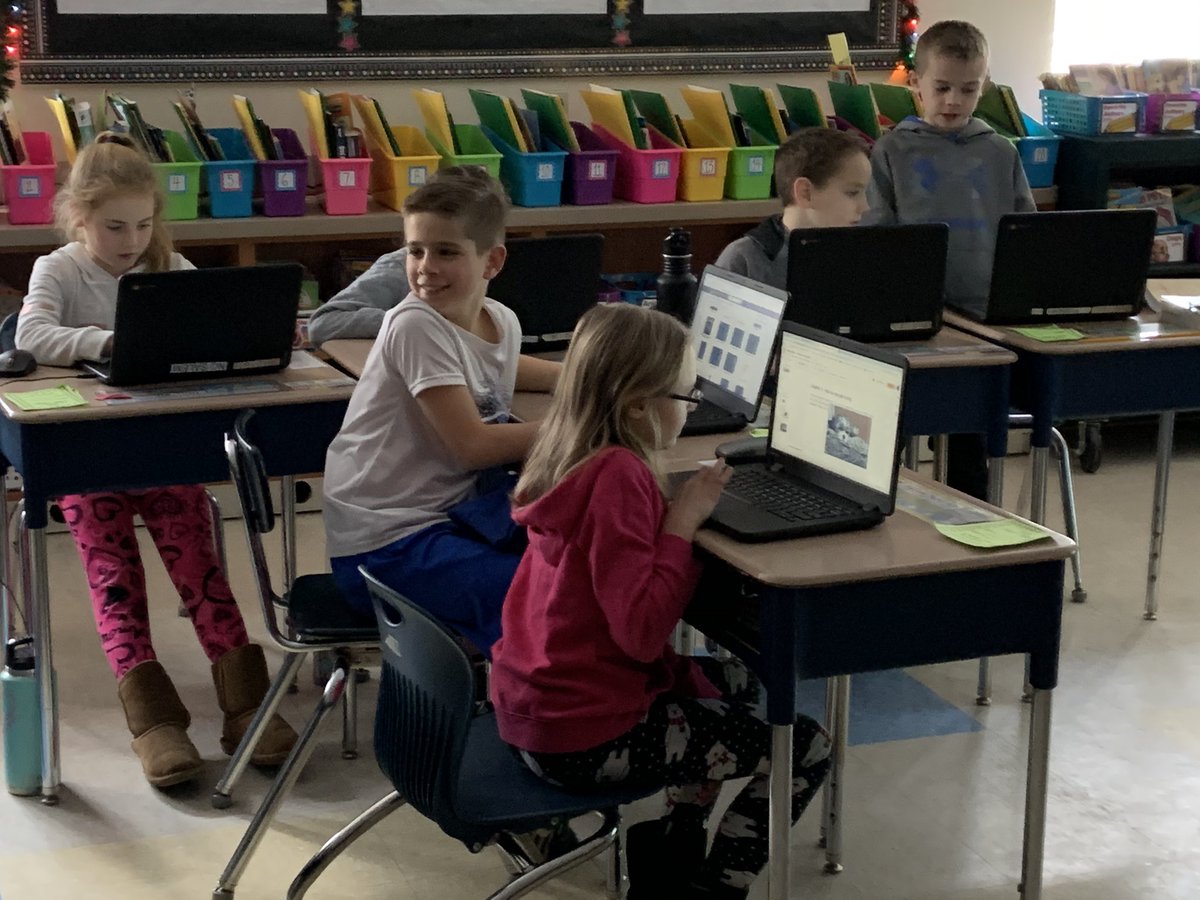
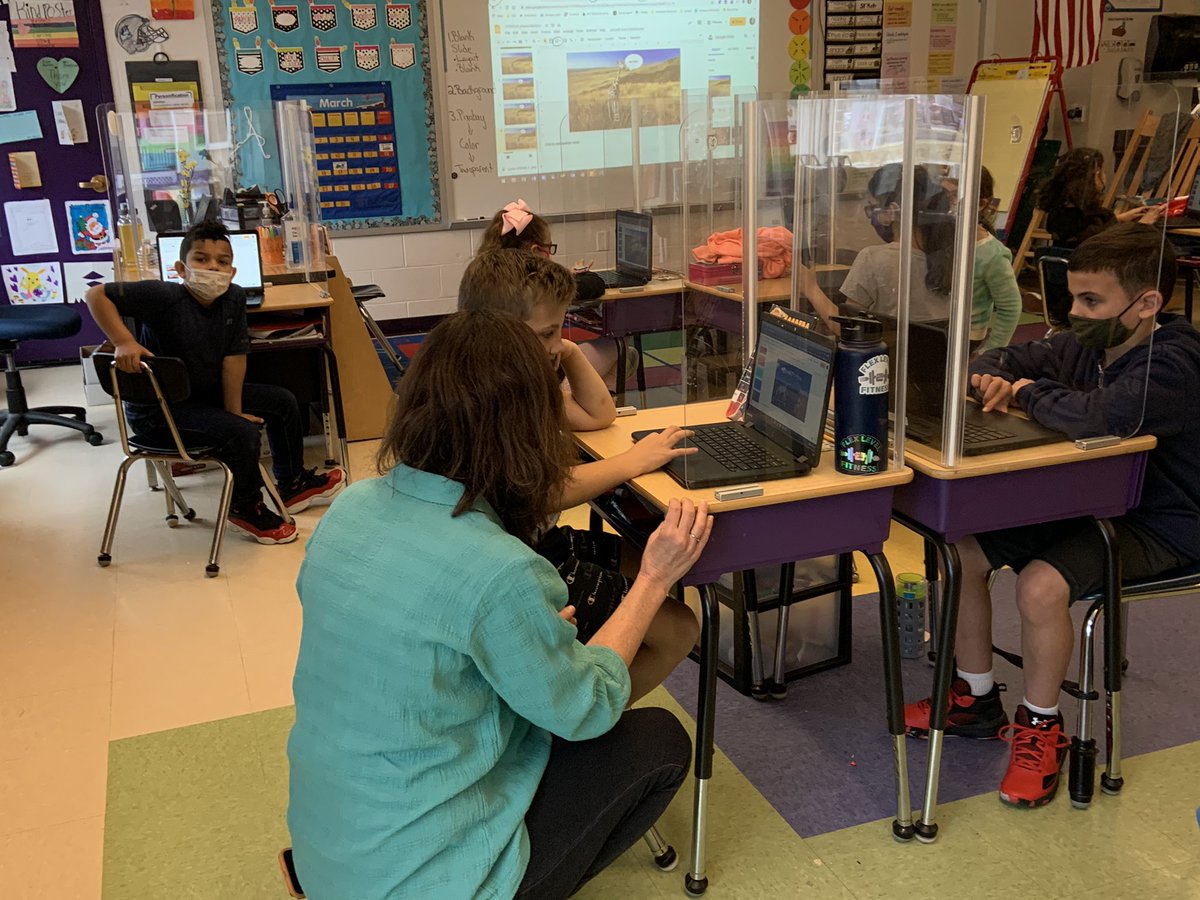
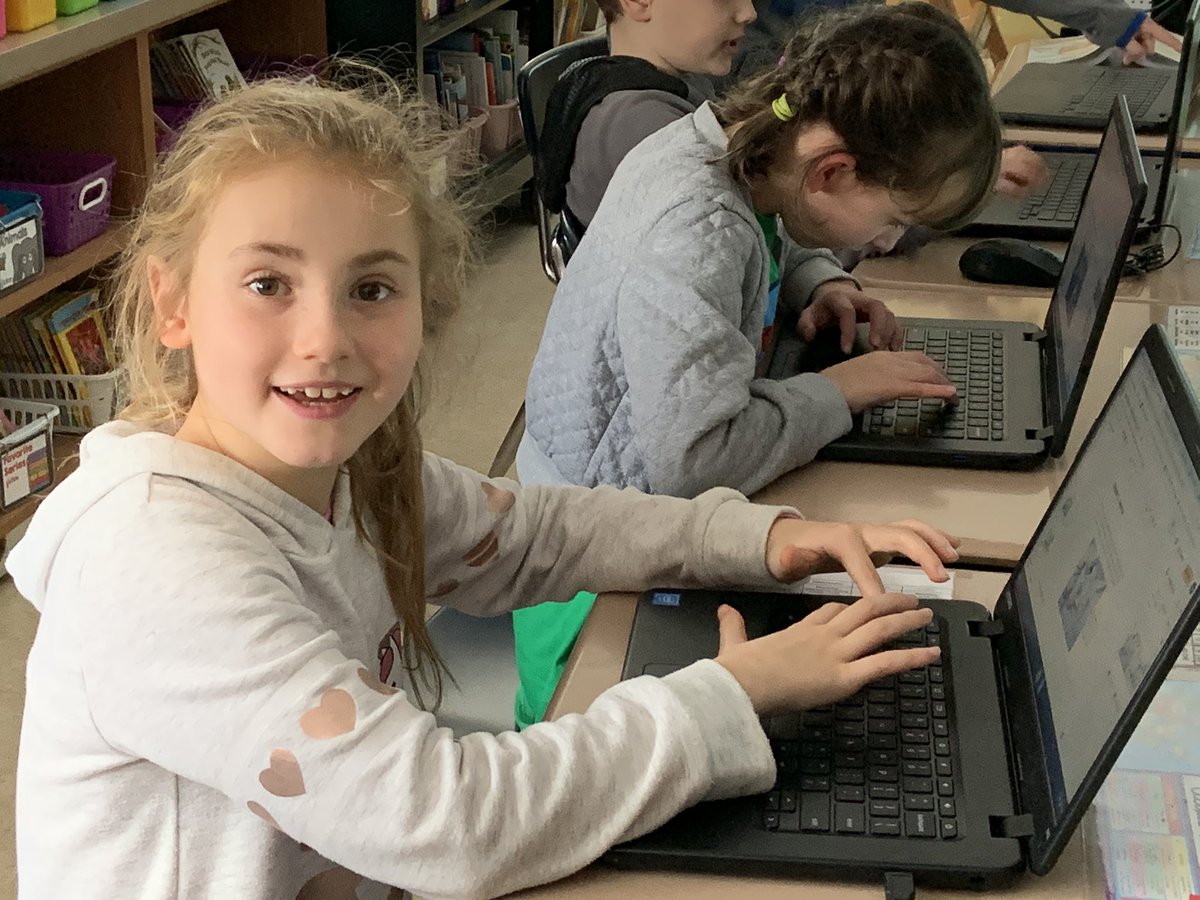
Mrs. Chartrain had a great time working with Lancaster 3rd graders as they created animated slides for their Fractured Fairytales unit! Can’t wait to see the final projects! @ChartrainTech@FamousinThird
Mrs. Chartrain loves how animated Google Slides brings the @souleschool 3rd grade animal research projects to life. Clearly this rock star student is just as excited!
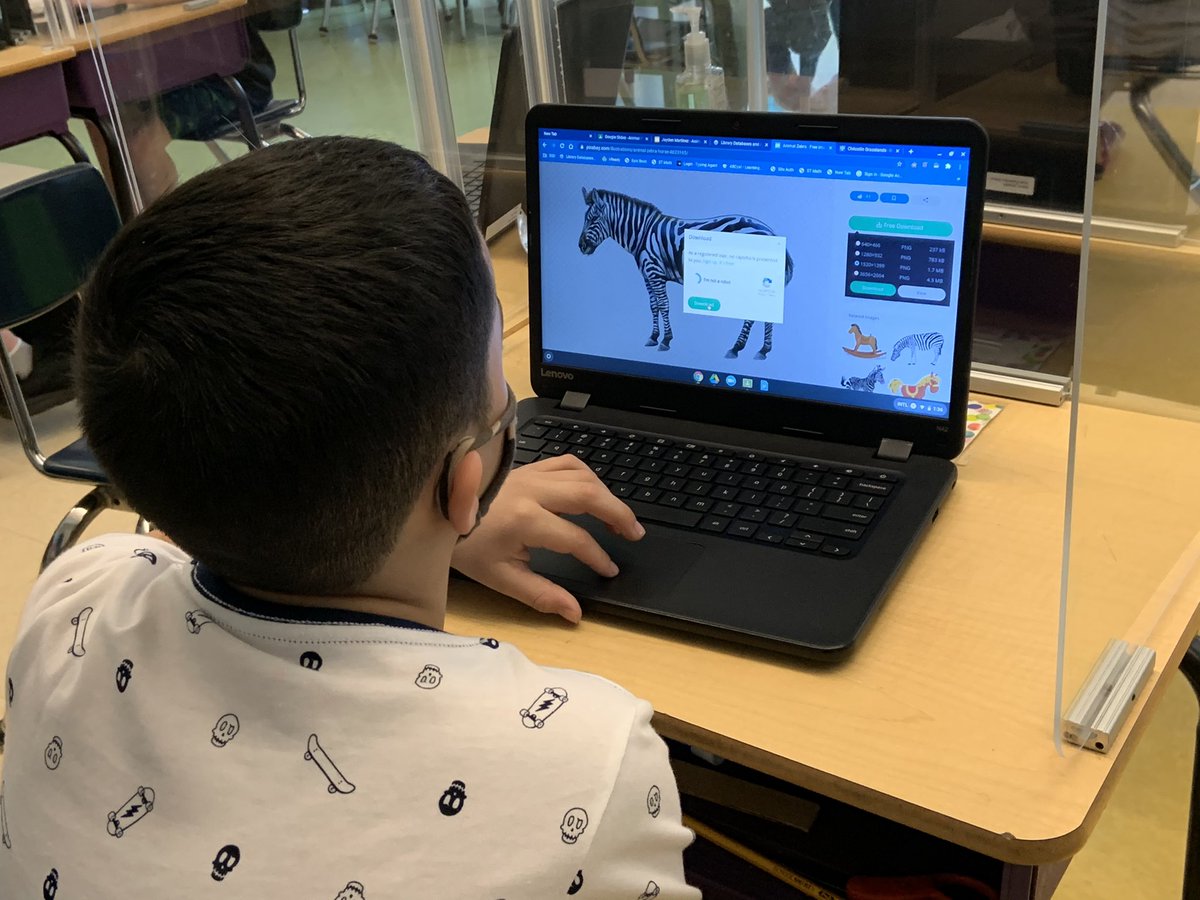
Mrs. Chartrain always has fun helping @nsalemschool 2nd graders learn new skills! Ask us about using Google Slides and @Britannica ImageQuest to create animal posters! @NSCarignan@NSSoucy
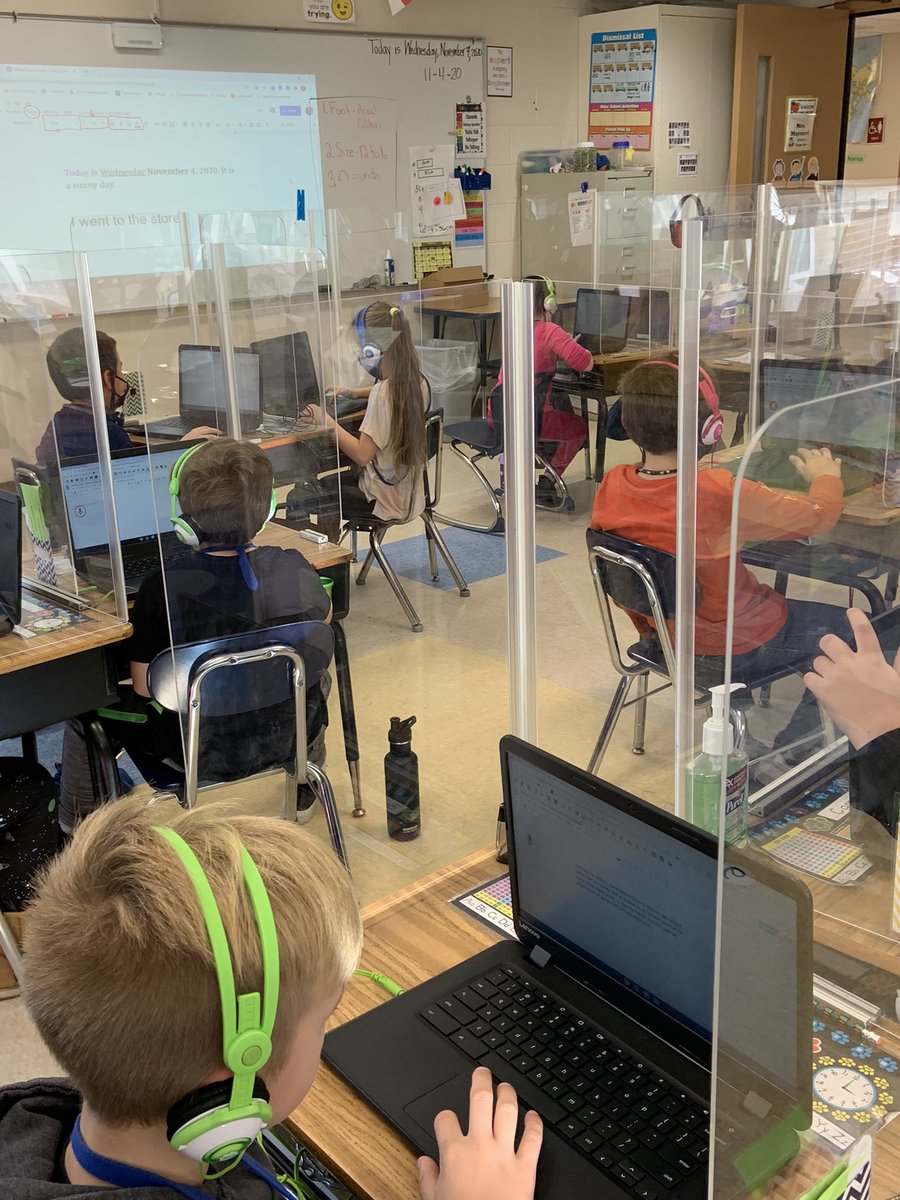
Check out @NSMaynard124 2nd graders exploring Read & Write tools. Ask us how we can use Read & Write to improve our writing! @texthelp @nsalemschool
Has been a busy couple of weeks for Mrs. Chartrain... lessons in Read & Write, Google Docs 101, navigating Google Classroom. Love working with ALL my elementary students in Salem! #salempride#perseverance
How can Read and Write help with our work? Annotate a PDF, text to speech, Check It... so many tools to help us with our writing and math! These @Lancasterschool 3rd graders were excited to learn from Mrs. Chartrain all about this Google extension. @texthelp @FamousinThird
Busy week for Mrs. Chartrain.... these @Lancasterschool 2nd graders learned about Google Slides! Creating posters to teach their K buddies how to be a STAR student. @Sstlaurentgr2
It’s Wellness Wednesday and 2nd graders @nsalemschool are learning how to use Google Classroom to answer the question of the week! Mrs. Chartrain loved their answers. Ask us what our one wish is! @NSMaynard124@ChartrainTech
Has been a busy first 8 days of school for Mrs. Chartrain... 5 schools and 12 classes means all 2nd graders are logged into their individual SSD Google Accounts. These @nsalemschool Panthers were excited to log into the Chromebook with their own account! @NSMaynard124
Mrs. Chartrain continues her tour of 2nd grade classrooms to teach students how to log into their individual Google accounts. These @FiskSchool Falcons are now experts in Bookmarks. Ask them what bookmarks on the Chromebook are for!
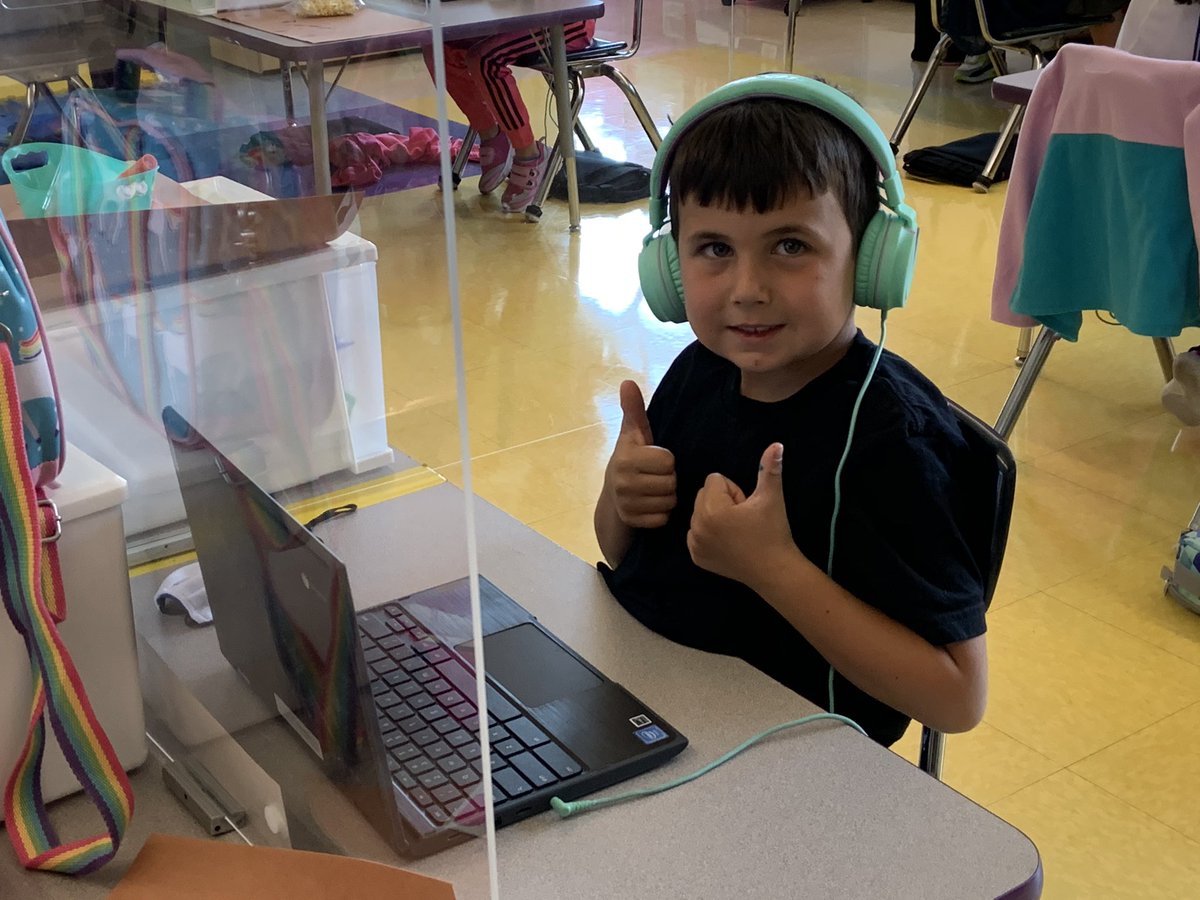
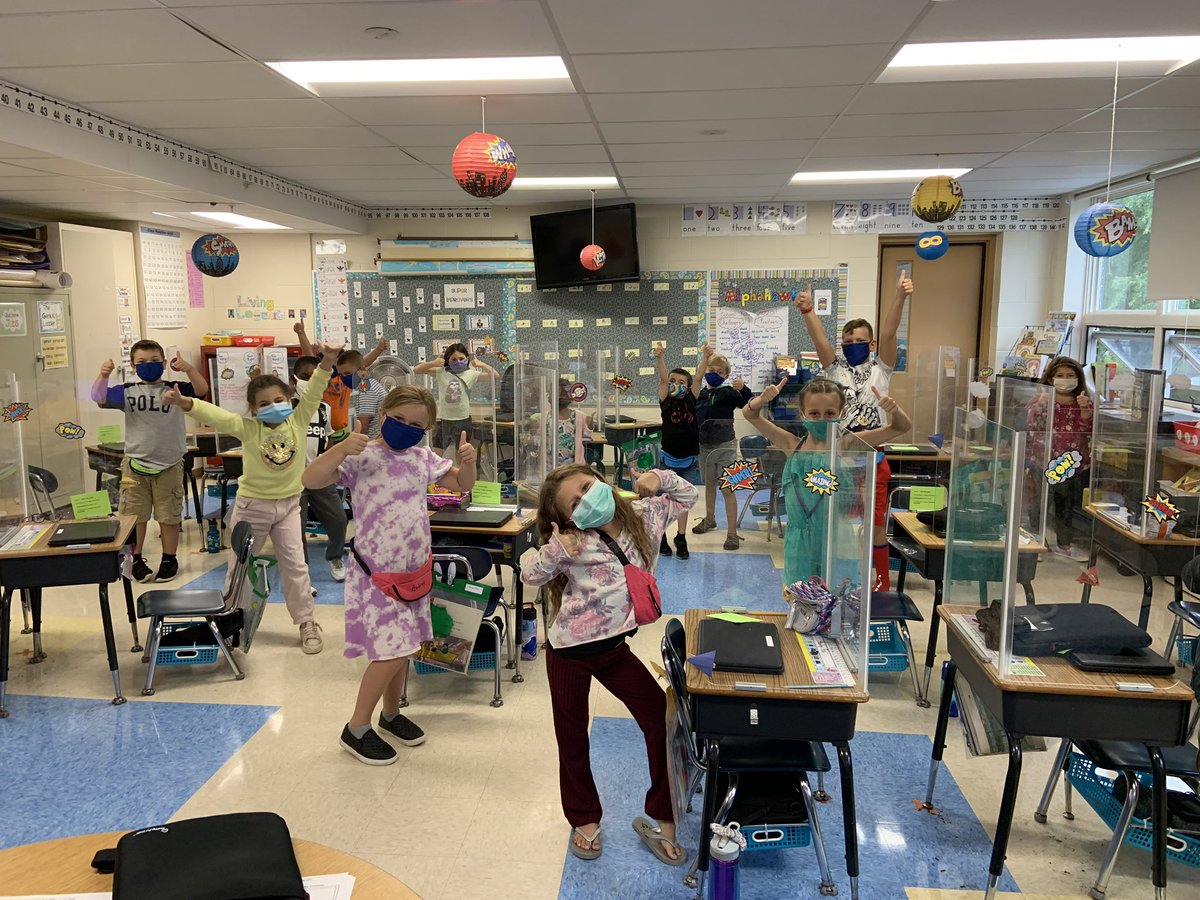
Two thumbs up to Lancaster 2nd graders that worked hard to log into their own Google accounts! Ask them how to create a bookmark and why they are so helpful! @Sstlaurentgr2
These @souleschool Sharks worked hard to log into the Chromebooks all by themselves! Mrs. Chartrain loved the excitement from Miss Splagounias’ kinders!
@Lancasterschool Two thumbs up to these 2nd graders for working hard to log into their own Google Accounts for the first time! Ask us how to create a Bookmark and how it is a helpful tool!
Excited to learn about @GoogleForEdu Classroom! Ask @NSCarignan 2nd graders how to find their class work for Team 15 online! Mrs. Chartrain loved working with this enthusiastic group!
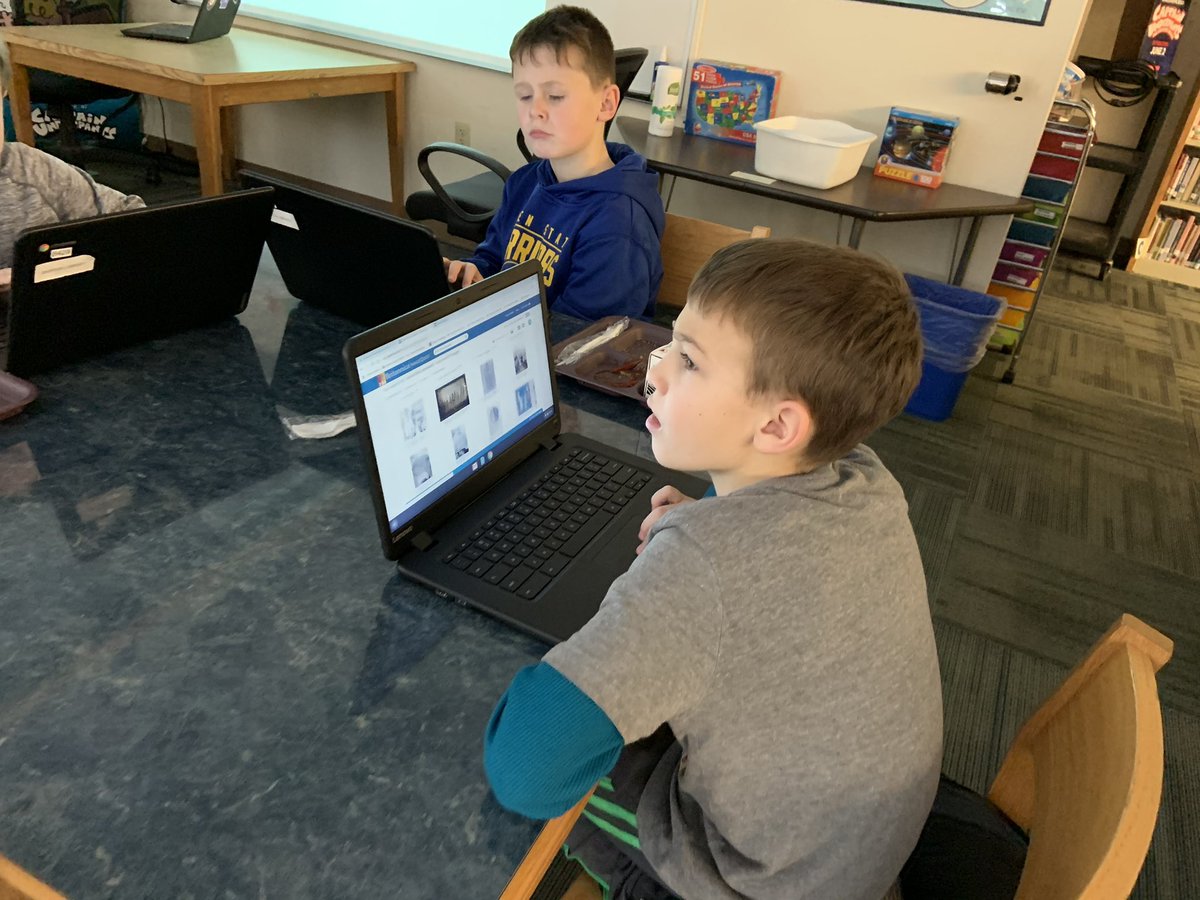
Where can you find safe, copyright cleared images for all your school projects? @Britannica ImageQuest! Ask @MrsFitz425 3rd grade students how to insert images into Google Slides!