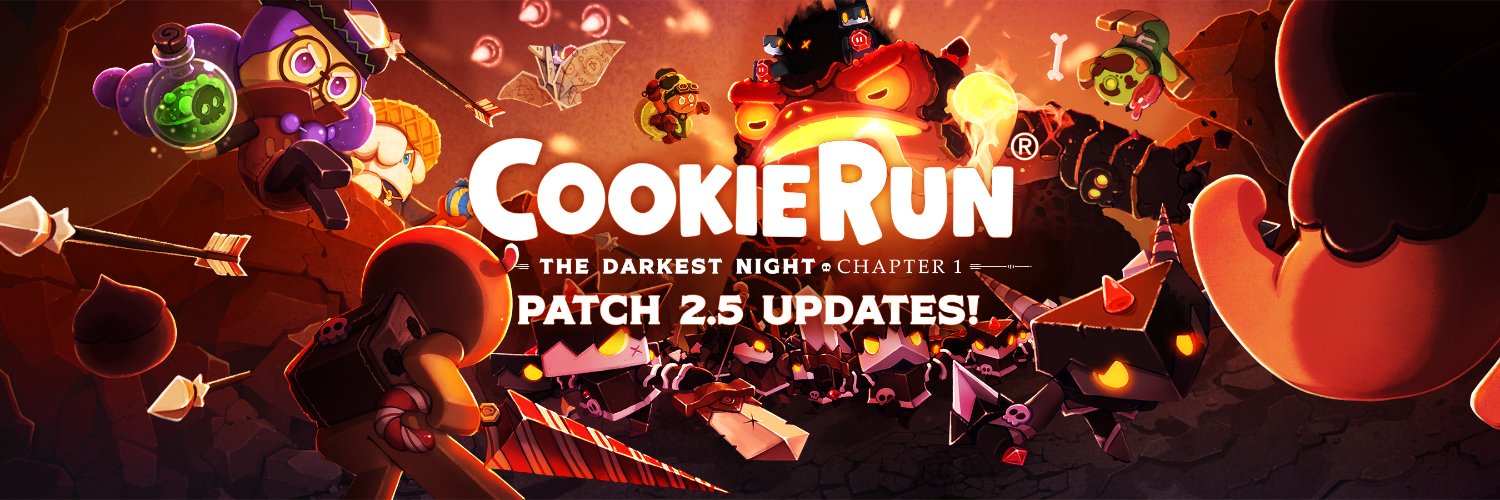
⚔️New Roguelike Challenge Arrived!⚔️
Dive into the Chaos Realm! 'Battle & Rush' before the Chaos Portal closes! Every playthrough promises a challenge and fun as you race down a changing 30-floor tower.
🍪 New Skills: Enhance your strategic play by summoning 6 companion cookies and using their power!
🍪 New Weapons: The Magic Crossbow takes the gameplay to another level. The explosive area damage of the Boomstick!
🍪 Leaderboard: Check your rankings on the leaderboard and see how you stack up against the competition!
Ready to take on the challenge? Join now and conquer the depths of chaos!
PLAY NOW at Meta Quest Store!
👉https://t.co/QOQO7GNNv4
More details
👉https://t.co/pxbjdKxPwF
@Konakarri Hi Knakari, Sorry for the delayed response!
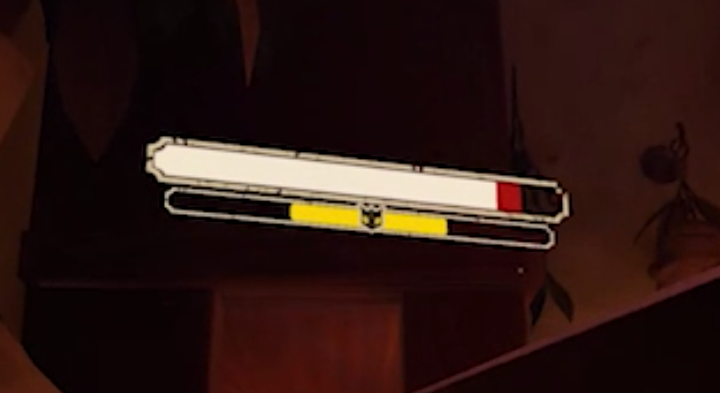
So, basically, not all enemies have a stun bar, which located below the HP bar, yellow in color as shown in the image. Usually, those soldiers of the Darkest Lord have them. Please try and let me know if you still have issues!
Dear Adventurers! 🫶
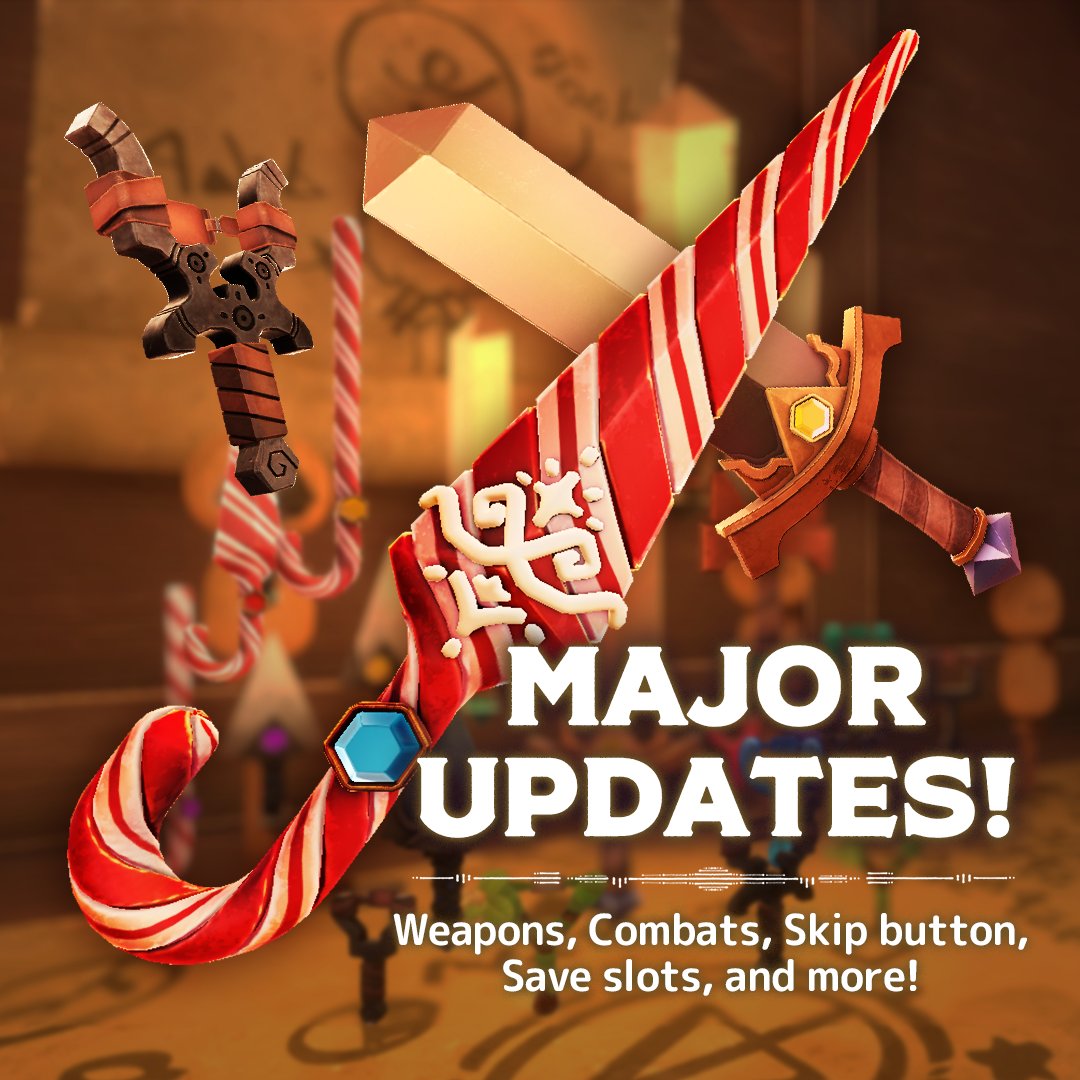
We've heard you! 👂And We came back with a totally revamped CookieRun VR!💫 including the most wanted features like 🗣️Dialogue Skip, ⏪Save Histories, and better combats! Plus, 📽️new cut-scenes, ⚔️new weapon designs, 😎better UX overall, bug fixes, and many more!
Played already? It's a worthy replay!
Haven't played yet? Try now!
👉https://t.co/QOQO7GNNv4
Update Details: https://t.co/pmayRONmV9
#CookierunVR #CVR #TheDarkestNight #Quest3 #Quest2 #MetaQuest #VR
Hi There J.Lord,
We're truly sorry to hear about the issues you've encountered with the toad.
To help resolve this issue, we recommend trying the following steps to load a previous game save:
1. Open the game.
2. Choose 'START' from the main menu (instead of 'CONTINUE').
3. Select a save slot marked as 'Recently Played'—this should be where your game data is saved.
4. From there, you'll find 5 save history options. Please select one of the earlier saves to see if this resolves the issue.
Should the workaround not resolve the situation, or if you have any further questions or feedback, please don't hesitate to reach out to us. [email protected]
Thank you for your patience and support!
So sorry for the late reply. Just want to double-check. If you tried to load save histories, not just save slots. These are the steps below:
1. Open the game.
2. Choose 'START' from the main menu (instead of 'CONTINUE').
3. Select a save slot marked as 'Recently Played'—this should be where your game data is saved.
4. From there, you'll find 5 save history options. Please select one of the earlier saves to see if this resolves the issue.
Please let us know!
@minitad2000 Please try it with this update and let us know if you still have a problem 😎 Also, when load the game, you can see five save histories in each save slot, this would help 🤞
🎉 Happy New Year, Adventurers!
As we embark on this exciting New Year, we trust you're enjoying a fantastic start! Our team is thrilled to kick off the year with an array of improvements to enhance your gaming experience.
Details: https://t.co/MI1s3Vy7L2
📷PLAY NOW at Meta Quest Store!
https://t.co/QOQO7GNNv4
#CookierunVR #CVR #TheDarkestNight #Quest3 #Quest2 #MetaQuest #VR
@minitad2000 Hi There! We sincerely apologise for your experience. 😓🙏 Could you DM me more details, like where you ended up after being expelled from the arena? This information would help us resolve the problem. Thanks!
@mistercherryman We sincerely apologize for your inconvenience. We understand how frustrating this can be, and we appreciate you bringing this to our attention. Could you DM us with the details of the Quest you are using? This information will help us in identifying and resolving the issue.
🌞Happy New Year! 🌞🥳
🙌 May laughter and friendship light up your days, and may all your New Year's resolutions come to life! 🌟
🤔Still pondering your New Year's resolution? Why not step into a new world?
👉 https://t.co/QOQO7GNNv4
#HappyNewYear2024#HappyNewYear #CookierunVR #CookieRun #Quest2 #Quest3 #MetaQuest3 #VR