TECH SAFETY TIP
Did you know your webcam or mic can be hacked without triggering the indicator light?
Cyber criminals can spy silently, so always cover your webcam when not in use and review app permissions regularly.
#CyberSecurity#TechTips#DigitalSafety#OnlinePrivacy
Did you know Bluetooth was named after a Viking king?
Invented by Ericsson in 1994 to replace messy cables, it has evolved from simple wireless headsets to powering billions of smart devices today from earbuds to cars to Iot.
From Viking roots to global tech that's Bluetooth.
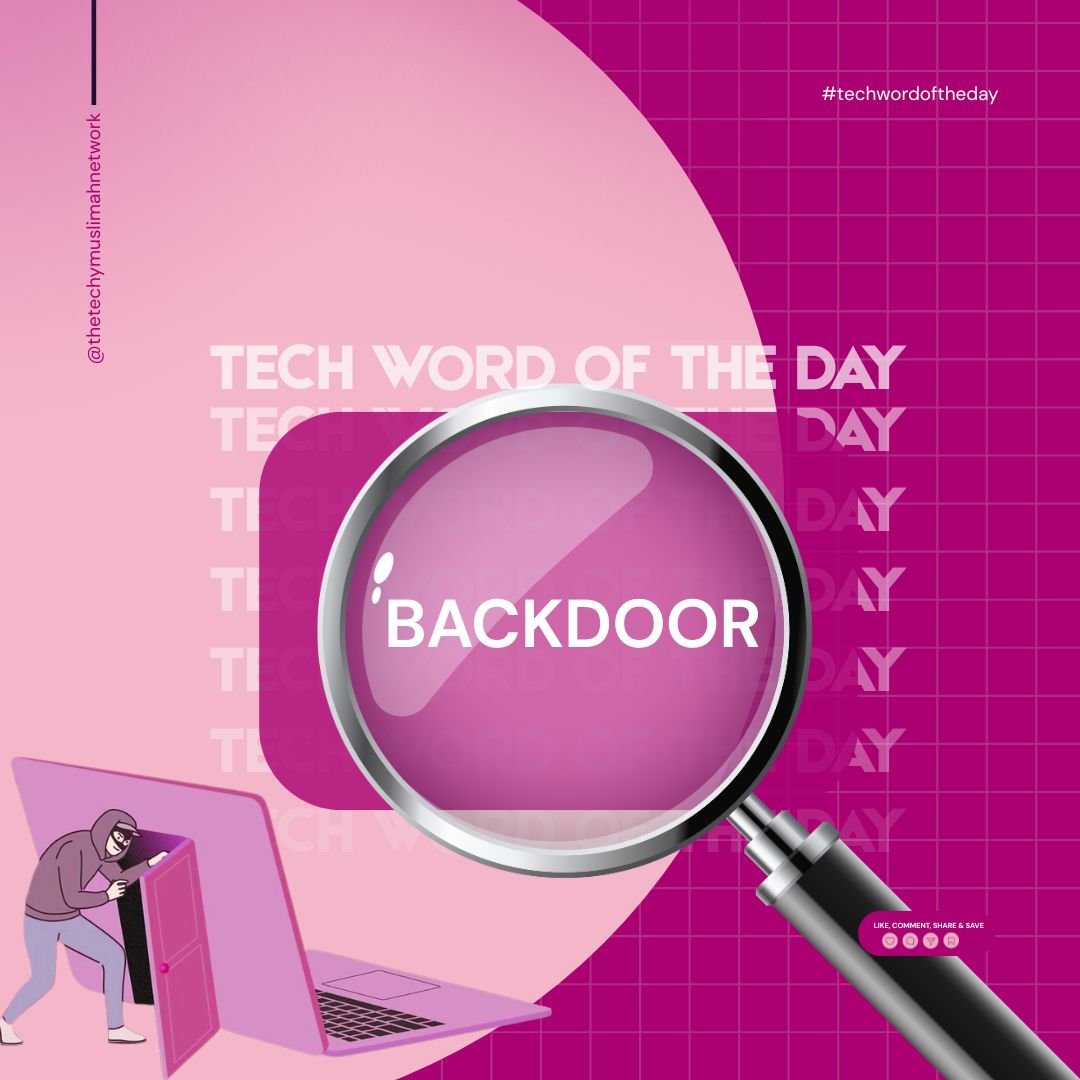
Example: Malware installs a backdoor that allows attackers to access a victim’s computer anytime
Characteristics:
Operates without user knowledge.
May allow remote access, data theft or system manipulation.
Often used in cyberattacks, like ransomware or espionage.
A backdoor refers to a method of bypassing normal authentication or security controls to gain access to a system, application, or network.
1. Intentional (Legitimate or Hidden Feature)
Developers may insert backdoors for maintenance or troubleshooting purposes.
Example: A secret login left by a developer to access the system if other methods fail.
2. Malicious (Security Threat)
Hackers or malware creators use backdoors to secretly gain control over devices or data.
4. Canva: Visual Goal Mapping
Use free templates to design a visual Dunya vs. Akhirah Goals Map great for monthly check-ins.
5. Pillars App: Plan your spiritual goals around Salah and Adhkar times. Anchor dunya tasks around Salah, not the other way around.
Best Free Tools for Planning:
We juggle a lot, tech careers, learning paths, family, Deen, mental health. But the most fulfilling planning is when we align both Dunya and Akhirah goals so nothing we do is wasted, and everything we do is intentional.
1. Notion: Perfect for creating a digital dashboard where you can organize:
2. Habitica: Turn daily goals into small wins, whether it’s submitting a GitHub pull request or praying on time.
3. Google Calendar: Simple but Effective Time Blocking.
In comparison, a single Google search today uses the equivalent of several million times more computing power-tapping into vast data centers and AI systems running on modern processors with gigahertz-level speeds and terabytes of RAM.
#TechFacts#TheTechyMuslimahNetwork
The Apollo 11 mission that landed humans on the moon used a computer with just 64KB of memory and operated at 0.043 MHz. That’s less power than a basic calculator today!
Final Note
You don’t need to rush to catch up You just need to document with intention, reflect with sincerity, and keep walking. One step at a time, for the sake of Allah, and for the good of those who come after you.
Your journey is not just yours. It’s a sadaqah in motion.
5 ways to make your tech learning journey meaningful, sustainable, and purpose-driven, especially as a Muslim woman navigating tech with faith:
Set intentions: Learn to benefit the ummah or gain useful knowledge.
Track progress: Use a learning journal to reflect on growth.
Share sincerely: Inspire others and reinforce your learning.
Apply knowledge: Build projects and reflect on successes/failures.
Seek guidance: Make dua for clarity and consistency.
Ask Allah ﷻ to make your learning a means of ease, clarity, and impact.
Most people don’t realize their phone could be secretly recording them, simply because they granted permissions without thinking. Those little pop-ups we often ignore can give apps access to our microphone, even when you're not using them. It's a risk that deserves more attention
Browser extensions are low-key power tools for techies. If you're in tech and not using browser extensions to streamline your workflow, you're missing out on serious productivity upgrades.
There’s an extension for anything you need to do. for example,
Testing UI responsiveness
Here are a few for Techy Muslimahs
JSON formatter: makes it easy to upload and download JSON formatted files
Web developer: provide dev tools on the browser
Wappalyzer: used to identify technologies behind a website
Colorpick Eyedropper – to pick color hex codes from a website
Tech Word of the Week: Automation
Repetitive task? Let the system handle it.
Automation is all about streamlining processes so humans can focus on what really matters : creativity, strategy, and innovation.
Where have you used automation lately , in your work or life?
#UXDesign