🎅 MERRY CHRISTMAS EVERYONE! 🎅
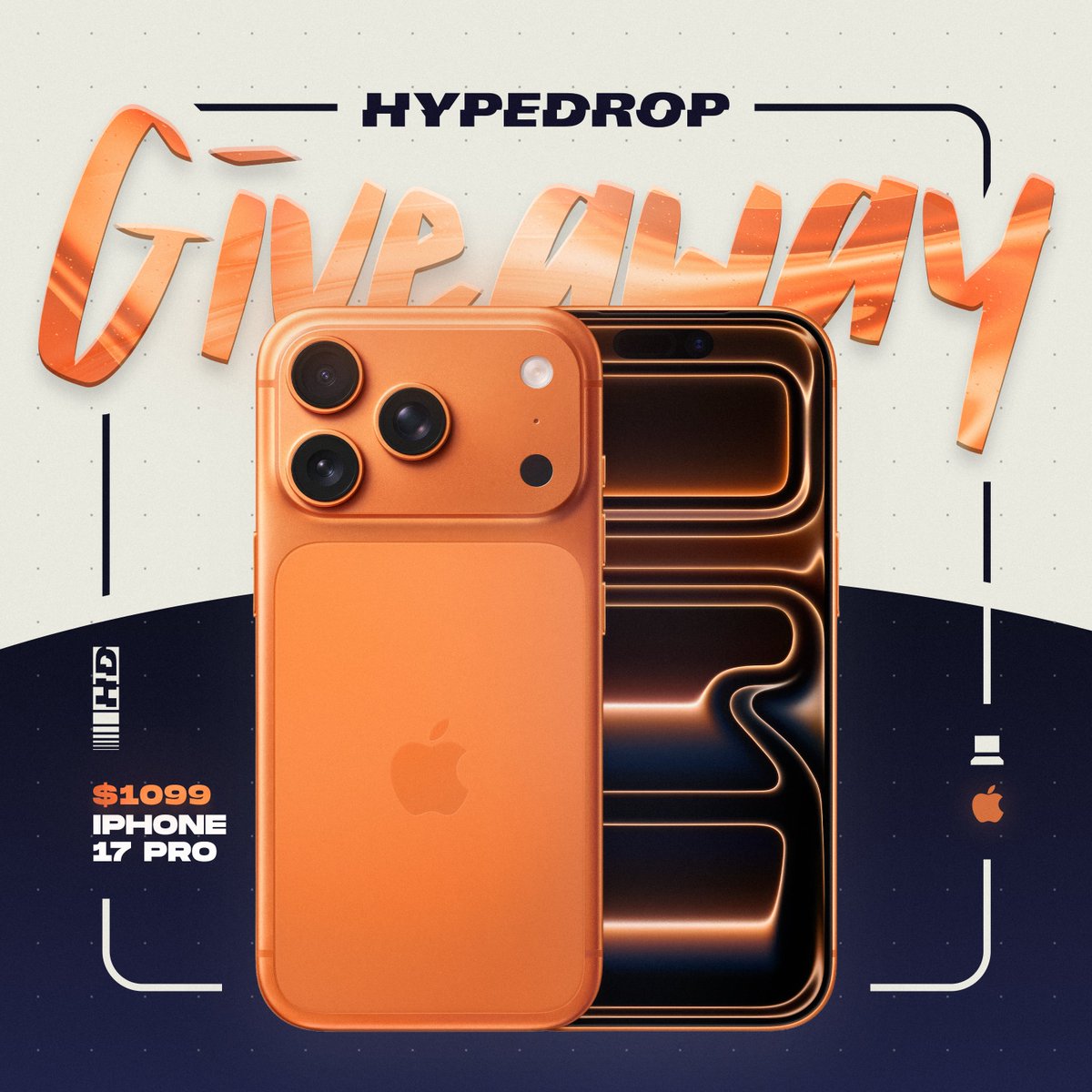
Santa left an extra present in the HypeDrop office, so we are giving away this iPhone 17 Pro!
To enter:
1️⃣ Like + Retweet
2️⃣ Tag 2 friends
Winner announced January 1st! Good luck! 🎁
@JoellJoelly Give DLAA a shot. It’s not available in the game settings but you can override it in the Nvidia app. Set the DLSS override model preset to “latest” and DLSS override super resolution to DLAA. Looks and performs better. Just use any DLSS setting in-game and it’ll override.
Microsoft Is Training Its Gaming Copilot AI by Watching You Play Games, Unless You Turn It Off
Microsoft's new Gaming Copilot AI, automatically installed on Windows 11 PCs, sends screenshots and captures of your gameplay to Microsoft to train its AI models.
Turn these settings off by going to Game Bar > Gaming Copilot > Settings gear (bottom left) > Privacy settings. There, you can disable or opt in to letting Gaming Copilot train on your gameplay instead of it being on by default.
/
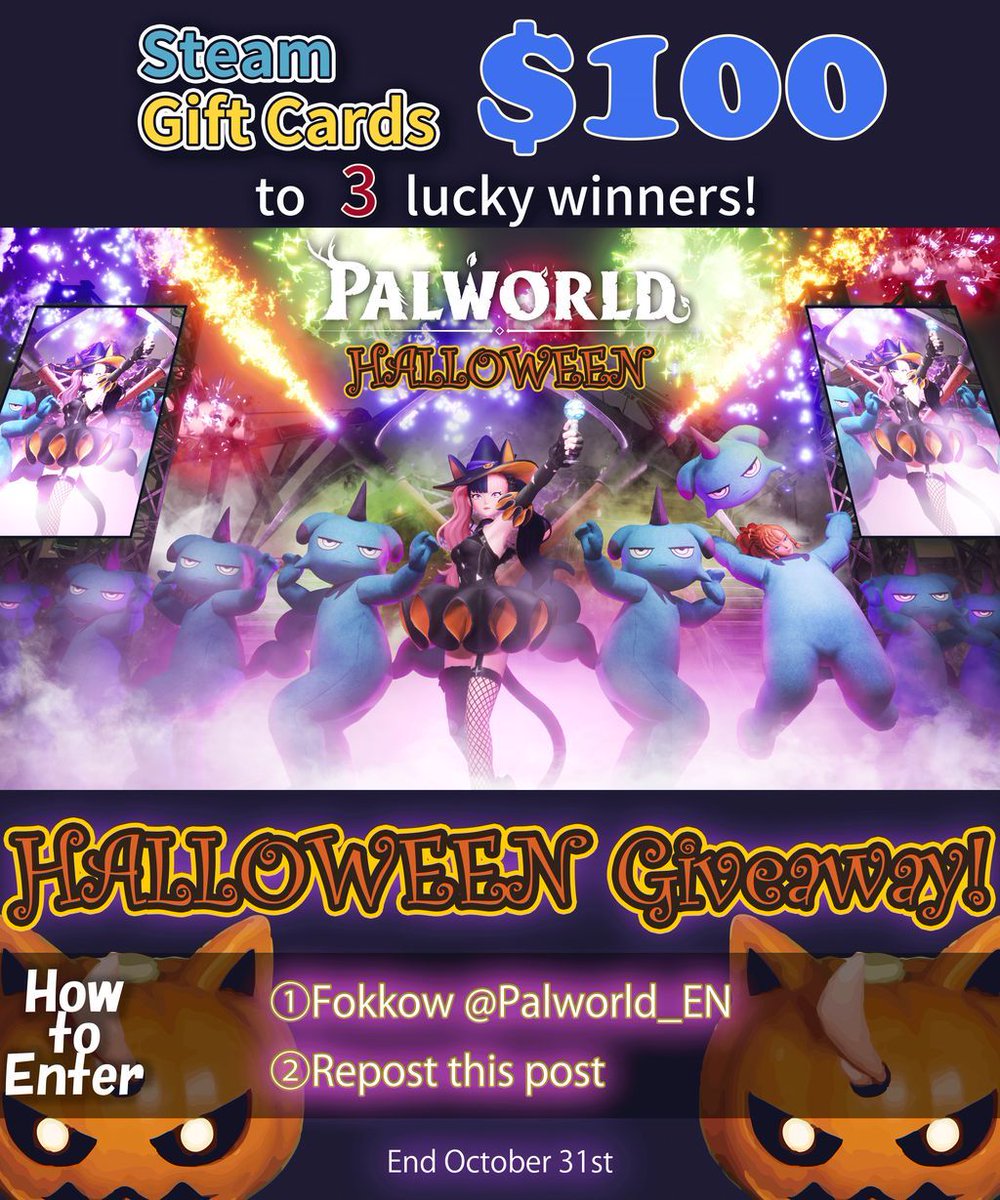
Halloween Giveaway!
\
We're giving away $100 Steam Gift Cards to 3 lucky winners!
How to Enter:
①Follow @Palworld_EN
②Repost this post
That's it!
#HappyPalloween
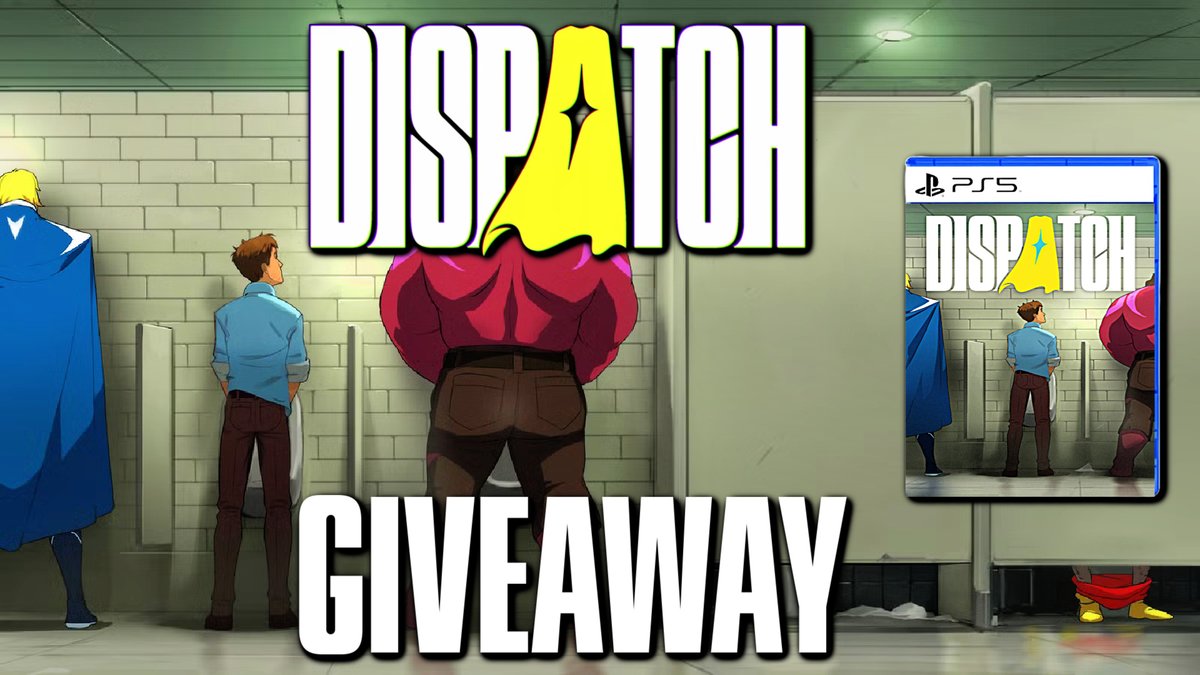
To celebrate Dispatch releasing on October 22nd! I am doing a worldwide giveaway for three digital copies of the game on PS5/PC!
Rules to Enter:
1. RETWEET and LIKE this Tweet
2. Follow Me on Twitter/X
Winners are picked on Monday, October 27th at 8PM EST!