See Charles Lakes, @The2Lakes present 'Dataverse: Everything, Everywhere, Here and There' at the Atlanta Cloud Conference this Saturday! https://t.co/9W3JjPTGLy
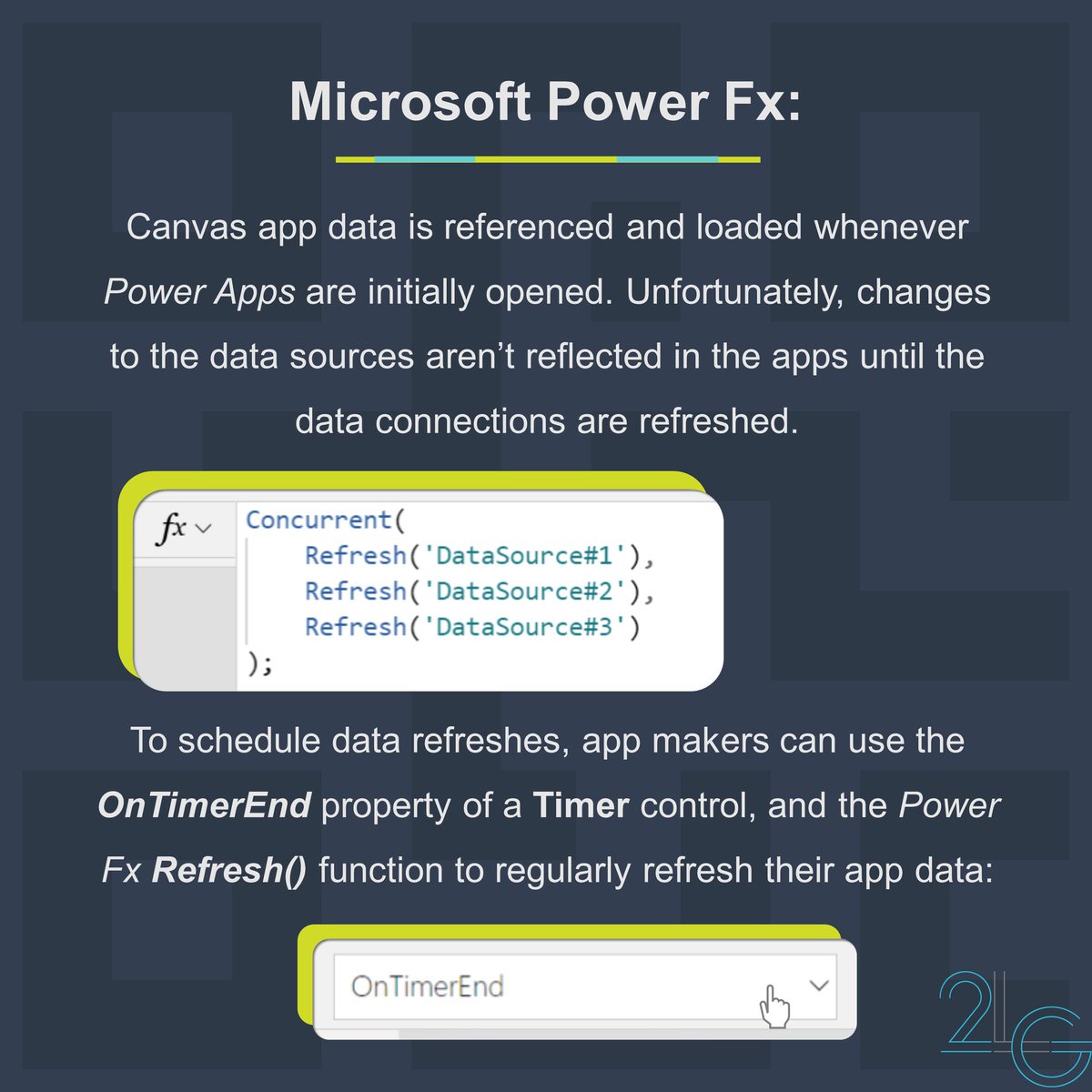
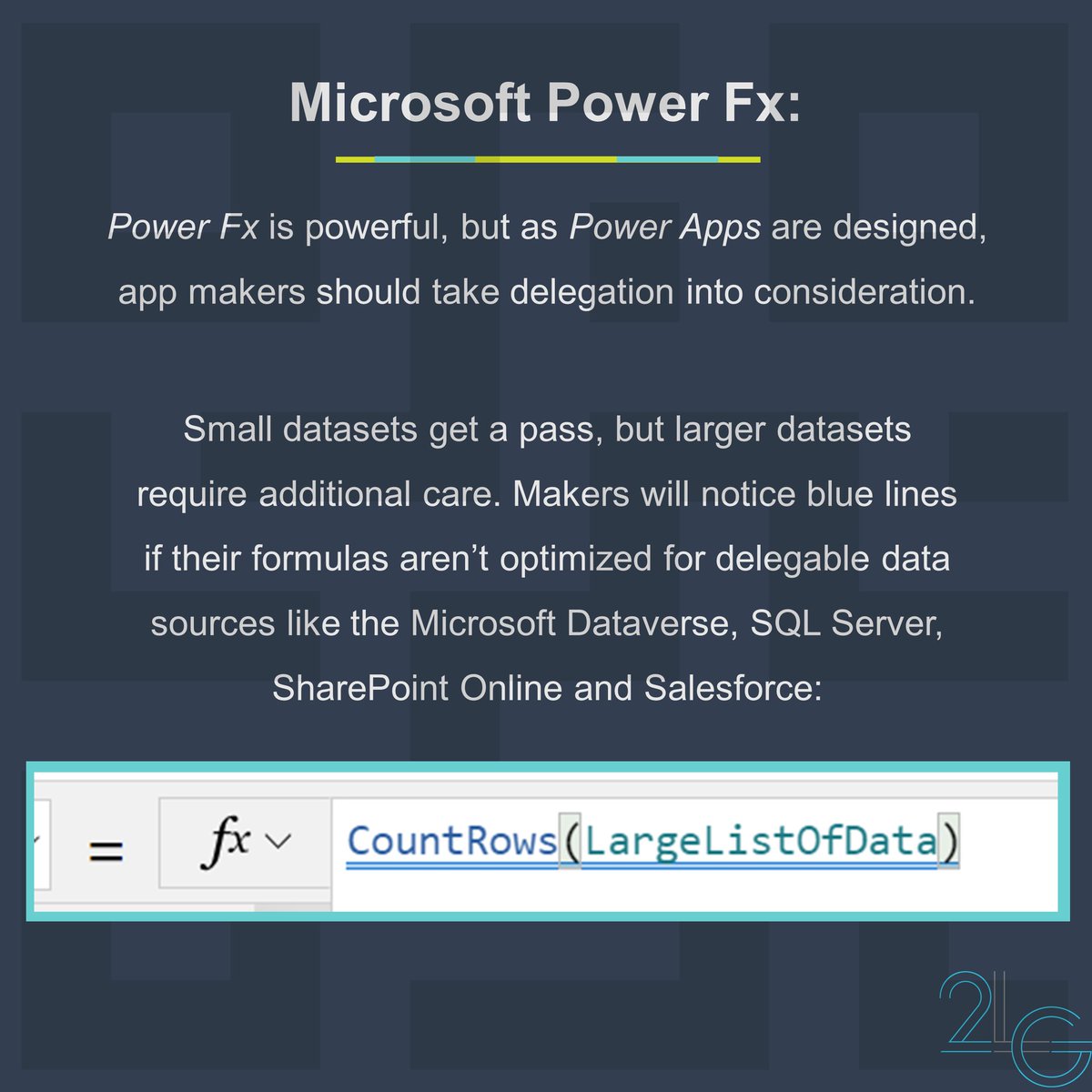
If the #PowerApps#CanvasApp data is meant to be dynamic, then data refresh schedules should be designed with intention.
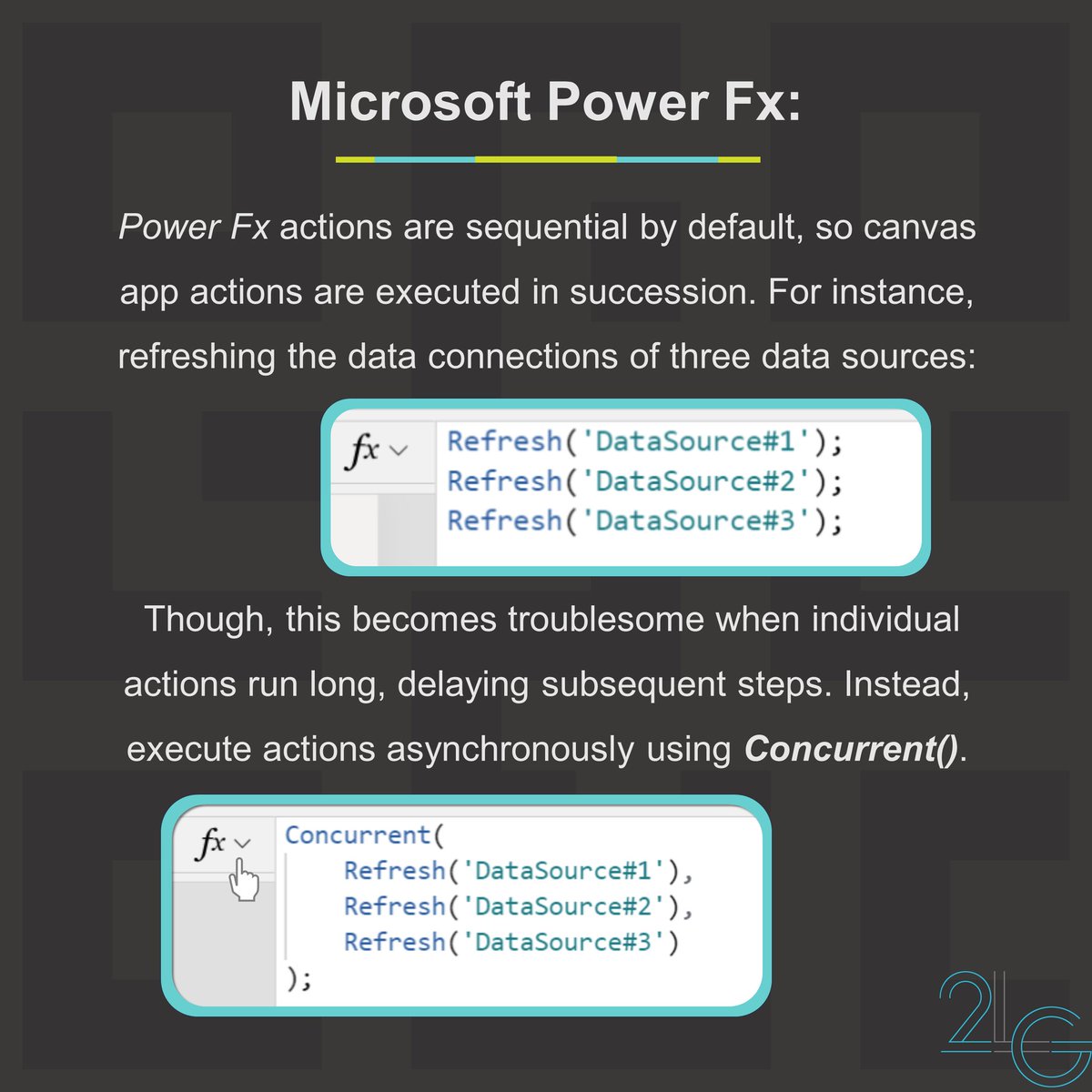
Fortunately, #PowerFx has a built-in function to Refresh() data sources, and there is a timer control w/ an OnTimerEnd property, ideal for refresh schedules.
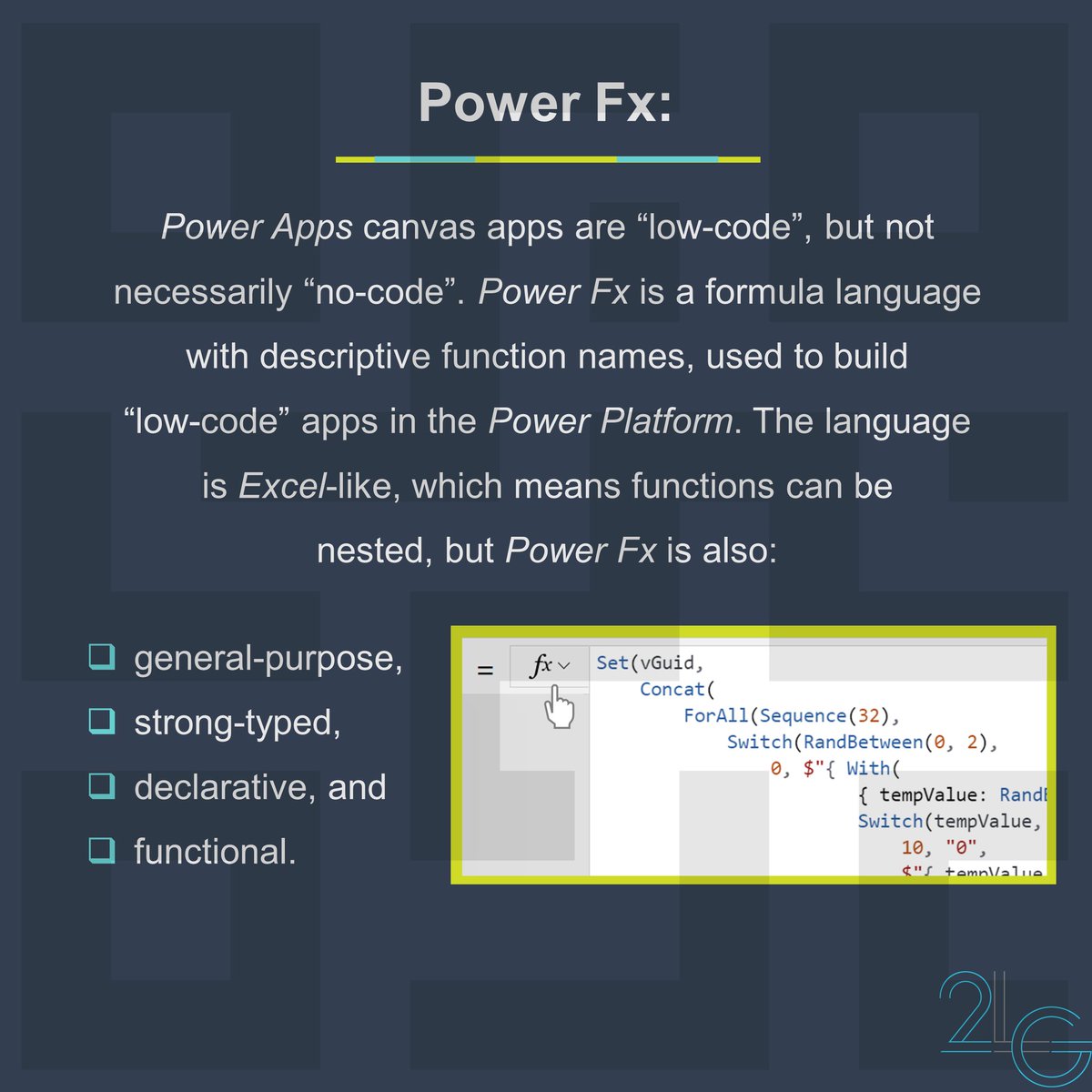
#Microsoft#PowerApps is used to build low-code business apps.
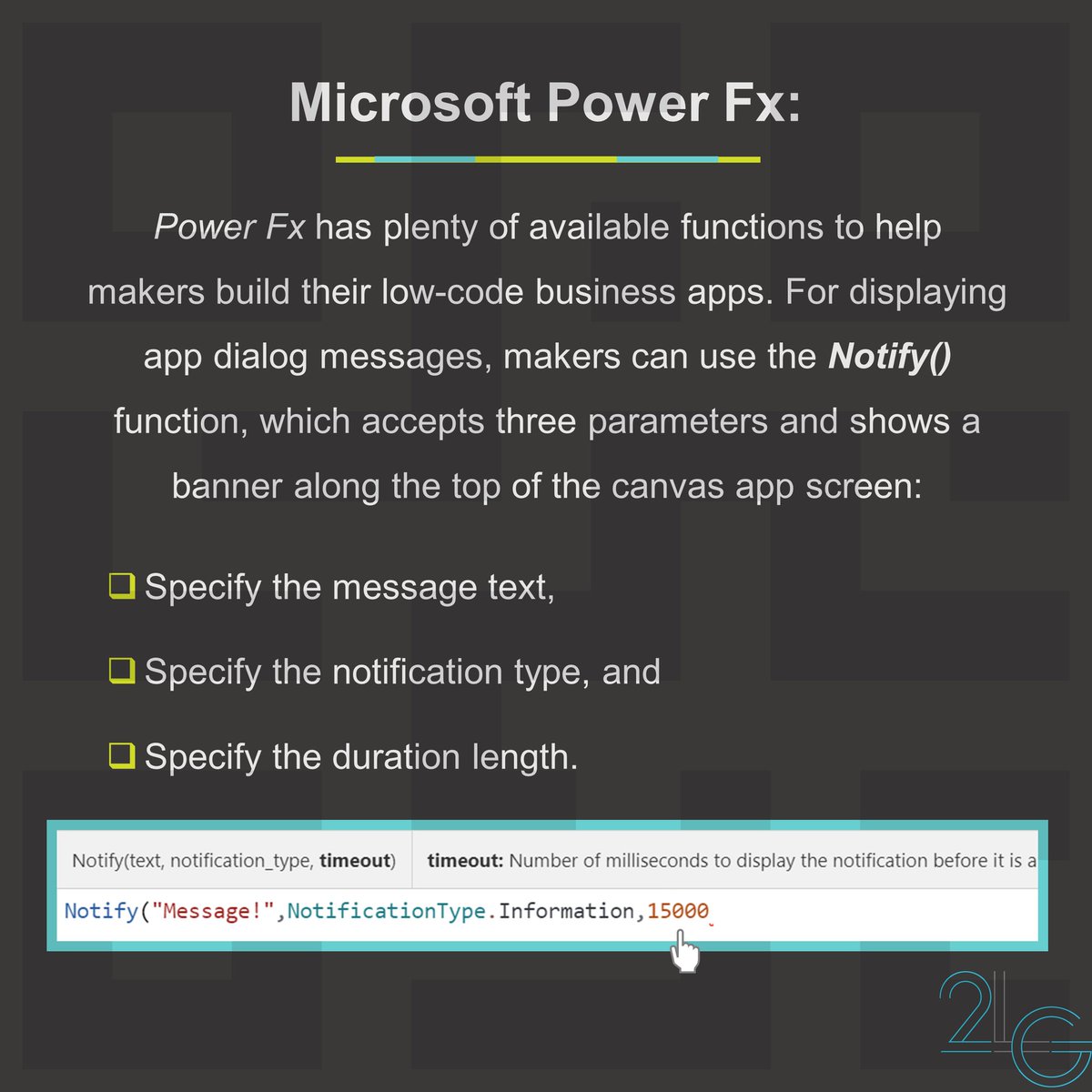
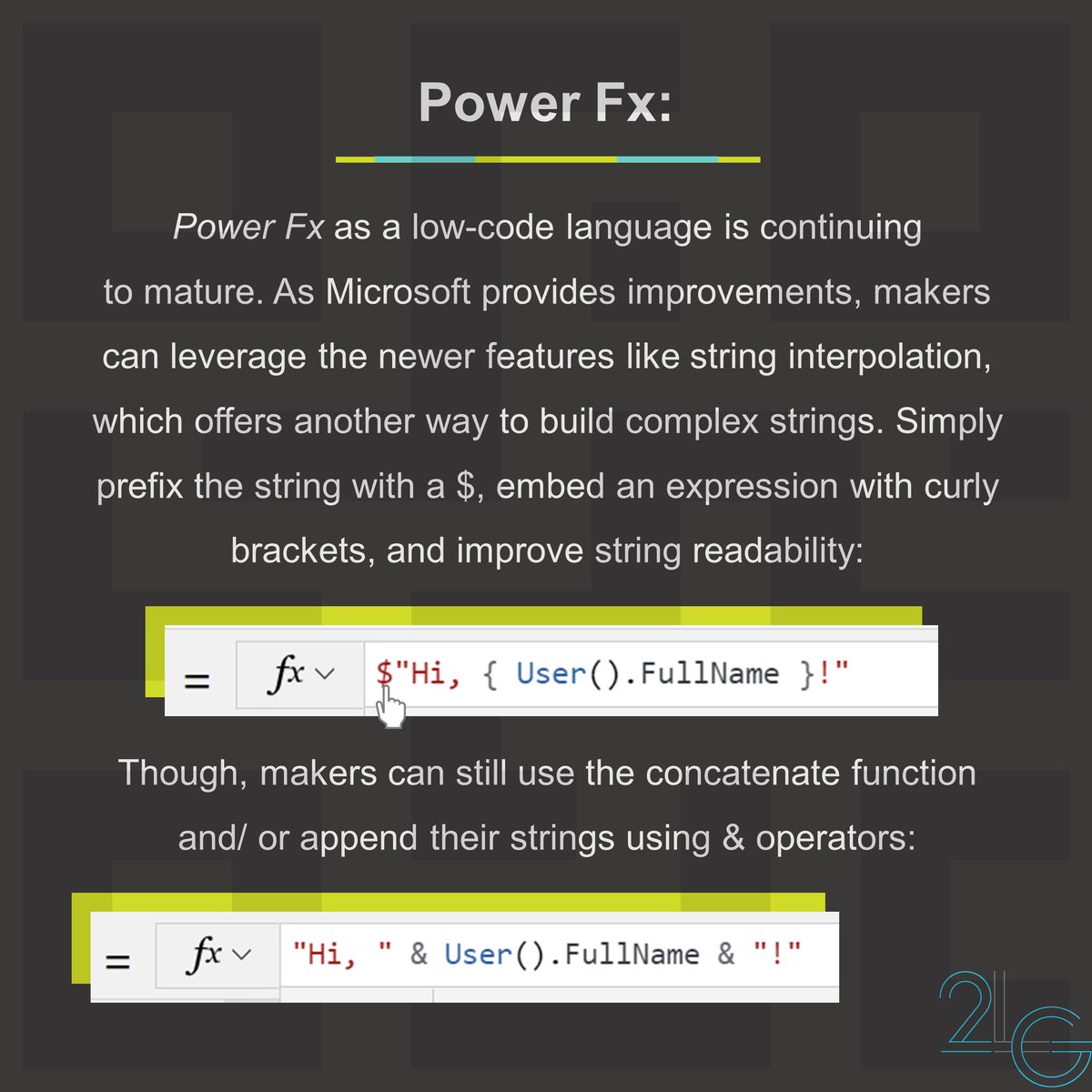
To design the UX of their #CanvasApps, makers can use #PowerFx functions like Notify() to display app banner messages.
These messages can specify success, error, information, or warning.
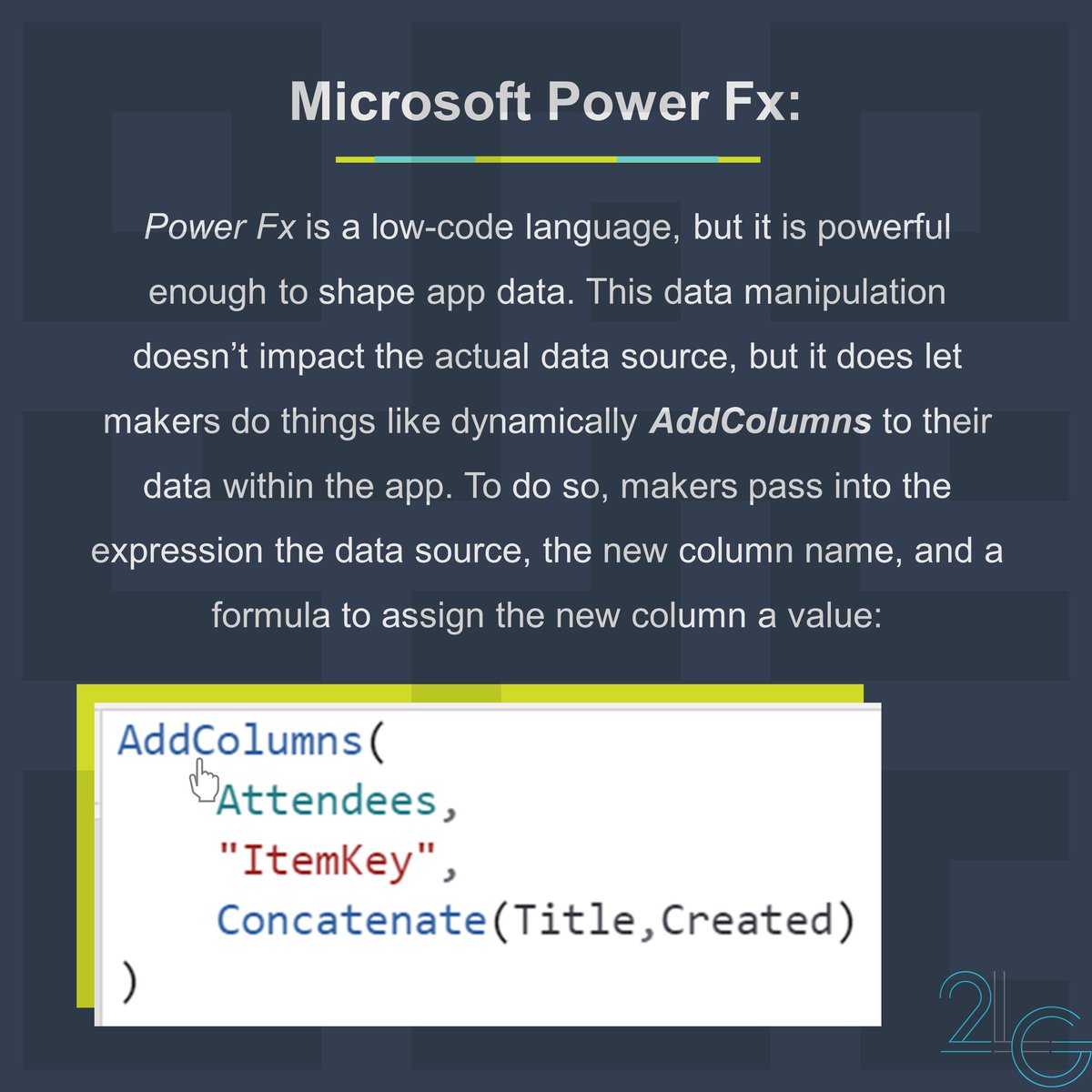
Data shaping is something #Microsoft#PowerFx users can take advantage of in their apps.
Without changing the data source, AddColumns in #PowerApps#CanvasApps and transform the dataset.
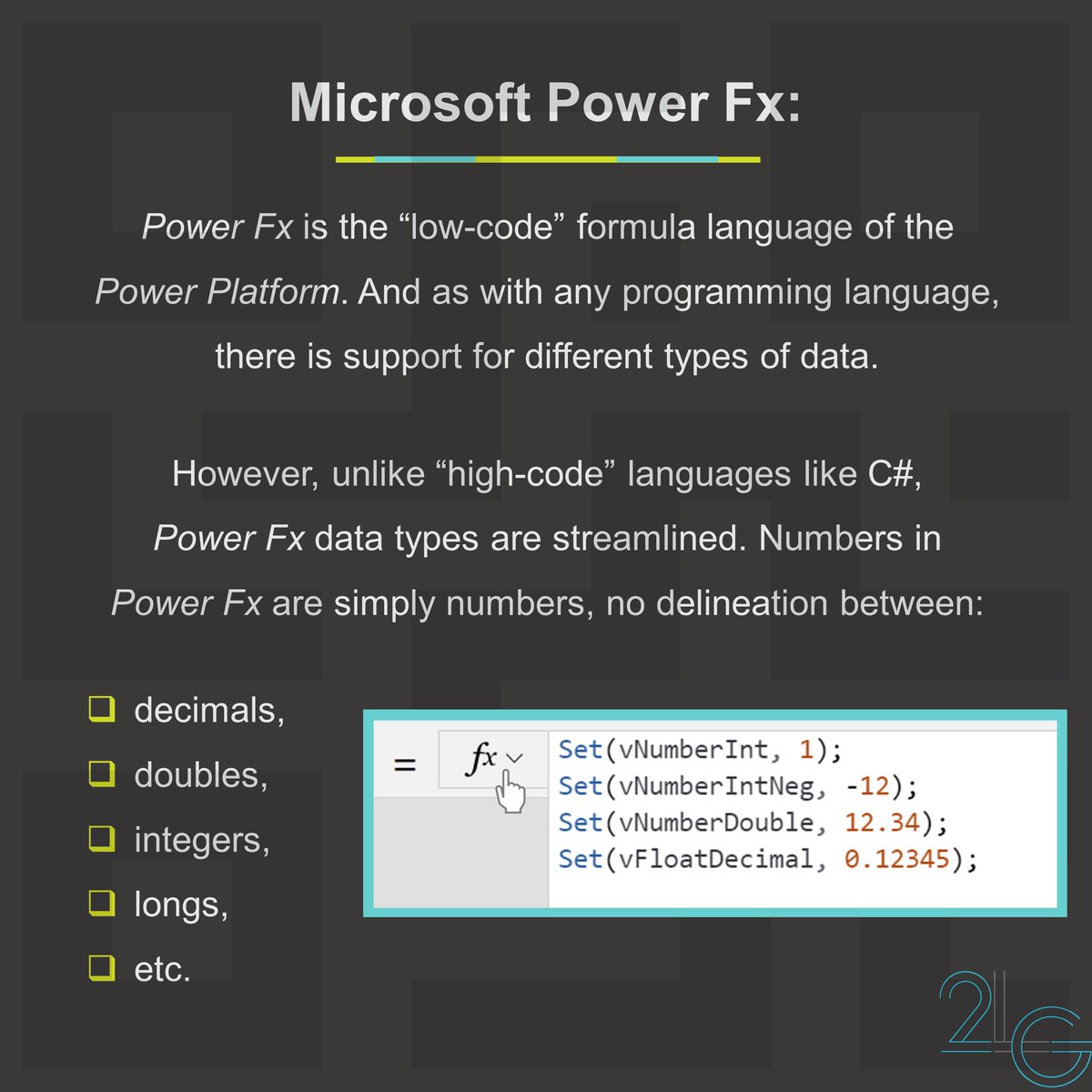
#PowerFx is a #LowCode programming language, so the available data types are more generalized.
For example, numbers are just numbers in #PowerApps . Makers don't have to differentiate between int, float, double, short, long, etc.