Today, I got hands-on with cryptography by decoding ciphertexts into plaintext. 🔐
I also explored the basics of CSS, learning inline, internal, and external styling, as well as how to target elements, IDs, and classes. 💻
#HTML#WebDevelopment#DevSecOps#LearningInPublic
Another week to put myself out there, as always.
I’m looking to connect with founders, business owners, and teams using AI and automation to solve real problems.
If you’re tired of repetitive manual tasks, let’s connect.
And @X you know what to do 😅
One thing I want to do more of:
Build things that people can actually use.
Not just projects that look good in a portfolio.
Real problems.
Real users.
Real feedback.
That's where I think the biggest growth happens.
Happy Friday 🎉❤️
#BuildInPublic#SoftwareEngineer#Tech
I just completed another HTML practice project by recreating the Instagram sign-up page using only HTML.
This project helped me practice structuring a webpage, working with forms, links, headings, and other HTML elements while paying attention to how the original page is...
The portal includes a cybersecurity learning roadmap, recommended resources, and a weekly study schedule.
No CSS. No JavaScript. Just HTML and a lot of practice. 💻
Still learning, still building, and getting better with every project.
#HTML#WebDevelopment#DevSecOps
I built a Cybersecurity Student Portal using HTML only, putting into practice the concepts I've learned so far, including:
• Headings & paragraphs
• Images & links
• Ordered and nested lists
• Tables
• External links and new-tab navigation
The portal includes a cybersecurity learning roadmap, recommended resources, and a weekly study schedule.
No CSS. No JavaScript. Just HTML and a lot of practice. 💻
Still learning, still building, and getting better with every project.
#HTML#WebDevelopment#DevSecOps
I created an AI Smart Glass to help blind people walk without a cane or a guide 👓
But this is not like the smart glasses people are used to seeing
Because this Glass combines AI, sensors, and GPS to help the user detect things in front of them, avoid obstacles, and know their location
But the most amazing thing is if the user gets lost, the GPS tracking system can help locate where they are from anywhere, and then send the location to the phone of the person taking care of them via WhatsApp or Email 📲
And now I am further developing it to a new level of AI + Voice, so it can speak with the user and also help them understand their surroundings
I have put the video showing how it works completely in the comment. 🎥
SHARE this project 🤝🔥
Let the world see what a young Nigerian can build
Today’s HTML class took me one step further into understanding how websites actually collect information from users.
I learned how to work with HTML forms using:
- "<form>"
- "<label>"
- "<input>"
- "<fieldset>"
- "<legend>"
At first, these might look like just a few more HTML tags, but I’m starting to understand how they fit together to create structured and usable forms.
So far, my HTML journey has covered headings, paragraphs, links, images, audio, video, lists, tables, and now forms.
HTTPS doesn't mean a website is trustworthy. It primarily protects the connection between your browser and the server; a malicious website can still use HTTPS.
@RihannahCodes Yeah, HTTPS encrypts the data being transmitted between your browser and the server, while HTTP sends it without that encryption. Just because a website uses HTTPS doesn't mean the website itself is trustworthy or can't be hacked.
Today in Application Security class, I learned about encryption and decryption and how they are used to protect and recover information. I also learned about session tokens and demonstrated how an exposed token could be used to access an authenticated session without a password.
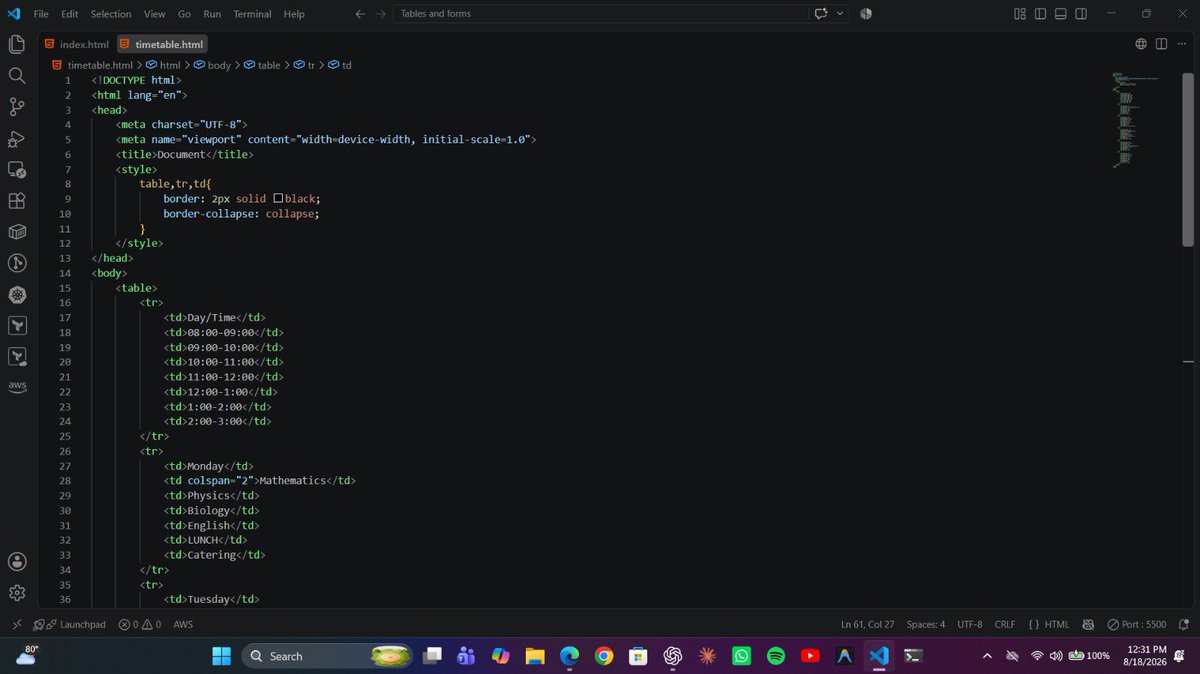
Today’s web development class was another step forward in my HTML journey. I learned how to work with tables and forms, and I put the knowledge into practice by creating a secondary school timetable using HTML.
#HTML#WebDevelopment#DevSecOps#LearningInPublic