Stake $PLS with Pulse Wallet and PulseChain validators to earn yield in $PLS and manage your stake (any amount of $PLS) easily—no technical knowledge required!
Manage your stakes easily!
This is what mass adoption of $PLS looks like.
A rule that has saved more wallets than any app feature: the 2-minute rule.
Before you sign, approve or send anything new, wait 2 minutes.
In those 2 minutes, ask yourself:
Did I go looking for this, or did it come looking for me?
Do I know exactly what I'm approving?
Did the address come from the source, not my history?
Is anyone rushing me?
Most scams only work in the first 30 seconds.
Two calm minutes break almost all of them.
People come to crypto in waves.
A narrative trends, a crowd arrives, and a few weeks later most of them are gone.
PulseChain has never worked like that.
The people here learned what a full-state fork was before it was popular.
They held their own keys before it was a slogan.
They're still answering questions in quiet weeks, when nobody's watching.
We're not here for a season.
We're here for the long version of this story.
Every scam you'll ever run into starts with someone being nice to you.
They answer your question fast.
They're patient. They use the project's logo.
They say "no worries, happens all the time."
Then, gently: "I just need you to verify your wallet."
Real support doesn't work like that.
Pulse Wallet never DMs first, never calls, and never asks for your seed phrase or private key.
Kindness is free. Your keys aren't.
If someone's helpfulness ends with a link or a request for your words, you already know.
Sunday status:
checked an address twice (habit)
ignored a token I didn't buy (growth)
read a signature request all the way through (maturity)
got one more friend to turn on 2FA (hero)
Good week.
10 lessons from the last two weeks. Save this one.
1. Test with a small amount before sending big.
2. Secure the Google or X account you log in with.
3. Share the transaction hash, not a screenshot.
4. Never copy an address from your transaction history.
5. Tokens you didn't buy are bait. Don't touch them.
6. A token's name means nothing. Check the contract address.
7. Keep a little PLS for gas. Don't hit "Max".
8. One address, many chains. Always check the network.
9. Review and revoke approvals you no longer use.
10. Crop your screenshots. Your address is public.
Two weeks of posts about keys, gas, scams and privacy.
If only one thing sticks, we hope it's this:
in self-custody, nobody is coming to save you.
That sounds scary. It's actually freeing.
It means the habits are yours.
The checks are yours.
The wallet is yours.
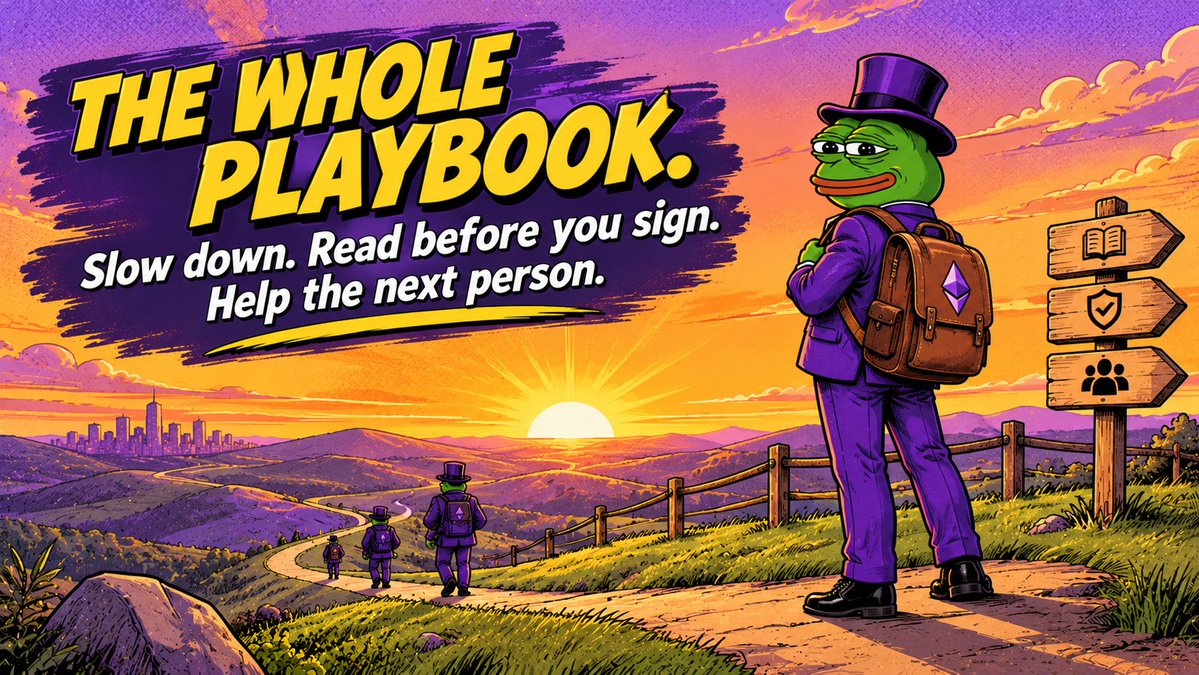
Slow down, read before you sign, and help the next person who's a few steps behind you.
That's the whole playbook.
Crypto security tier list (very scientific):
S: backups written by hand, 2FA everywhere, hardware wallet for savings
A: 2FA on the wallet and on the login account
B: PIN only
C: "I'll set it up this weekend"
D: password is my dog's name
F: seed phrase saved as a screenshot titled "IMPORTANT DO NOT DELETE"
Where are you, honestly?
Hot wallet or hardware wallet? Honest answer: probably both.
A hot wallet, like a mobile app, is for:
daily use, smaller amounts, quick sends, trying new things.
A hardware wallet is for:
savings you rarely touch, larger amounts, things you'd hate to lose.
Think of it as the wallet in your pocket and the safe at home.
You don't carry your life savings to buy coffee.
You don't open a safe to pay for one either.
Pulse Wallet supports hardware wallets, so you can keep both in one place.
Setting up Pulse Wallet? Do it properly once. About 5 minutes.
1. Log in with Google or X
2. Set your app PIN
3. Turn on Google Authenticator 2FA (Settings → Security) and store the backup key somewhere safe and offline
4. Go to your Google or X account settings and turn on 2FA there too
5. Holding a larger amount? Consider a hardware wallet for that part
6. Send yourself a small test before moving anything bigger
That's it. You won't have to think about it again for a while.
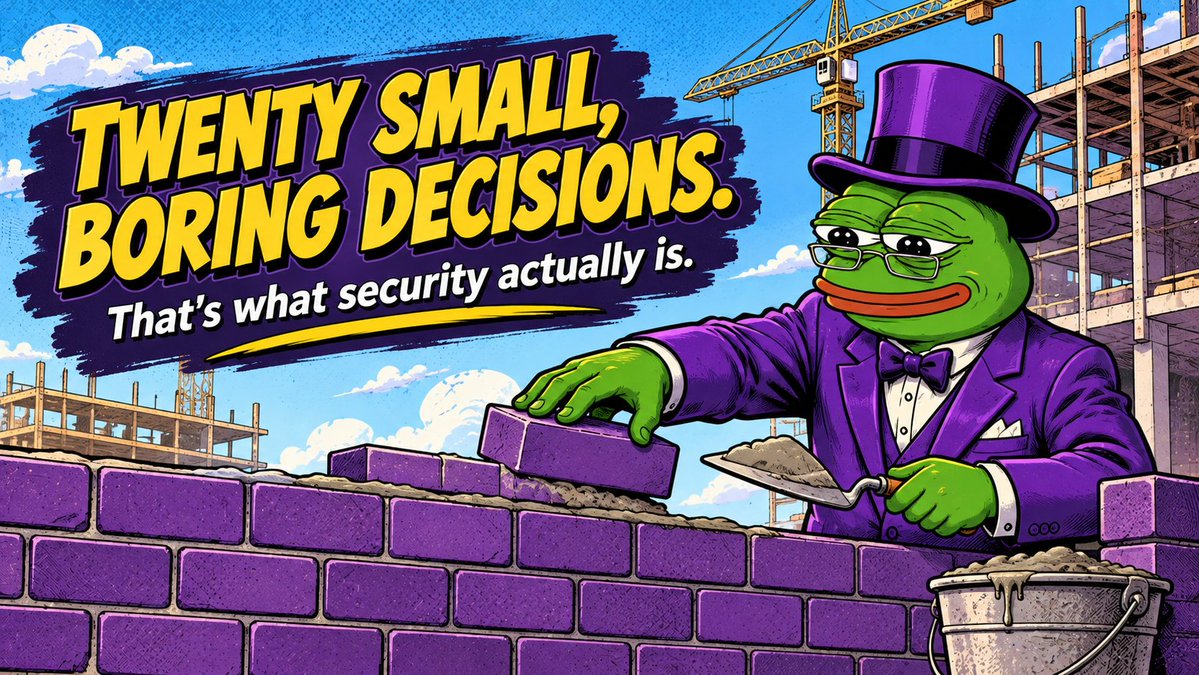
Security isn't one big decision.
It's twenty small, boring ones.
Turning on 2FA.
Using a different password for the account you log in with.
Saying no to a DM that "just wants to help."
Sending a test before the real amount.
Closing a tab that asks for too much.
None of them feel important on the day you do them.
Together, they're the difference between a normal week and a terrible one.
Me two years ago, reading a signature request:
*scroll* *scroll* "Confirm"
Me now, reading a signature request:
*reads every line*
*looks up a word I don't know*
*asks a friend*
*closes the tab*
*goes for a walk*
Growth.
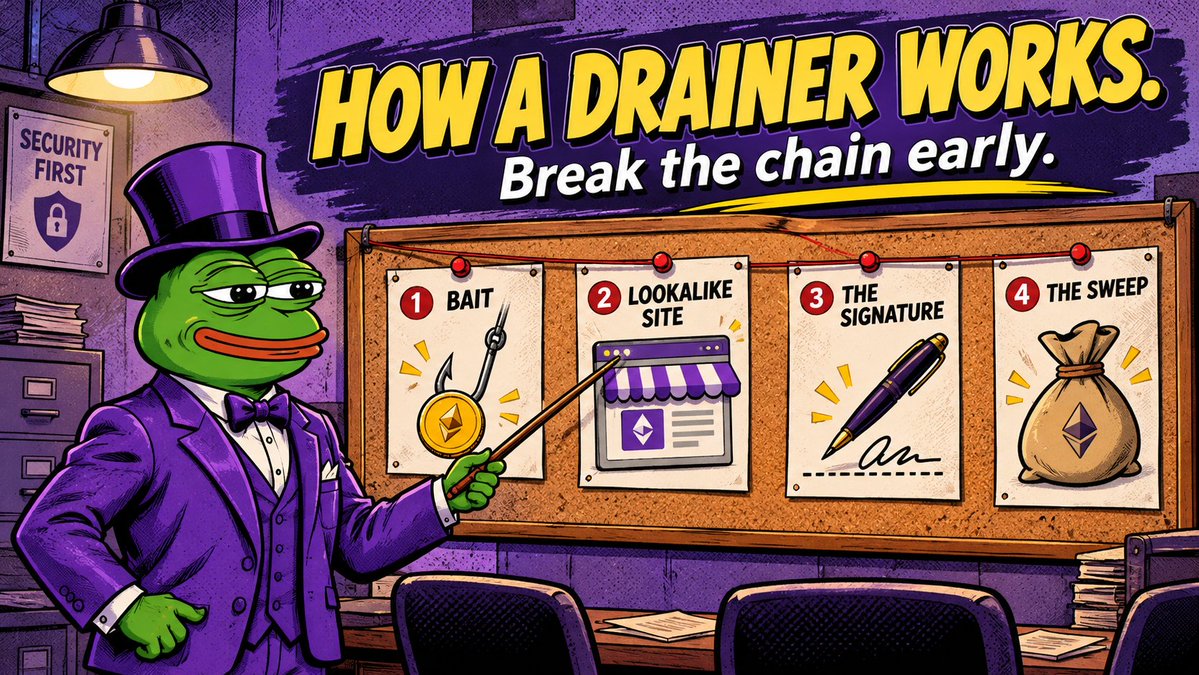
How a wallet drainer usually works, in 4 steps:
1. Bait
A fake airdrop, a "mint now" link, or a too-good offer in your replies or DMs.
2. Lookalike site
Same logo, same layout as a real project. Slightly different URL.
3. The signature
It asks you to approve or sign something. It looks routine. It isn't.
4. The sweep
Once signed, the attacker moves whatever that permission covers. On a fast chain, in seconds.
Break the chain at step 1 or 2, and step 3 never happens.
When a dApp asks you to "approve" a token, here's what you're actually doing:
You're giving that contract permission to move that token out of your wallet.
Sometimes up to an unlimited amount.
And the permission stays until you take it back.
Habits that keep this safe:
Only approve contracts from projects you trust, reached through links you bookmarked.
If it asks for unlimited access and you only need a little, think twice.
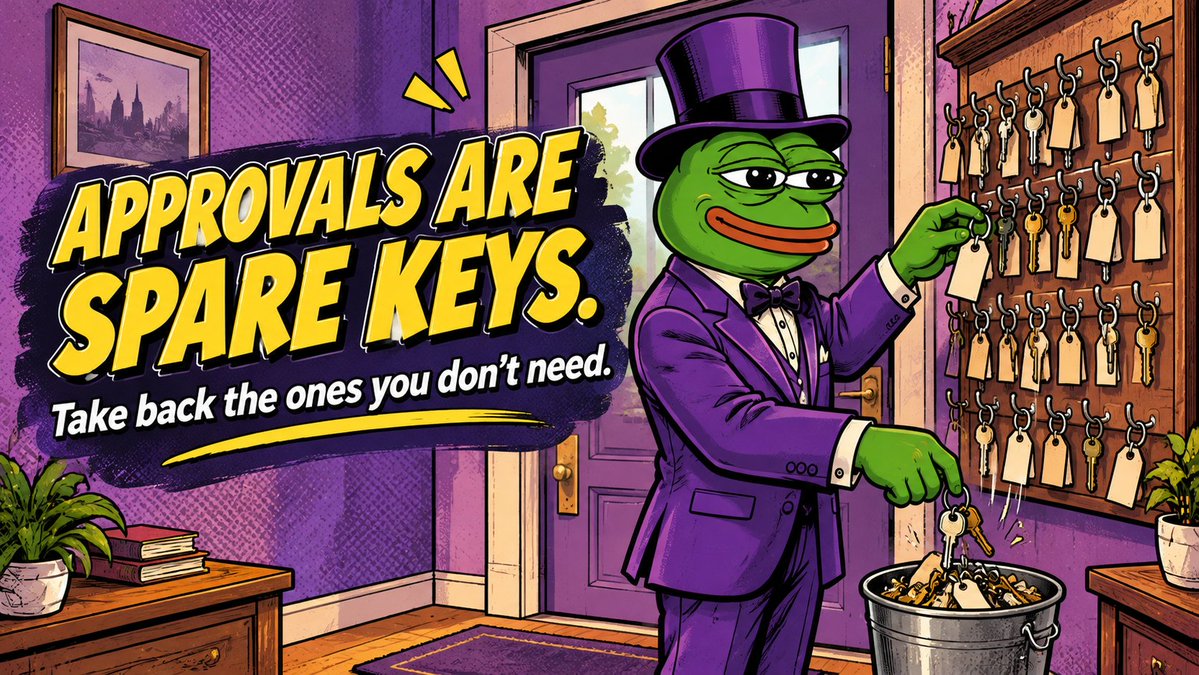
Every few months, review old approvals and revoke the ones you no longer use, with a reputable approval checker that supports PulseChain.
An approval you forgot about is a door you left unlocked.
Friday the 13th.
Good day to say it plainly: luck has nothing to do with wallet security.
Nobody gets drained because the stars lined up wrong.
They get drained because they signed something they didn't read,
clicked a link someone sent them,
or trusted a name instead of an address.
The good news: none of that is luck either.
It's habits. And habits can be learned.
What "EVM-compatible" actually means for you as a user:
Your address works on every EVM chain.
The same 0x… address exists on PulseChain, Ethereum, BNB Chain, Base and more.
Each chain keeps its own balances.
Same address, separate money.
Tokens can share a name across chains and still be completely different assets.
Each chain needs its own gas token.
PLS on PulseChain, ETH on Ethereum, BNB on BNB Chain.
Same key, many rooms.
Just know which room you're standing in.
There's one mistake almost everyone makes once in multichain crypto.
You copy the right address.
You paste it correctly.
You hit send.
And the funds land on a different network from the one the receiver is checking.
The address was fine.
The chain was wrong.
On EVM chains, one address works everywhere. That's convenient.
It also means "right address" is only half the question.
The other half is: which network?
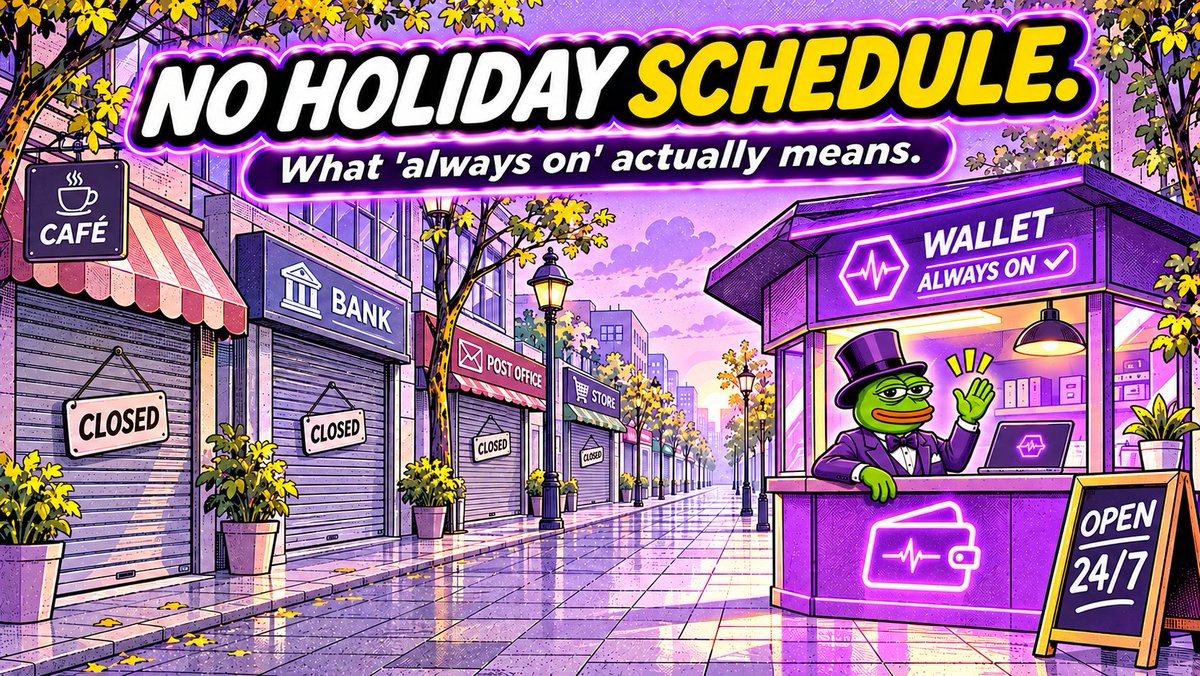
Many banks in the US are closed today for the holiday.
Somewhere, someone is waiting until tomorrow to send money to family.
On PulseChain, blocks are still being produced right now.
No opening hours. No holiday schedule.
Not a dig at banks.
Just a reminder of what "always on" actually means.
Nobody sends you an approval email on-chain.
No "your application is under review."
No "please confirm your source of funds."
No "we've decided not to proceed at this time."
You open a wallet, and you're in.
Same rules as everyone else. Same network. Same access.
It's easy to take that for granted.
For a lot of people around the world, it's the first financial system that never asked them to prove they deserve to use it.