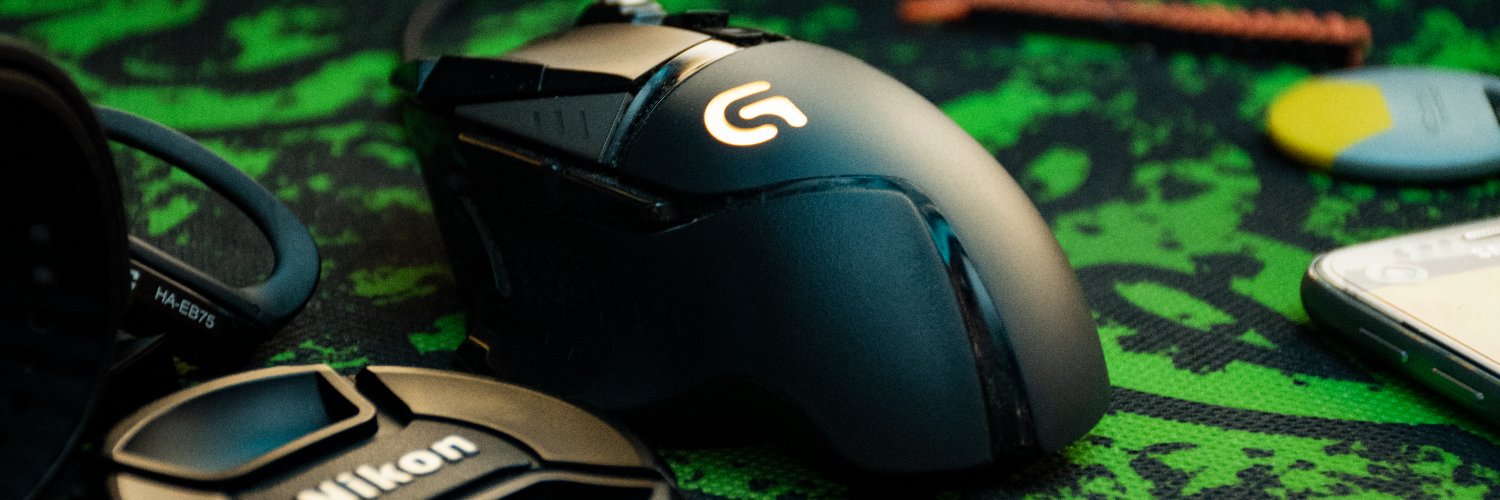
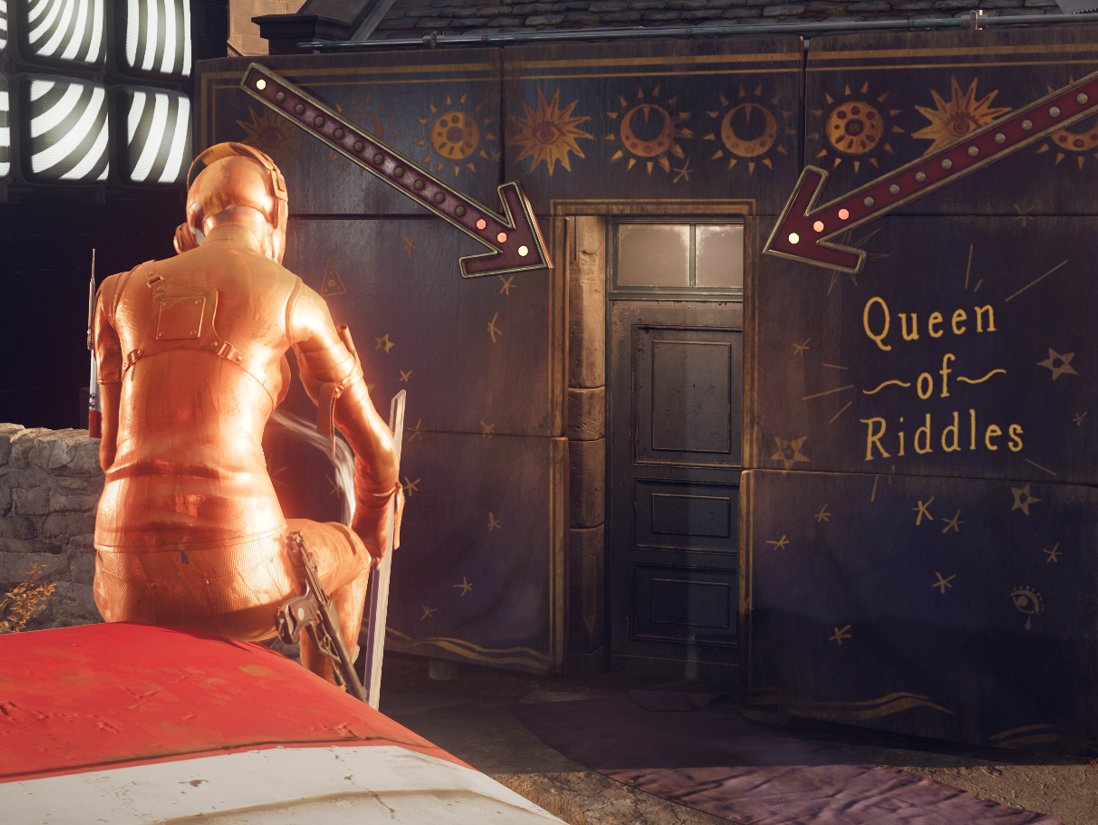
That was a dense rush in the last hours, but it was a fun try. I forgot some sound and broke some features at the last minute but I have no regrets !😁🐺
https://t.co/qAgCUjkP8Y
#UnrealJam
I found how to read the cursor position from inside a material in #UnrealEngine
No Ticks.
Example running directly inside the material editor so you see there is no code trickery
(I am not affiliated to Supergiant. I just used the assets because I like 'em. pls don't sue me 🙏)
The long awaited Unreal Engine 2.5D Top Down Tutorial is now live on YouTube!
It goes into pretty detailed explanations and is also perfect for beginners😃
Full video:
https://t.co/Ef0UDd6US8
#UE5#gamedev#tutorial#UETips#UnrealEngine
🥳New video is out on my YT!
I go over many techniques commonly used in UE to make characters interact with the ground, water, particles etc.
I also break down a system I built to generate your own interaction data from capsules.
One way to remap data and influence visuals is through value erosion. Here is how you can erode a texture controlled with a softness parameter
#realtimeVFX#UnrealEngine#gamedev#VFX#UE5
another treasure mine for rendering tech links (with some good separation per topic like deferred, lighting, GI,...etc.), found it while digging for a paper 🥹
https://t.co/fSriO2HNQb
How to properly guide players without breaking the narrative and player's immersion through ledges and barrels painted in yellow: a thread 🧵(feat. Deathloop)
Some Godot 4 tutorials and resources to get you started 🔖
1. The Ultimate Introduction to Godot 4:
https://t.co/ekkdyToUOh
2. Your first 2D/3D game on official website:
https://t.co/vskVRHiszP
https://t.co/iRogkL1Vbh
3. GDQuest videos
https://t.co/1XRdHAFiDa
4. KidsCanCode videos and recipes on the website
https://t.co/YX9Eqsv6Au
https://t.co/zeVw4E12Wo
5. Godot Demo Projects
https://t.co/ghrvmiFuuS
6. Kenney Starter Kit Projects:
https://t.co/8LlrVNxOaq
7. freeCodeCamp crash course
https://t.co/YjbZiaH6uG
8. PigDev videos
https://t.co/pJG6atXugo
9. FinePointCGI videos
https://t.co/0LLnvMyHIK
10. 3D platformer by BornCG
https://t.co/QlY0rnwsAO
11. GodotGameLab videos
https://t.co/yFKBMSmuZZ
12. Gamefromscratch Godot For Unity Developers video
https://t.co/qtf8A51IAe
Also official discord where you can ask for help:
https://t.co/m6ctTtmO9T
If you know more, please share ✨
🔸My new article published on GameDeveloper (Gamasutra) 🔥
It's all the process, #LevelDesign process. You can't extract the recipe from a cooked food! It's the same For a #blockout too:
🔗 https://t.co/Nrz8E7ESvr
➕ Bonus: 11 Senior and Lead Level Designers' Feedback ✅
I posted an After Effects tutorial every day for 100 days.
The most popular topics:
- Recreating text animations (Valorant, Google, etc.).
- How to create slick 3D transitions.
- Key expressions, effects and techniques.
Here are my 10 most popular After Effects tutorials. 🧵
Let's do a little #gamedesign thread. I want to talk about a concept regarding balancing I've been falling back on for a decade now: the Weakness Pentagram. If something sounds that metal, it HAS to work right??
#gamedev#indiedev
1/16
Small guide to 3D lighting references
1. Find ref you want to either replicate or use as inspiration (Sam Claflin)
2. Break down light one at a time. Where is it located, color and function. Key lights, fill lights and rim lights are typically what you want.
All my life I've seen pro painters talk about "values" by desaturating in Photoshop, and turns out it's one of the most widespread mistake: this is the wrong way to assume values, as the maths are wrong, and let me show you why:
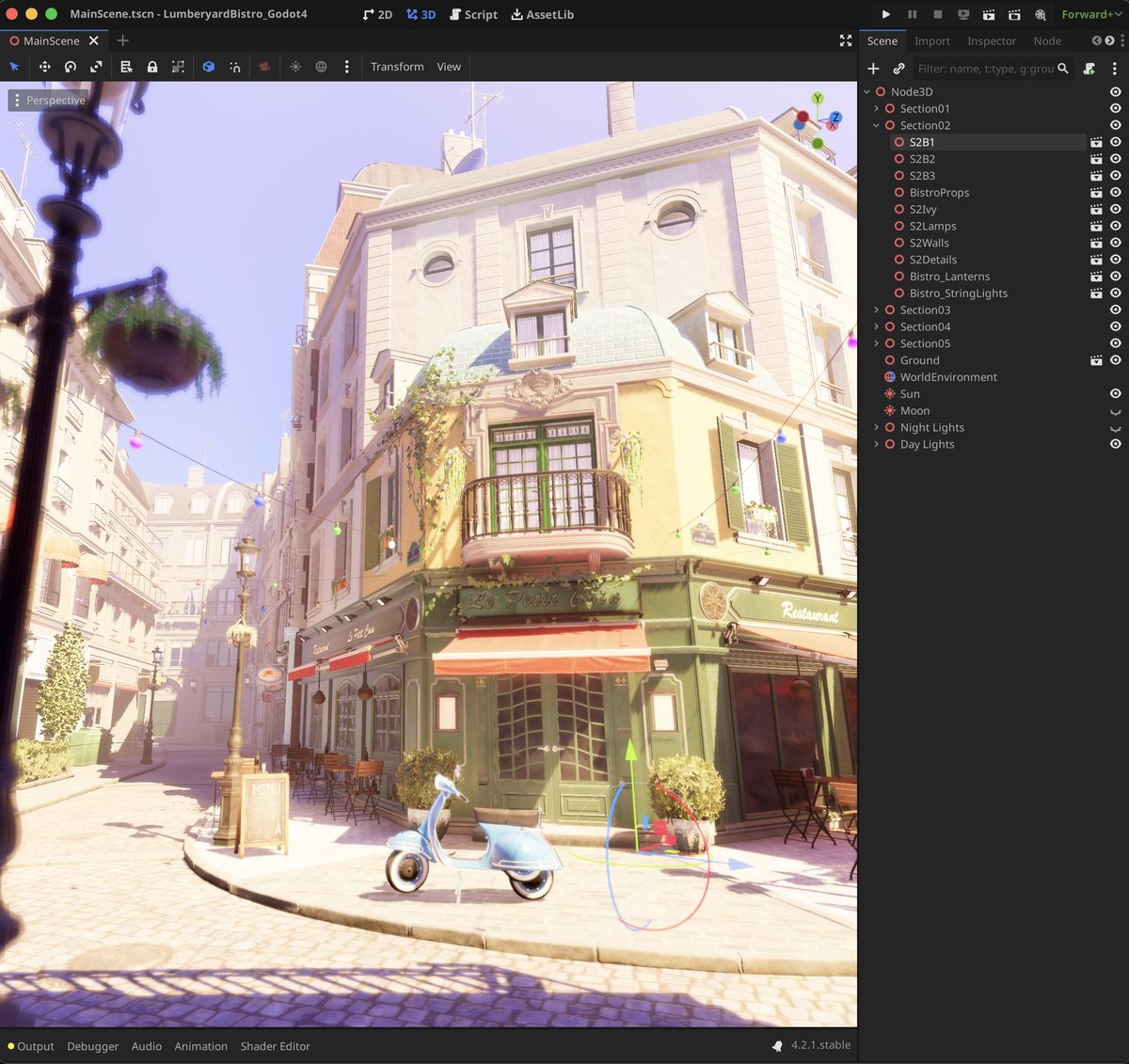
This is a GAME CHANGER for tutorial creators like me. We can bake tutorials directly into the Godot editor and the videos can sorely act as some more 'why' description rather than 'how'