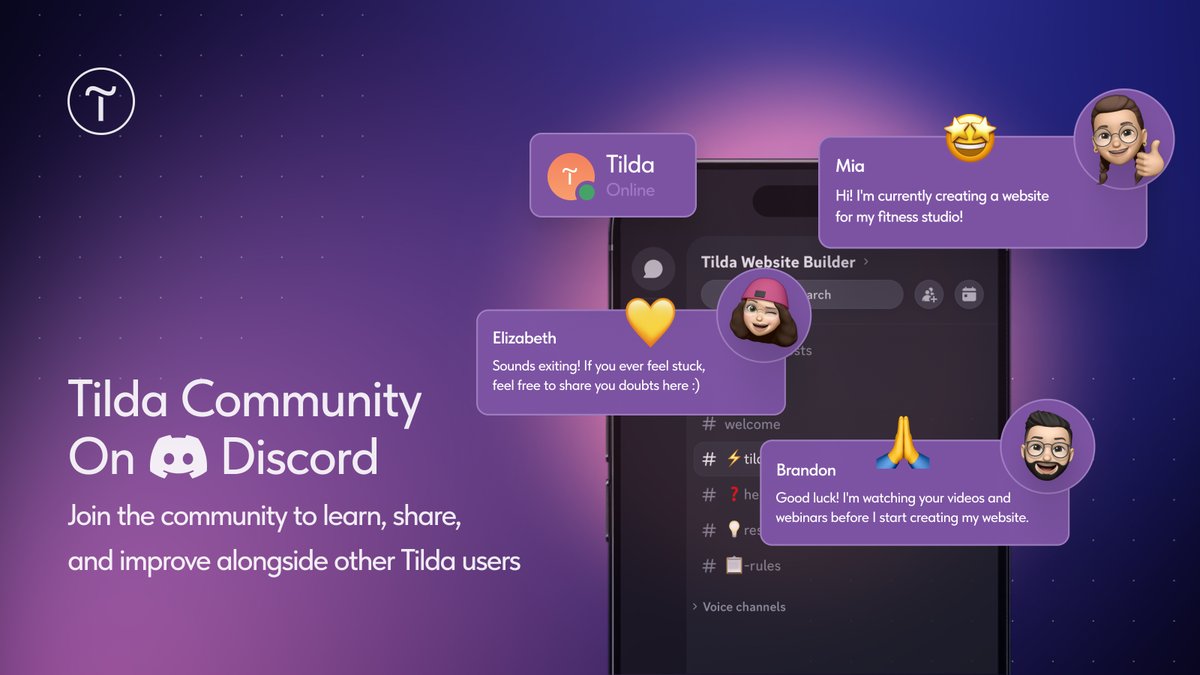
👾 We've launched a website-building community on Discord—a space to learn, share, and improve alongside other Tilda users.
Join the conversation: https://t.co/es366lEH93
📝 New Article: Vibe Coding 101
Vibe coding is a way to generate code by describing what you want to an AI.
Read our new guest article by Heather Langley, and explore what it is, how it works, and what you can build with it 👇 https://t.co/xJJp60Q5qS
🖼️ Background Positioning for Cover Blocks
For blocks in the Cover category, you can now manually set the focal point of the background image.
Where to find: Block Settings → Background Image Position
#madeontilda
Discover this website for a cafe based in Nice 👉 https://t.co/Iq6Q2ga78m
Check out how the website combines a bento-style grid with soft geometric shapes and a vibrant color palette to create a cohesive, recognizable brand identity.
📝 New Article: How to Come Up with a Brand Name
A good brand name helps people notice, remember, and talk about your business. But creating one is often harder than it looks.
Read our new article on how to create a strong brand name👉 https://t.co/LLe8uf1PVp
✨ Vibe Block: A New Way to Build Websites
Meet Vibe Block — a new AI-powered tool for creating unique blocks with custom sliders, complex animations, multi-step calculators, and much more.
Check out an overview of the feature's functionality: https://t.co/GPBnTi1UC1
#madeontilda
Check out this website for an AI creative program 👉 https://t.co/ugoCEWmUg7
Explore how the website combines video visuals with bold typography, dynamic layouts, and overlapping elements to present content in a compelling way.
🗃️ CSV Import & Export For Feeds
You can now upload blog posts to Feeds via CSV and export them for easier migration, backup, and project transfer.
Where to find: Open your Feed → click the three dots → select "More" (if your project has more than one Feed)
#madeontilda
Check out this web design portfolio 👉 https://t.co/81T5EGbPi1
Discover how the website blends film photography with soft ambient noise, subtle scroll interactions, and a pastel color palette to evoke a warm, nostalgic atmosphere.
📝 New Article: What Marketers Do & Why This Profession Is Still In Demand
Without a marketer, it's hard to imagine any business becoming commercially successful.
Read our new guide on marketers: Roles, types, and essential skills 👉 https://t.co/mO92YU584F
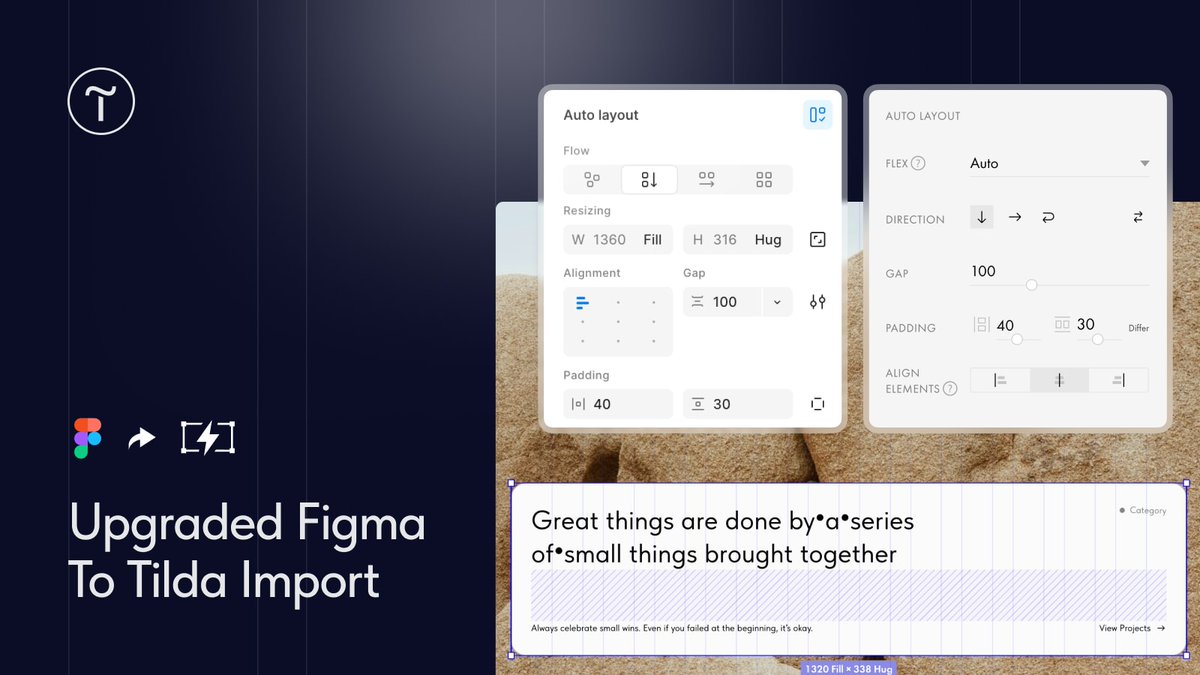
⚡ Upgraded Figma To Tilda Import
Now when you import a layout from Figma into Zero Block, all design properties are preserved: Layer hierarchy and nesting, Auto Layout settings, text gradients, background images from groups and frames, etc.
#madeontilda
Explore this website for a somatic therapist 👉 https://t.co/D2odXEpibb
Check out how the website pairs an earthy palette with soft film photography, using subtle infographics and cards to keep content clear and digestible.
📏 Autoscale For Pre-Designed Blocks
Pre-designed blocks now support autoscale. This setting stretches a 12-column grid to the full width of the screen and applies on displays wider than 1200px.
Where to find: In the Page Editor, open Block Settings → Autoscale
#madeontilda
Explore this FMCG development agency website 👉 https://t.co/LHPDHDax7d
Note how the website uses sticker-style accents, layered scroll transitions, and hover states that pause scrolling.
🎙️Live: Anyone Can Build a Pro Website
In this live workshop, you'll learn how to create a clean, effective business website on your own—without hiring specialists or having a technical background.
🗓️ April 21, 4 PM CET: https://t.co/b80zFgCgGQ
📝 New Article: How To Understand & Use AI To Its Full Potential
AI is everywhere these days, but getting real value from it isn't always easy.
Read our new article to learn AI basics, different types, and how to use them effectively 👉 https://t.co/YgQg3CNSHQ
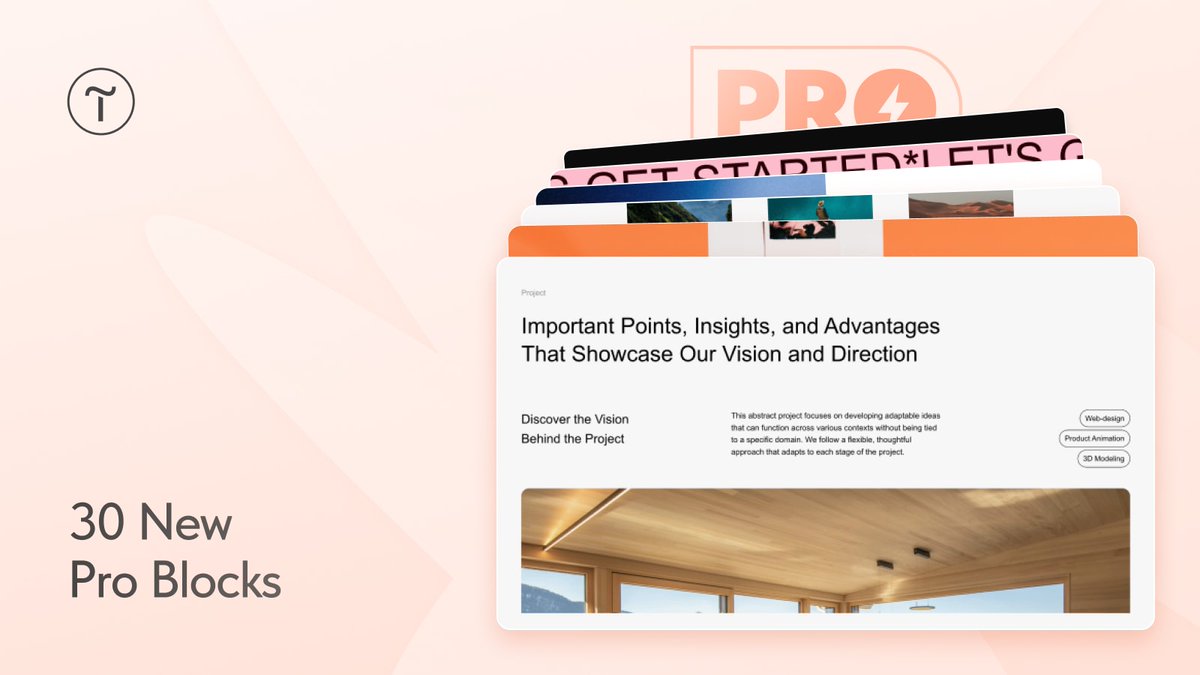
💎 30 New Pro Blocks
The Pro collection has been expanded with 30 new blocks. The new blocks are available in the About, Gallery, Image, Footer, and Contacts categories.
Where to find: Open the desired category → click "Show blocks from the Pro collection".
#nocode
#madeontilda
Check out this website for a surfing school 👉 https://t.co/PlK2y9GGiz
Discover how the website combines overlapping, collage-style elements with a warm color palette to create a retro look, enhanced by subtle micro-interactions that come alive on scroll.
#nocode
🎥 New video: How To Create an Interactive 3D Website
In this how-to guide, you'll learn how to build a simple yet engaging 3D interaction using Spline and Tilda's Zero Block.
Watch the new video 👉 https://t.co/RFRt6HHALu
🌈 Border Gradient For Buttons In Zero Block
Button borders in Zero Block now support gradients. You can set custom colors manually or choose among ready-made gradients from the Tilda Colors library.
Where to find: Element Settings → Border → Linear/Radial