the @xai team really cooked with Grok Build
the most beautiful (and performant) TUI I've seen so far
>realtime context view
>feels snappy in ghostty
>first class worktree support
>great resume session flow
>robust keyboard shortcuts
Just spent a full coding session with Grok Build and honestly? It's right there with Claude.
The model is sharp, the agentic flow holds up on complex tasks, and it has actual personality.
Few rough edges on the UX side (sent detailed feedback to the team), but the core is genuinely impressive.
@xai cooked 🔥
Been using Grok Build these past few days, and the thing that really got me hooked is Imagine and Imagine Video.
I built a full dinosaur encyclopedia site — every image, every video clip on it, all generated by Grok itself. One prompt: "build a dinosaur encyclopedia site, generate matching images and videos, add them in" — visuals, video, copy, layout, the whole thing done in one flow. No jumping between a dozen tools.
It's perfect for building science and education sites for kids — dinosaurs, space, animals, history, geography… Grok generates vivid visuals and videos that make knowledge way easier to grasp, more visual, more fun.
Grok Imagine makes it easy and fast to create fun videos!
Young kids especially love doing image & video generation using voice mode (press the speak button).
And you can turn on kid safe mode in settings:
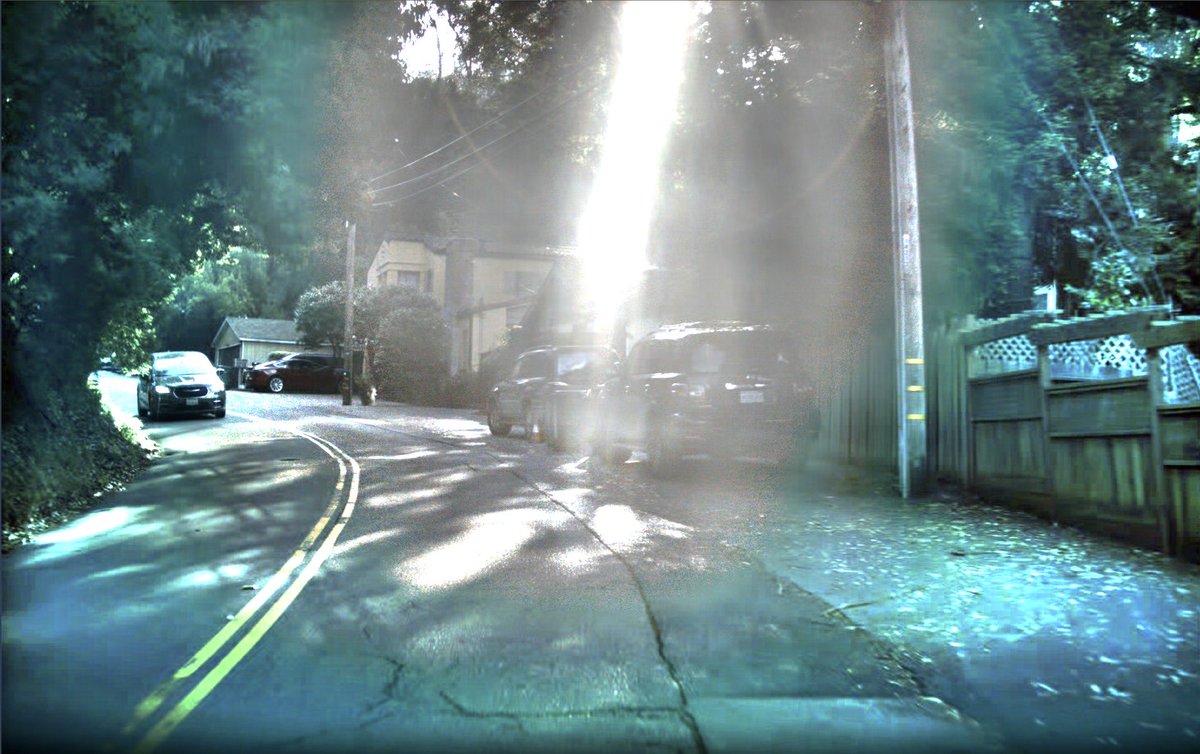
The human-perceived RGB is image 1 and the Tesla AI photon count reconstruction is image 2.
This is why Tesla FSD can see so well at night or through extreme glare.