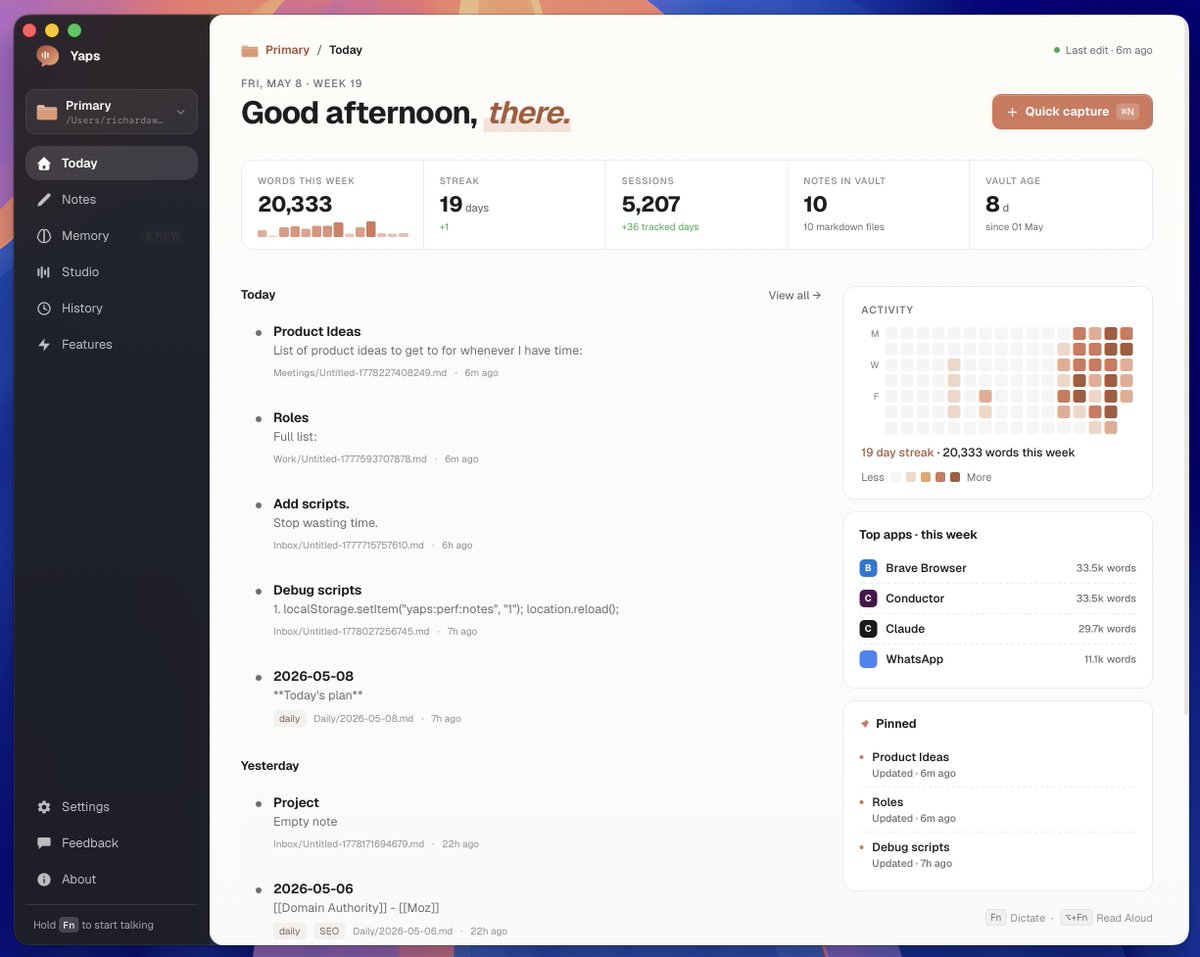
Pushing this harder, working more and more at the intersect between note taking, offline dictation and knowledge graphs, etc.
Keeping everything markdown powered as well - So it easily integrates with other markdown-based tooling.
But more importantly, that plus the MCP/CLI, makes it really easy to interact with AI agents, etc. Once I finish optimising some logic stuff behind the scenes, this will be ready to go live.
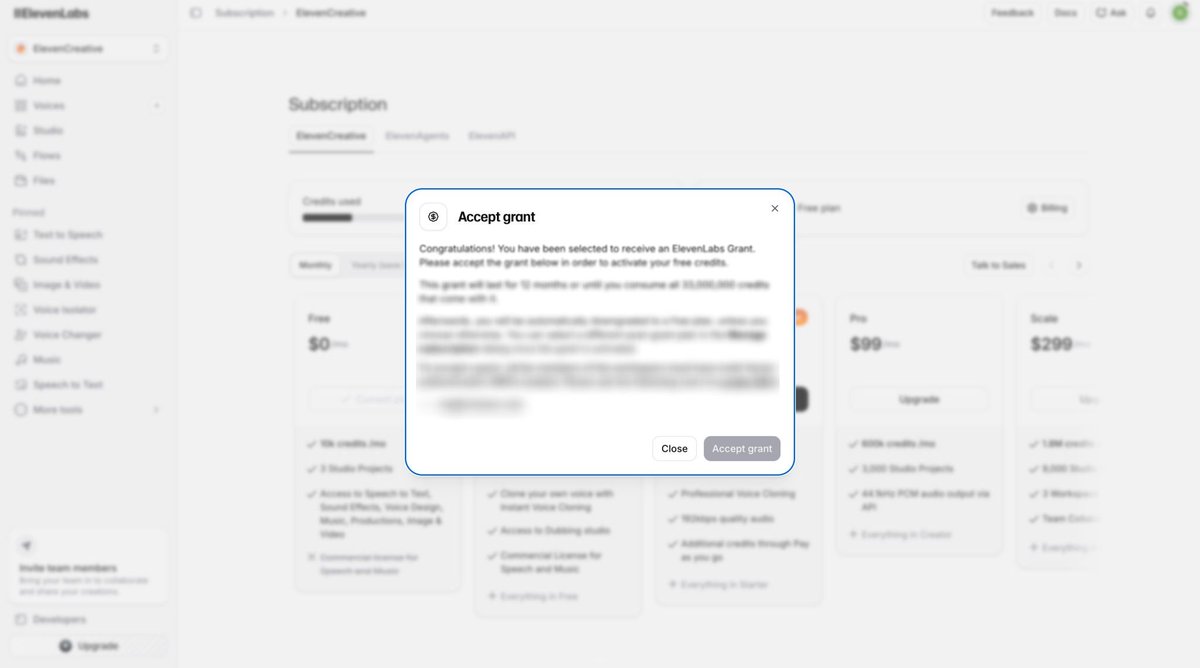
Shout out to @ElevenLabs for the grant.
There was a feature on @TryYaps that I previously hid on Android and the desktop version that may actually be feasible now.
Today I'm launching @TryYaps on Android - a voice-first keyboard I've been rebuilding from the ground up!
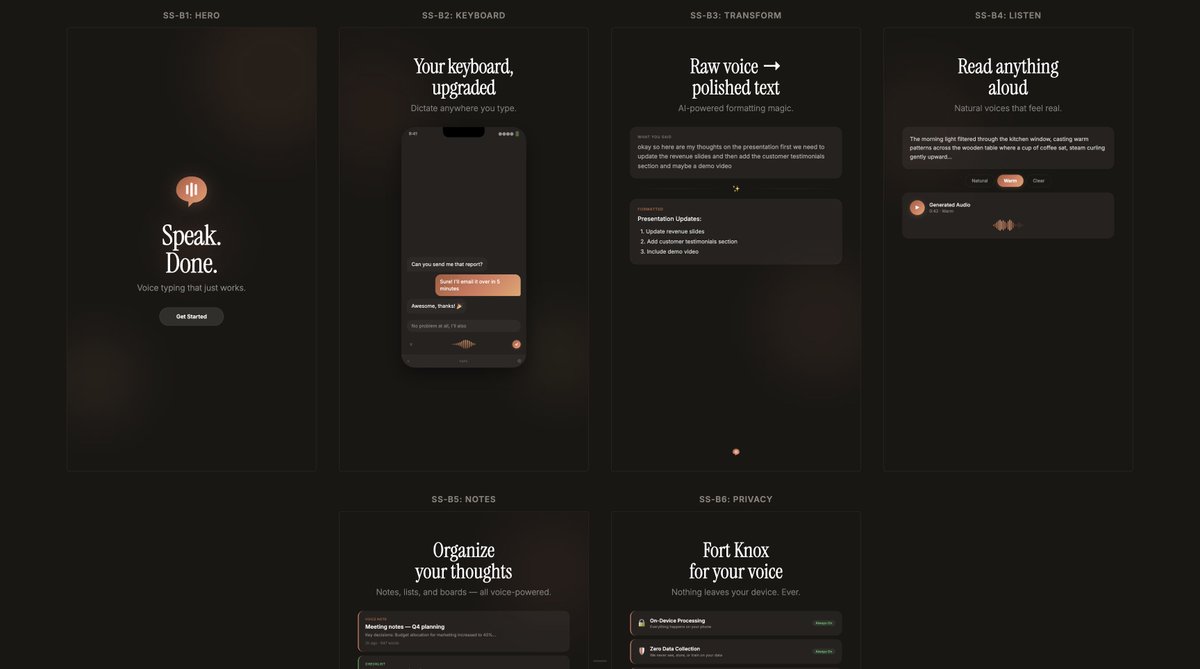
Ships with everything you'd expect from a modern keyboard - swipe typing, smart suggestions, autocorrect, emoji, GIFs, multi-language, light/dark themes, the whole familiar toolkit. If you're coming from Gboard, nothing to relearn.
But the reason it exists is one shortcut away. Dictation that's genuinely 4× faster than typing.
It also comes with some robust note taking features. A reading mode that narrates any text aloud. It also cleans up rambling drafts into something send-ready. Every one of those running on-device - no cloud, no listening, no account needed to get started.
I kept wondering why no one had just built voice INTO the keyboard itself. The answer is simple, it's tough to do well 😅.
Either way I built it, and will keep improving it. Feels a bit unreal to be shipping a full-stack keyboard as one person but it was fun and a necessary first step for a much broader suite of tools.
If you've ever want to just yap the thing instead of typing it out - link in the comments.
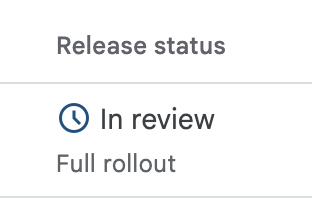
Big step forward! Shipping @tryYaps to testers today on Android:
- Low latency, offline dictation, with a lot less permission requirements than competitors
- Seamless text-to-speech (optional)
- Note taking, checklists, and Kanban boards integrated
Hit me up for access