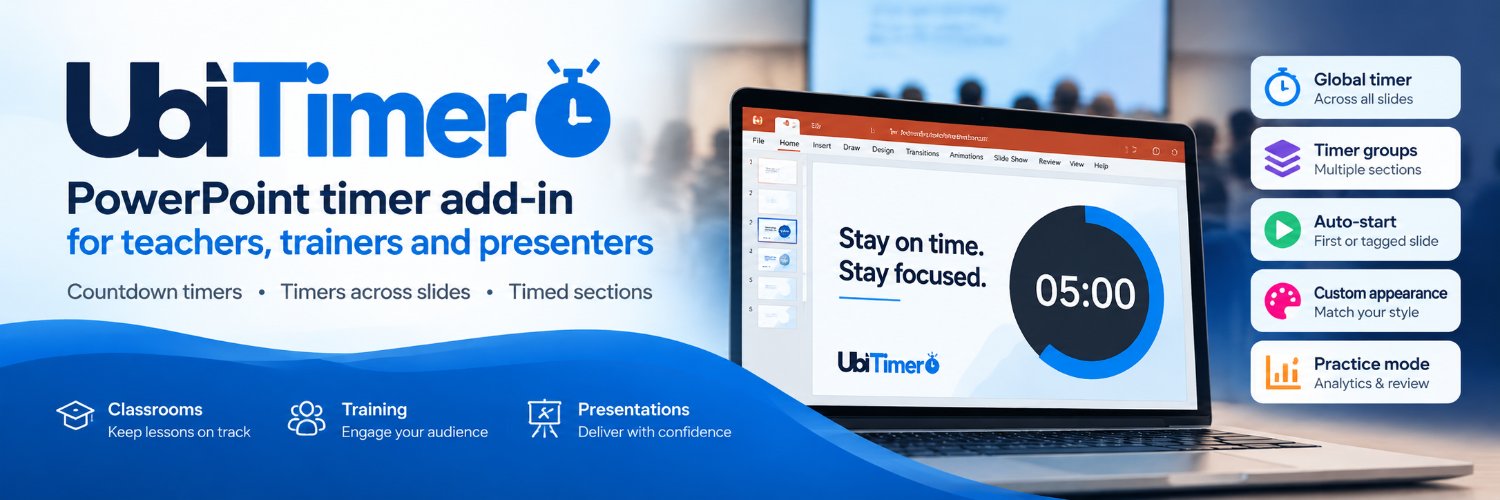
⏱️ Meet UbiTimer — your PowerPoint presentation timer.
Keep every presentation on time with:
✅ Countdown & count-up timers
✅ One timer across multiple slides
✅ Timer Groups for different sections
✅ Automatic timer starting
✅ Customisable timer displays
Built for teachers, trainers and presenters.
🎥 See UbiTimer in action.
https://t.co/bzMv4CSxXY
#PowerPoint #UbiTimer
Finished an activity? Quickly reset or remove the PowerPoint timer before starting with your next group to keep lessons on track. See how: https://t.co/6fzlLuwgzm
Keeping an eye on the clock can distract you during a presentation. Use custom alerts to stay on track discreetly. UbiTimer supports alarms tailored to your timing needs. https://t.co/WgHrvAgZj6 #PresentationTips
Don’t schedule every conference minute for speaking—build transition time into sessions to allow smooth changeovers and avoid delays. Plan flexibly for better flow. https://t.co/QO3jhA9KBP
Make your timer visible without covering key slide content by placing and saving it where it fits best on each slide. See how in our video guide: https://t.co/6fzlLuwgzm #presentationtips
Not every slide needs the same time. Adjust timer durations for each slide to match your content flow and keep your presentation on track. See how: https://t.co/6fzlLuwgzm #presentationtips
Keep timing info visible to you without distracting your audience—use presenter-only timing options to stay on track while they focus on your slides. Learn more: https://t.co/TifRKhW3WB
Open discussions are useful—unless they consume the practical exercise. Set clear time boundaries for each round to keep your sessions on track and productive. https://t.co/IDjzxeF4Hl
Are the first five slides using half your presentation time? Track your intro pacing to keep your talk balanced and engaging. Plan wisely: https://t.co/WgHrvAgZj6 #PresentationTips
Before your event, agree on how speakers will handle their final minute if they approach their time limit. This helps keep sessions on track. More tips at https://t.co/OS3wuDjz3K
Help pupils practise working within a defined time window by using timed activities that mirror exam conditions. This can build their confidence and improve time management skills. https://t.co/QO3jhA9KBP
Give breakout groups a clear duration and a clear return point by using timed sections for your training exercises. Keep sessions focused and on track with simple timing tools. https://t.co/QO3jhA9KBP
Which is easier to read at a glance: a clock or a progress ring? UbiTimer offers both digital and radial timer displays so you can choose what works best for your presentation style. https://t.co/WgHrvAgZj6 #presentationtips
Need to wrap up by a specific clock time instead of a set duration? UbiTimer’s Global Timer counts down to your target time, helping keep your presentation on track. https://t.co/WgHrvAgZj6 #PresentationTips
Final independent tasks deserve dedicated time—not leftovers. Protect independent practice periods in your lessons to help students focus and succeed. https://t.co/QO3jhA9KBP
A visible timer can make classroom transitions more predictable and help manage small-group activity time smoothly. See how it can support your teaching: https://t.co/RLHcpZ0Scr
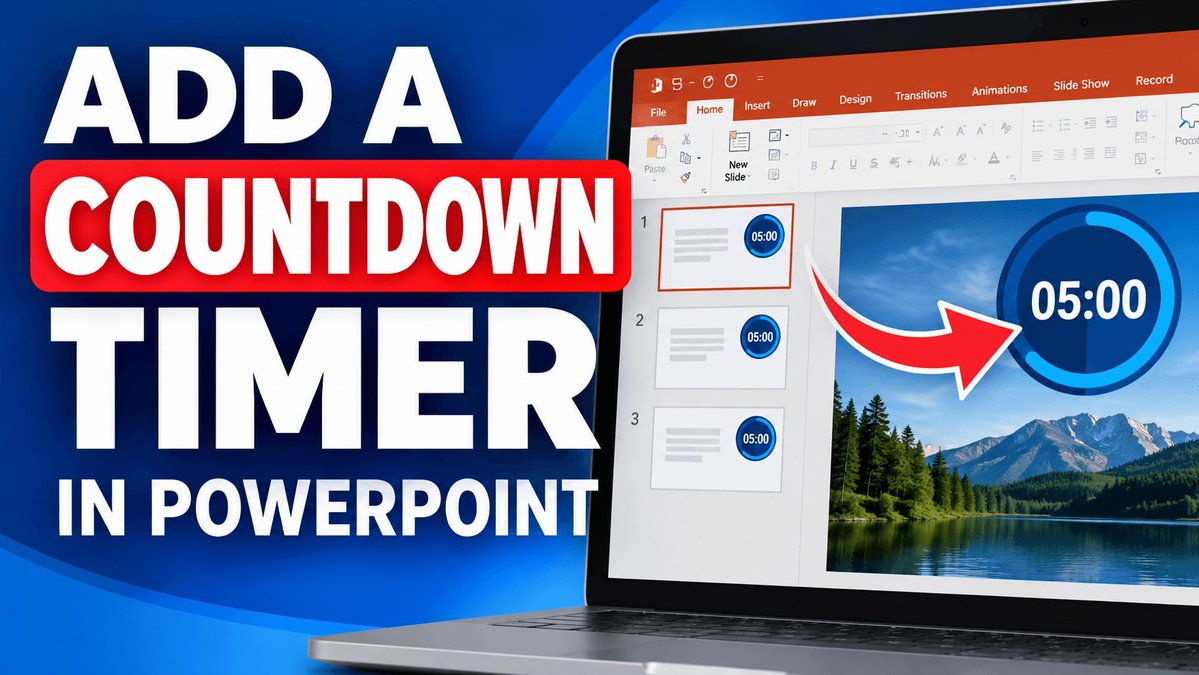
Need a countdown timer inside PowerPoint itself? Easily insert one to keep your presentation on track. Find out how: https://t.co/OtdEkXEWj7 #presentationtips
Stop pressing Start for each timed task—set your timer to auto-start on the first or tagged slide for smoother transitions during lessons. Learn more: https://t.co/WgHrvAgZj6
Your presentation moves on. Your countdown does not have to restart. Use a global timer to keep one countdown running across multiple PowerPoint slides. #presentation https://t.co/bUpwpYBgql
If Q&A always gets squeezed out, reserve those minutes at the start of your session. It helps ensure your audience’s questions get the time they deserve. https://t.co/WgHrvAgZj6