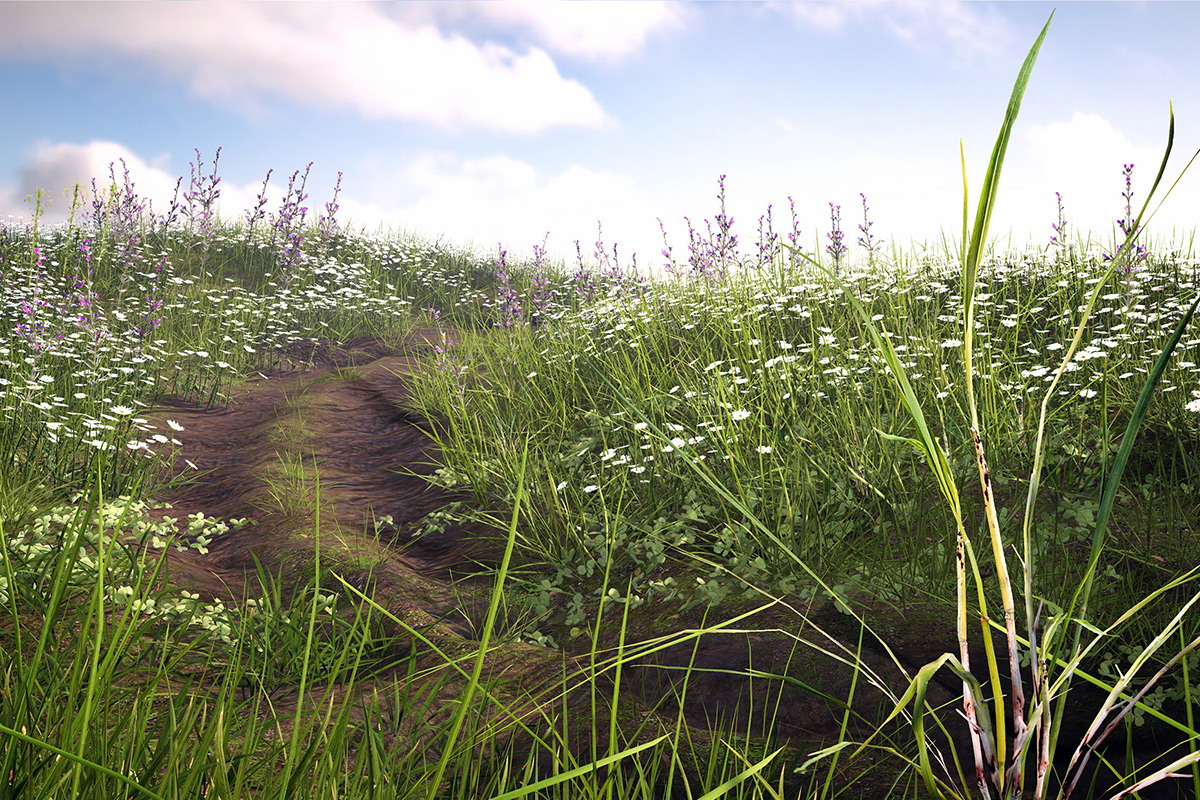
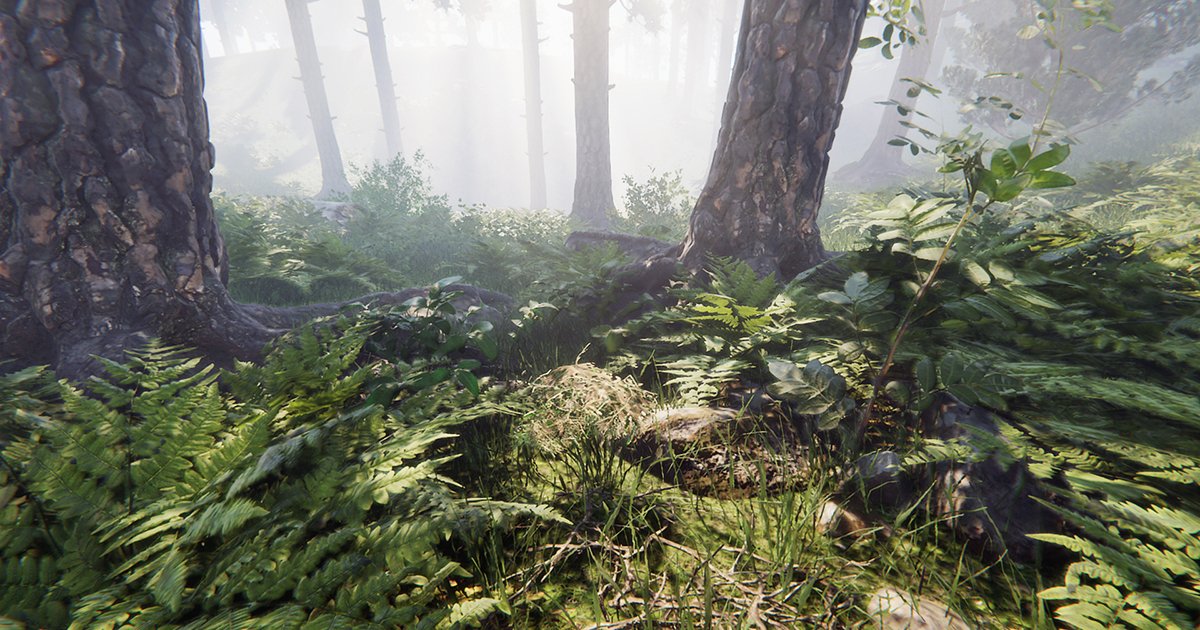
After a year of painstaking work, I am very proud to say that Nature Shaders has finally been released! This collection of shaders adds player interaction, wind, masking, and a lot more to vegetation in Unity:
https://t.co/AgBDgNp3no
#madewithunity#unity3d#assetstore#gamedev
@DominicdeGraaf They support motion vectors, but Unity's terrain system does not support rendering motion vectors. If you want to render motion vectors for terrain vegetation then you'll need Nature Renderer as well. If you use only Game Objects then you don't need Nature Renderer
After a year of painstaking work, I am very proud to say that Nature Shaders has finally been released! This collection of shaders adds player interaction, wind, masking, and a lot more to vegetation in Unity:
https://t.co/AgBDgNp3no
#madewithunity#unity3d#assetstore#gamedev
@shellyalon Yes, they work with Open World Nature Kit. Using overlay for snow may be difficult though, that usually requires different textures. You can get close by adjusting the material saturation with color correction and adding a color overlay.
@Laxmi_Jenny Yes, mobile is supported. Shader warnings are usually safe to ignore. If they cause any issues in your project or if there are errors then please submit a bug report and we can help you out: https://t.co/bf3EvtIR3x
@metasssets It's a collection of shaders, you can just select the material(s) in your project and the change the shader to one of the Nature Shaders. No need to enable/activate anything. More info here: https://t.co/CXbQYU9Yv3
@metasssets Essentials is included for free with our other assets. The full Nature Shaders asset is a separate product on the Unity Asset Store: https://t.co/JbbHJUw0LN
@metasssets This is from "Nature Shaders", not "Nature Shaders Essentials". The essentials version is a more simple version of Nature Shaders and does not include the more advanced features. You can see a feature comparison here: https://t.co/shx3KAmsTd
@Laxmi_Jenny Select the prefab in the Project window and change its position to 0,0,0 in the Transform component. (If the prefab intentionally has an offset then you can ignore the warning)
@Laxmi_Jenny It looks like you didn't import all the packages. There are 4 packages in total that need to be imported. The import should start automatically, you just need to click "import" on the import popups. More info here: https://t.co/jm0wggqcEj
After months of hard work there's something exciting that is almost ready! You can already take a quick look now:
https://t.co/Ojd7W16BNT
#madewithunity#gamedev#unity3d#assetstore
@zerosimms You can ignore the error. Unity shows it automatically, but it has no effect on the rendering. Nature Renderer correctly renders all detail objects in HDRP. More info: https://t.co/xmD7YqoRDq
More Ghost of Tsushima vibes in Unity this week. I improved the grass meshes to get better highlights on them, and have been trying out some different lighting conditions
#madewithunity#screenshotsaturday#gamedev#unity3d
@tjheuvel 3. Delete the files "Library/com.VisualDesignCafe.PackageManager.queue-install.json" and "Library/com.VisualDesignCafe.PackageManager.queue-download.json". This clears the list of pending updates.
@tjheuvel 1. Search for "t:Package" in the project window.
2. Select all packages and disable "Download in Background" in the inspector. This will disable checking for updates.