@MikeCreef@stalman@bwoodsjr For LOG, in case you need it, the LUT .cube file that Apple offered to developers is available at Adjust-> Set -> List icon, choose Apple, delog LUT and continue as usually. I'm in Ukraine and no iPhone 15 PM for a while, but if you get any problem just PM!
@TheEnterprise17 Ops! I understand that you think I'm asking for money again! That is a mistake, just press Restore button and if you had the app from before you will continue using it without any payment. Just press Restore in the buy screen and have a nice weekend!
@TheEnterprise17 Ops! I understand that you think I'm asking for money again. That is a mistake, just press Restore button and if you had the app from before you will continue using it without any payment. Just press Restore in the buy screen and have a nice weekend!
In case you need to "delog" the new 15 Pro Apple ProRes LOG, just update to latest version of Videolut and use Adjusts->Set->List icon and then choose Apple.👍 #iPhone15ProMax
https://t.co/w1MivzHPxU
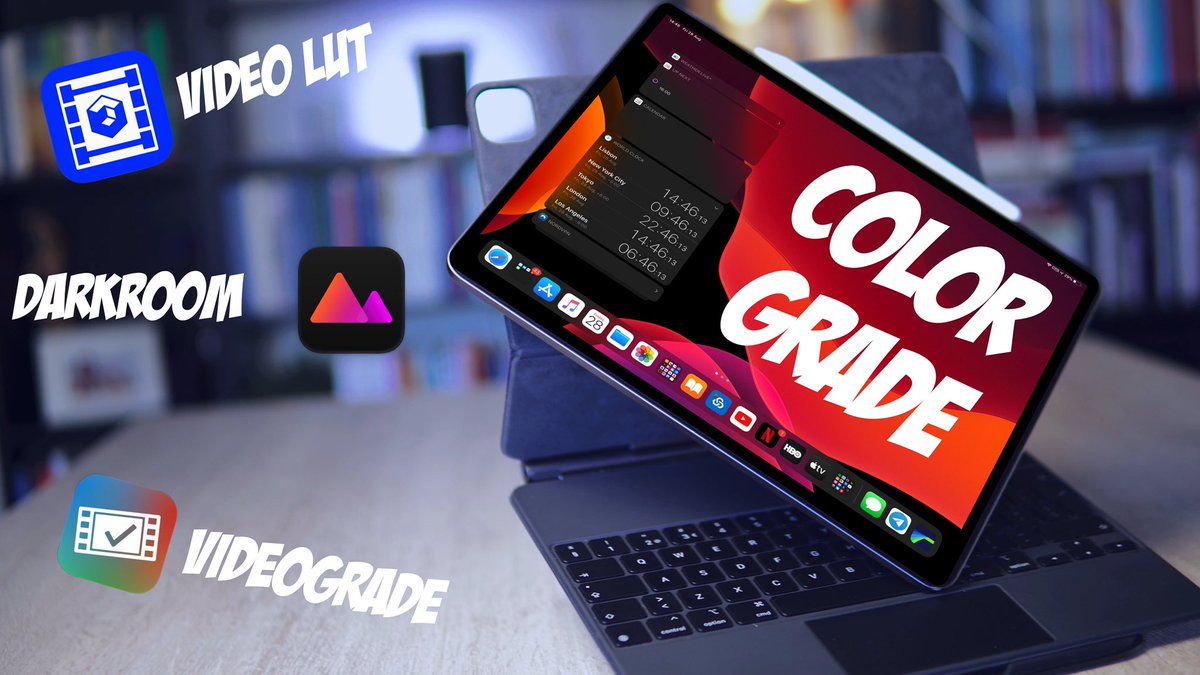
And it's finally out. It took more than usual. See how you can color grade your videos on the #ipad like a pro using @VideoGrade, @VideoLUTApp, or @usedarkroom.
https://t.co/OiUZohDna9