Schools out for summer! But for IT Admin that means preparing for next year. Check out our Summer IT checklist to see how to get the most out of your interactive displays and start next school year off strong!
Learn more: https://t.co/KxERUiDTs1
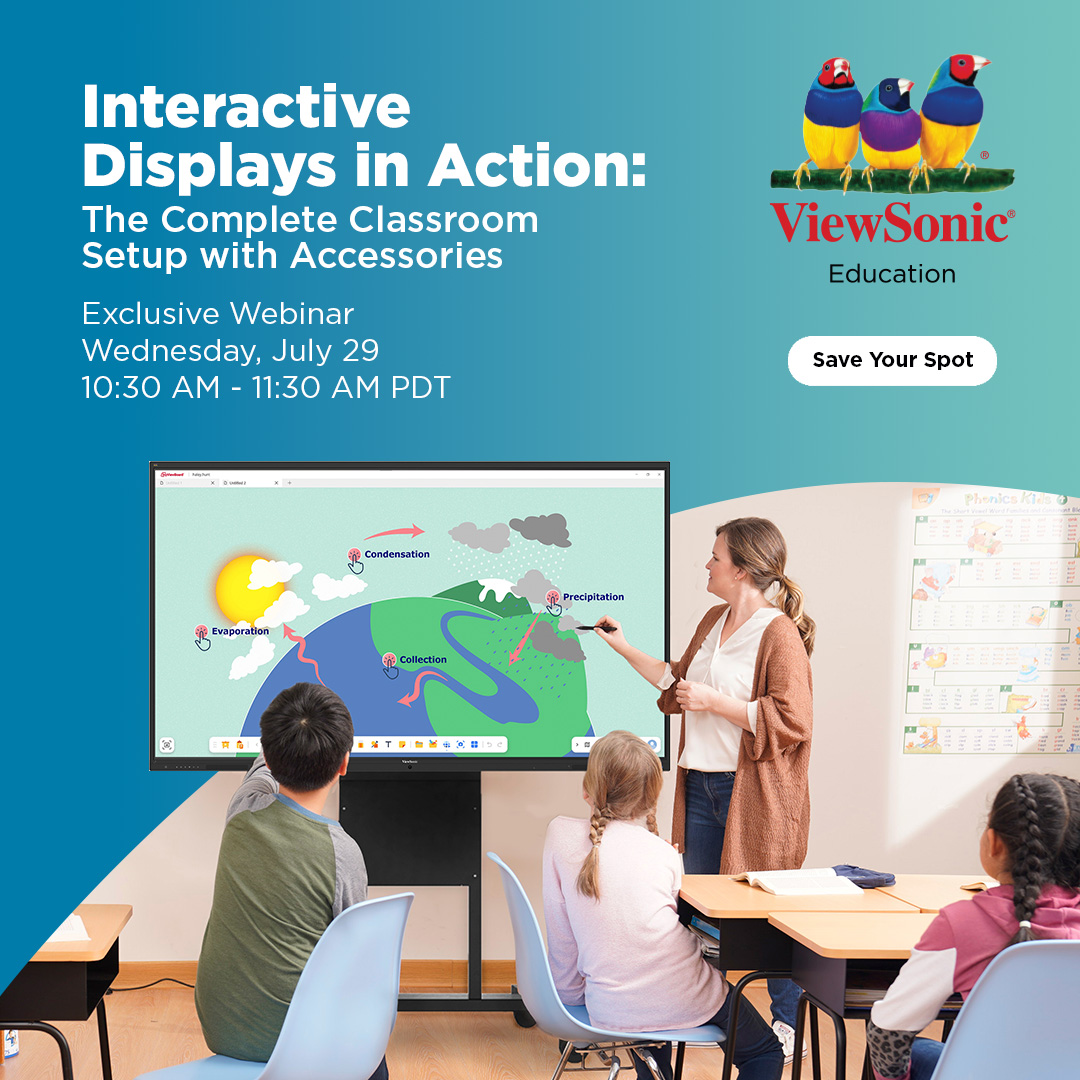
Join us July 29 at 10:30 AM PDT to see how the right accessories can help educators better engage students, maximize your budget and minimize IT support tickets.
ViewSonic’s Sean Liu and Logan Koitka, along with Sjoerd Ory from BalanceBox, will cover everything from hardware mounting options and slot-in PC upgrades to cable-free screen sharing.
Register Now: https://t.co/ZVhEMbEmHk
And just like that, ISTE Live 2026 is in the books! 🎒👋
Thank you to everyone who dropped by to explore our latest classroom and campus solutions. From hands-on time with our mobile Direct View LED to the award-winning IFP41 series, the energy in the exhibit hall was unmatched. Safe travels back to your districts, and we’ll see you next year! ✈️💻
Learn more about our award-winning education solutions: https://t.co/WWtHRLAnpv
#ISTE26 #EdTech #ViewSonic #FutureOfEducation
Our ViewSonic ViewBoard IFP41 Series just won the @TechLearning Best of Show Award at ISTE 2026 for Secondary Education! This recognition highlights our commitment to providing high-performance, interactive technology built specifically for modern teacher workflows.
Learn more about this award-winning solution: https://t.co/oH1j4WXmJY
#ViewBoard #IFP41 #EdTechAwards
Upgrade your school's shared spaces with a fantastic, all-in-one digital wall solution designed for high student engagement!
See how Ben Pearson, National Sales Manager, demonstrates the K-12 engineering of the ViewSonic LDE Series, featuring integrated boards and robust ribbon cables inside the cabinets that deliver bright, high-impact visuals across large student spaces.
Learn more: https://t.co/QP3Ccak8qr
#dvLED #ProAV #LargeVenueDisplay
What interactive displays let teachers launch custom features with a single long-press?
See how Daniel Sharpe, Sr. PD Trainer, uses a quick two-second long-press on the ViewSonic ViewBoard IFP41 and IFP51 Series to launch the customizable shortcuts menu, bypassing the Magic Box to instantly access high-use tools like the ruler or Pop Quiz.
Discover the full line of ViewBoard interactive displays: https://t.co/ecasANoWo7
#ViewBoard #myViewBoard #ClassroomTech
Annotate, hide notes, and navigate your display apps seamlessly with native sidebar tools!
See how Daniel Sharpe, Sr. PD Trainer, utilizes the native sidebar annotation tools on the ViewSonic ViewBoard IFP41 and IFP51 Series to instantly toggle between active software navigation and live screen notation without losing any notes.
Discover the full line of ViewBoard interactive displays: https://t.co/ecasANoWo7
#ViewBoard #IFP51 #ClassroomTech
How should non-technical teachers evaluate new interactive displays for their classrooms?
Nicholas, Teacher at Sequoyah Middle School, advises educators to ignore dense technical manuals and focus on daily workflow needs. Partnering with a supportive vendor ensures you select an intuitive display platform perfectly matched to your specific classroom goals.
Learn more: https://t.co/0R8FMyzjwb
#EdTech #ClassroomTech #TeacherTips
Instant data visibility allows educators to pivot and adjust their teaching workflows mid-lesson! Nicholas, Teacher at Sequoyah Middle School, uses instant digital feedback to continuously adjust instruction. Built-in display tools provide immediate lesson insights, allowing educators to instantly accelerate learning when students excel or pivot to revisit challenging topics.
Learn more: https://t.co/0R8FMyzjwb
#EdTech #FormativeAssessment #ClassroomTech
What interactive displays support education environments with high-impact student engagement tools? Nicholas, Teacher at Sequoyah Middle School, monitors peer conversation and class energy to measure active learning. High-impact classroom displays and unified software tools channel student excitement away from distractions and directly into collaborative lesson projects.
Learn more: https://t.co/0R8FMyzjwb
#EdTech #StudentEngagement #ClassroomInsight
Director of Solutions Training Blake Everhart breaks down the core EDLA display benefits for modern school districts.
This official Google certification brings a secure, certified Android operating system and native Google Play Store access directly to your interactive flat panel display. Teachers can easily integrate essential productivity tools like Adobe, while integrated Single Sign-On (SSO) securely links all their Google applications simultaneously to streamline lesson transitions.
Learn more: https://t.co/8sigAuuwAM
Interactive classroom collaboration tools break down engagement barriers and build student confidence.
Nicholas, Teacher at Sequoyah Middle School, notes that student participation spikes when technology prioritizes teamwork. Integrated displays and shared digital resources transform classrooms into collaborative environments where students learn to solve problems together.
Learn more: https://t.co/0R8FMyzjwb
#EdTech #ClassroomEngagement #Collaboration
When choosing between the ViewBoard IFP51 and IFP41 series, the differences are subtle but highly practical.
Director of Solutions Training Blake Everhart points out that while the IFP51 features increased RAM, our real-world classroom testing shows that the IFP41 holds its own beautifully.
Both models come equipped with integrated microphones, built in speakers, and USB-C support, but the IFP41 actually offers an expanded selection of physical USB-C ports—making it an exceptional, budget-smart fit for your next display refresh.
Learn more: https://t.co/ecasANoWo7
Classroom technology must support teaching momentum rather than create technical barriers. Nicholas, Teacher at Sequoyah Middle School, highlights the necessity of friction-free EdTech. Fast startup times and instant accessibility ensure teachers focus on instruction instead of troubleshooting software delays mid-class.
Learn more: https://t.co/0R8FMyzjwb
#EdTech #ClassroomTech #TeacherFeedback
Pixel pitch corresponds directly to your audience's minimum viewing distance—meaning a P1.8 panel is optimized for viewing from 18 feet away, while a P1.2 panel fits a closer 12-foot distance.
National Sales Manager Ben Pearson explains how this relationship impacts display selection before showcasing how ViewSonic All-in-One LED displays simplify setup. Utilizing a modular French cleat system, the display features magnetic tiles that swap effortlessly using a suction tool, backed by robust Glue-on-Board (GOB) technology to protect components from dust and moisture.
Learn more: https://t.co/wHWTnXUDiS
While slotting an OPS module directly into a display is standard, utilizing it as a standalone compute engine unlocks massive workspace flexibility.
Director of Solutions Training Blake Everhart demonstrates how the ViewSonic VPC series can power presentation podiums independently. Paired with a desktop touchscreen, it creates a dedicated local interface where presenters can seamlessly manipulate data and media while casting wirelessly to a larger video wall in the room.
Learn more: https://t.co/NhEovvG9xW
Typing account PIN codes directly onto a large screen risks exposing sensitive login credentials to an entire room of students.
Director of Sales, Lacey P. demonstrates secure authentication updates for the ViewBoard 41 series interactive flat panel.
To protect teacher privacy and streamline classroom transitions, educators can now utilize an external USB NFC card reader for simple badge-tap access, or scan a secure on-screen QR code with their mobile device to instantly unlock their myViewBoard and Google Workspace profiles.
Learn more: https://t.co/oH1j4WXmJY
What interactive displays support Google-based education environments with built-in usage analytics?
Jason Webster, VP of Education Sales, explains how myViewBoard software turns standalone hardware into a district-wide instruction and analytics platform. This integrated ecosystem delivers advanced digital whiteboarding, secure teacher login capabilities, centralized device management, and live data analytics to track classroom usage across your schools.
Learn more: https://t.co/Vl1ilS4CTz
#myViewBoard #EdTech #SchoolIT
Secure an affordable, high-adoption interactive display refresh across your entire school district!
Ben Pearson, National Sales Manager, outlines how ViewSonic simplifies district-wide refreshes. By pairing familiar teaching workflows with our hardware and software ecosystem, we deliver a high-adoption technology rollout that protects budgets and supports modern classroom trends.
Explore our education solutions: https://t.co/lqo9evNjyx
#EdTech #InteractiveDisplay #SchoolDistrict
What sets the ViewSonic Education Ecosystem apart from standard classroom hardware?
Jason Webster, VP of Education Sales, details how the ViewSonic Education Ecosystem outperforms standalone hardware.
By pairing an Android EDLA-certified ViewBoard Interactive Display with native myViewBoard software, it delivers instant Google credential sync, automated cloud access, and centralized data security. This unified platform removes IT deployment friction, directly separating our district-wide solutions from hardware-only competitors.
Explore our education solutions: https://t.co/lqo9evNjyx
#EdTech #ViewBoard #EcosystemAsAService