𝐖𝐚𝐭𝐜𝐡 𝐎𝐮𝐭! 𝐅𝐚𝐤𝐞 𝐕𝐢𝐫𝐮𝐬 𝐒𝐜𝐚𝐧𝐧𝐞𝐫𝐬 𝐚𝐫𝐞 𝐄𝐯𝐞𝐫𝐲𝐰𝐡𝐞𝐫𝐞.
Don't fall victim to pop-up warnings claiming your computer has viruses! These apps often try to pressure you into unnecessary services.
#CyberSecurityAwareness#fakeapps#followus
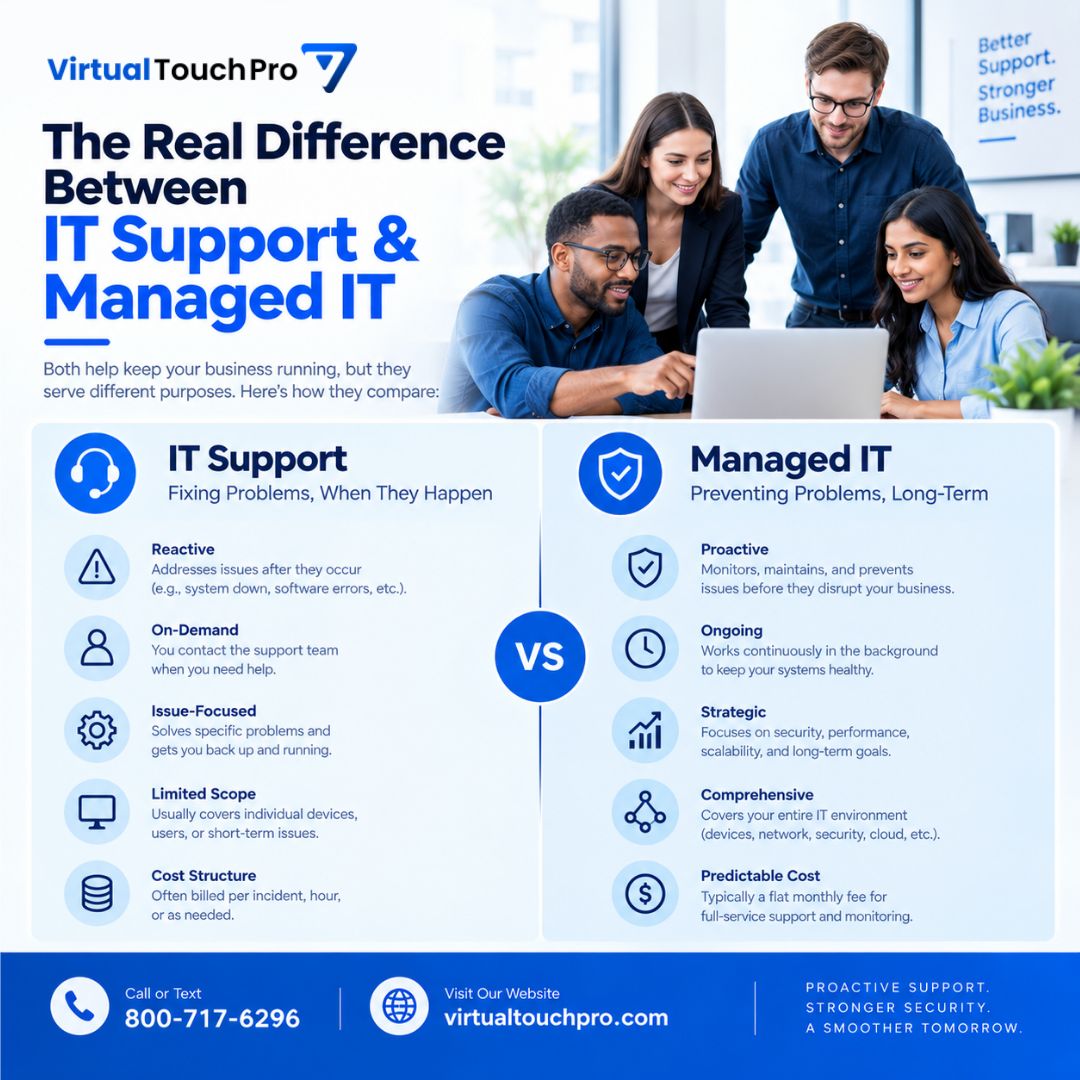
IT Support vs Managed IT 💻
IT Support typically helps when something goes wrong.
Managed IT takes a proactive approach with monitoring, maintenance, support, and IT planning to help prevent disruptions.
Need help managing your business technology?
📞 800-717-6296
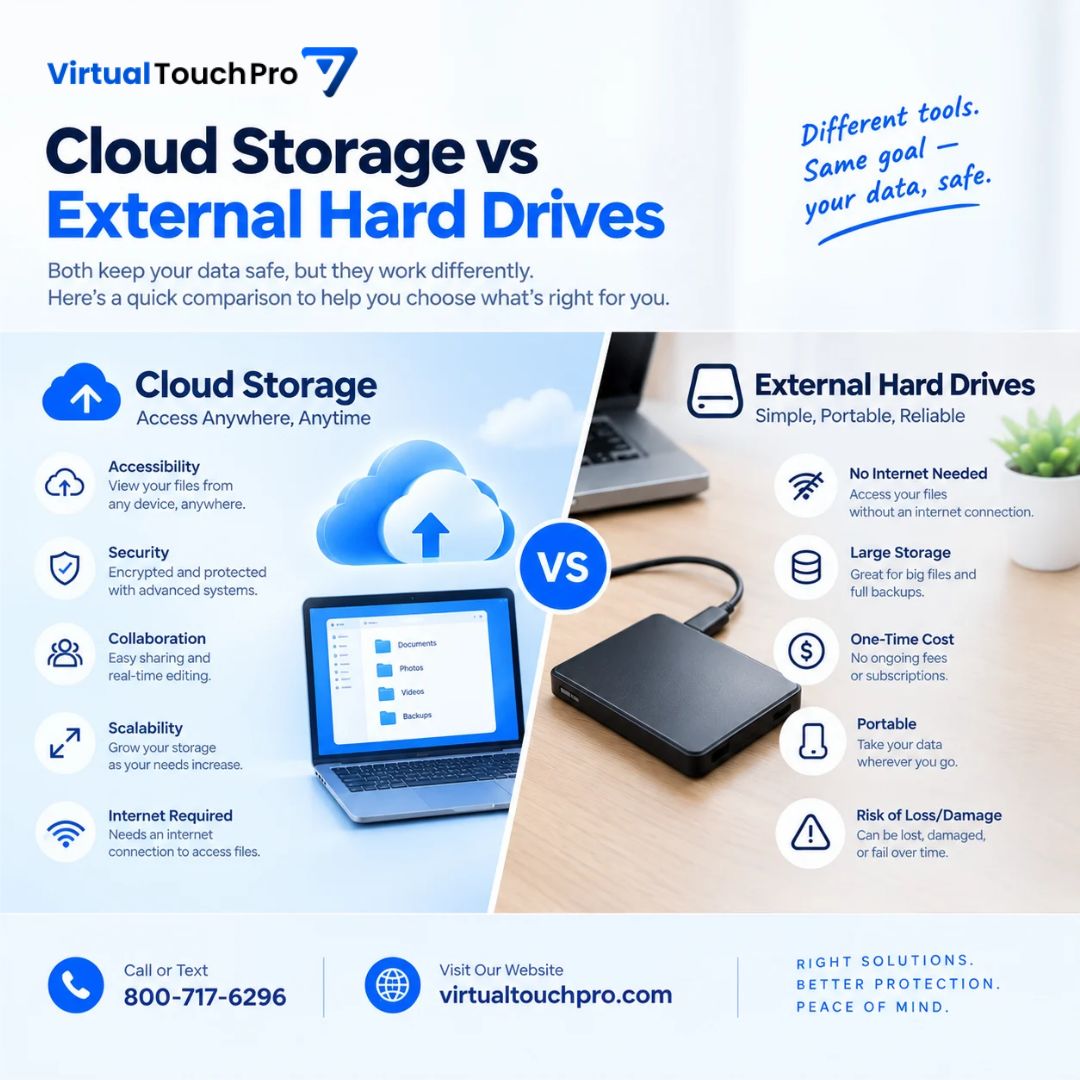
Cloud Storage vs External Hard Drives ☁️💾
Cloud storage offers easy access and sharing, while external drives provide local, portable storage without needing the internet.
For important files, using both can add an extra layer of protection.
Need help with backups?
Call us
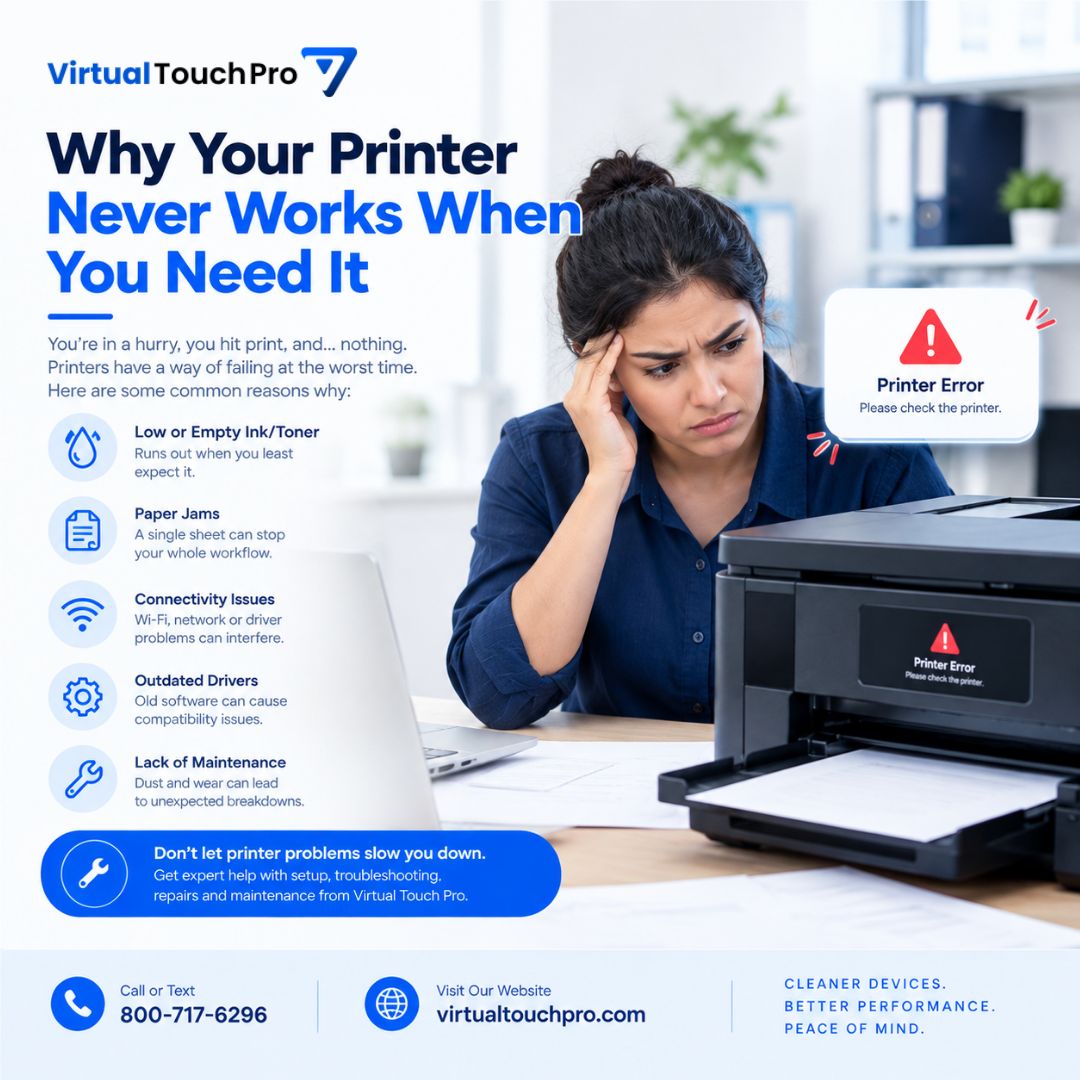
Why does your printer always fail when you need it most? 🖨️😩
Connection issues, paper jams, driver problems, incorrect settings, and hardware issues can all cause printing headaches.
Virtual Touch Pro can help troubleshoot printer setup, connectivity, and other tech problems.
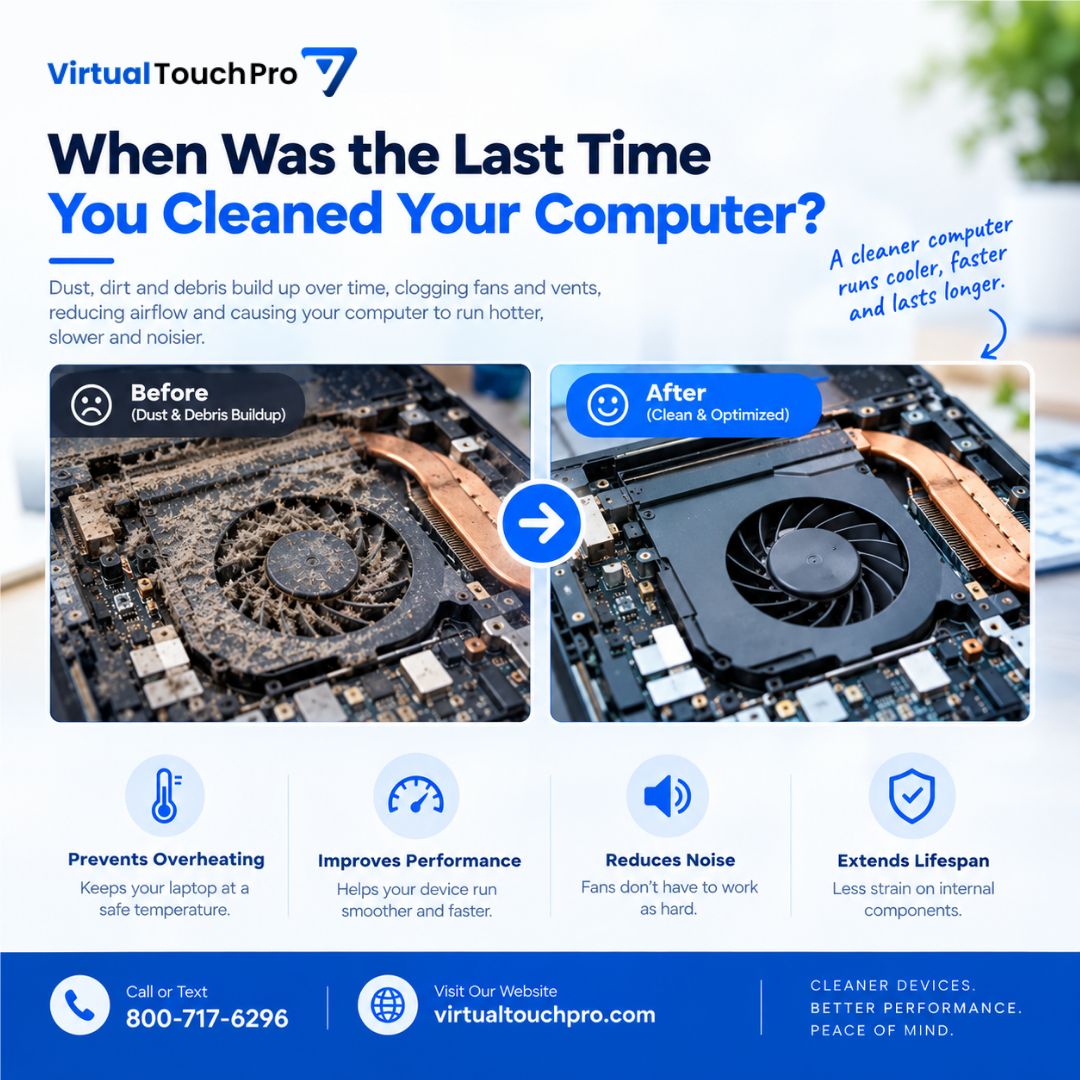
When Was the Last Time You Cleaned Your Computer? 💻🧹
Dust buildup can restrict airflow, cause overheating, make fans louder, and affect performance.
Regular cleaning helps keep your computer cooler and running smoothly.
Need a professional cleaning?
📞 800-717-6296
Your Files Aren’t Backed Up Until They’re Tested. ☁️
A backup is only useful if you can actually restore it.
Regular backup testing helps confirm your files are complete, recoverable, and ready when you need them.
Don’t just back up. Test your backup.
📞 800-717-6296
Laptop Running Hot? 💻🌡️
Dust buildup can restrict airflow and make your laptop work harder to stay cool.
It may contribute to:
🌡️ Overheating
🐌 Slower performance
🔊 Louder fans
⚙️ Extra component wear
A professional cleaning can help keep your device running smoothly.
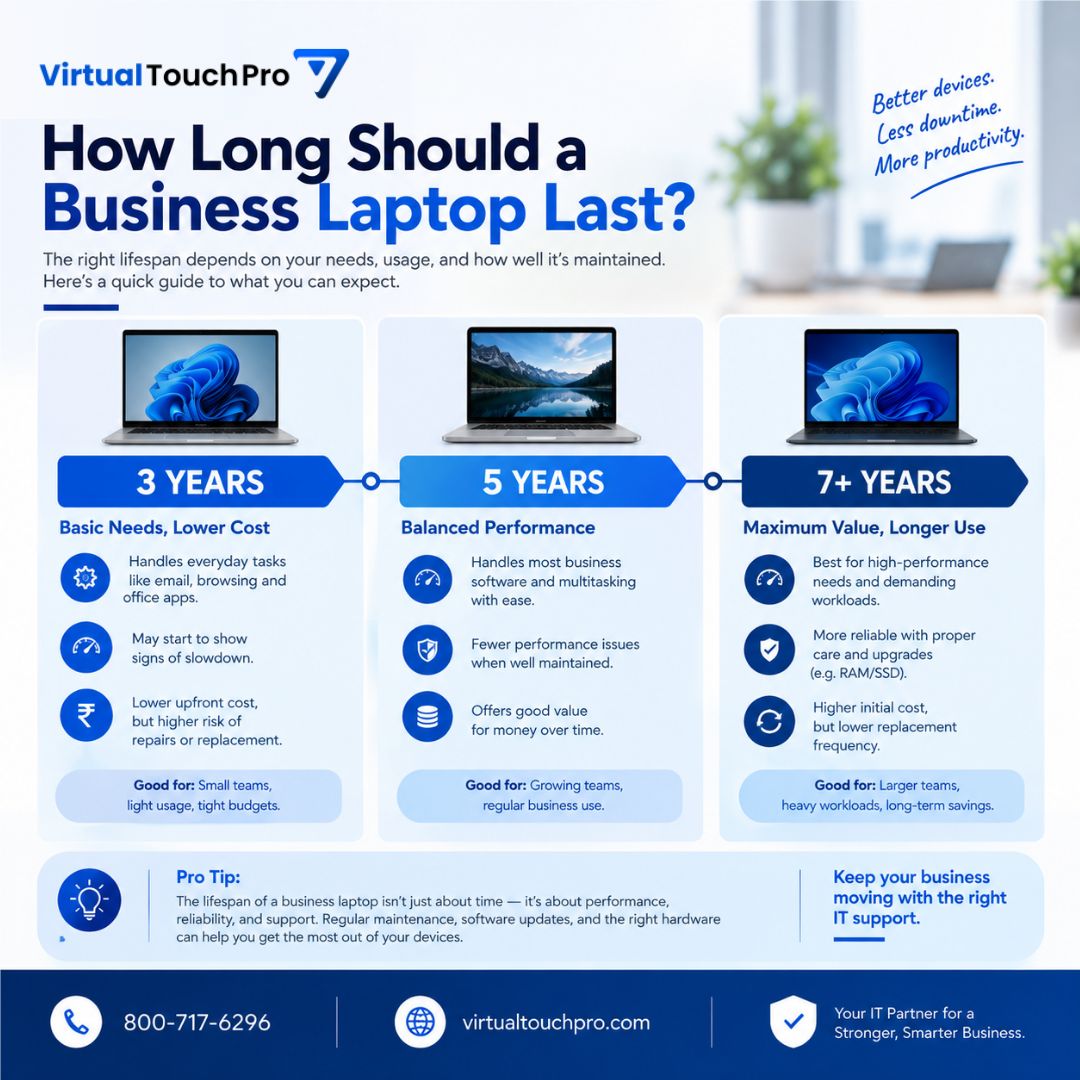
How Long Should a Business Laptop Last? 💻
It depends on usage, hardware & maintenance.
🔹 3 years — Basic use
🔹 5 years — Balanced performance
🔹 7+ years — Long-term use
Age isn't everything. Reliability, security, performance & software support matter too.
📞 800-717-6296
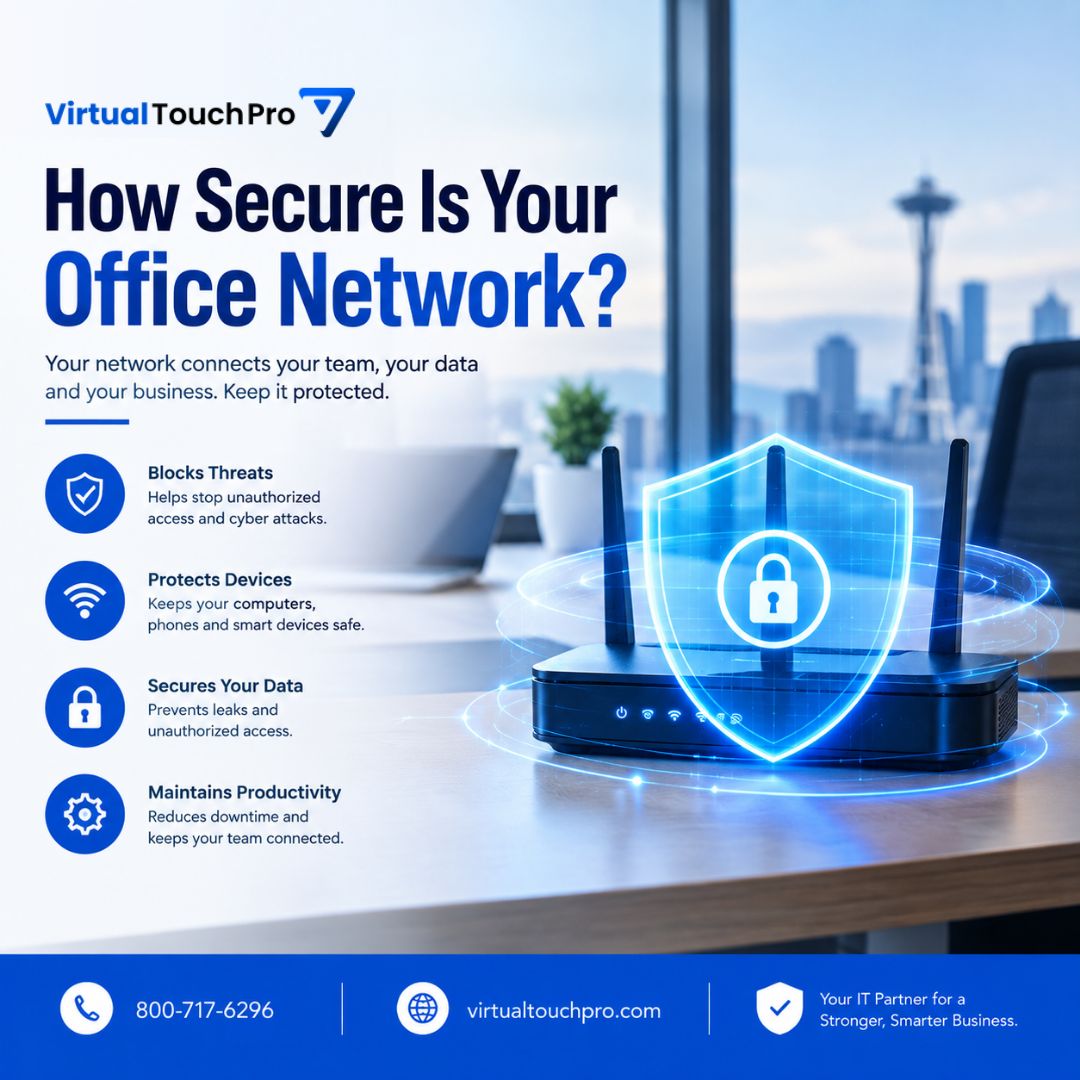
How Secure Is Your Office Network? 🔐
Your network connects your team, devices & business data. Make sure it’s protected.
🛡️ Block unauthorized access
💻 Protect connected devices
🔒 Secure business data
📶 Keep your team connected
Need a network security check?
📞800-717-6296
Power outages shouldn’t bring your business to a standstill.⚡
A UPS backup helps protect your equipment, prevent data loss, reduce downtime, and keep your team productive when the power goes out.
Reliable power. Reliable business.
#UPS#ITSupport#CyberSecurity
Think Your Data Is Safe? Think Again. 🔐
Phishing, stolen credentials, malware, ransomware, and data breaches can put business data at risk.
Proactive cybersecurity helps protect your systems, accounts, and sensitive information before problems become bigger disruptions.
Wi-Fi Dead Zones? Here’s Why
Walls, poor router placement, and too many connected devices can all contribute to weak Wi-Fi coverage.
📍 Poor router placement
🏢 Walls & furniture
👥 Network congestion
A properly planned network eliminates coverage gaps and improve reliability.
⚠️ Don't Ignore These Windows Warning Signs
Is your PC:
🐌 Running unusually slow?
💾 Running out of storage?
🔄 Failing Windows Updates?
🛡️ Showing security warnings?
💥 Freezing or crashing frequently?
Don't wait for a small warning to become a major problem.
📞 800-717-6296
🛡️ Are Free Antivirus Programs Enough?
Free antivirus can provide useful basic protection—but businesses need more than antivirus alone.
Consider:
🔒 MFA & access controls
🔄 Software updates
☁️ Reliable backups
🛡️ Layered security
👨💻 Professional IT support
📞 800-717-6296
💼 5 IT Mistakes Small Businesses Make
🛡️ Ignoring cybersecurity
☁️ Not backing up data
🔄 Skipping software updates
👨💻 Waiting until something breaks
💰 Having no IT plan
Small IT mistakes can become expensive business problems.
Need reliable IT support?
📞 800-717-6296
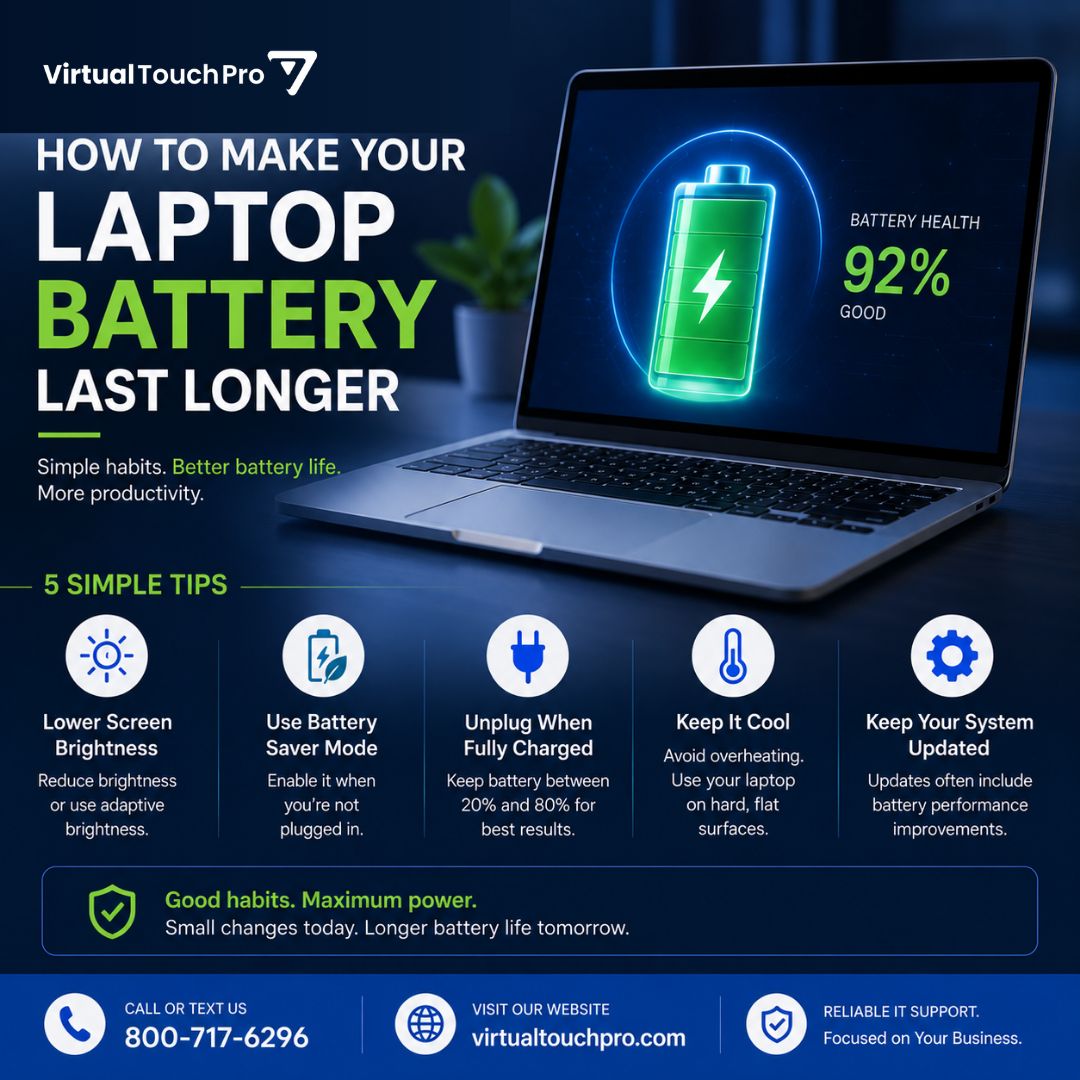
🔋 How to Make Your Laptop Battery Last Longer
Try these simple habits:
💡 Lower screen brightness
🔋 Use Battery Saver
⚙️ Close unused apps
🌡️ Keep your laptop cool
🔄 Keep your system updated
Still losing charge quickly? Your battery may need a health check.
📞 800-717-6296
💾 Your Hard Drive Is Full—Now What?
A full drive can slow your PC down and may prevent important updates from installing.
Try:
🗑️ Delete unnecessary files
📦 Uninstall unused apps
☁️ Move files to cloud storage
📁 Remove large files you don't need
🧹 Use Windows Storage Sense
🔐 The Hidden Cost of Ignoring Software Updates
That “Remind Me Later” button can come with a cost.
Outdated software can mean:
🛡️ Security vulnerabilities
🐌 Performance issues
⚠️ System instability
💰 Higher repair costs
⏱️ Lost productivity
Keep your software updated.
🌬️ Why Your Computer Gets Louder Over Time
Loud fan? It's usually a sign your computer needs attention.
Dust buildup can cause:
🌡️ More heat
🌀 Faster fan speeds
🐢 Slower performance
⚠️ Overheating
A professional cleaning every 6–12 months helps keep your PC cool, and quiet.
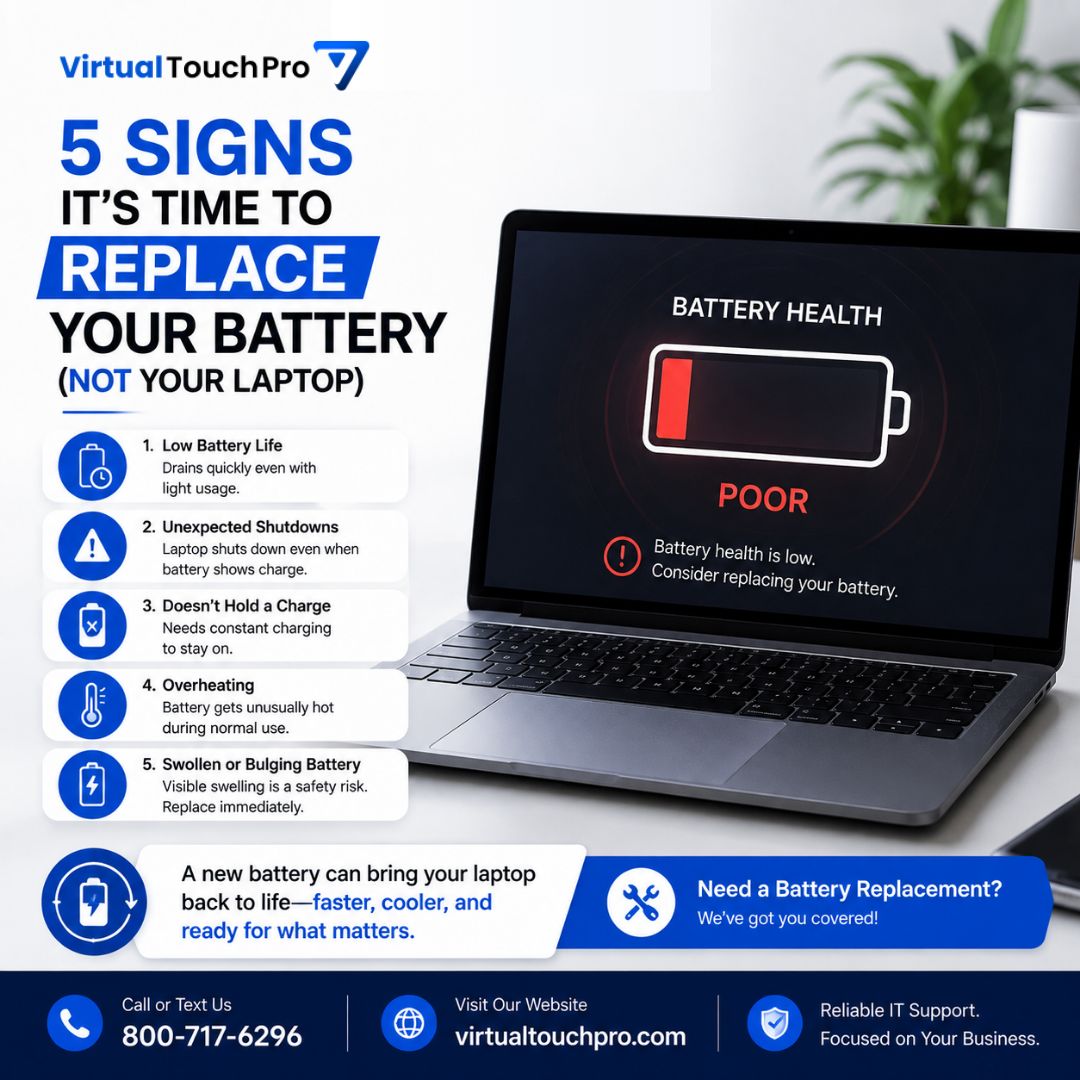
🔋 5 Signs It's Time to Replace Your Battery (Not Your Laptop)
If your laptop:
⚠️ Drains quickly
⚠️ Shuts down unexpectedly
⚠️ Only works plugged in
⚠️ Gets hot while charging
⚠️ Shows battery health warnings
...it may just need a new battery!
���� 800-717-6296
🔒 Check Your Digital Footprint & Protect Your Privacy
Your email may be linked to old accounts, newsletters, and websites you've forgotten about.
Review your digital footprint:
👉 https://t.co/hZ9u6soBgh
Need help improving your online security?
🌐 https://t.co/LdWeS6mdhY