Have you been following along with @vmexplorer's series on building a @VMware Workstation 17 Nested #HomeLab with Intel #Optane drives? The finale is here - watch as he configures the HCI Bench APP, runs some tests and evaluates the results.
https://t.co/5fV65uYOvP
Workstation 17 Pro and Player are now available!
Windows 11 support, new vTPM, Fast Encryption and more!
Check out our blog announcement:
https://t.co/TcZWl45fJy
@VMware@WorkspaceONE "Note that Managed VMs are completely optional - you can use Imager to create Windows 10 & 11 VMs for any purpose.
Imager 2.0 has many other new features, and the @WorkspaceONE development team is looking to broaden the range of use cases and packaging methods going forward."
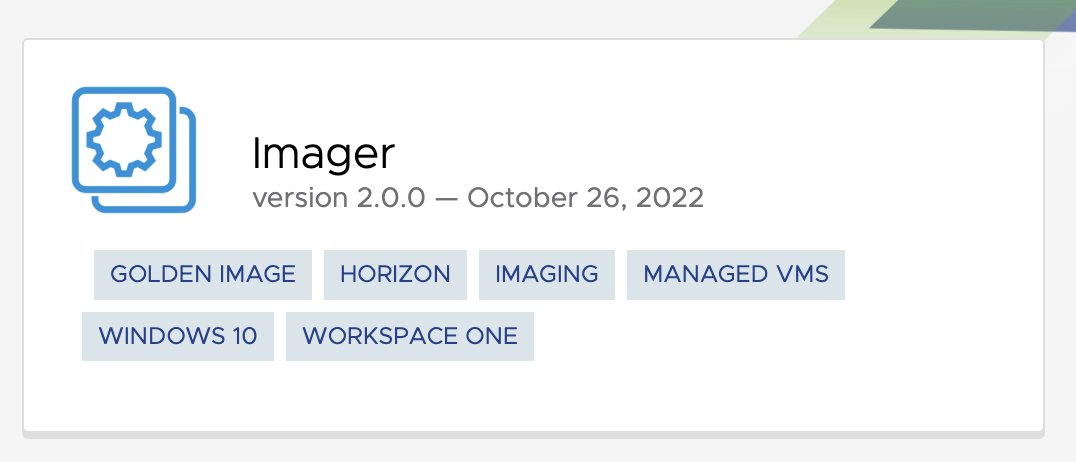
Updated @VMware Fling: Imager 2.0!
Easily build “Offline VDI” Windows 10 and 11 desktops that run isolated on end-users’ laptops, manager or unmanaged.
Bringing together the power of VMware Workstation & Player with secure management from @WorkspaceONE
https://t.co/yq9sc9IWEw
Nice tip on the VMware Reddit for those running @vmw_workstation on recent Intel 12th/13th Gen CPU which have big.LITTLE architecture (Perf / Eff. Cores) - https://t.co/3yLqTgn0gf
tl;dr - To use Perf/HT cores, need to change Windows power settings from Balance->Perf
[New] - How to deploy the vCenter Server Appliance (VCSA) 8.0 to VMware Fusion or Workstation? https://t.co/rMxiTKiywI
👆 Handy tip for those planning to run #vSphere8 using @VMwareFusion or @vmw_workstation
VMware Workstation 22H2 Tech Preview for both Windows and Linux is here!
Check out Windows 11 VMs with a new Virtual TPM and Fast Encryption mode!
Plus, Autostart VMs!
Free for all users while in Tech Preview
https://t.co/MtAyzKHRCT
VMware Workstation 22H2 Tech Preview for both Windows and Linux is here!
Check out Windows 11 VMs with a new Virtual TPM and Fast Encryption mode!
Plus, Autostart VMs!
Free for all users while in Tech Preview
https://t.co/MtAyzKHRCT







![lamw's tweet photo. [New] - How to deploy the vCenter Server Appliance (VCSA) 8.0 to VMware Fusion or Workstation? https://t.co/rMxiTKiywI
👆 Handy tip for those planning to run #vSphere8 using @VMwareFusion or @vmw_workstation https://t.co/RDl9JgQarJ](https://pbs.twimg.com/media/FePcVTWUAAAWFRe.png)


