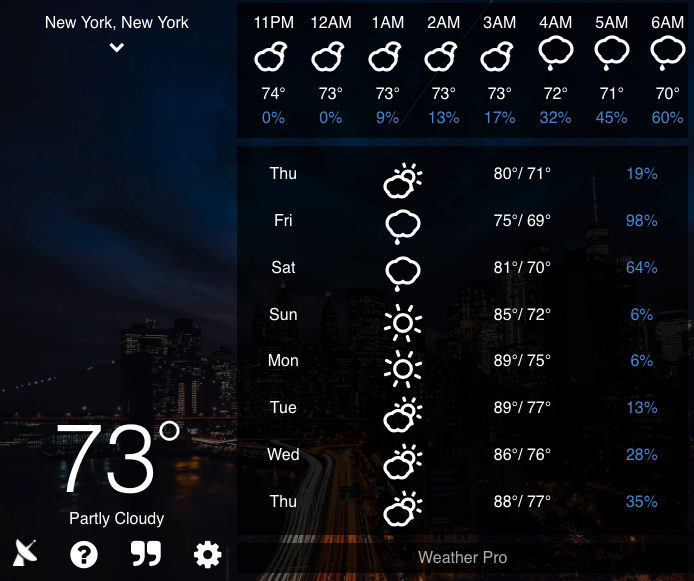
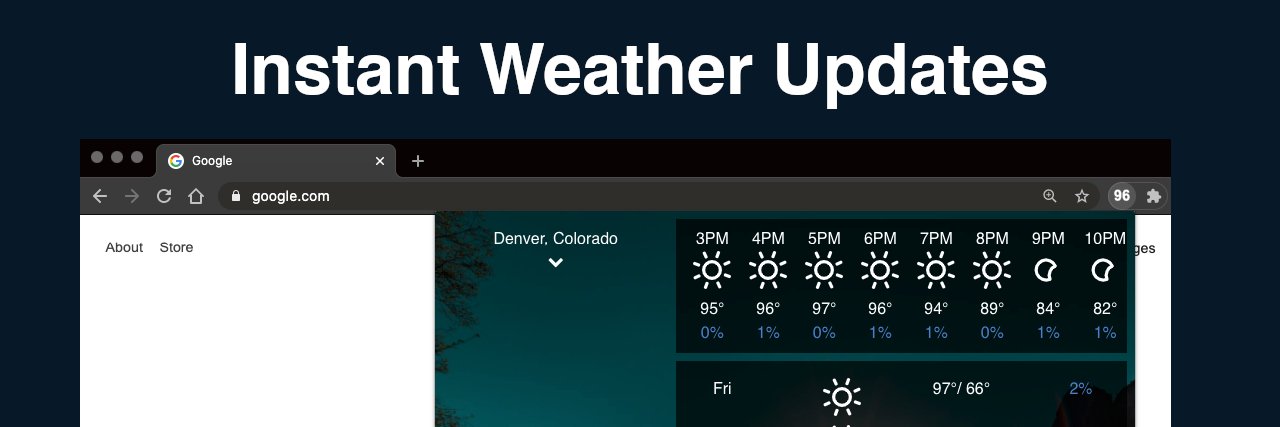
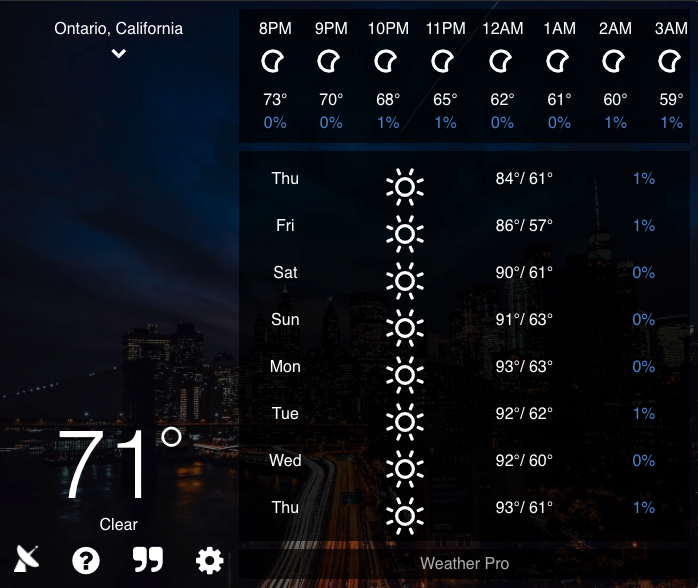
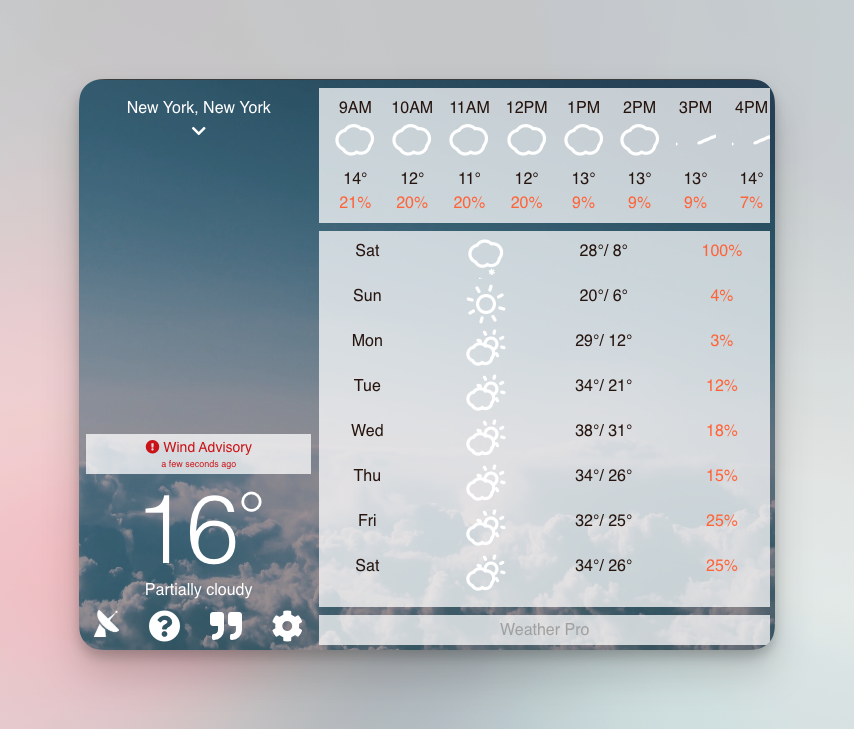
New look with the same reliable weather features! Hope you enjoy the completely redesigned V5 of Weather Extension coming soon!
https://t.co/LI4iKggU4U
🌤️ Weather Tab just got a refresh!
A cleaner design, better forecasts, new themes, and more—all right from your new tab.
Check it out → https://t.co/ahvMFW1sHU
🌤️ Weather Extension just got a refresh!
A redesigned website, an updated browser extension, new themes, improved forecasts, radar, and more.
Check it out → https://t.co/75Mpw9mKZy
The TLY Android app is here. 🎉
Create and manage short links, edit destinations, track clicks and QR scans, and customize QR codes from your phone or tablet.
Download it on Google Play: https://t.co/B8jKt1Epwm
Every time I think about building something new, I can find a reason not to do it.
Usually the easiest reason is competition.
There are already hundreds of weather apps. There are plenty of URL shorteners. The App Store does not need another QR code scanner. Someone has already built a golf swing camera.
All of that is true.
It is also not a good reason to stop.
The TLY iOS app is here.
Create, manage, edit, and track your short links + QR codes right from your iPhone and iPad.
✅ Check clicks in real time
✅ Shorten from the iOS share sheet
✅ Customize + track QR codes
Download free 👇
https://t.co/vws80TRKf6
Marketing happens while on the go, not always at the desk.
That's exactly why we built the new TLY iOS app.
Read the full story: https://t.co/xwmFHiEfCR
🚀 Save hours with TLY Bulk Tools
Need hundreds of QR codes?
Stop doing it one by one.
Bulk QR Code Generator – create QR codes for every link at once
https://t.co/tNCgQ2QED7
One of the challenging aspects of building TLY has always been dealing with malicious links. If you let users add content, chances are some will eventually drop a phishing link or malware redirect.
I’ve been building a tool called @linkshieldapi
to help with this. It scans URLs, uses AI, and checks domains against threat sources to catch suspicious behavior before links go live.
That said, there’s no silver bullet, and I’d love to hear how others here are approaching the problem:
Do you rely on services like Google Safe Browsing, VirusTotal, or your own threat feeds?
Do you manually review them? At some point, this will become overwhelming.
Do you block at the domain level, scan in real time, or just monitor after the fact?
How do you balance safety with not creating too many false positives or friction for users?
🚨 Scammers are using throwaway domains to redirect unsuspecting users to Facebook phishing sites.
With Link Shield, you don’t just scan the URL — you follow the redirects too. 🛡️
That means hidden traps get exposed before anyone clicks.
Protect your links. Protect your users.
We’re often asked: “Why isn’t my short link updating?” or “Why isn’t my link working?”
Most of the time, it comes down to redirects and browser cache.
So we put together a simple guide on 301 vs 302 redirects + how to clear your cache 👇
https://t.co/VAfJvxzzEP
Got a few messages about a Malwarebytes article on malicious Chrome extensions — just to be clear, this does not involve my Weather Extension or anything I’ve made.
Always a good reminder:
• Only install extensions you trust
• Review permissions
• Clean up anything you’re not using