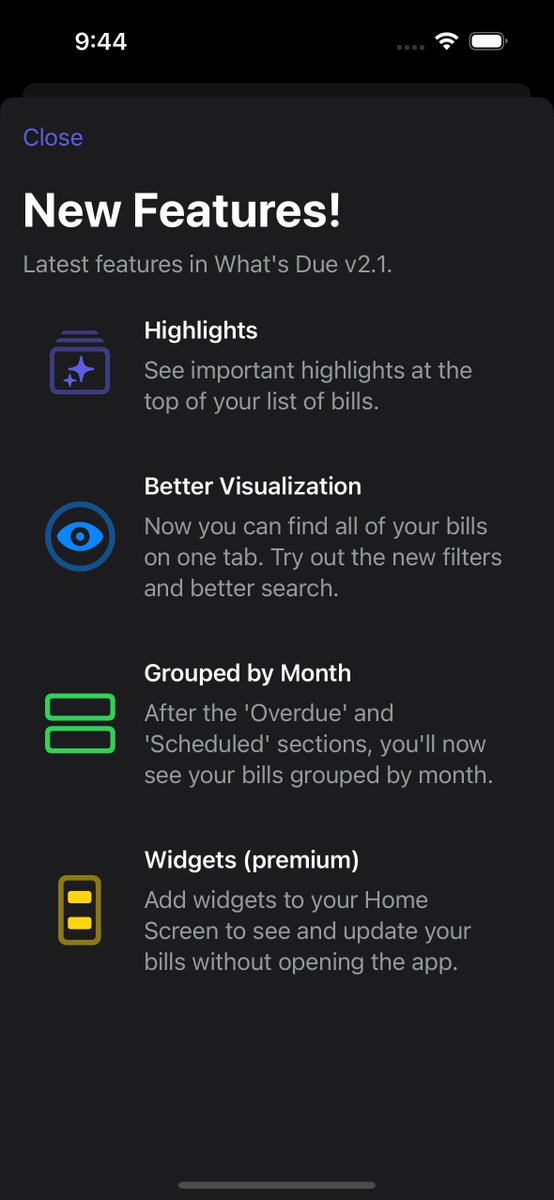
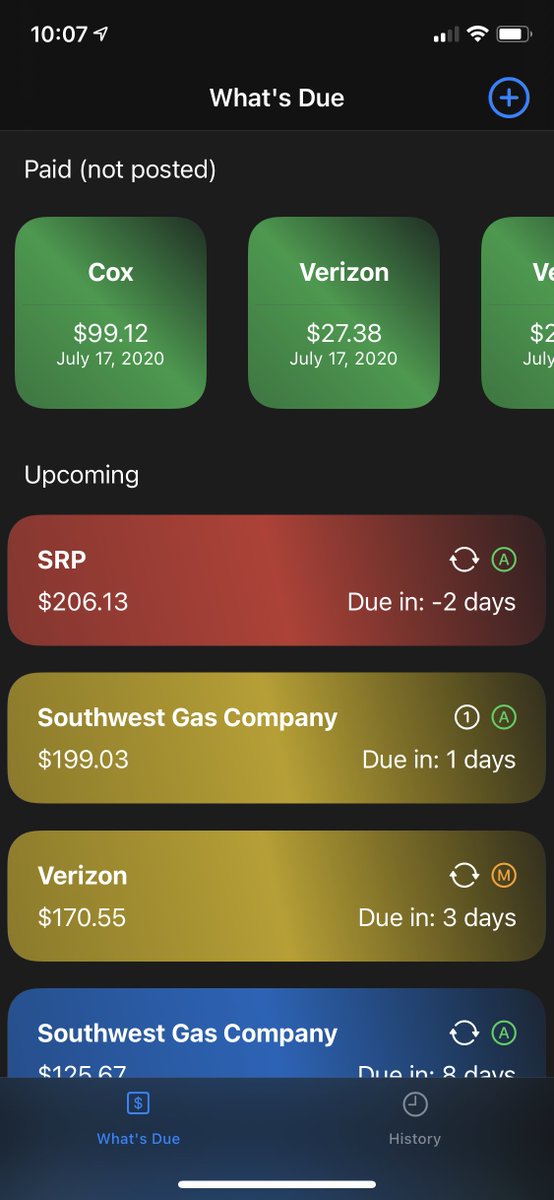
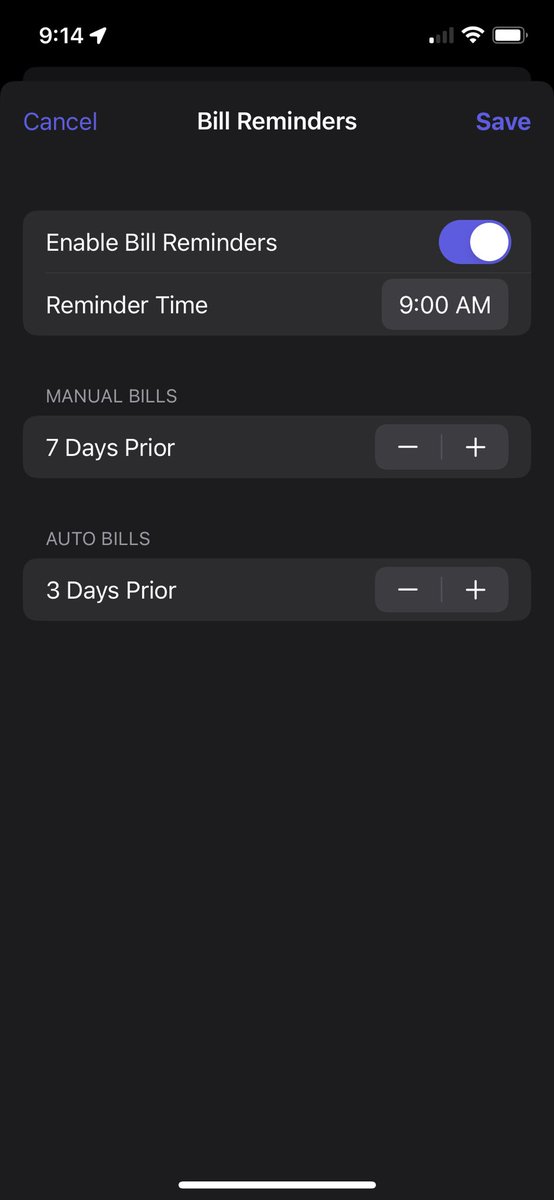
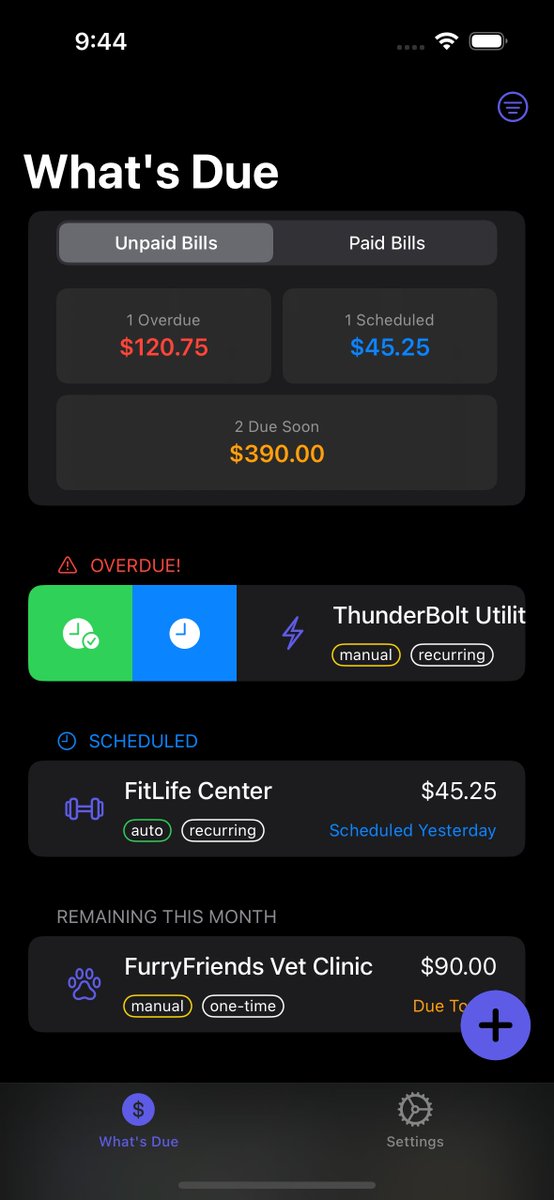
@ImzadiQueen Hi (and thanks for upgrading and enjoying the app)! I do have plans on allowing different views for things like that. I'm not sure exactly what will be included yet, but I have a few ideas that should be helpful. Thanks for bringing this idea up, as well! 🙏
If you're using What's Due, you can quickly leave an App Store review through this button in Settings.
Preferably 5 stars 😉 (but if not, I'd love to hear why)
When viewing a bill in What’s Due, you can mark a bill as paid or scheduled (and more).
- Paid = paid and cleared by your bank
- Scheduled = paid, but still pending
- Still Due = “un” pay/schedule
- Delete = temporarily delete (permanently deletes after 30 days)
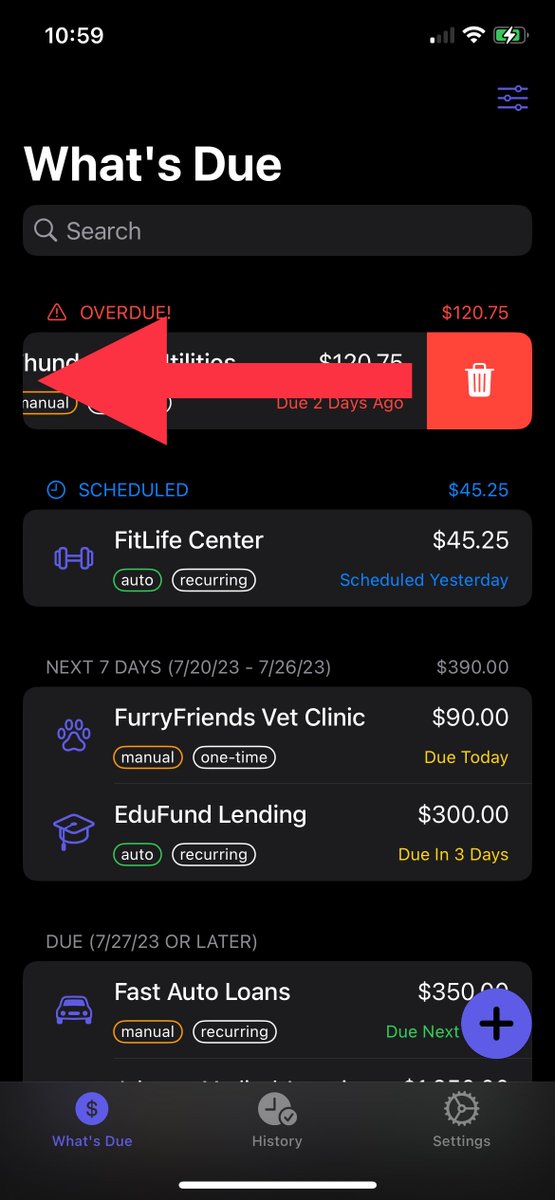
In What’s Due, you can swipe on a bill to quickly perform an action.
Swipe right to mark a bill as:
- Paid (green button)
- Scheduled (blue button)
- Still Due (yellow button)… if it was already scheduled or paid
Swipe left to delete a bill.
@dannyacevedoooo Hi Danny! This will still be part of a future update. Hopefully it’ll be sooner rather than later — it’s near the top of the backlog for work to be done. 🤞
In “What’s Due” you can easily share the app. Just show the QR code and let your friends scan it with their iPhone camera, so they can start keeping track of their bills, too!
You can also tap on the QR code to go directly to the App Store page yourself.
https://t.co/QK5oEIYG0b
Notes and Sticky Notes in "What's Due"...
Many notes only apply to a single occurrence of a bill, like a confirmation number — use "Notes".
But you also might want a note to show on every bill, maybe the account number — use "Sticky Notes".
https://t.co/QK5oEIY8aD
Recently deleted bills get their own place in Settings.
From there you can swipe to restore or permanently delete… or wait 30 days and they’ll automatically become permanently deleted.
https://t.co/QK5oEIY8aD