@gavinelliott I built it to stop logging practice on napkins and phone notes and finally see where my time goes. Recording is a great idea, but it brings new questions like storage, so I'm shipping what works now and improving as I go. Thanks for the idea!
I work in SEO/GEO for local service businesses. This week I also shipped two iOS apps I actually needed: a habit tracker, and a practice journal for my bass work.
No account required, and no subscriptions. Not in the EU yet. Have fun!
https://t.co/SQT6v3S98R
https://t.co/kNVwwsMuCf
Most habit apps hand you a checklist. Iron Proof places each habit around your wake-up, work hours, and bedtime.
Free for up to 5 habits. Iron Proof PRO is $9.99, one payment, no subscription. No account, nothing leaves your iPhone. Not in the EU yet.
Feel free to use the free version and let me know what you think
https://t.co/SQT6v3S98R
USA Appliance Repair company
Indexed pages: 27 → 1,174
Impressions, Oct 2025 vs Oct 2026: 6,145 → 432,266
About 75 real leads a month from the site.
AI mentions, Ahrefs Brand Radar: 63 → about 3,000 over 15 weeks (their index shifted, so treat that last number as directional).
If you run a US local service business, go claim it in ChatGPT today.
Profiles are live in beta. You can verify the listing and see mentions and clicks.
It will not, by itself, make ChatGPT recommend you.
Google just put Gemini 4 Hydrogen into Search.
It's now the default in AI Mode, and will handle the hardest AI Overview questions. A core update is rolling at the same time (via @rmstein, @glenngabe).
If traffic moves this week, that's two changes, not one broken page.
Never bookmark something to “read later” or “come back to later.”
Stop lying to yourself.
If something genuinely interests you, read it here and now.
Because the moment you bookmark it, there’s a good chance you’ll never read it at all.
We hit the same wall. What fixed it for us: stop reading the customer message for the job type. In 916 cleaning leads, 891 had a "Cleaning type" answer in the request details (deep, standard or move-out). When we priced from the message instead, we got the type wrong in 41% of threads.
Every Google Local Services lead gets billed, and that includes the bad ones.
Wrong numbers, spam, job seekers and people asking for a service the business doesn't offer all cost the same as a real customer. Google lets you dispute these leads, but only within a limited window. Once that window closes, the charge stays.
At most service companies, someone reviews leads by ear when they find the time. In practice that means a few calls get checked, a few get disputed, and most just age out of the dispute window. Nobody decided to pay for those junk calls. The money simply goes because nobody got to them in time.
For a home service company I work with, I replaced that manual check with an automated audit. Every charged call is transcribed and sorted into real customers or leads that qualify for a dispute. Disputes go out while the window is still open, and each one is backed by what was actually said on the call.
The first full pass covered 2,740 charged calls. 358 of them, or 13.1%, were invalid leads the company had been paying for.
The animation shows the difference. With manual review, the invalid share ends up as "billed, never disputed". With the audit, the same calls go into "sent for credit".
If you run Local Services Ads, it is worth pulling your call recordings for one month and counting how many of them were never real customers.
#LocalServicesAds #GoogleAds #PPC #MarketingAutomation #HomeServices
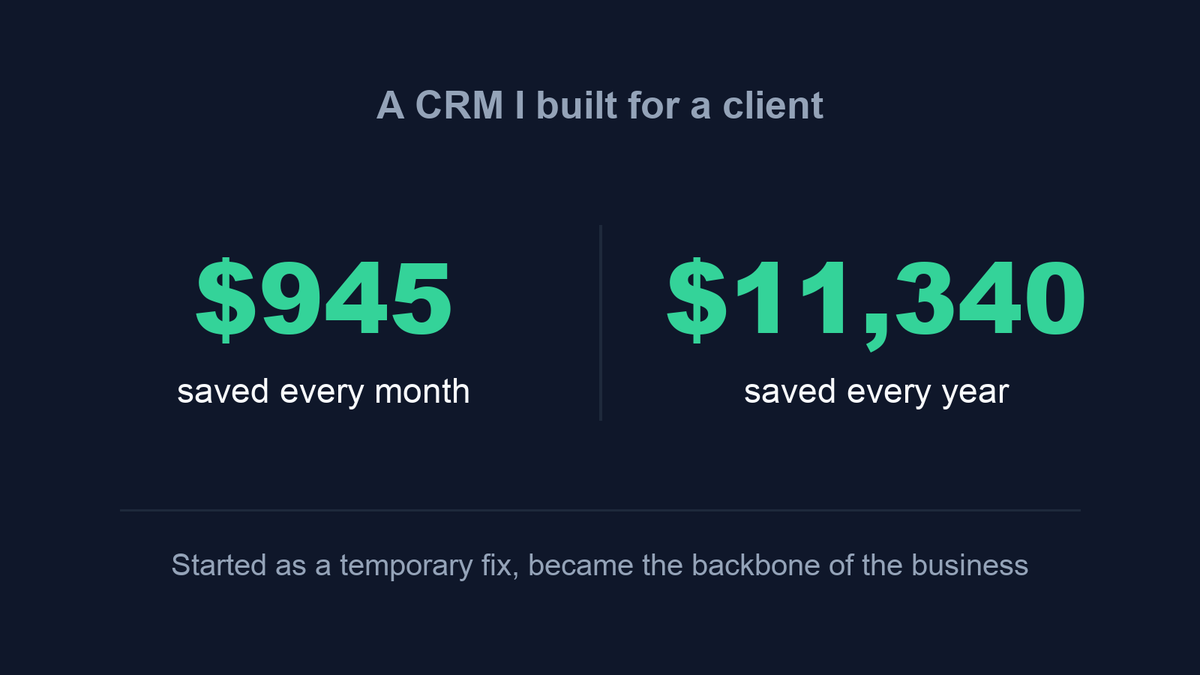
A CRM I built for a client now saves them $945 a month, which is $11,340 a year.
It started as a temporary fix. The plan was to run on it for a few weeks until the business moved to a "real" CRM. Instead, it became the system the whole business runs on.
Today it holds the technicians' schedule, jobs, invoices and card payments, and every incoming call shows up in it. All the history from the old platform came over too: every past job, invoice and payment, checked against the old system to the cent.
What I took from it: a tool built around the exact problems of one business can beat a subscription built for everyone.
Which tool in your business costs the most for what you actually use?
#CRM #HomeServices #SmallBusiness #Automation #FieldService
Search Console showed a client 82 clicks in one hour. A normal hour gets 10 to 15.
It looked like growth? NOPE, It was a bot
Here is how I checked it in a few minutes with the hourly data in the Search Console API:
Device.
All 82 clicks came from desktop. In normal hours more than half of the impressions are on mobile.
Click rate.
Every query had exactly 1 impression and 1 click. Real people do not click 100% of the time.
Position.
The clicks landed on results ranked 20 to 30. Almost nobody scrolls that far, and here every single one was clicked.
Time.
Midnight to 1 AM Pacific, which is 3 to 4 AM on the East Coast where the customers live.
The same pattern hit on Monday: 125 clicks in one hour, 123 of them from desktop, mostly to the same page.
You cannot block this.
Google counts the click before anyone reaches your site.
So I take those hours out of the report, and I would not show a client the raw total.
If your clicks jumped this week, look at the hourly view before you celebrate.
#SEO #GoogleSearchConsole #TechnicalSEO #LocalSEO
Fair point. The catch is GSC has no saved filters and nothing hourly in the UI, and every bot query is unique with 1 impression and 1 click, so a query filter catches nothing. Excluding desktop would drop real customers too. So (I guess) I can pull hourly data from the API and drop any hour over 20 clicks. It's 1 script, no manual trimming. Test time is coming! :)
@AlDev0 Sure!
but that's the part that bugs me. This client never had it before, and now it's 2 hours in one week. If it keeps showing up, cutting hours out by hand every report isn't a fix, it's a new chore. Are you seeing the same bursts on your sites, or is it just this one?
@AlDev0 Yes. A normal hour for this client runs 10 to 15 clicks, and it has hit 15. Drop the two burst hours and the day lands at 96, in line with 95 and 107 on the days around it.
@AlDev0 Pages, yes. One article took 18 to 40 clicks in every burst. Queries, no. Every query was different, 1 impression and 1 click each. So it looks like the bot runs a long list of searches and clicks whatever of ours shows up.
A client site I work on now scores 100 on Performance, Accessibility, Best Practices and SEO in PageSpeed on desktop. It took a while to get there, and almost none of it was about images.
When we started, the homepage sat at 77 for performance. The biggest single cost was the tag stack: Google Tag Manager alone held the main thread for about 1.4 seconds, and total blocking time was over 1.6 seconds. The marketing tags now wait for the visitor's first scroll or tap. Lead source tracking runs server side, so attribution didn't suffer.
The rest was a pile of smaller things. The web font was loading through a chain of three requests to Google, so we host it on the site now. An icon library was adding 147 KB of render blocking CSS to every page, even though only 9 pages actually use icons. Accessibility went from 88 to 100 after we darkened the brand blue enough to pass contrast and gave the carousel controls proper labels and tap targets.
None of this is glamorous. It's mostly finding the one script that's quietly costing you a second and a half.
#PageSpeed #CoreWebVitals #TechnicalSEO #WebPerformance
Ask ChatGPT "best coffee shop in Austin" and look at the sources. You'll mostly see Yelp, Google profiles, Reddit and local listicles, not the shops' own websites.
You get 10 questions customers likely ask AI, the sources AI usually cites for each, 5 actions from quick win to bigger project, and a page outline that says "add your own data" instead of inventing numbers.